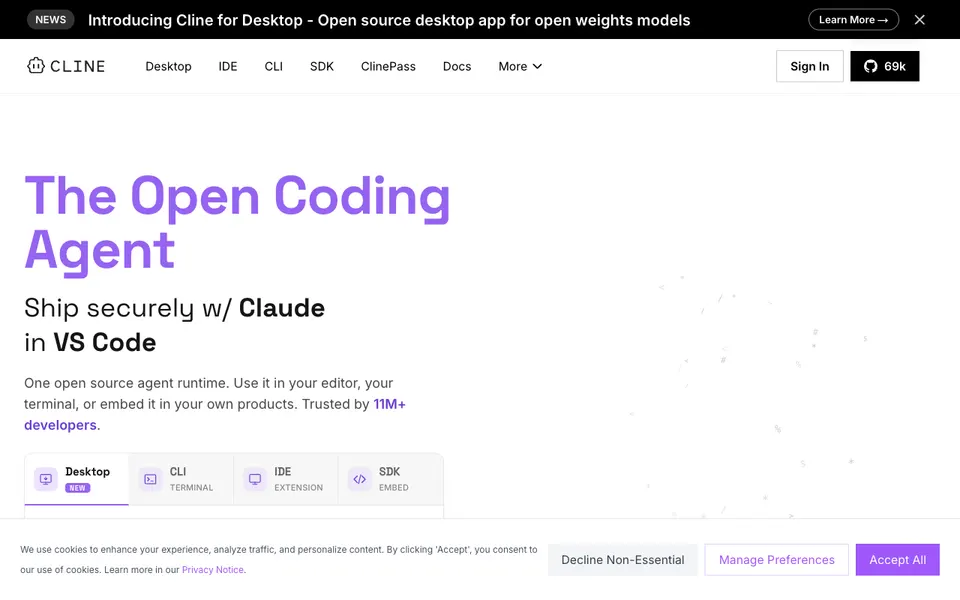
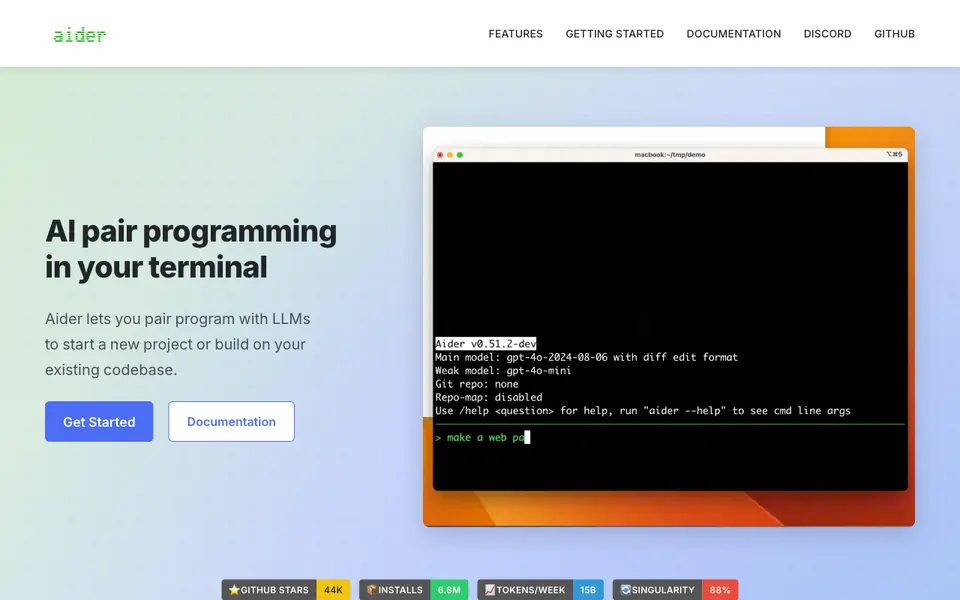
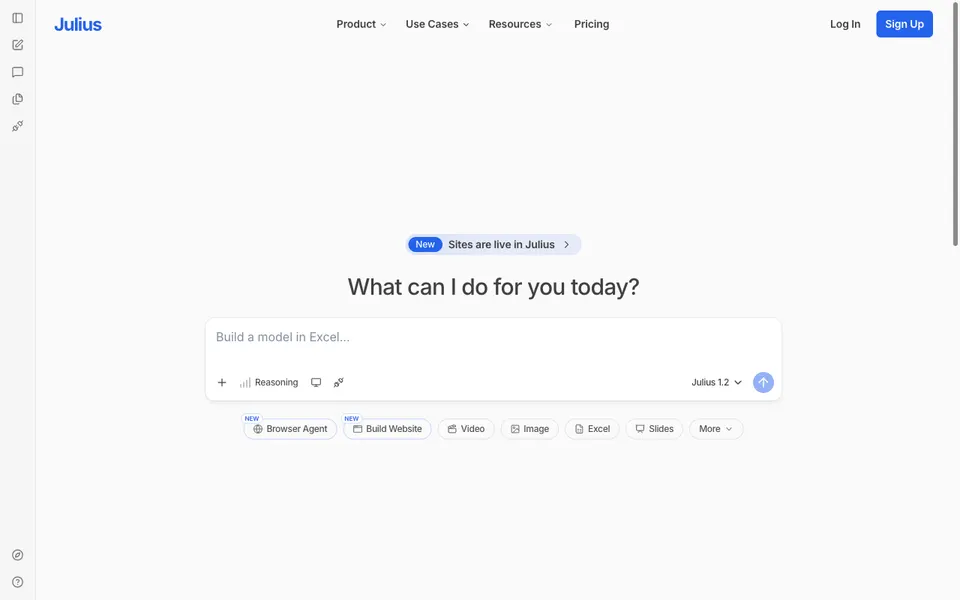
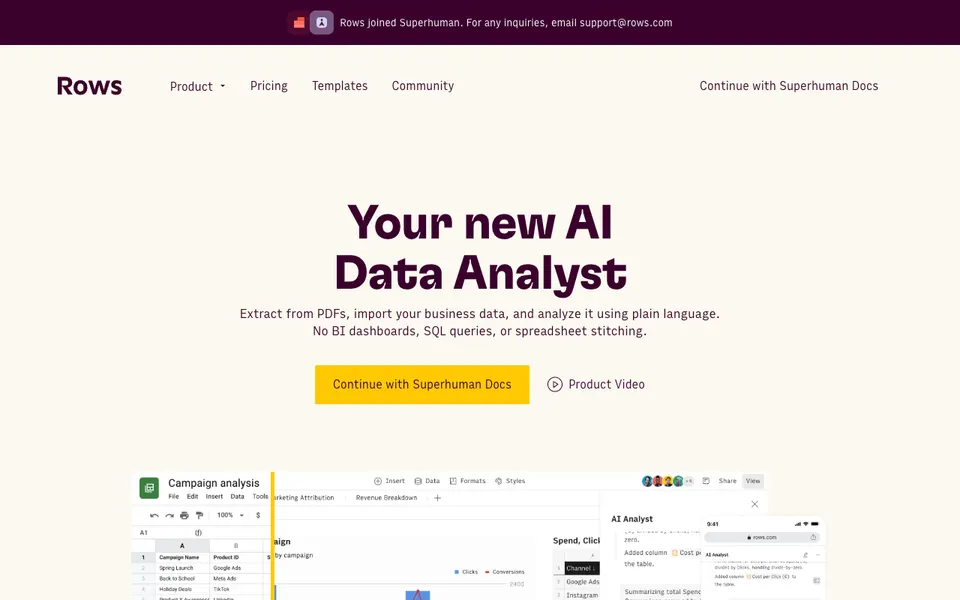
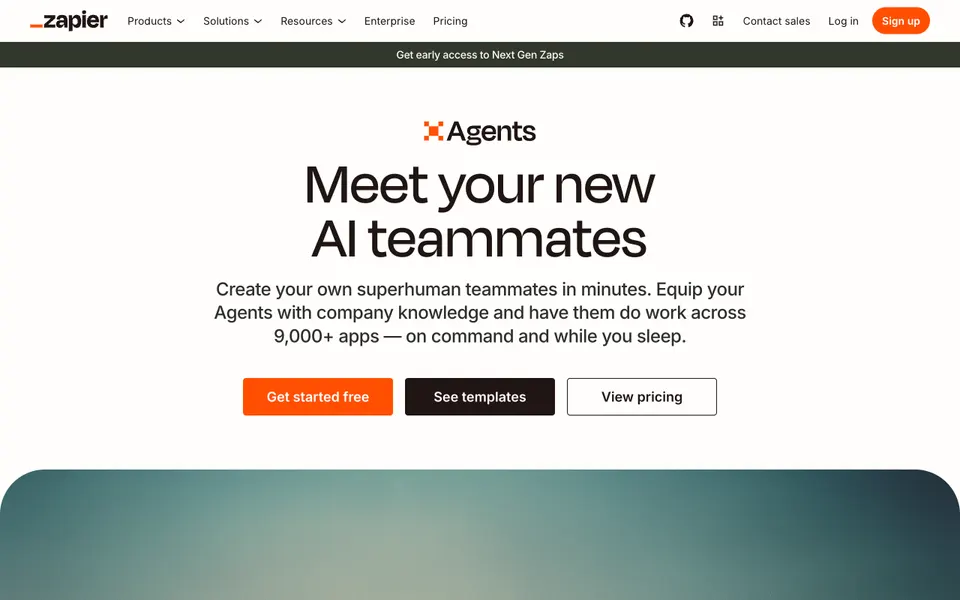
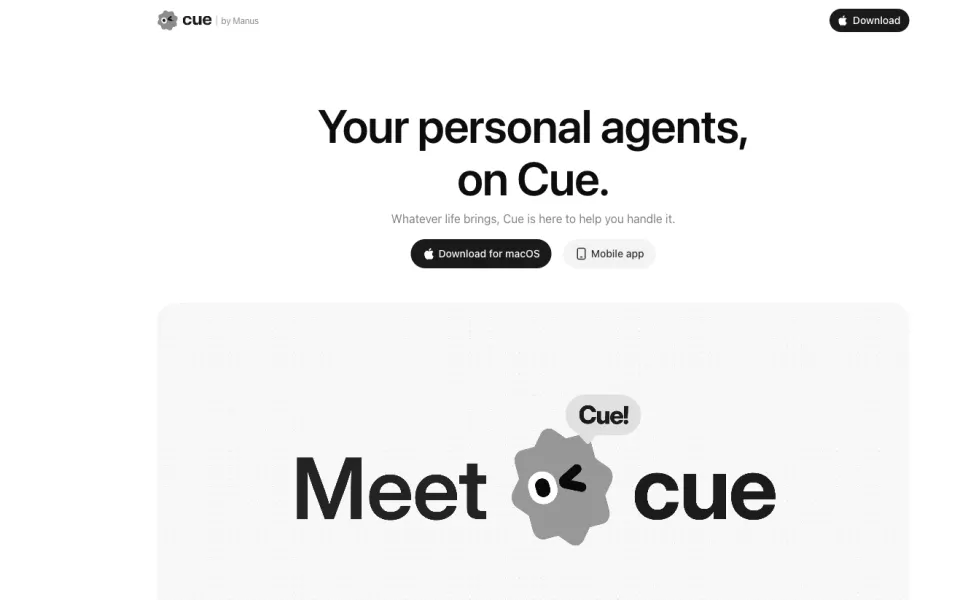
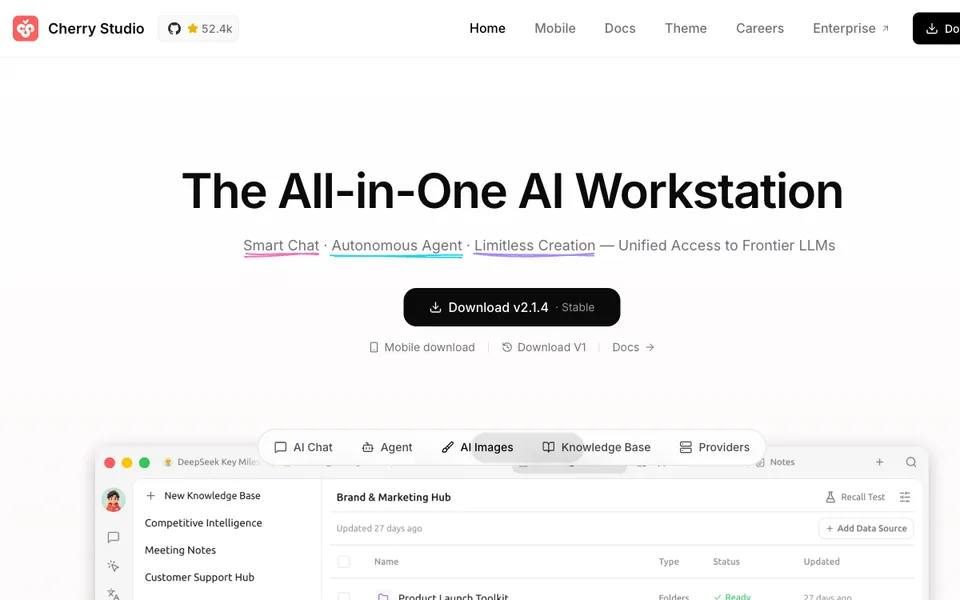
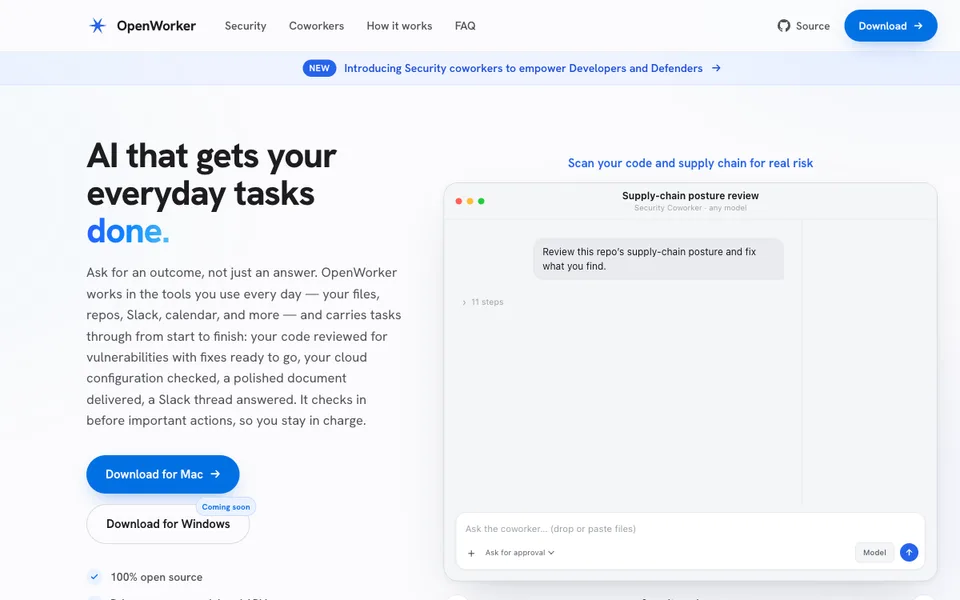
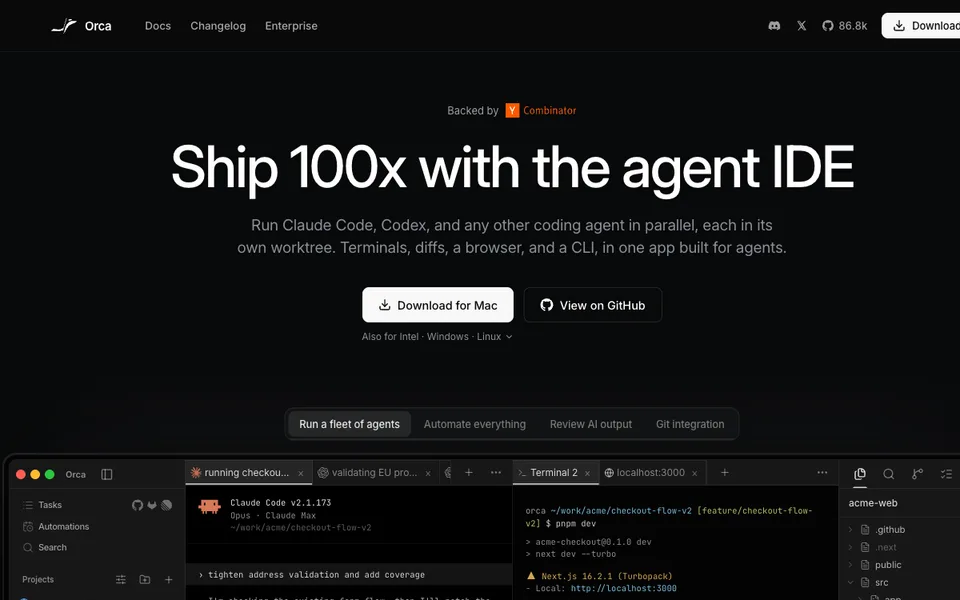
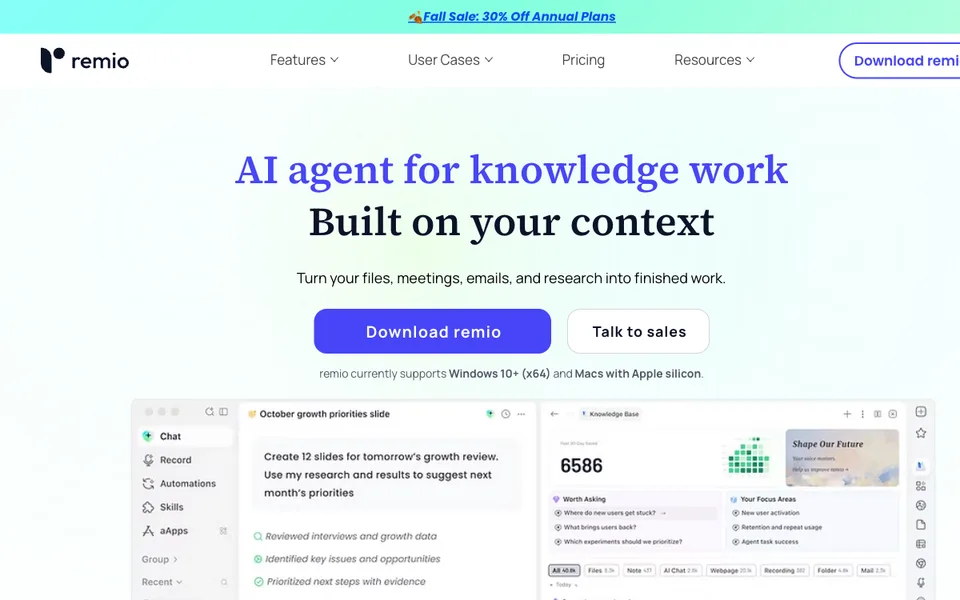
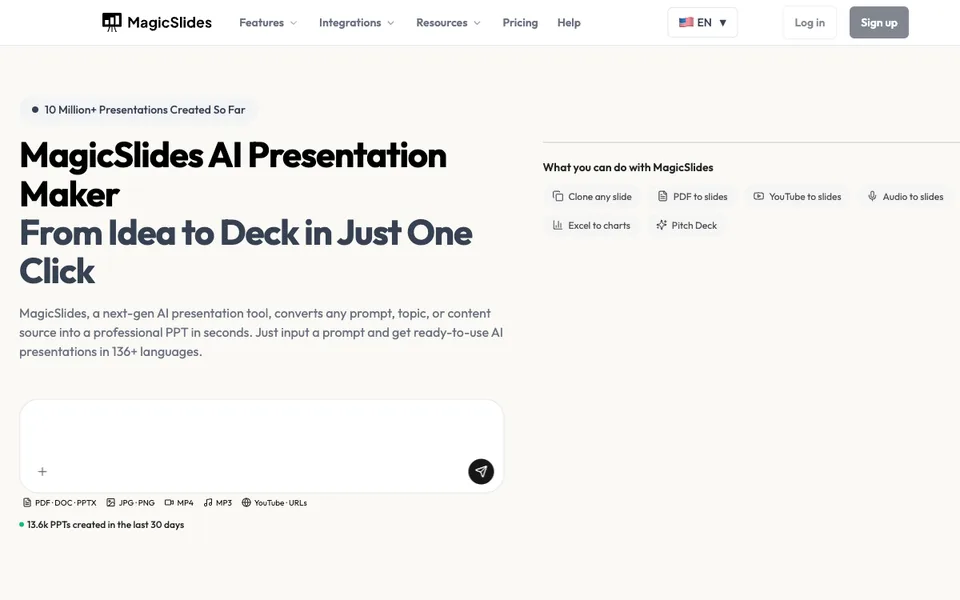
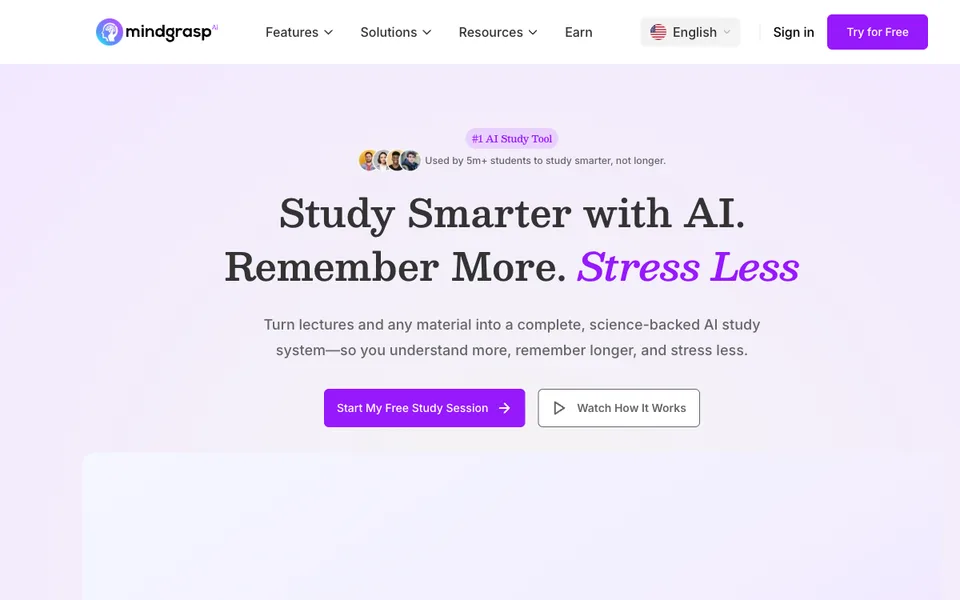
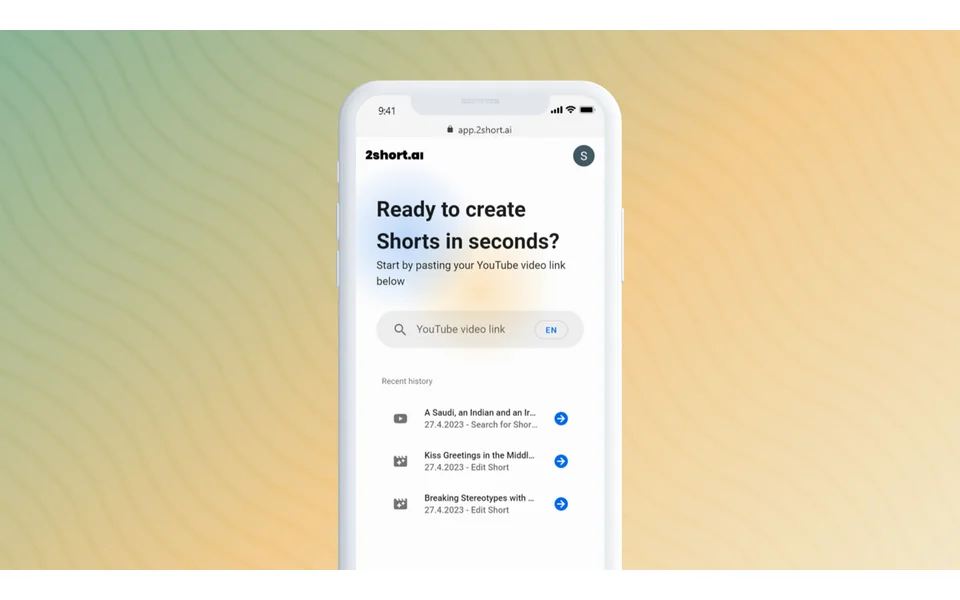
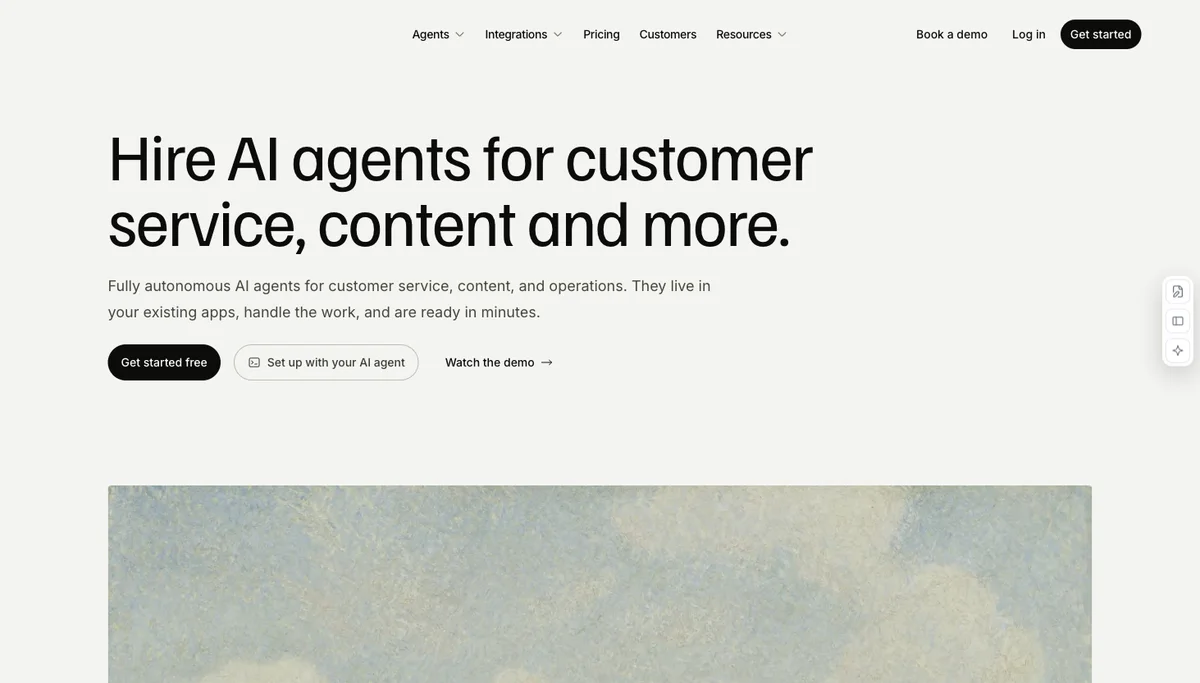
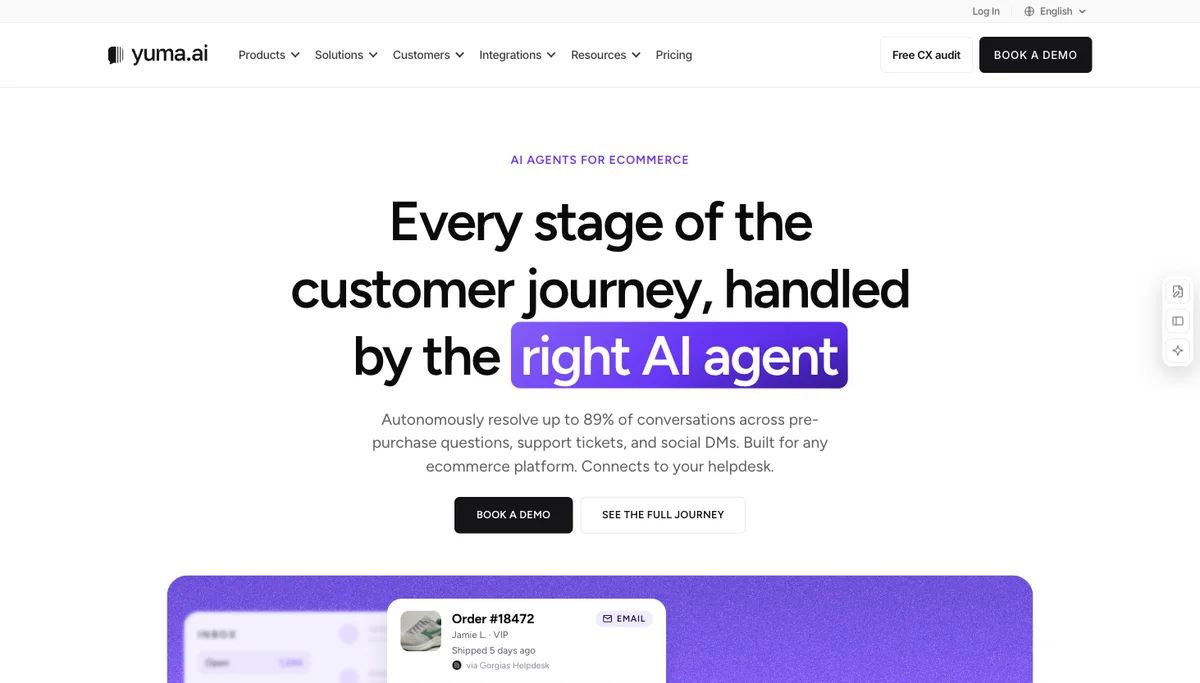
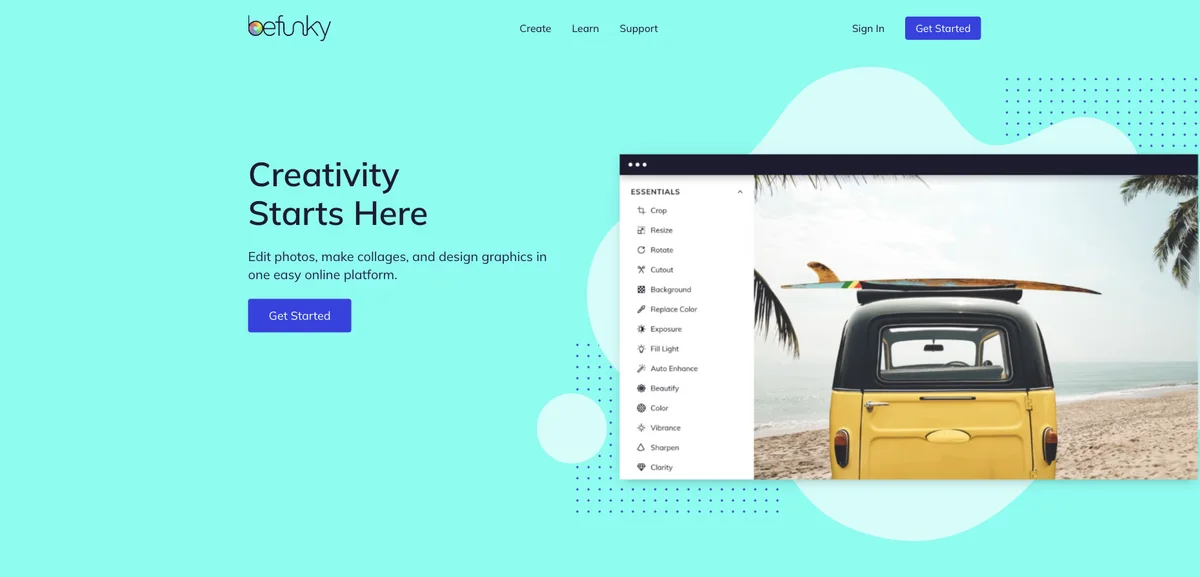
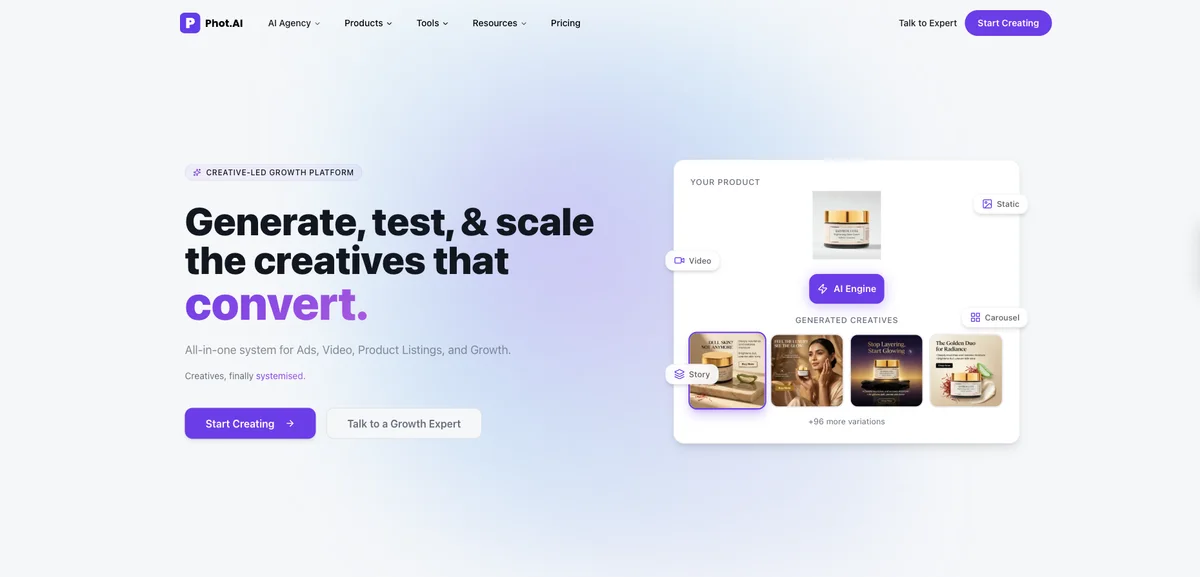
Why it fitsManus documentation describes an autonomous general agent with its own sandbox computer that plans, executes, and delivers complete work products.
PrepareA task prompt
GetCompleted work products such as reports, slides, websites, and designs
ReviewDescribe the task
Keep in mindCurrent prices and free-credit allowances were not verified; regional availability can affect access.
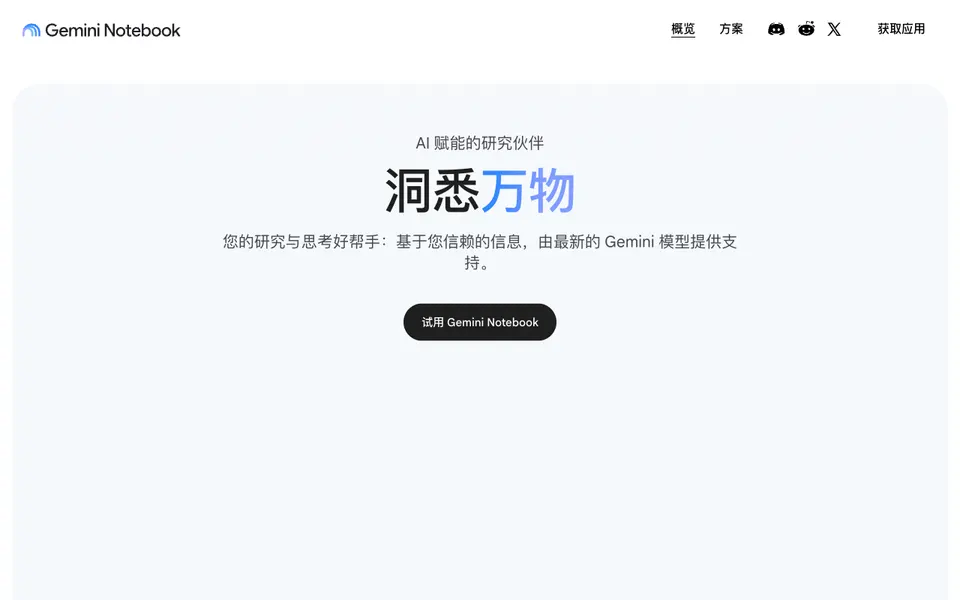
Why it fitsGoogle's help center lists creating notebooks, adding sources, and generating reports, mind maps, audio/video overviews, flashcards, and slide decks.
PrepareUploaded or linked sources such as docs, PDFs, slides, and URLs
GetGrounded summaries and answers
ReviewCreate a notebook
Keep in mindAnswers are grounded to the sources added
Why it fitsGenspark offers research assistance inside its AI workspace; use a specific question and verify the cited materials before relying on the output.
PrepareA prompt or task
GetResearch summaries and reports
ReviewEnter the task
Keep in mindPricing details were not readable without login on retrieval
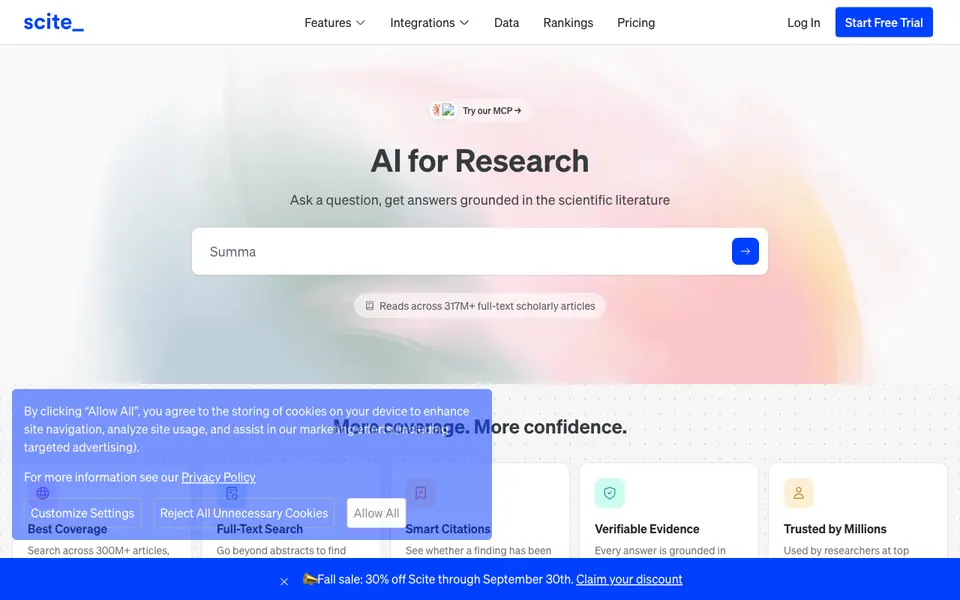
Why it fitsScite says its assistant answers questions grounded in literature and its Smart Citations show whether findings were supported or contradicted.
PrepareA research question or search terms
GetAnswers grounded in full-text literature
ReviewSearch or ask a question
Keep in mindFree plan excludes Assistant and Search
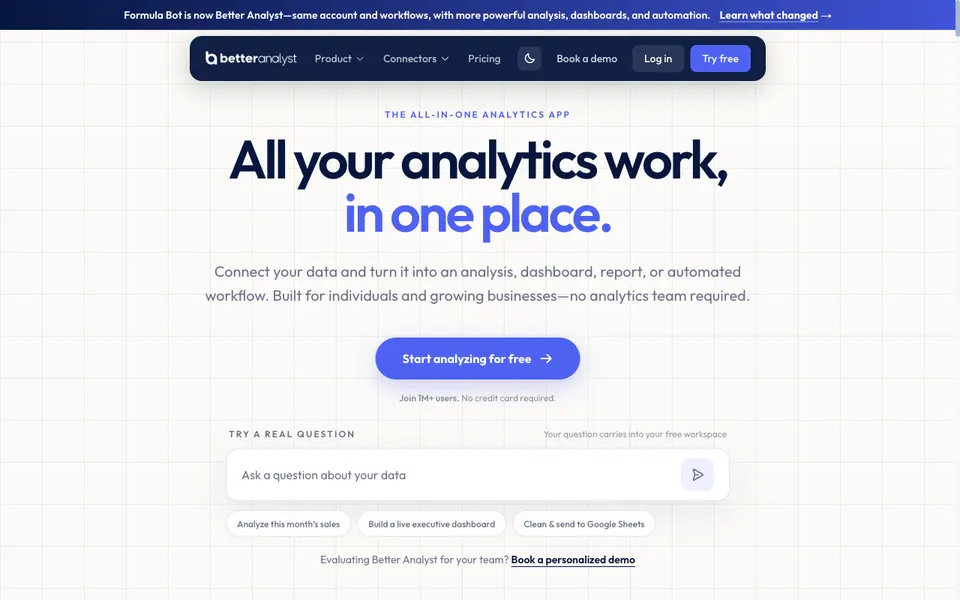
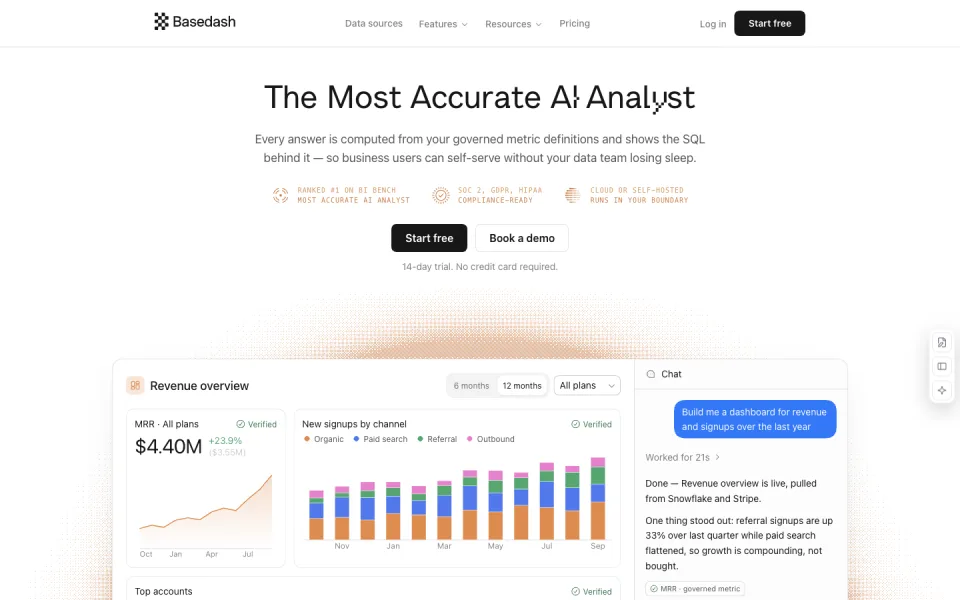
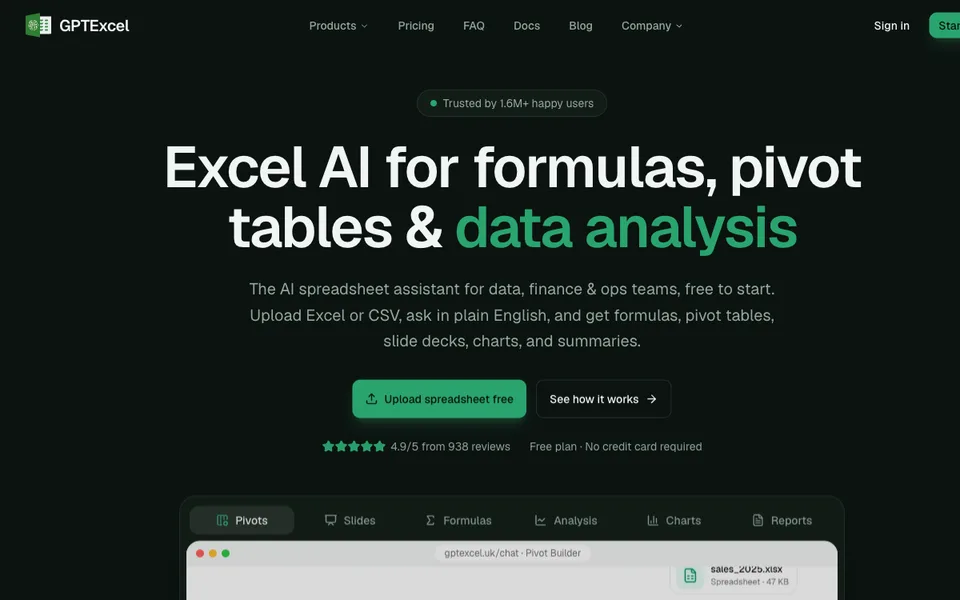
Why it fitsThe site states Formula Bot is now Better Analyst and describes connecting data and turning it into analysis, dashboards, reports, and automated workflows.
PrepareConnected data sources
GetAnalysis
ReviewConnect a source
Keep in mindMessages, AI Actions, file sizes and connected data sources have separate plan limits.
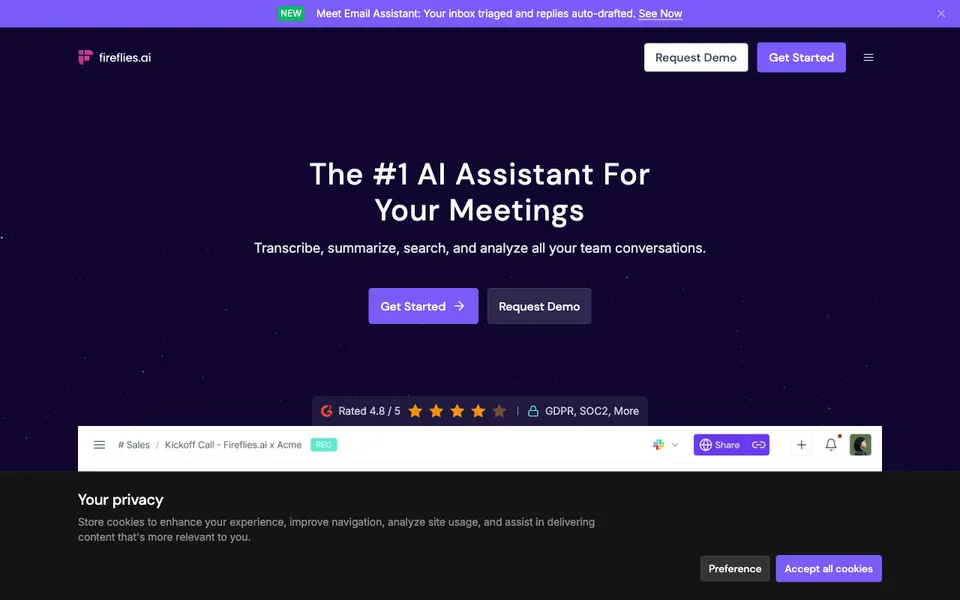
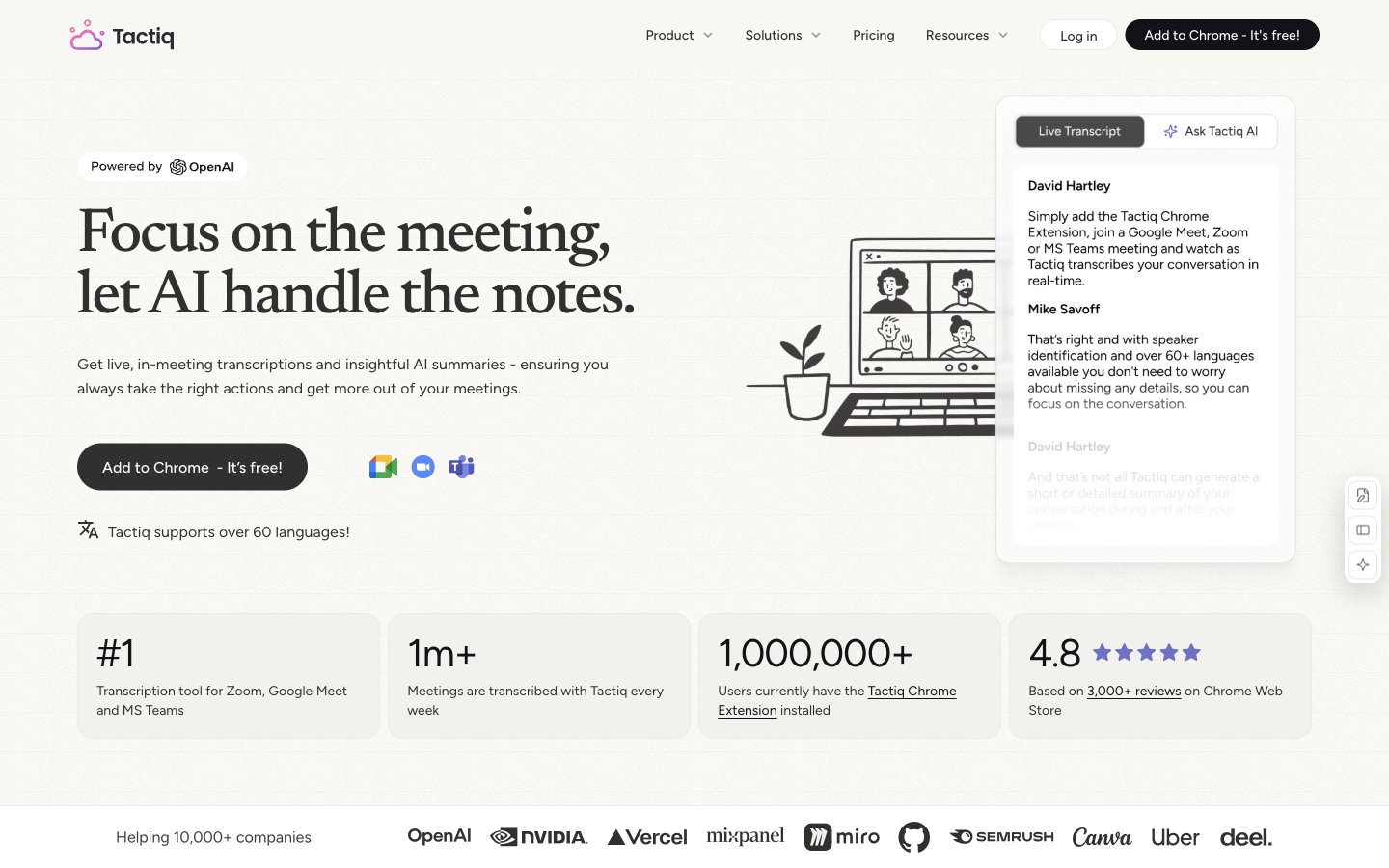
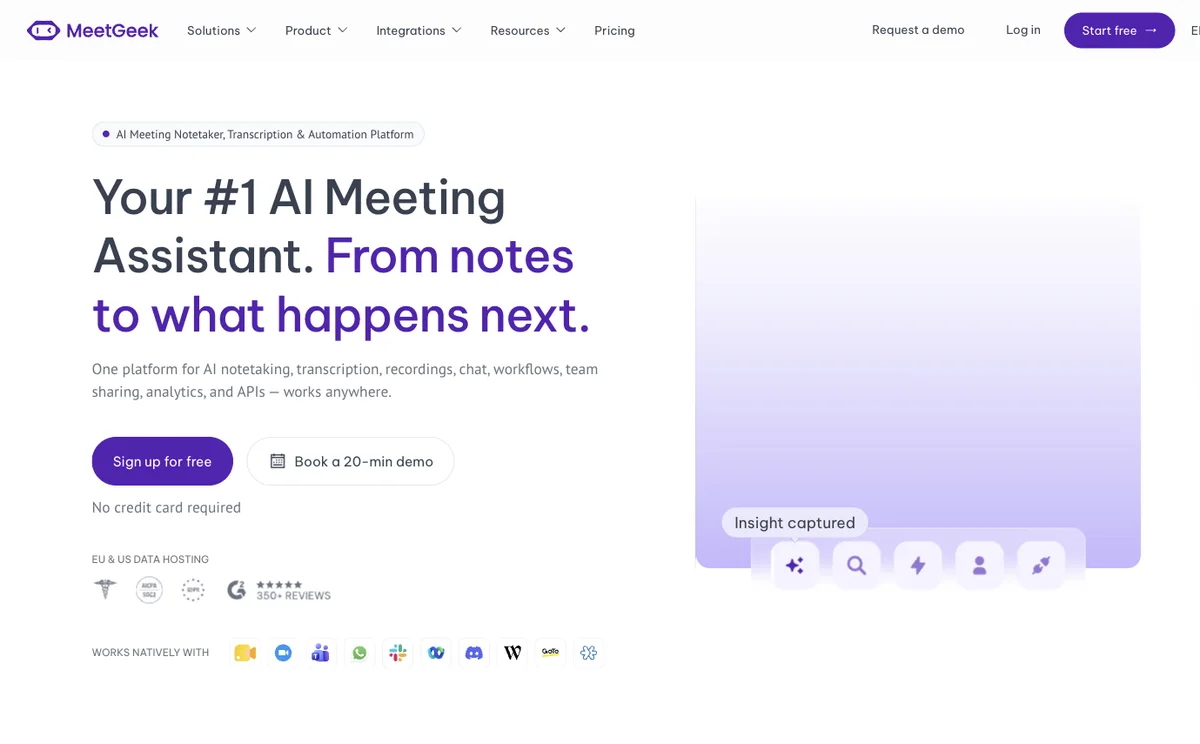
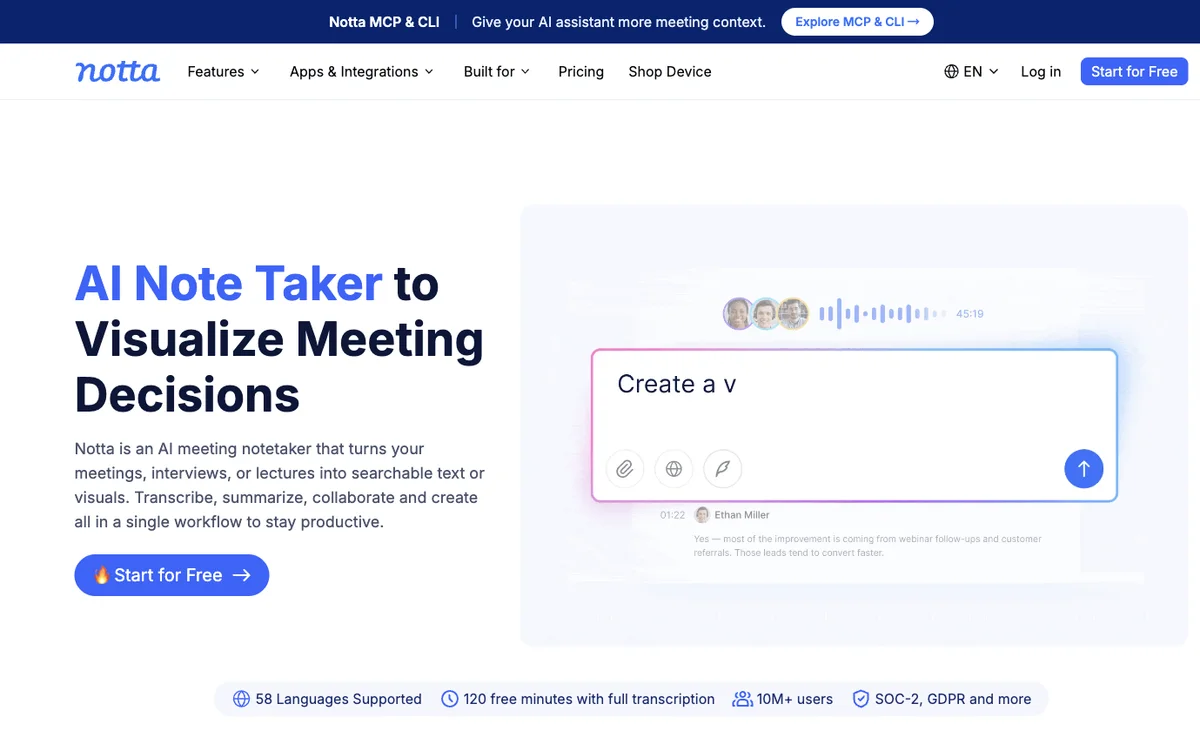
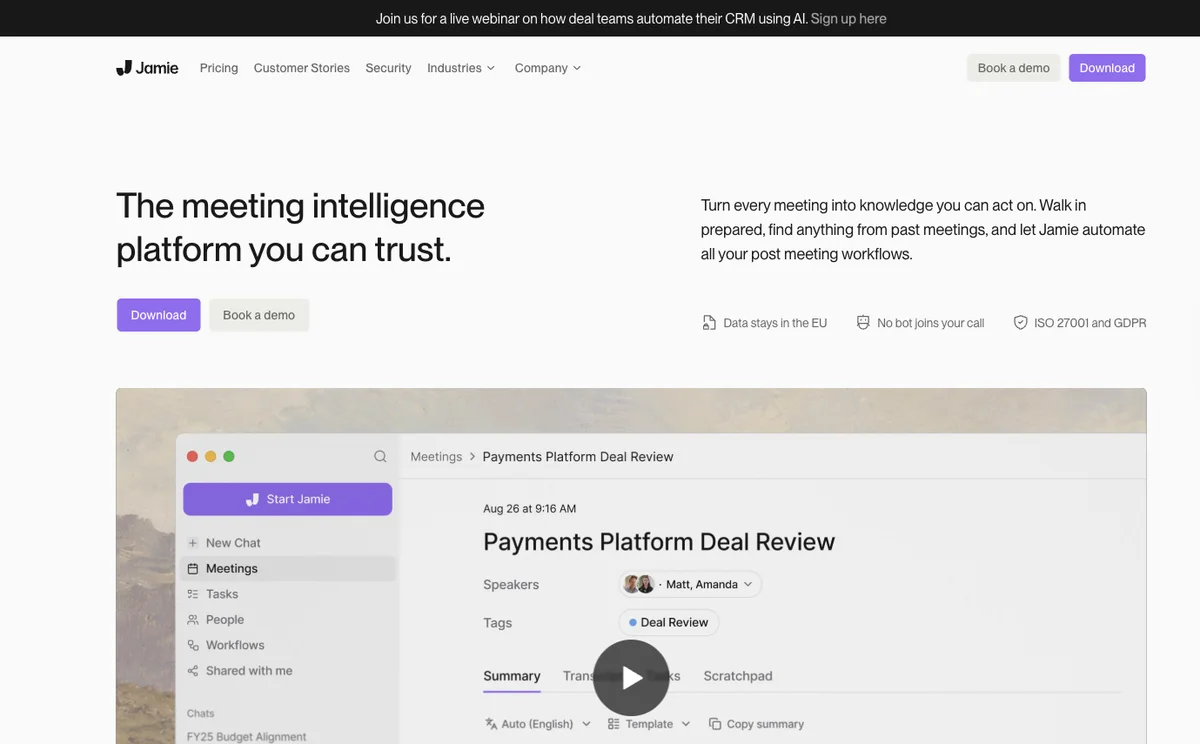
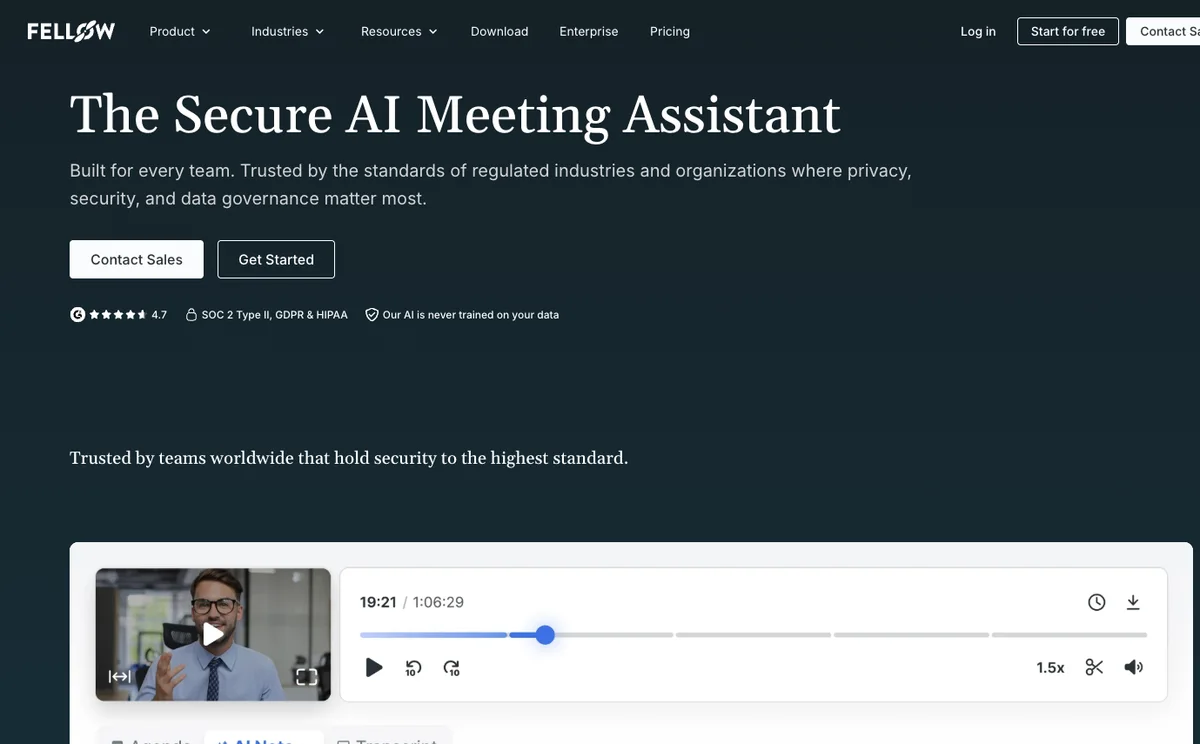
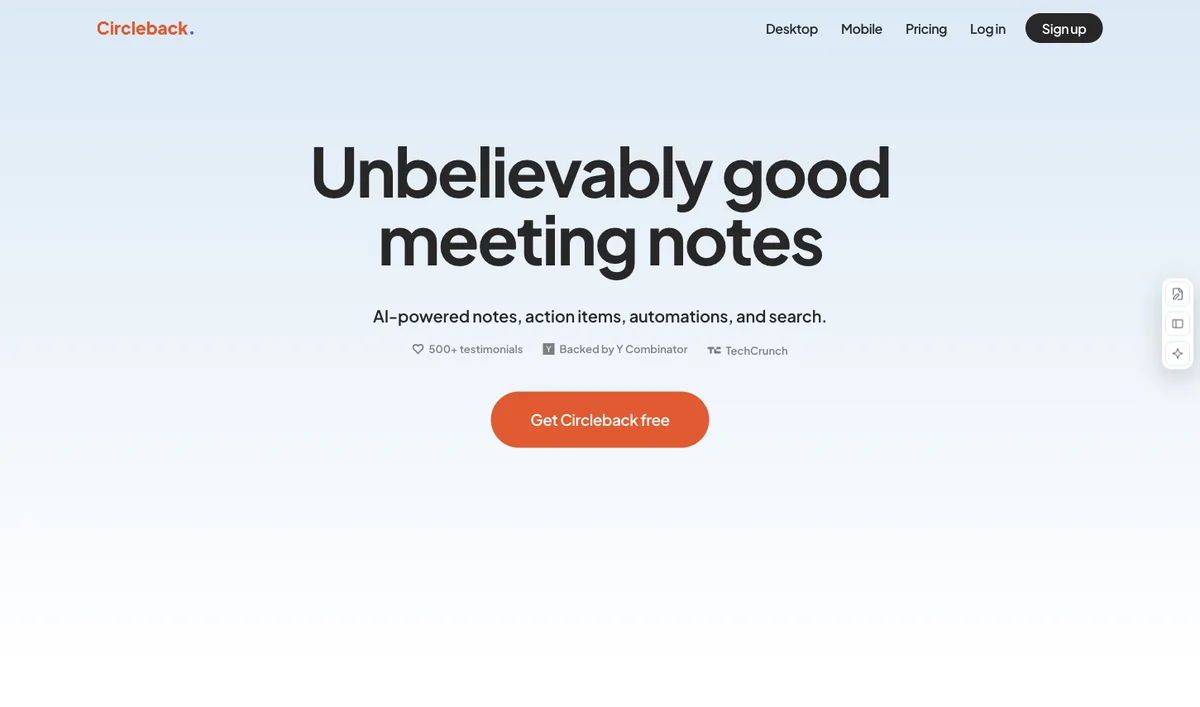
Why it fitsThe pricing feature list includes meeting transcription, summaries, tasks, and an email assistant, which support post-meeting follow-up work.
PrepareCalendar-connected Zoom, Google Meet, or Microsoft Teams meeting
GetTranscript
ReviewConnect Google or Outlook
Keep in mindFree storage and AI summary allowances are limited
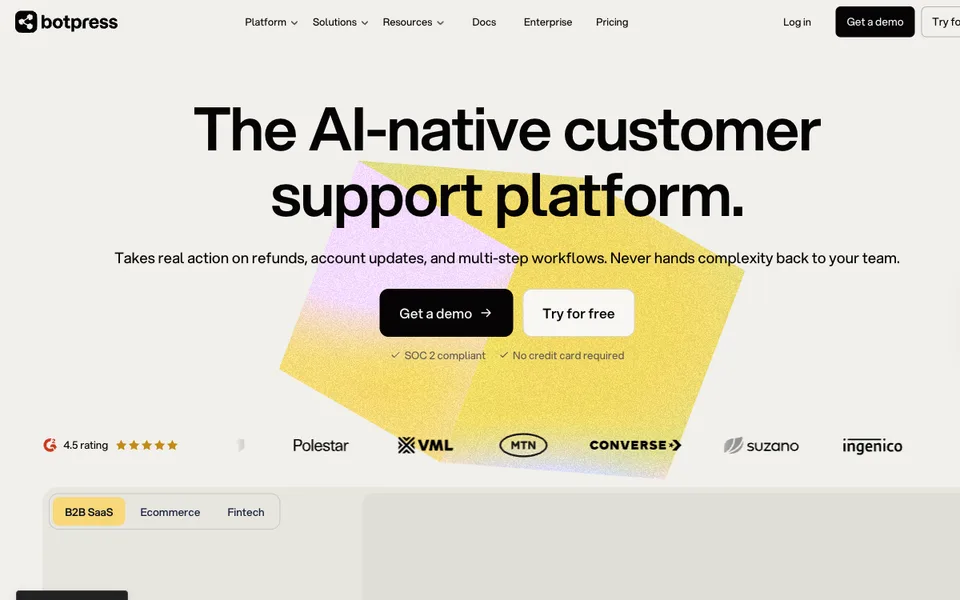
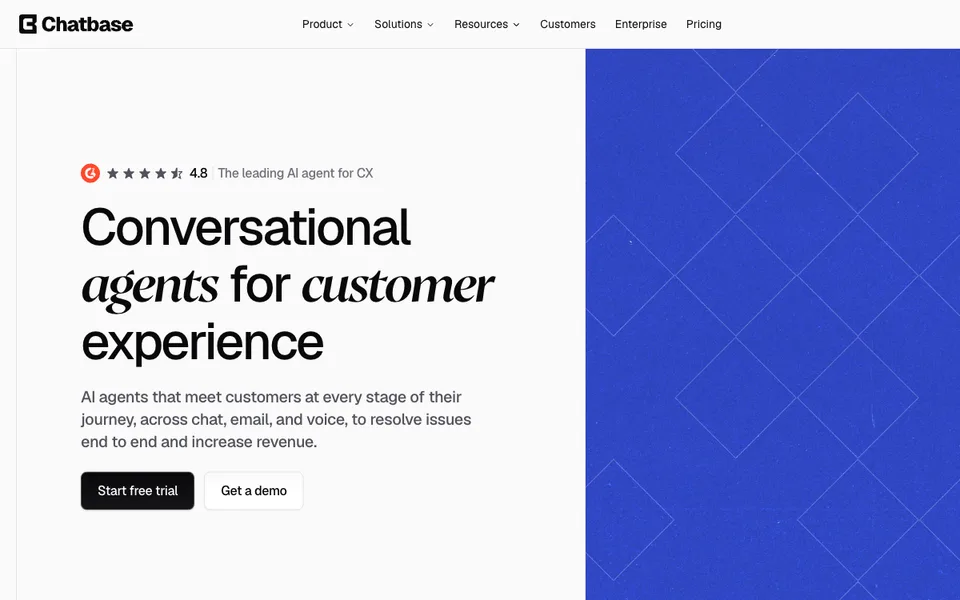
Why it fitsSierra's homepage describes a production agent that handles customer conversations and actions across chat, SMS, WhatsApp, email, voice, and ChatGPT.
PrepareSOPs, transcripts, photos, audio, or a plain-English goal
GetCustomer conversations across channels
ReviewShare procedures and brand rules
Keep in mindNo self-serve price on the fetched homepage
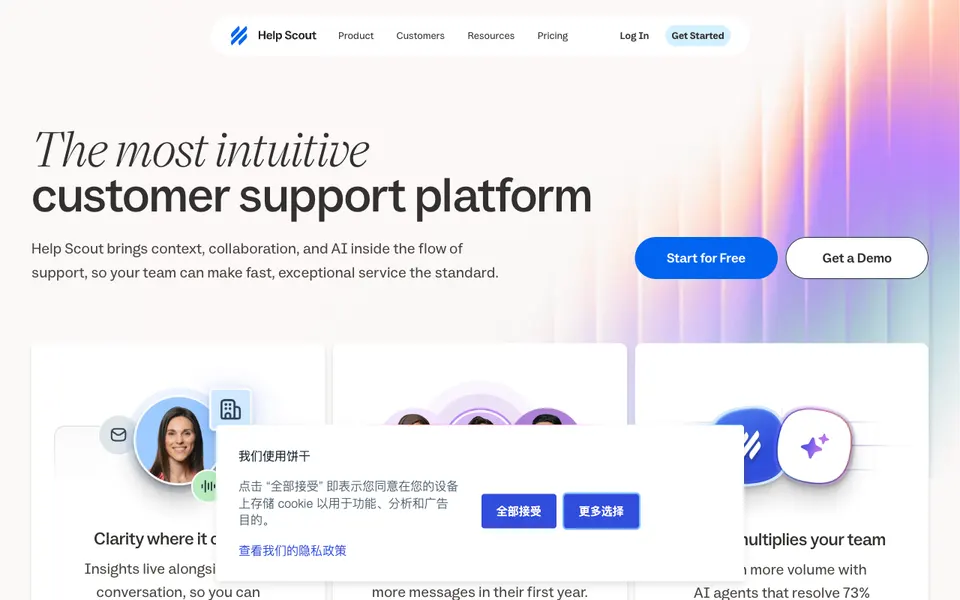
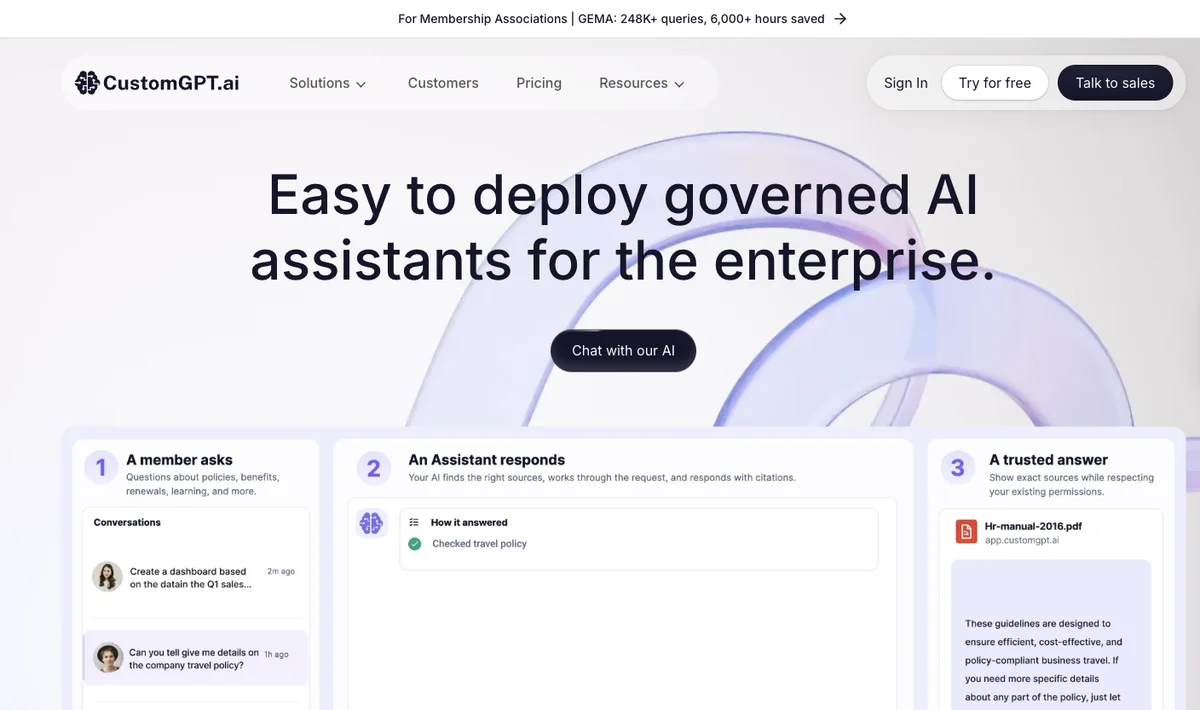
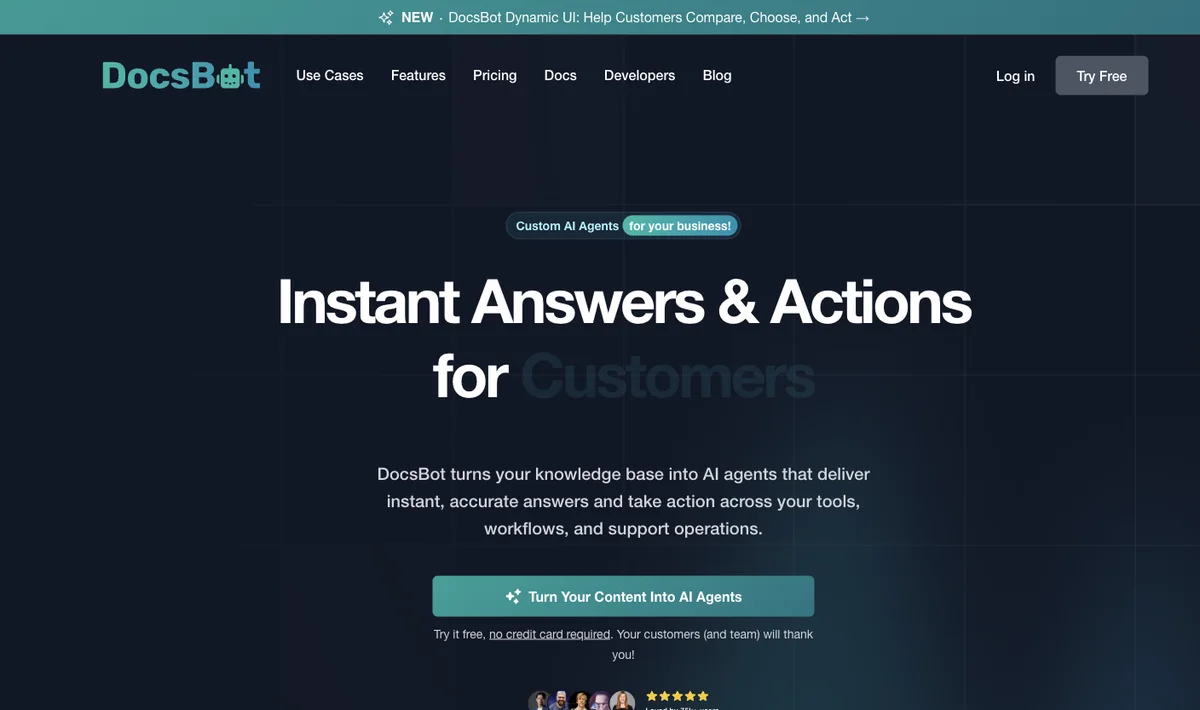
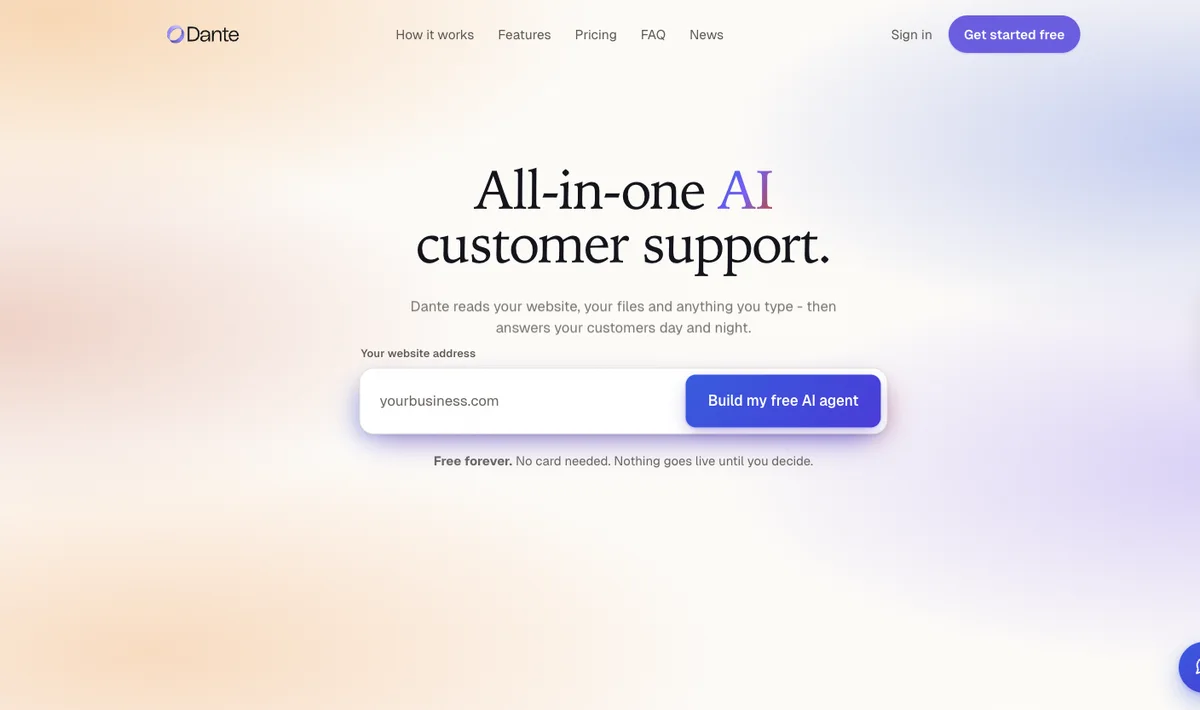
Why it fitsHelp Scout's pricing page says AI Answers resolves customer requests from your content and charges only when the customer does not ask for more help.
PrepareWebsite or knowledge-base sources
GetInstant answer
ReviewAdd docs or other sources
Keep in mindA resolution is billed only when the customer does not escalate or ask for more help
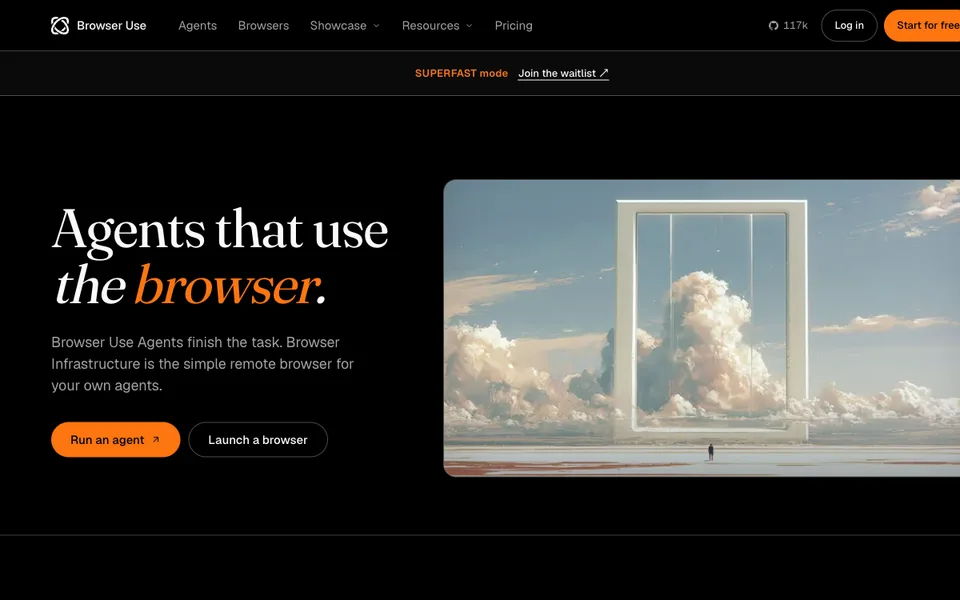
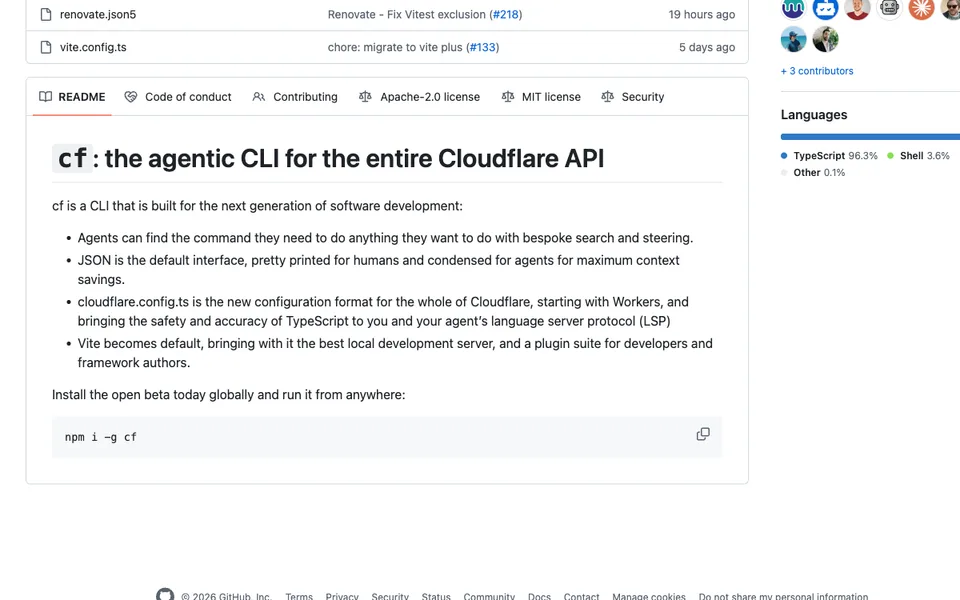
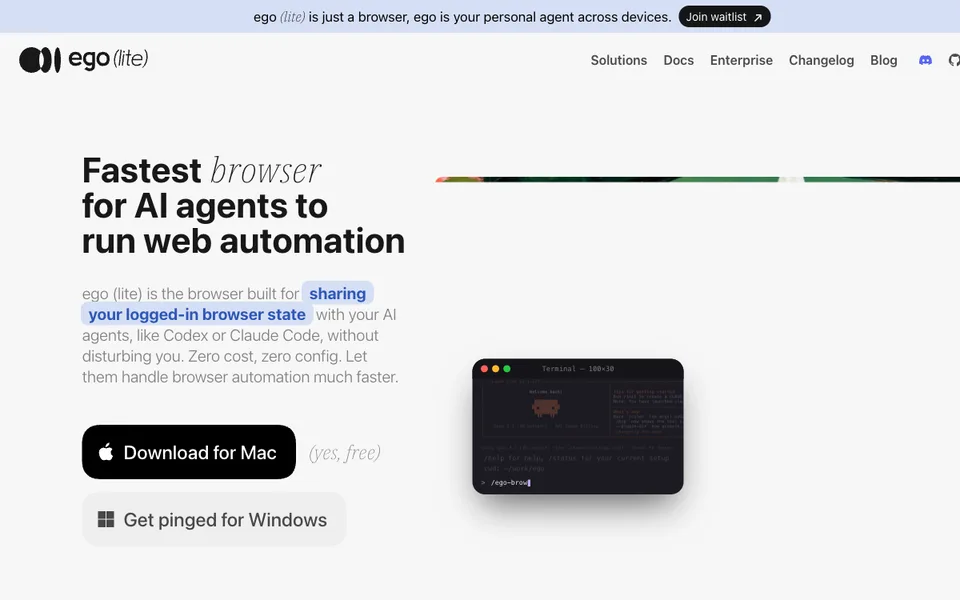
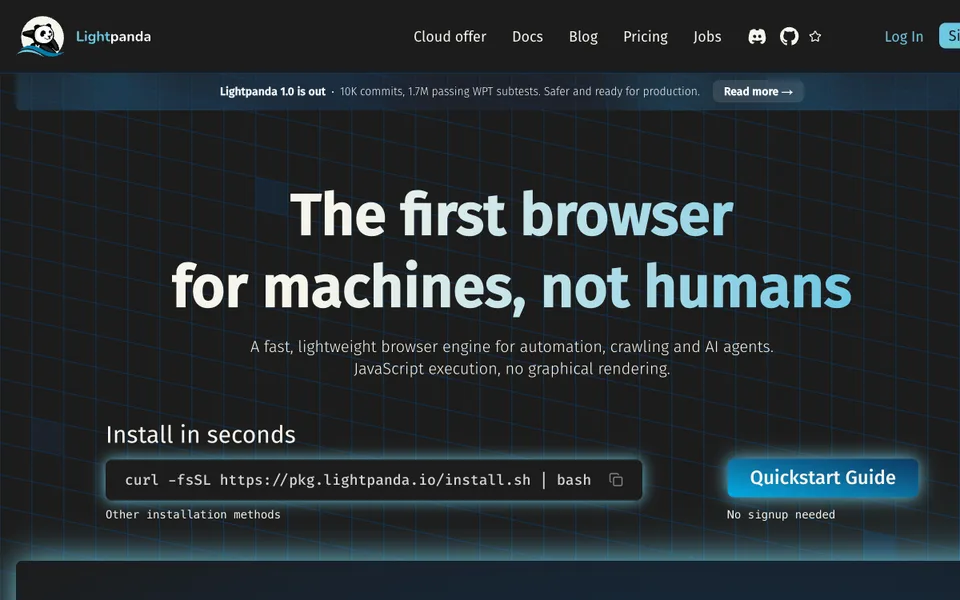
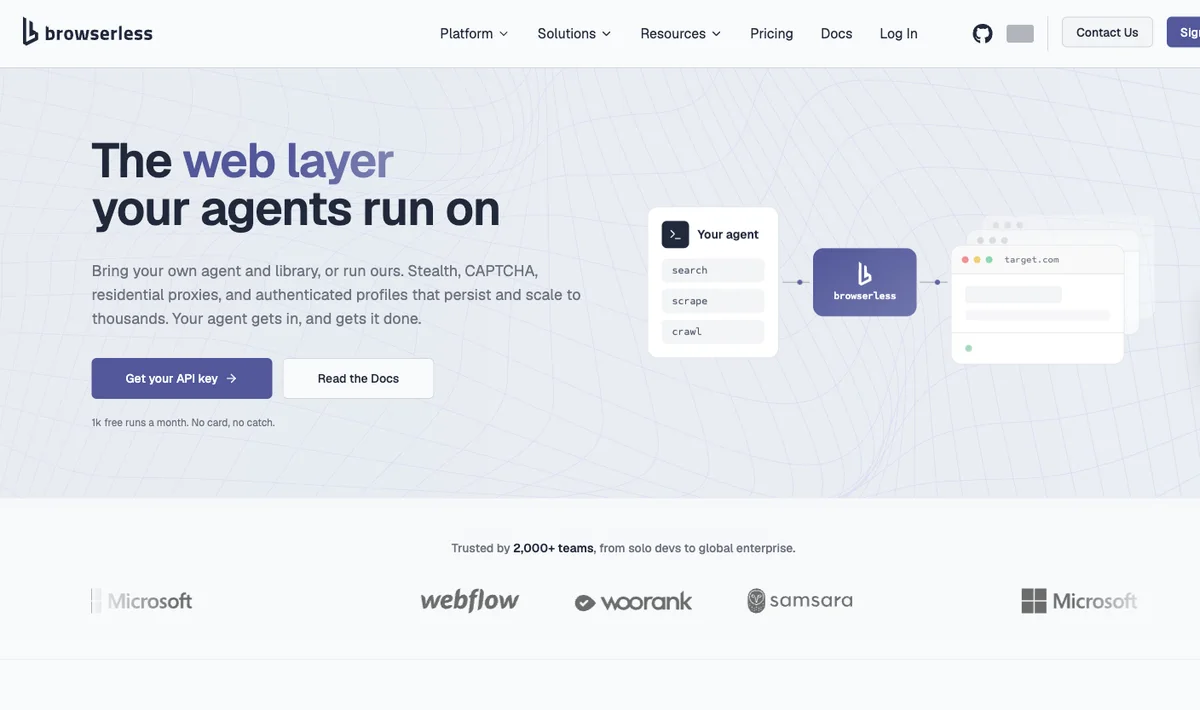
Why it fitsTask links are limited to the documented workflow. Infrastructure and model components are not treated as ready-made end-user agents.
PrepareA bounded browser task, an external AI agent and any website access you are authorized to use.
GetAgent-operated pages in a dedicated Space, with page snapshots and any task-specific summaries, downloads or screenshots the workflow actually produces.
ReviewConfirm the account, allowed actions and final result; approve consequential submissions separately.
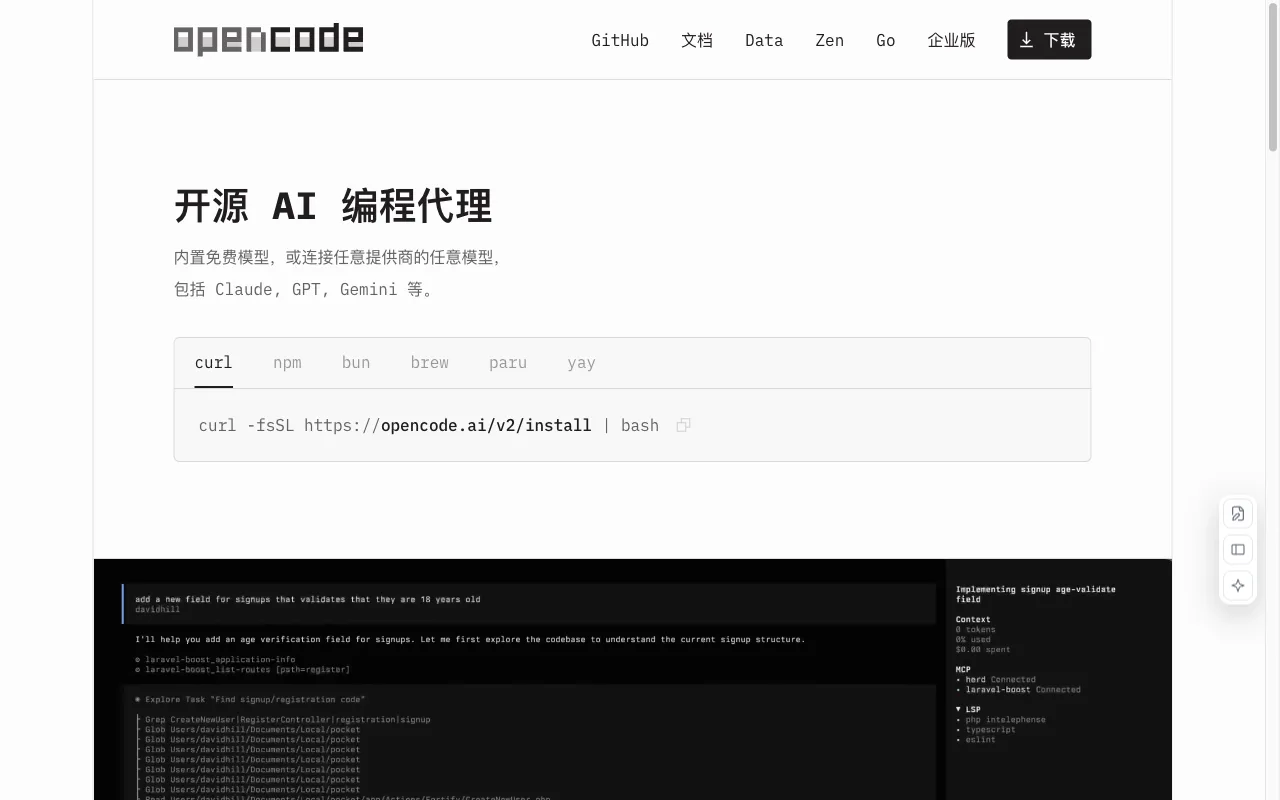
Keep in mindmacOS and Windows are documented; Linux is not a released platform in the current README.
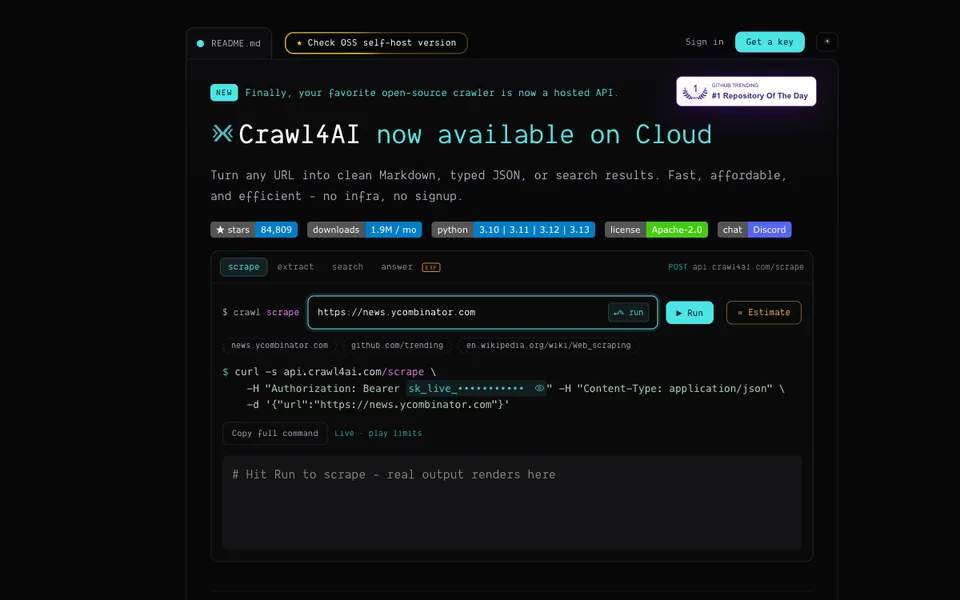
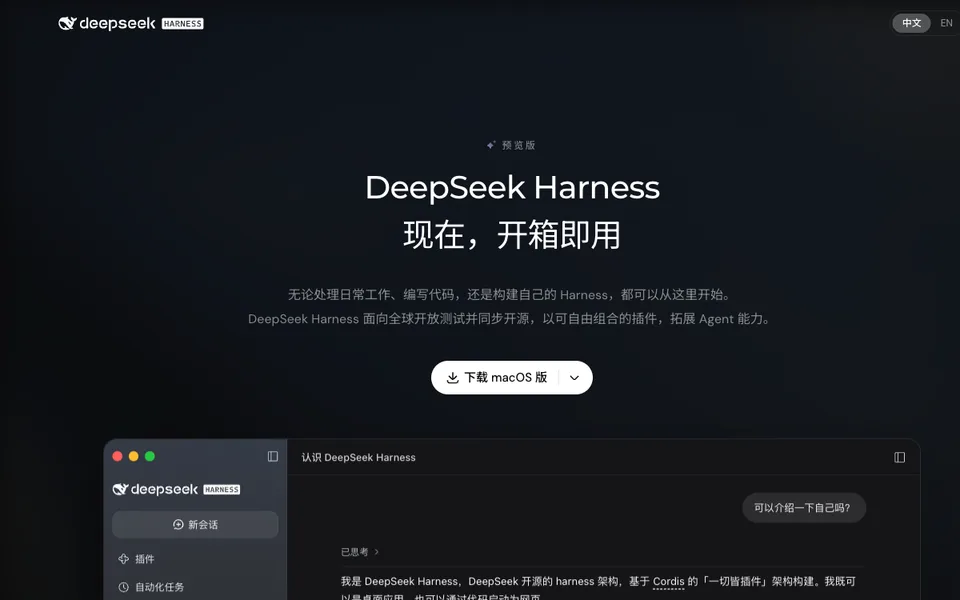
Why it fitsTask links are limited to the documented workflow. Infrastructure and model components are not treated as ready-made end-user agents.
PrepareAn authorized URL and extraction fields, a bounded natural-language browser task, or a reviewed PandaScript file.
GetHTML, Markdown or structured page data; agent sessions can export PandaScript for later replay. PNG/PDF dumps are text-only renderings, not faithful visual screenshots.
ReviewConfirm the target account and permitted actions; compare extracted fields with the source, and use a graphical browser for layout or screenshot acceptance.
Keep in mindThe browser has no graphical rendering engine. Its text-only PNG/PDF output cannot establish visual parity with Chrome or a real mobile device.
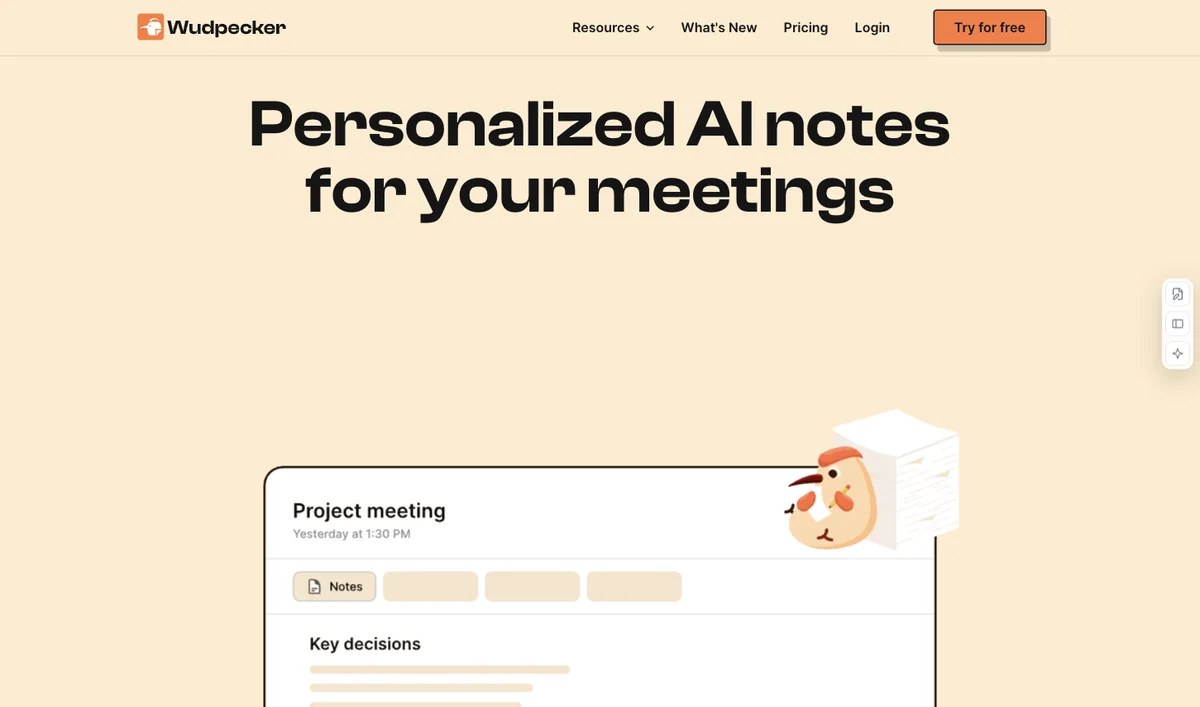
Why it fitsGranola captures meeting notes and action items; its paid Gmail integration drafts eligible external-meeting follow-ups for the user to edit and send.
PrepareMeeting audio from your device and optional rough notes
GetEnhanced meeting notes, a transcript and action items
ReviewTell participants you are transcribing and confirm the required consent.
Keep in mindCapture must be started manually; Granola does not attend or record meetings on its own.
Why it fitsOfficial Fathom help documents link meeting action items to a copyable email draft, while current plan documentation separates free notes from paid follow-up features.
PrepareZoom, Google Meet or Microsoft Teams meetings
GetRecordings or transcripts according to the capture mode
ReviewConfirm recording consent and choose the capture and sharing settings.
Keep in mindBot-free capture is currently a Mac beta; Windows uses the supported earlier meeting-bot experience.
Why it fitsOtter's official Chat guide gives a follow-up-email drafting prompt and copy workflow; the catalog keeps draft generation separate from sending and Enterprise-only sales automation.
PrepareLive meeting audio or a supported recording within the plan limits
GetLive transcripts, meeting summaries and action items
ReviewConfirm recording consent and review the calendar, recording and auto-sharing settings.
Keep in mindThe free minute, import, history and Chat limits can be too small for a busy meeting schedule.
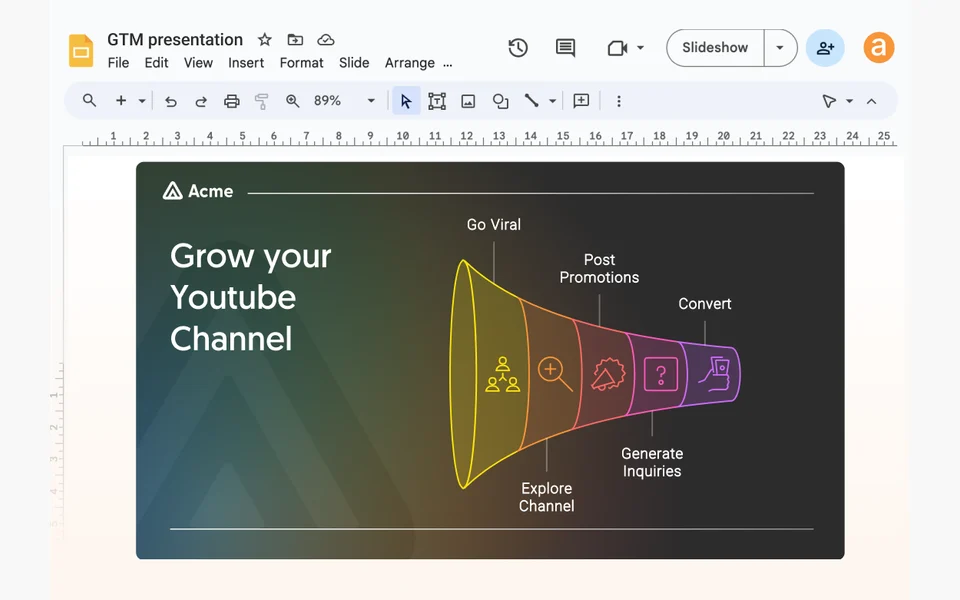
Why it fitsOfficial document and social workflows turn source material into editable copy and carousels; the website workflow creates and publishes a responsive hosted page.
PrepareA prompt, outline or factual source document
GetEditable presentations and visual documents
ReviewVerify claims and preserve context from the original source.
Keep in mindAI credits are metered; the free allowance is a starter pack, not ongoing unlimited AI use.
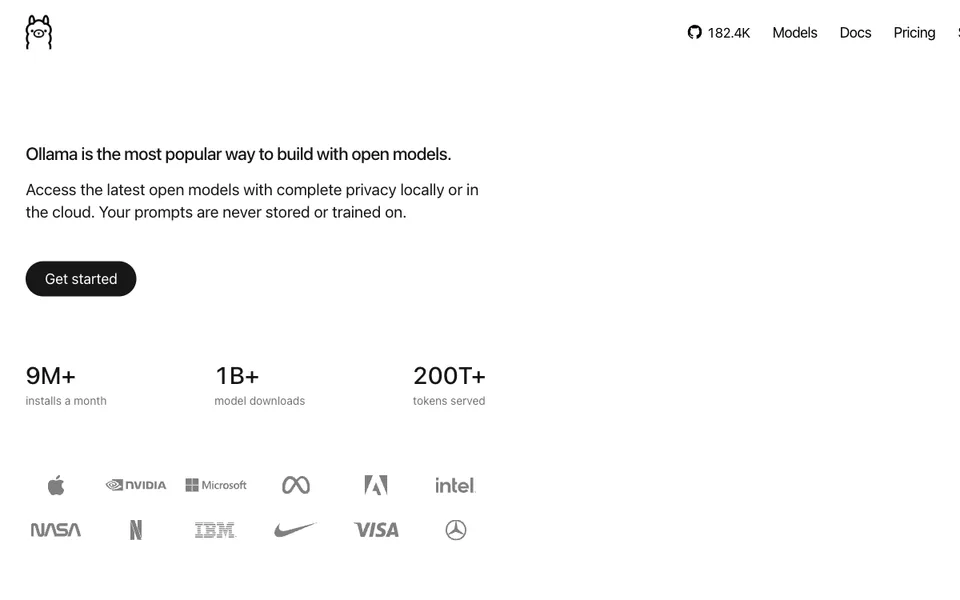
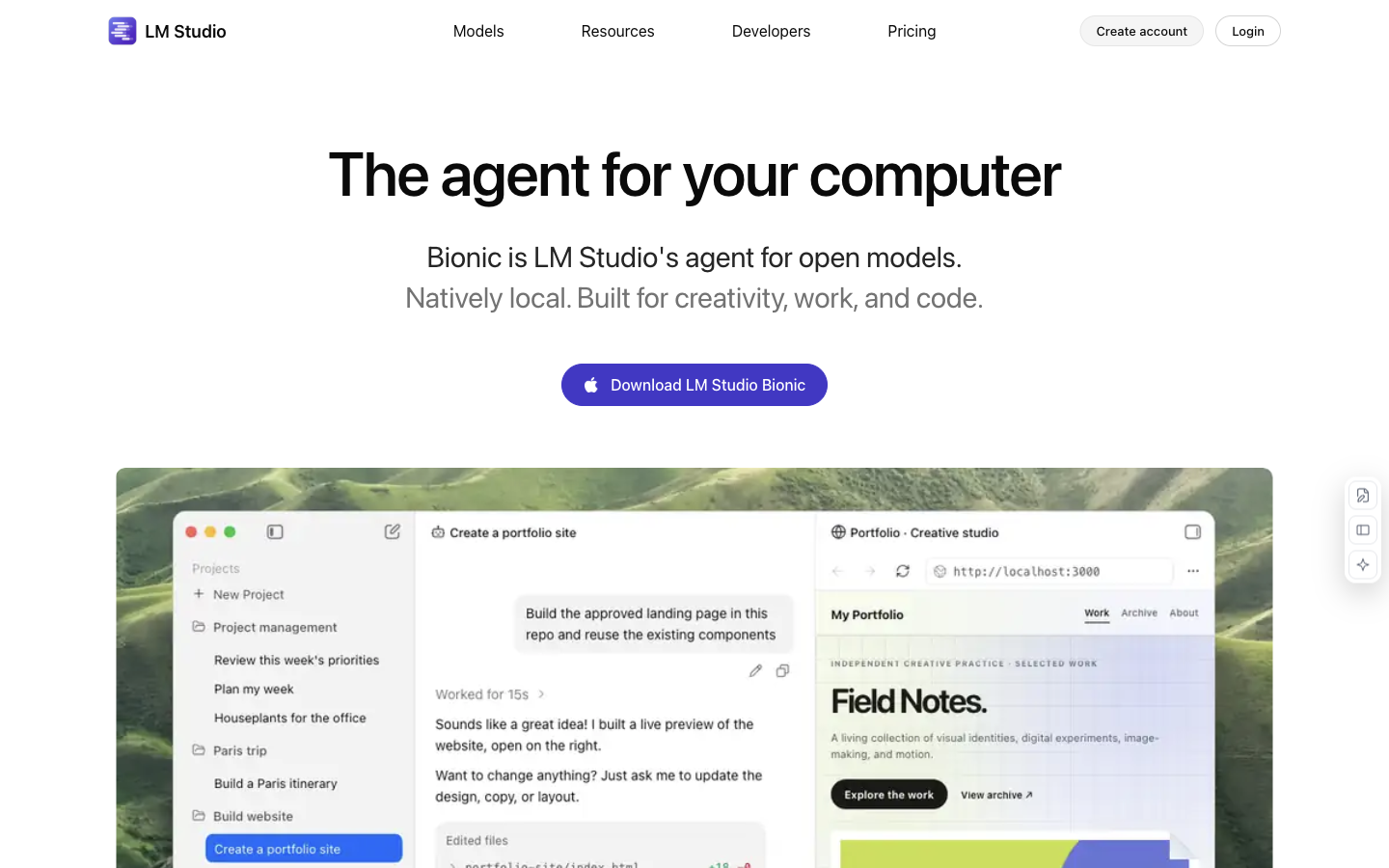
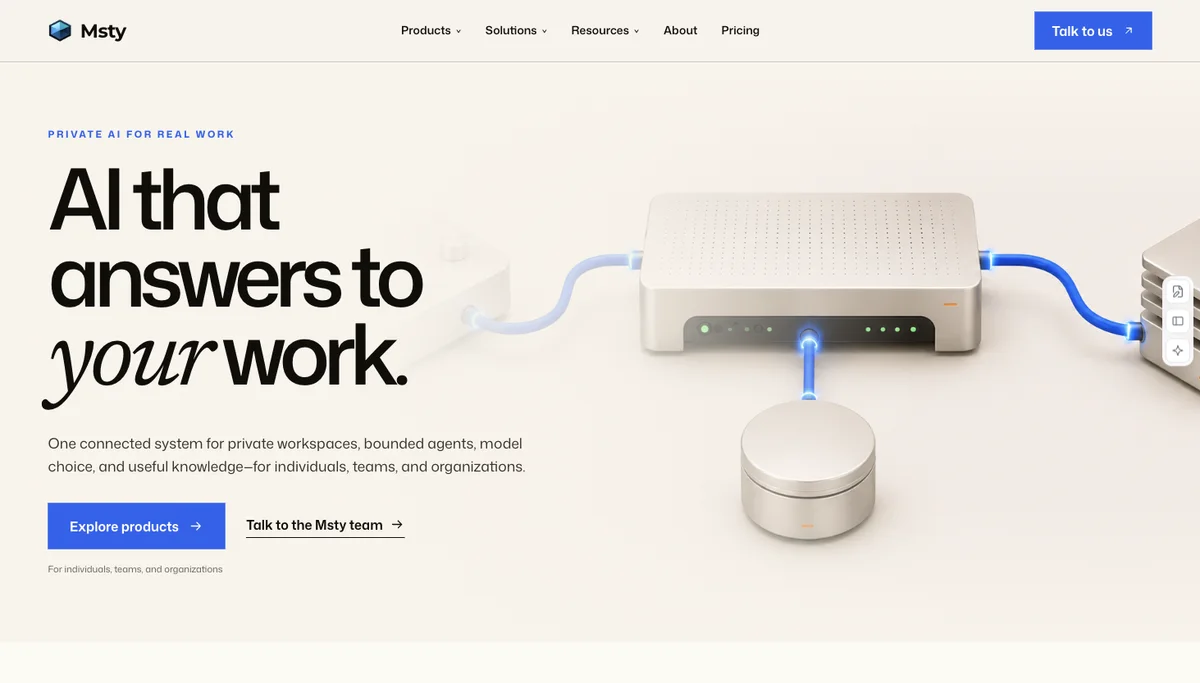
Why it fitsRun downloaded language models and document chats locally. Optional Bionic cloud inference has its own plans and usage credits.
PrepareYou provide prompts and local documents.
GetYou receive model responses and document answers.
ReviewConfirm the active model endpoint before sending a confidential document.
Keep in mindInitial model/runtime downloads require connectivity. Model size must fit your hardware. Offline capability does not establish the privacy of optional cloud services or third-party tools.
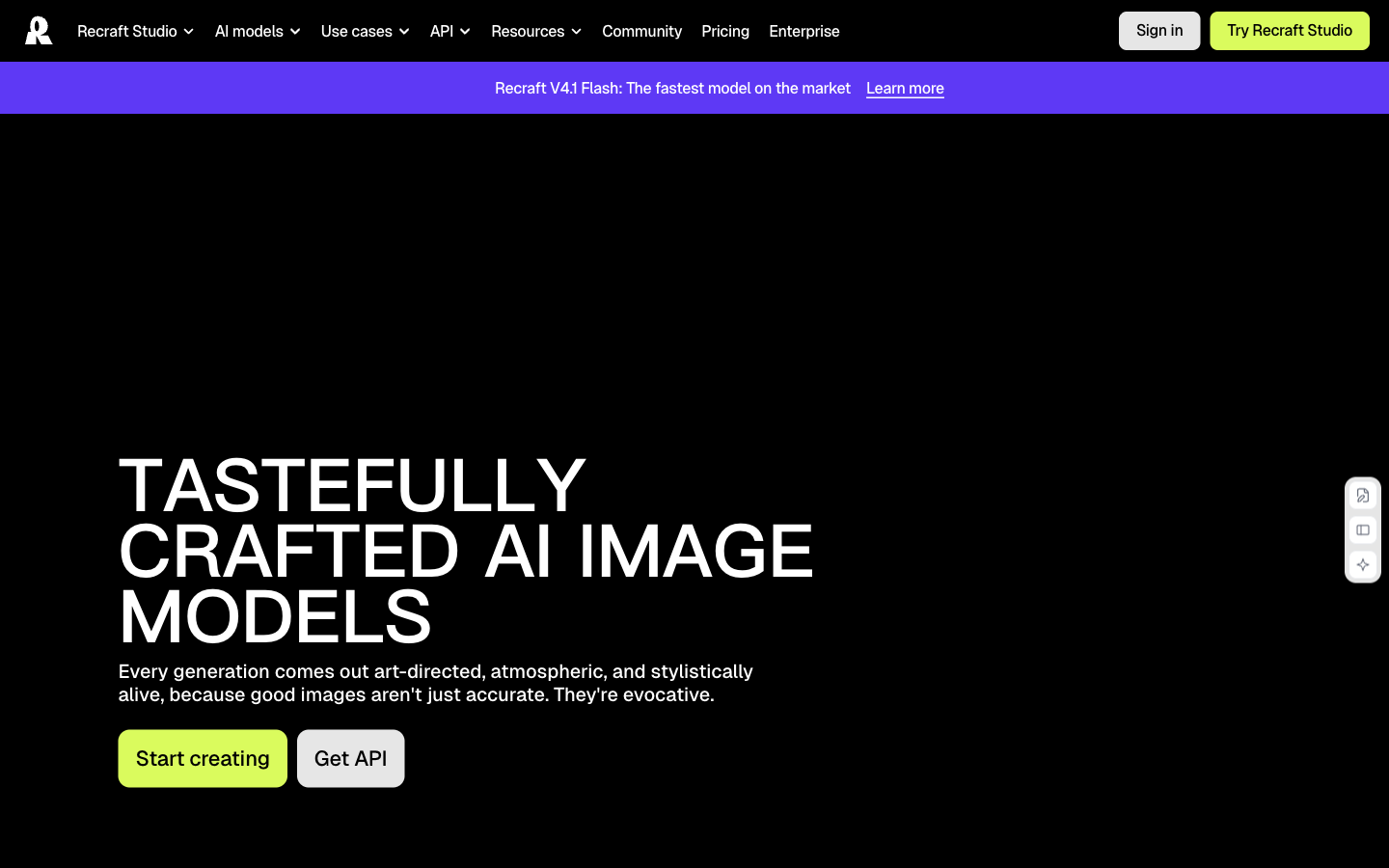
Why it fitsGenerate and edit images and vectors. The important plan difference for professional work is how generated assets may be used, not just the credit allowance.
PrepareYou provide a brief or a reference image.
GetYou receive generated images and editable vectors.
ReviewInspect exported vector paths at the intended print size and keep the generation-date licence record.
Keep in mindFree: three generations per style per day, three image uploads per day, up to two images per generation; public, non-commercial output. Paid credits vary by model and operation. API use is outside the subscription allowance.
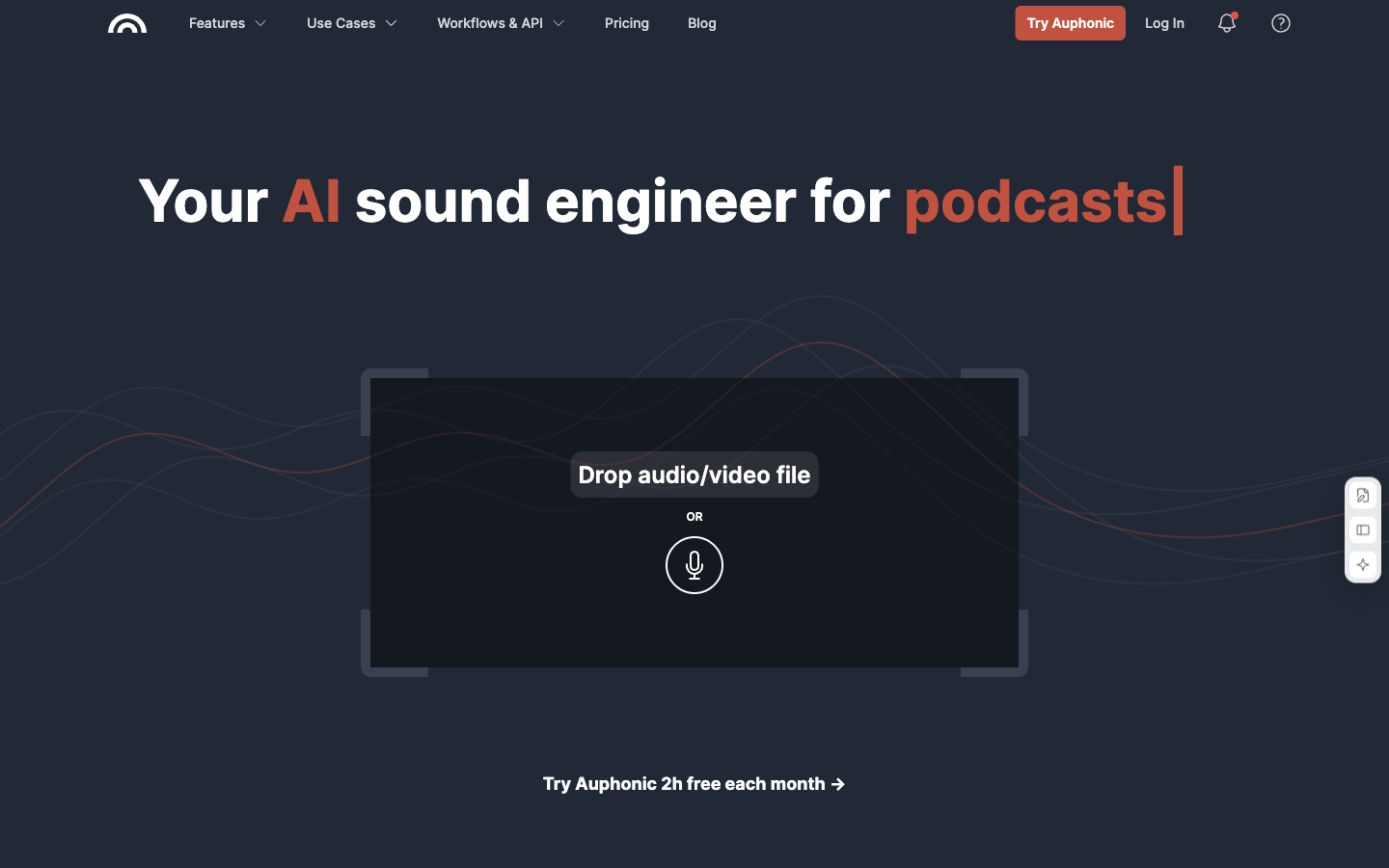
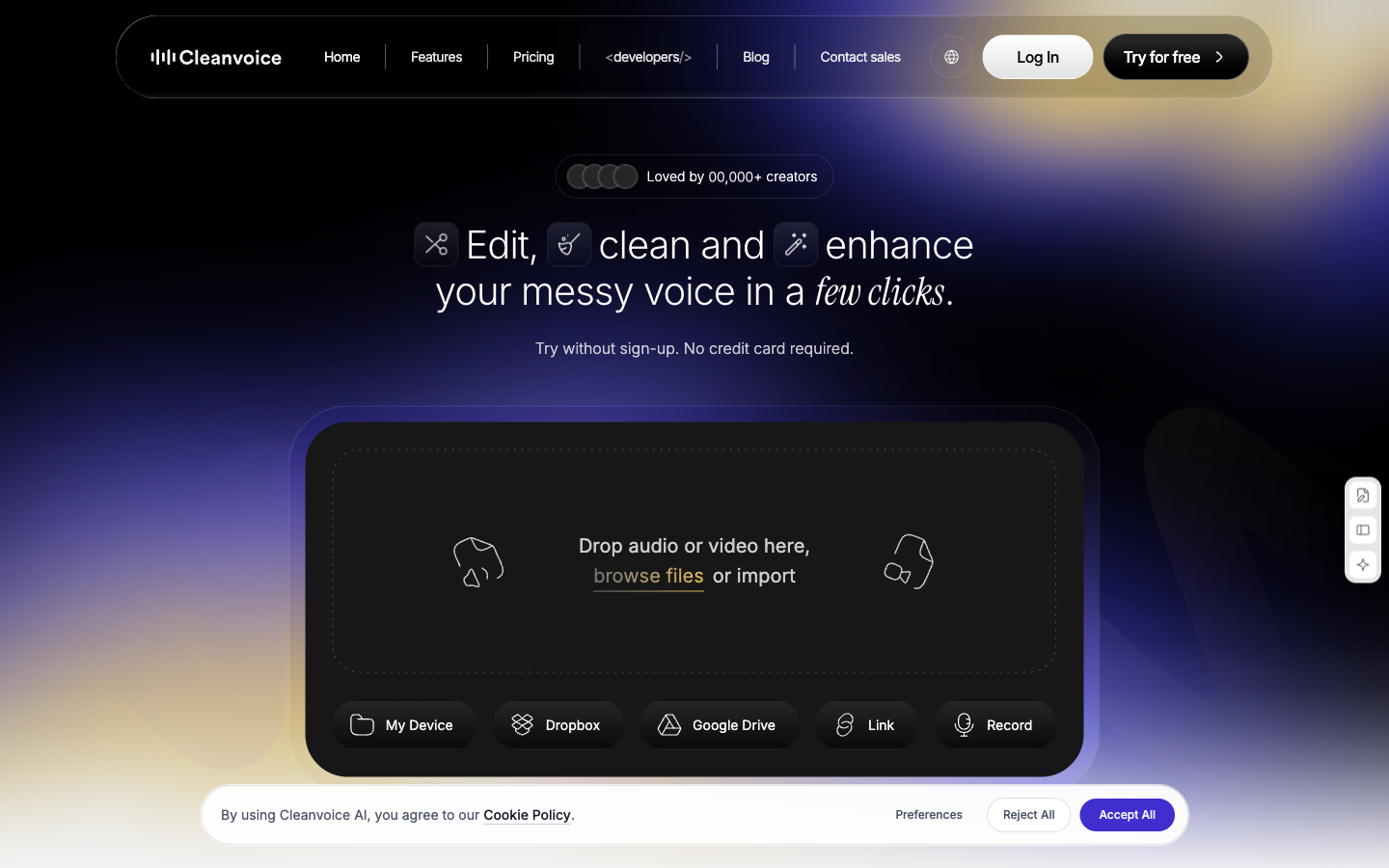
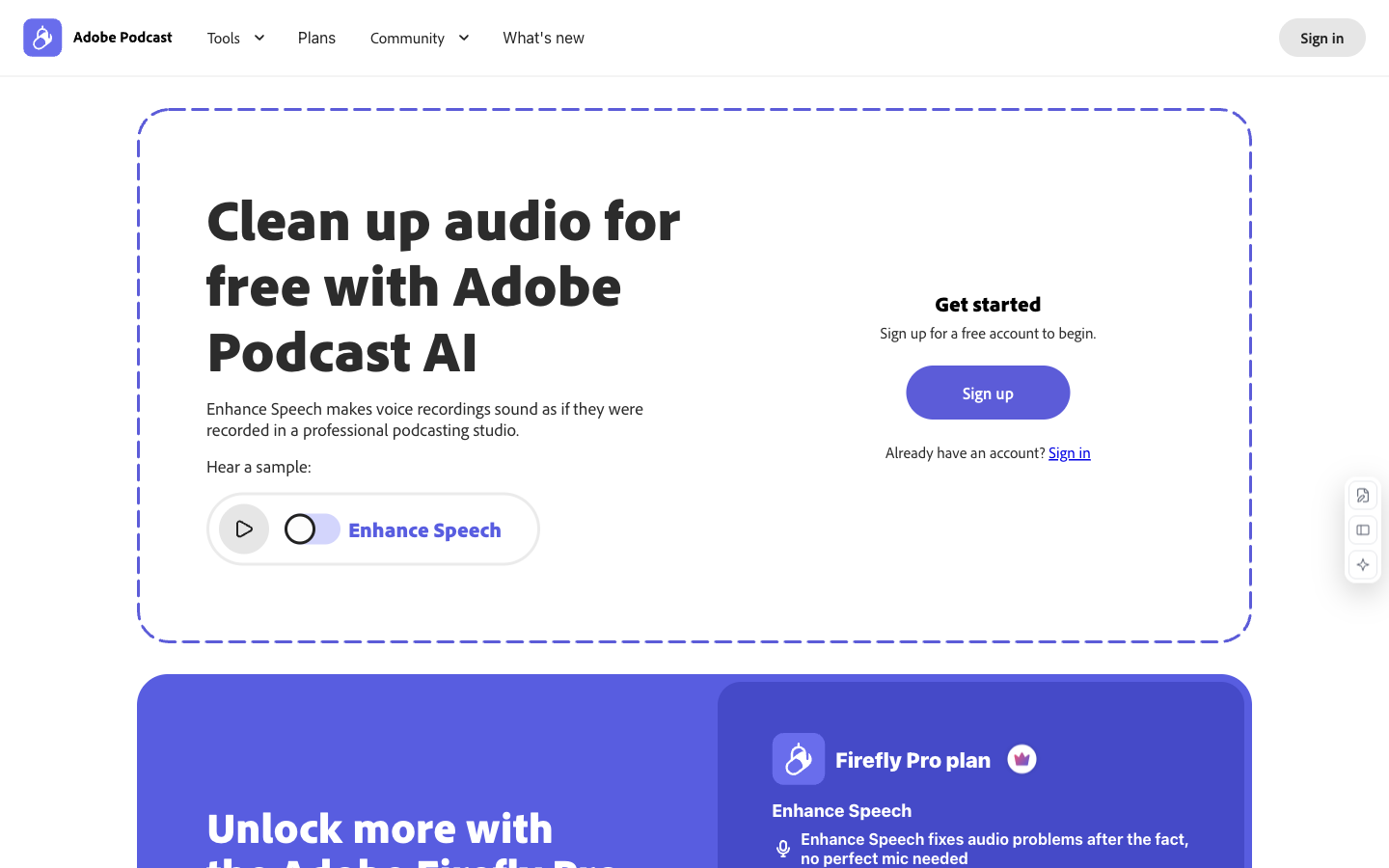
Why it fitsAI-assisted audio levelling, noise/reverb reduction and production workflows for existing recordings. This is post-production rather than music composition.
PrepareYou provide recorded audio and processing settings.
GetYou receive processed audio for publishing.
ReviewListen for clipped words and compare the final loudness with the destination platform requirements.
Keep in mindFree credits do not roll over and output includes a jingle. Free multitrack productions must stay under 20 minutes. Transcription and some automation require paid access.
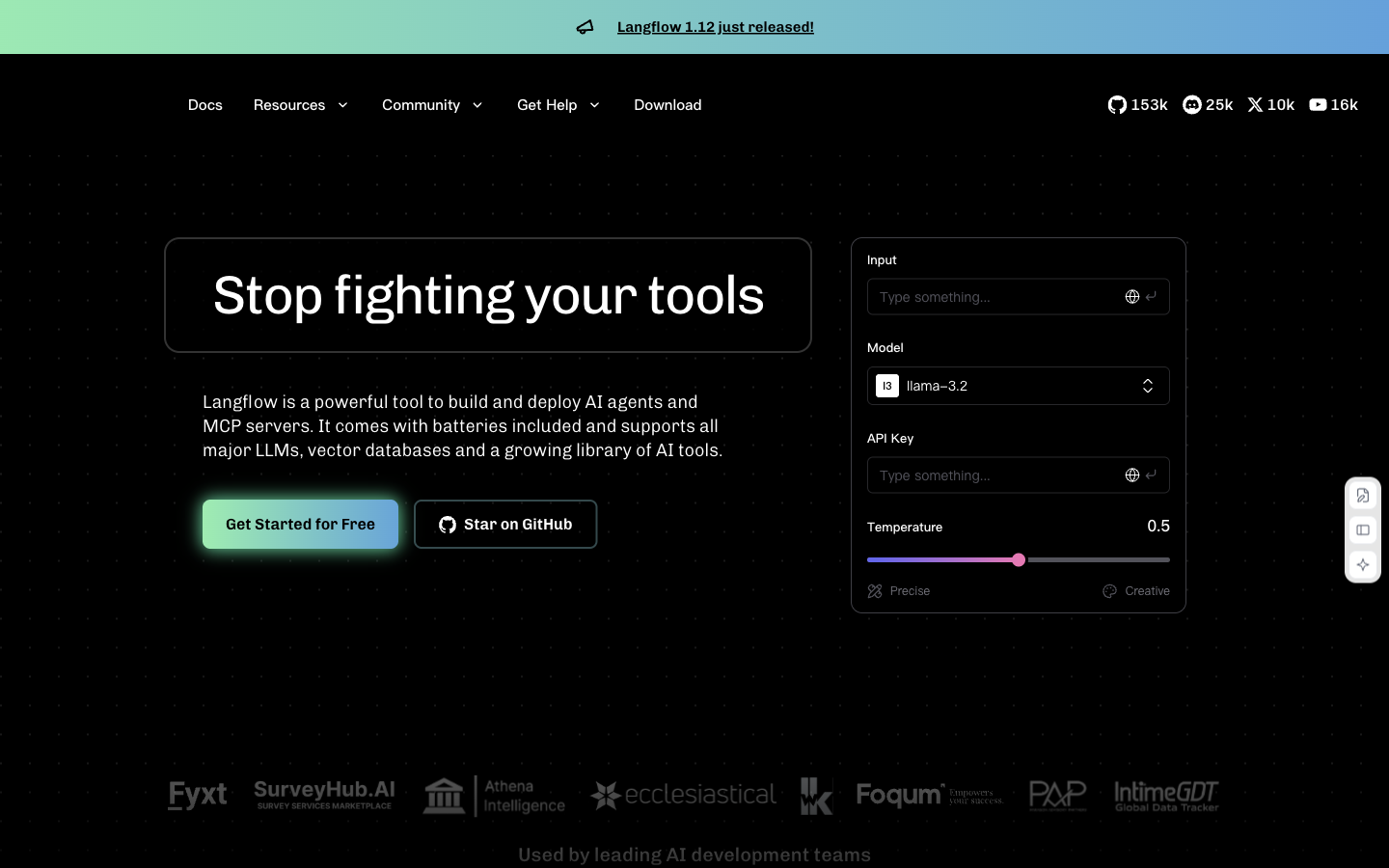
Why it fitsBuild model, retrieval and tool workflows on a visual canvas, then expose them through API or MCP.
PrepareYou provide a workflow graph, documents, a model connection and tool settings.
GetYou receive runnable flows, API responses and MCP tools.
ReviewTrace a known question through each component before exposing the workflow to users.
Keep in mindRunning a local canvas does not make a connected cloud model local. Configure authentication before exposing its API; hosted model and database fees are separate.
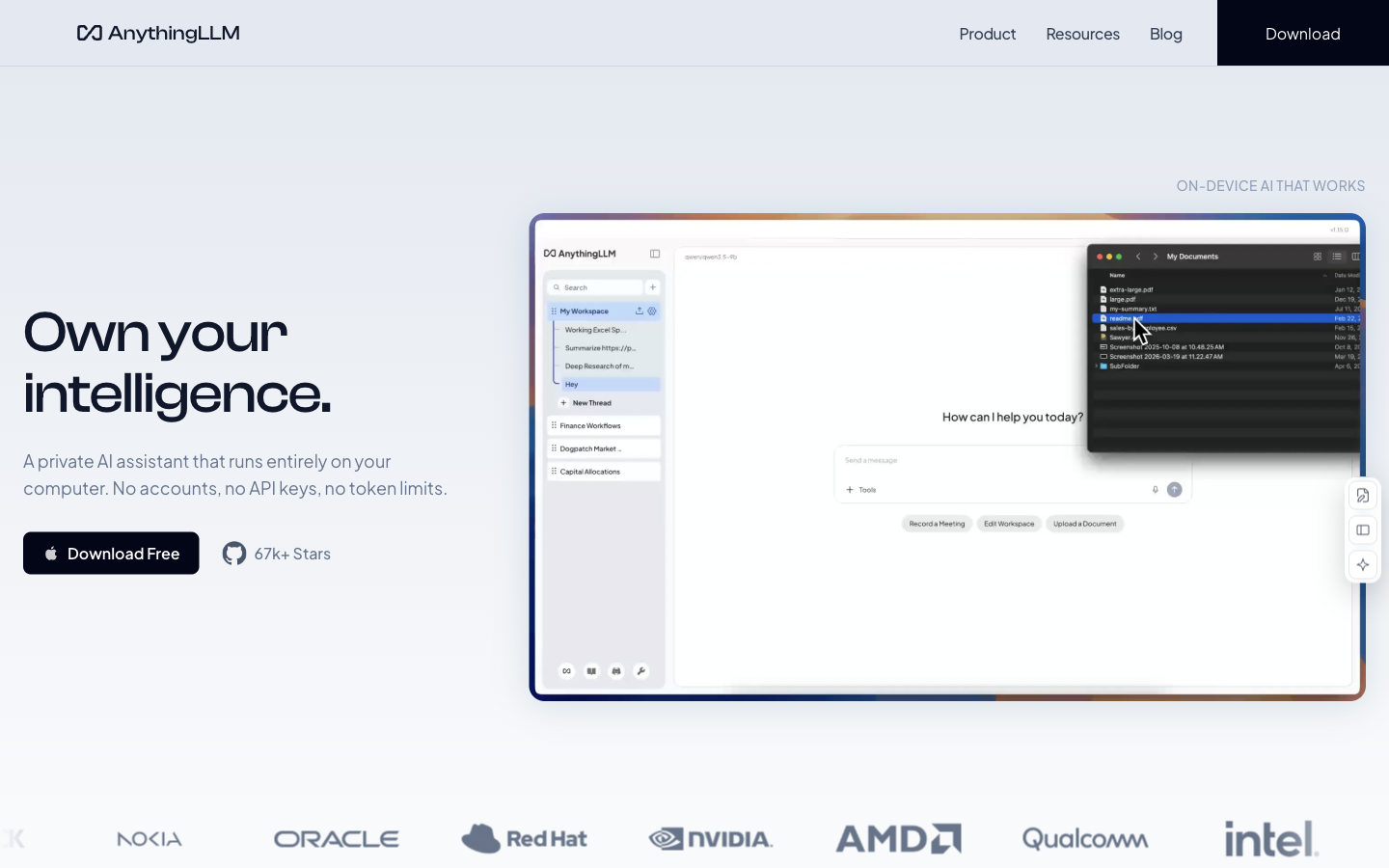
Why it fitsChat with uploaded documents in workspaces using local or cloud models, with optional agents and retrieval.
PrepareYou provide documents, workspace rules and model/embedding connections.
GetYou receive document-grounded answers and optional agent actions.
ReviewTry a document-access check as both an authorized and an unauthorized workspace member.
Keep in mindLLM, embedding and vector-store choices determine where data goes and what costs accrue. Retrieved citations still need checking; multi-user capabilities differ by edition.
Why it fitsRun downloaded language models in a desktop assistant, or connect cloud providers and a local compatible API.
PrepareYou provide prompts, a downloaded model or provider connection.
GetYou receive chat responses and local API responses.
ReviewCheck which provider will receive a prompt and review permissions for each enabled MCP tool.
Keep in mindModel size must fit RAM and acceleration support. MCP tools can introduce external connections or actions; local inference alone does not make every tool offline.
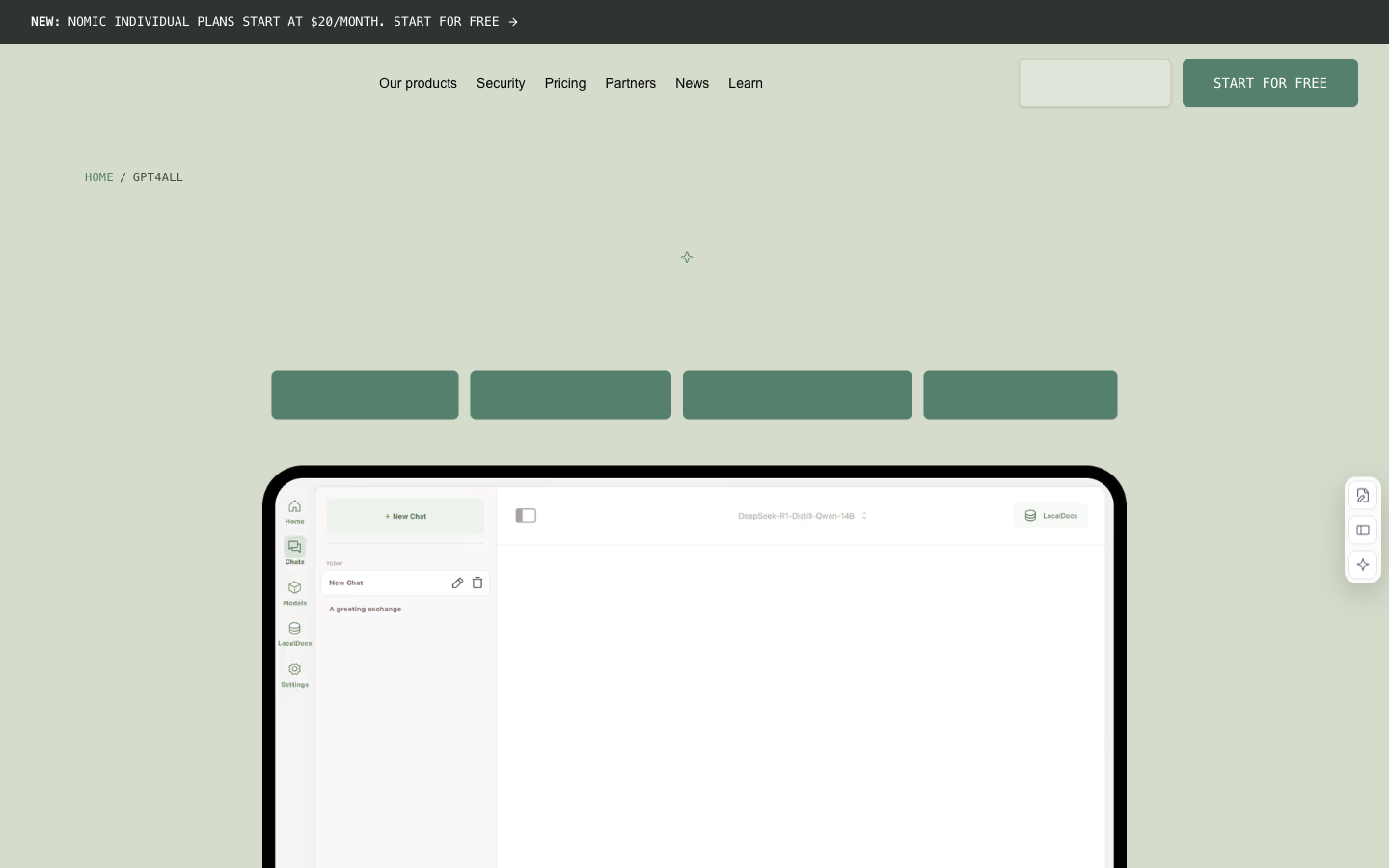
Why it fitsRun language models on a desktop and use LocalDocs for document questions without requiring a cloud API.
PrepareYou provide local models, prompts and a LocalDocs collection.
GetYou receive chat answers and document-retrieval responses.
ReviewCompare a LocalDocs citation with the original page, including dates and numeric units.
Keep in mindThe application licence and individual model licences differ. Linux architecture and available memory constrain model choice; large documents still need retrieval and answer checks.
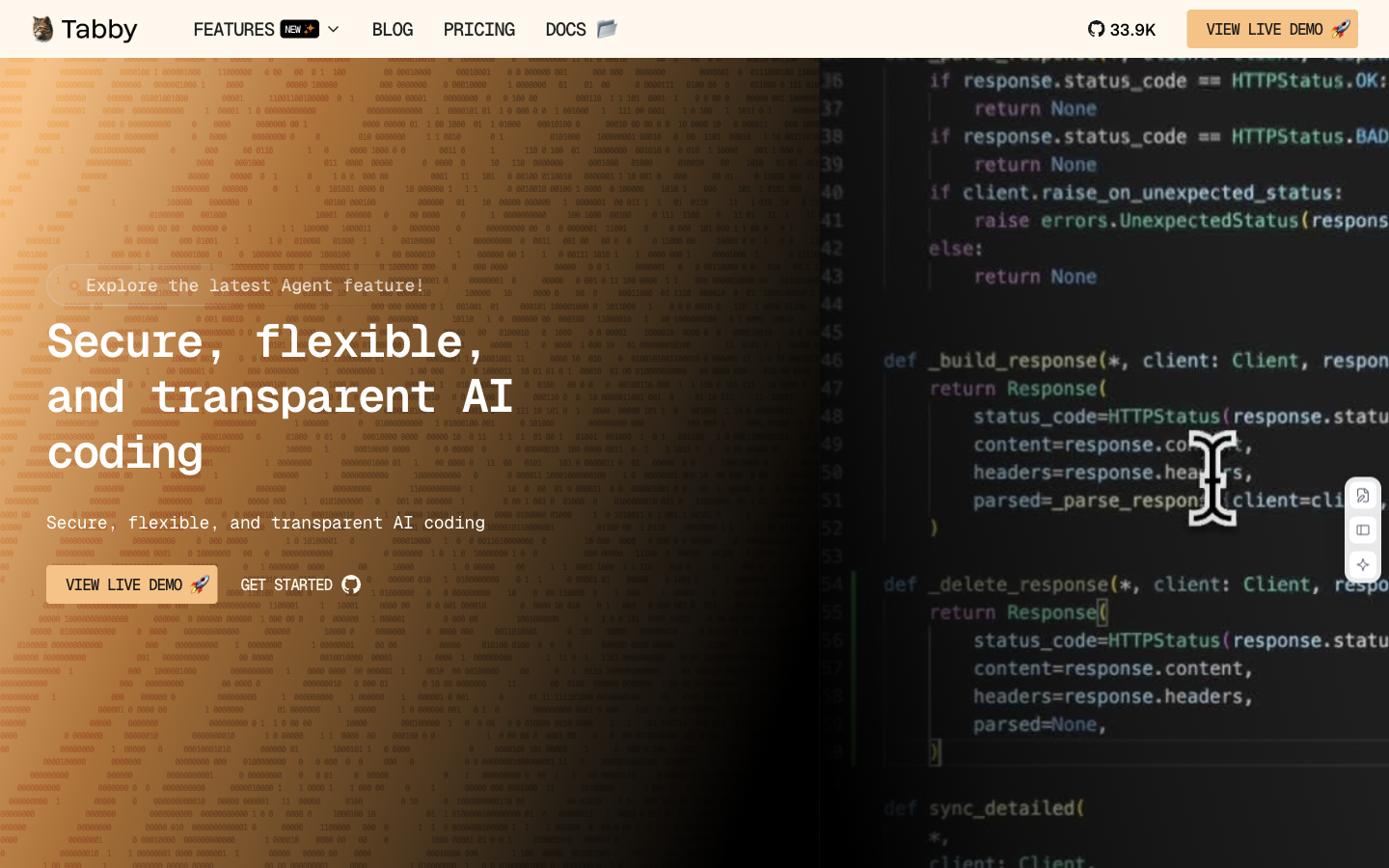
Why it fitsServe AI code completion and repository-aware assistance from infrastructure you operate.
PrepareYou provide editor code context, repository context and configured models.
GetYou receive code completions and contextual coding answers.
ReviewReview suggested code for repository conventions and run the relevant project checks.
Keep in mindCore code is Apache-2.0; the ee directory has separate terms. Hardware, hosting and model licences remain your responsibility. Suggested code requires tests and review.
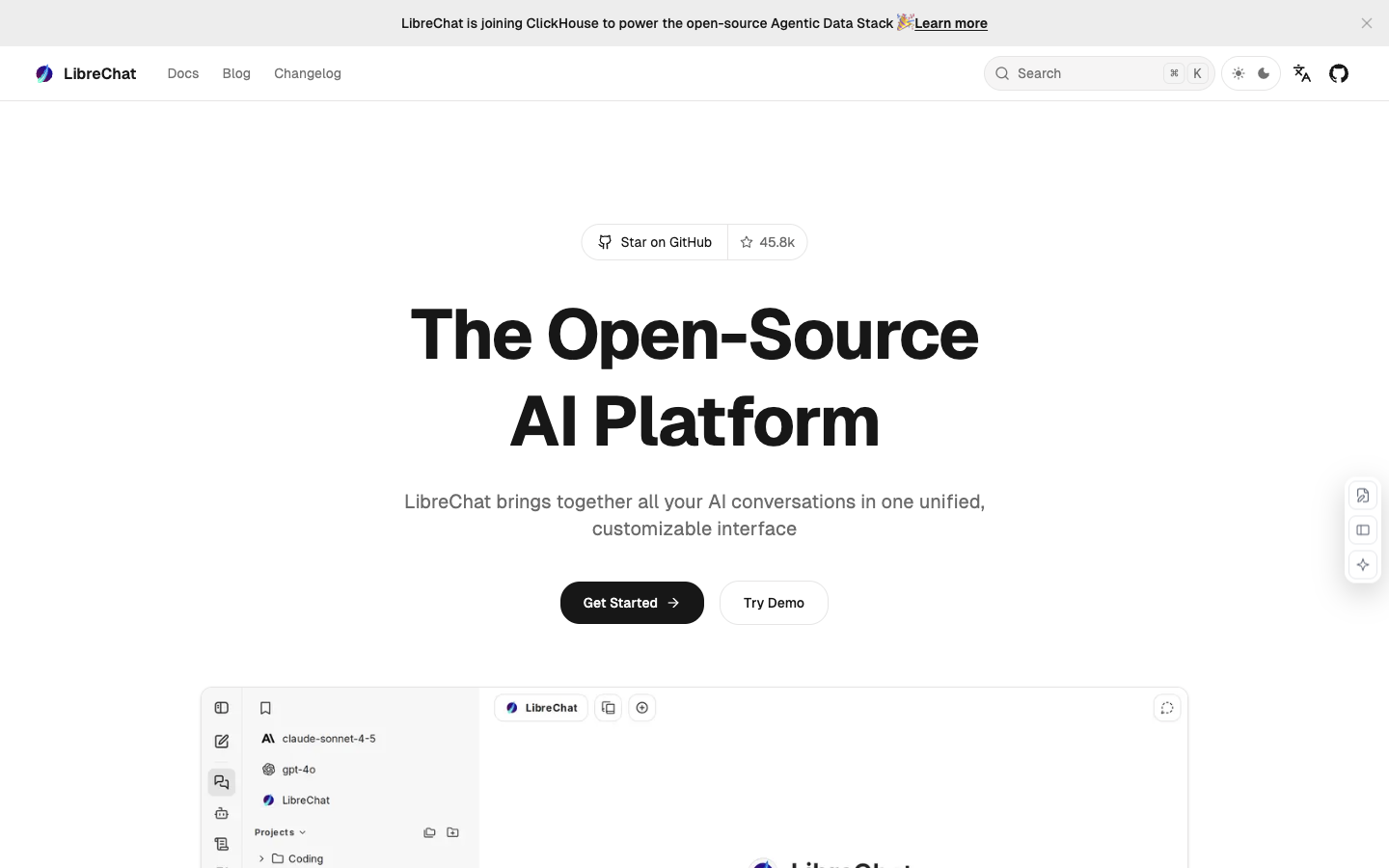
Why it fitsUse a shared chat interface across model providers, with configurable agents, file search and tools.
PrepareYou provide chat prompts, files, provider keys and agent/tool settings.
GetYou receive model responses, file-grounded answers and configured tool results.
ReviewTest provider access and conversation visibility using a non-admin account.
Keep in mindProvider APIs, hosting and optional services can incur charges. Attached code workspaces are described as highly experimental; keep command/write approval boundaries explicit.
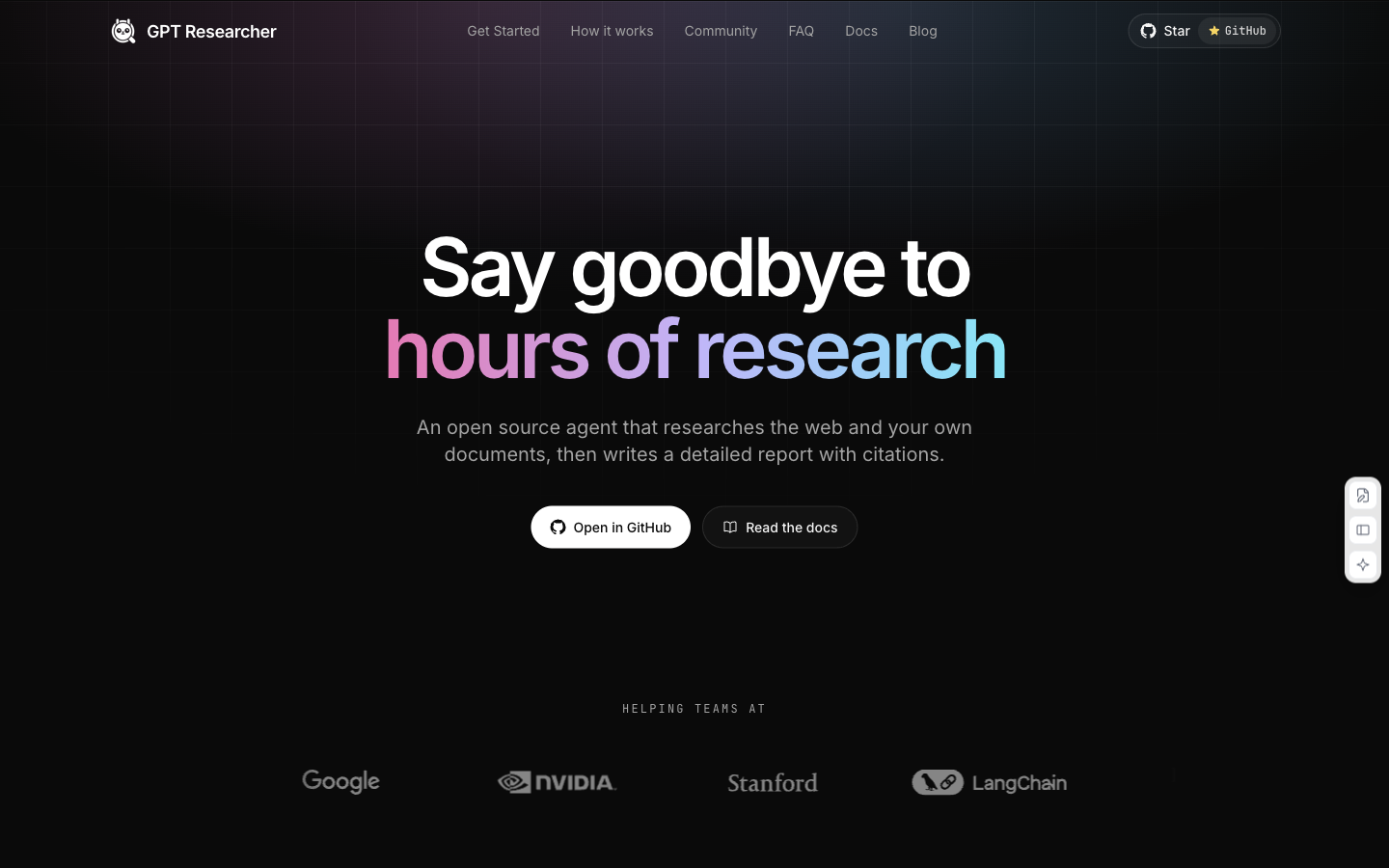
Why it fitsPlan research questions, gather web or local-document evidence and draft a sourced report.
PrepareYou provide a research question, a source scope and model/search connections.
GetYou receive a research report with source links, exportable to PDF or Word.
ReviewOpen the cited sources and check that each material claim is supported by the linked passage.
Keep in mindDefault setup documents model and search API keys. Research can make multiple calls; set provider budgets. Reports may contain stale or incorrectly interpreted evidence.
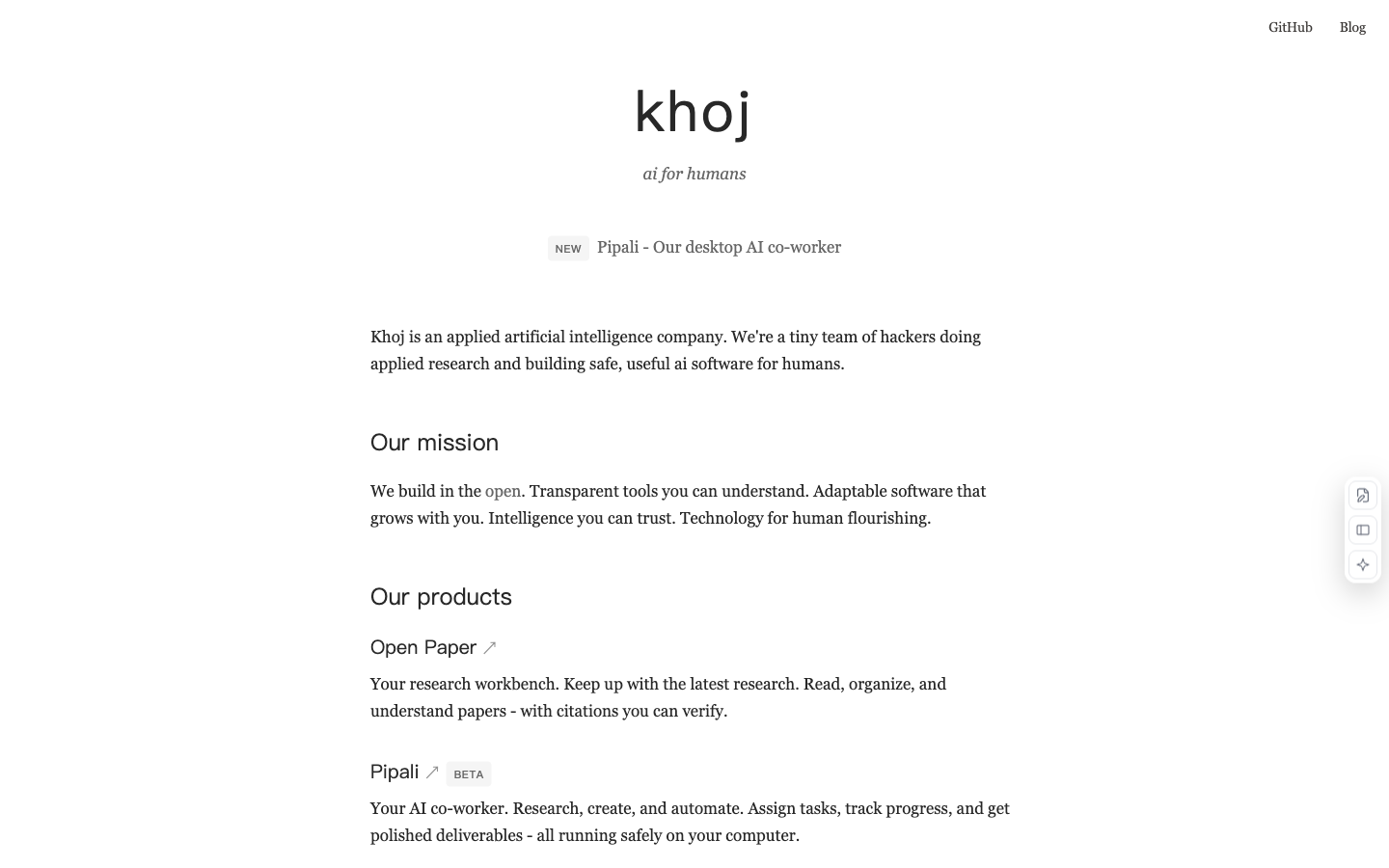
Why it fitsSearch personal documents and the web, chat with models, and configure recurring research assistants.
PrepareYou provide personal documents, questions and optional schedules.
GetYou receive semantic search results, answers and recurring research summaries.
ReviewCheck the scope and recipients of a scheduled research result before enabling recurrence.
Keep in mindSelf-hosted code uses AGPL-3.0; model and hosting costs are separate. Local and cloud model routes differ. Review connected-document and notification permissions.
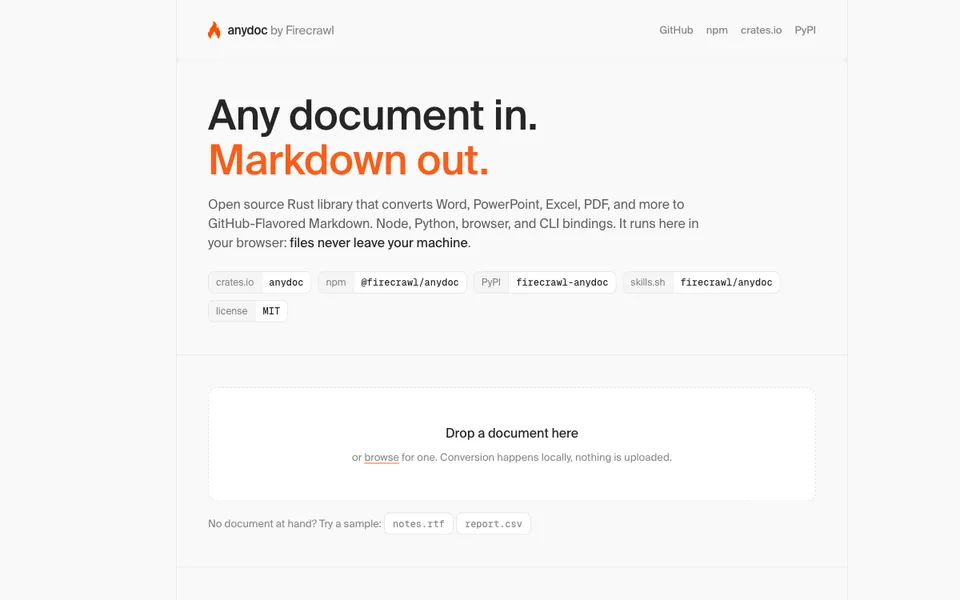
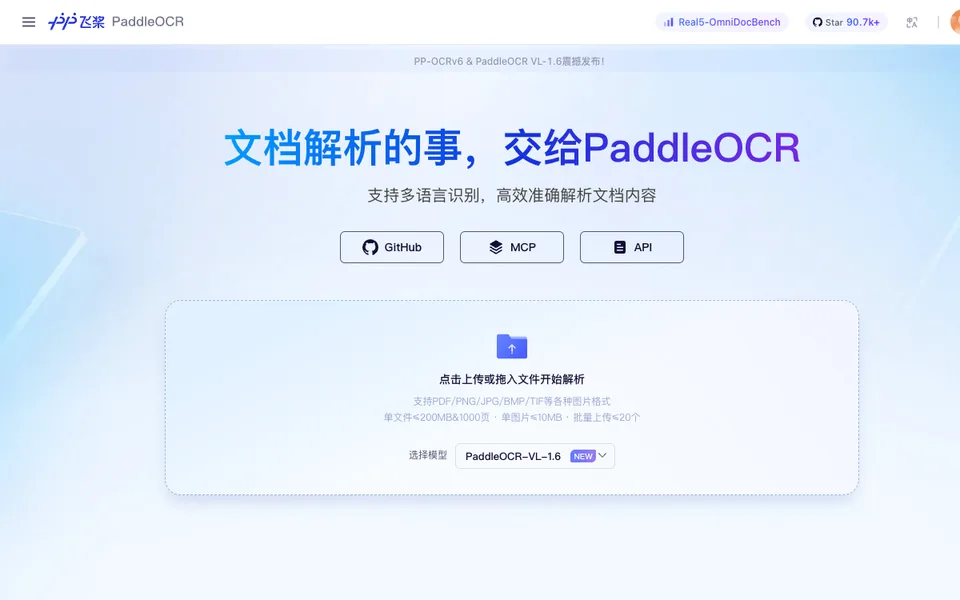
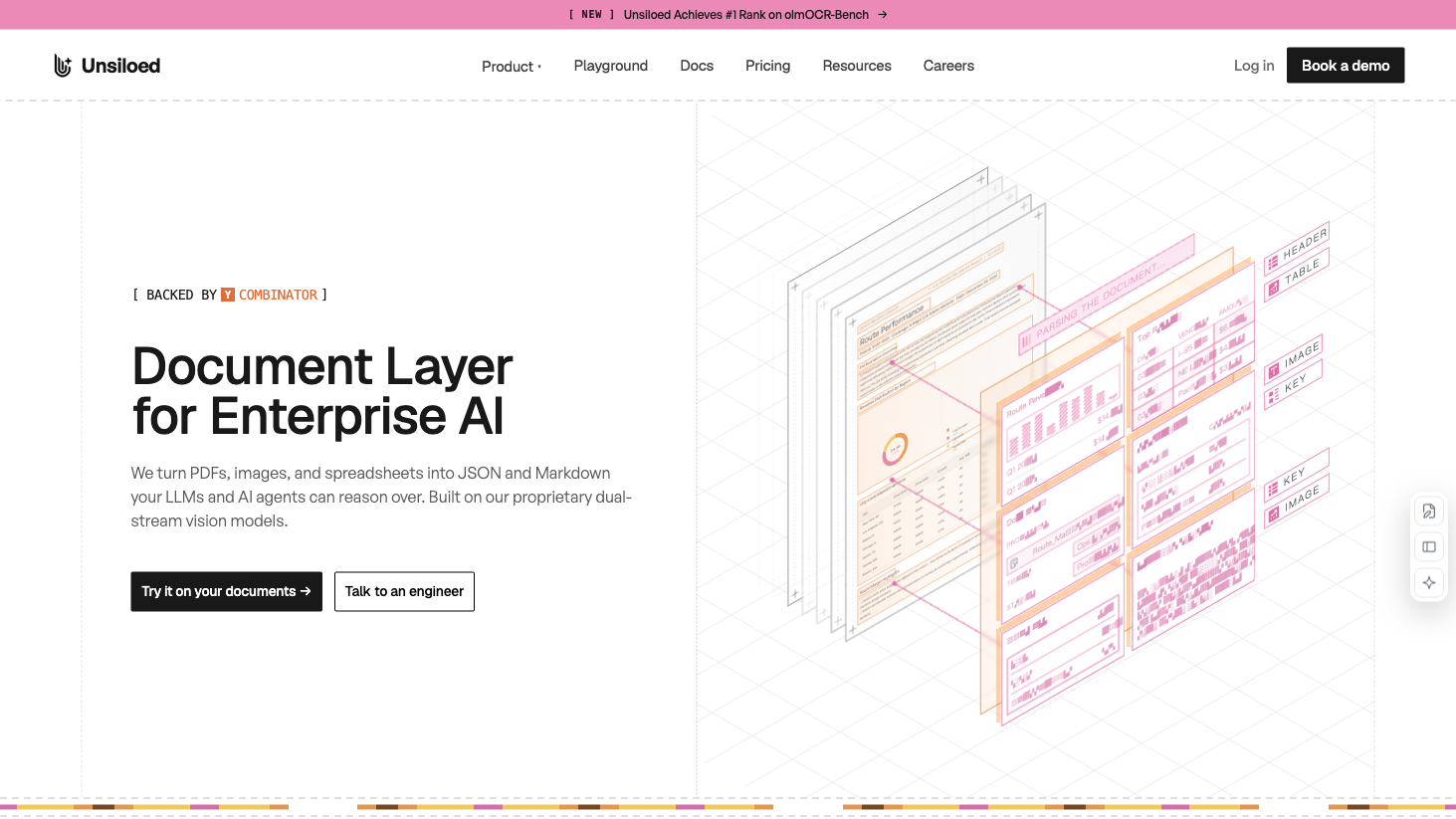
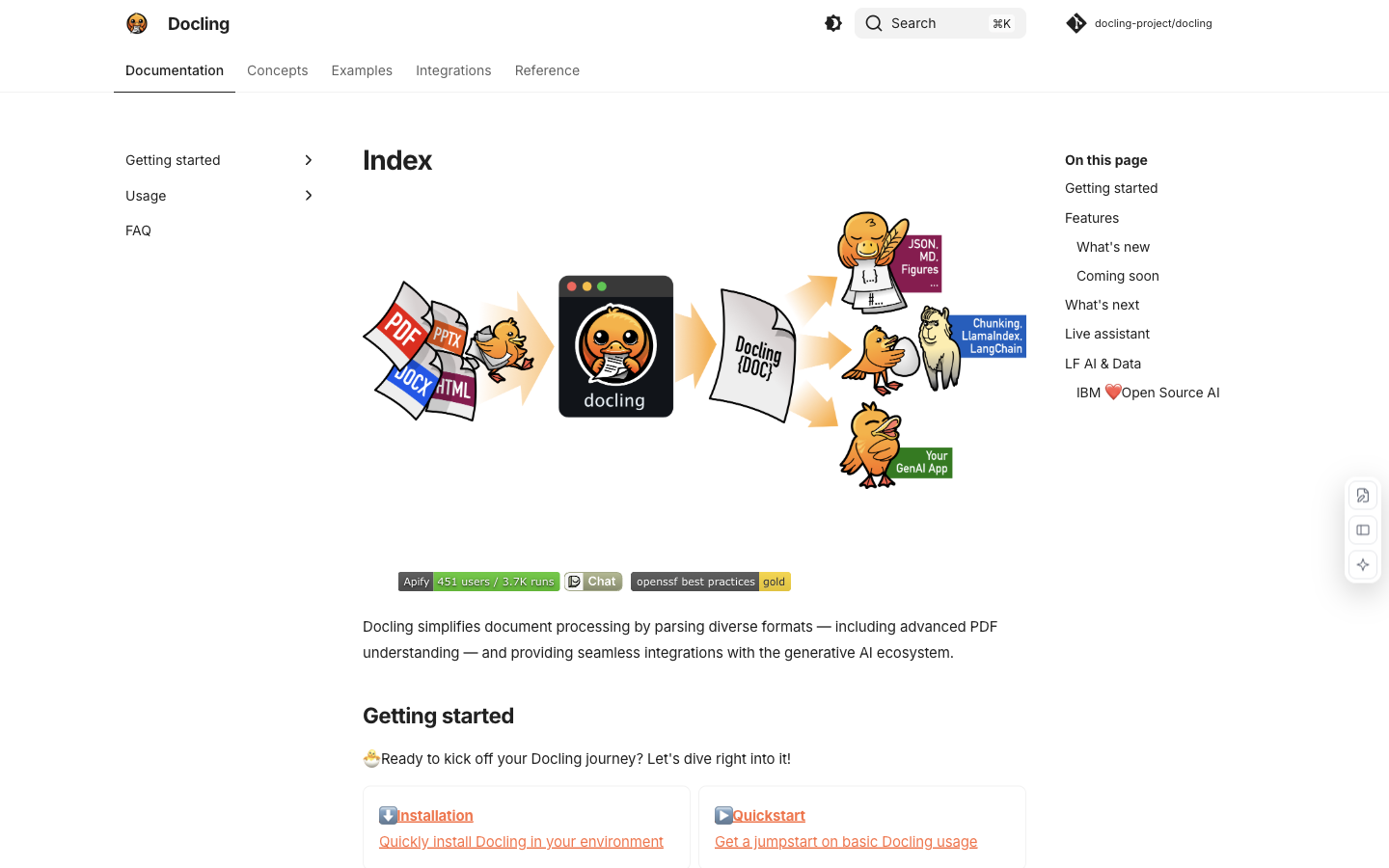
Why it fitsConvert documents into structured text with layout, table and OCR processing for downstream AI applications.
PrepareYou provide PDFs, office documents, images or supported document URLs.
GetYou receive a structured DoclingDocument or an export in Markdown, HTML or JSON.
ReviewCompare merged cells and reading order against the source document before downstream indexing.
Keep in mindPython 3.10+ is required by the current README. OCR/layout models and optional services have their own requirements and licences. Parsing is not fact verification.
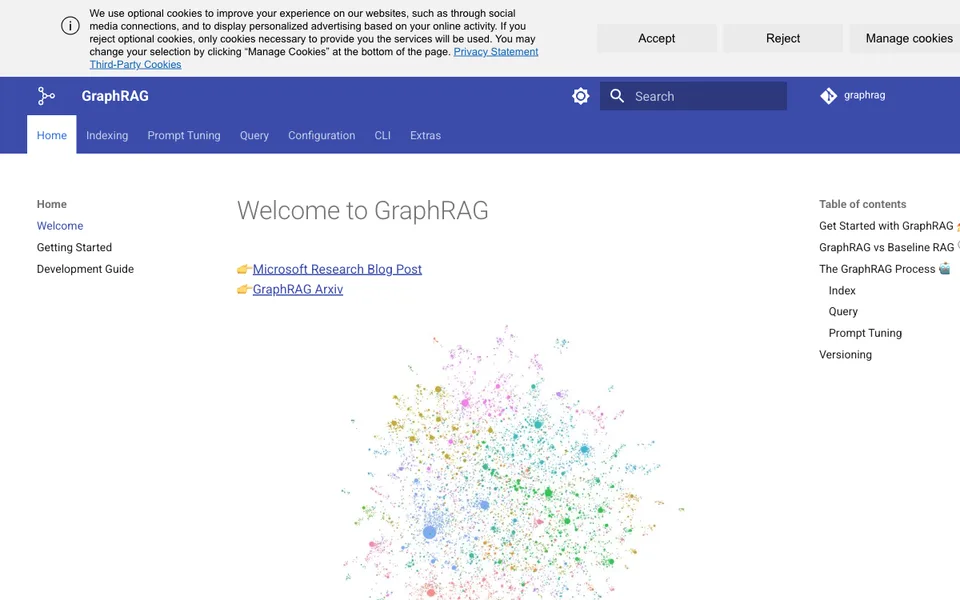
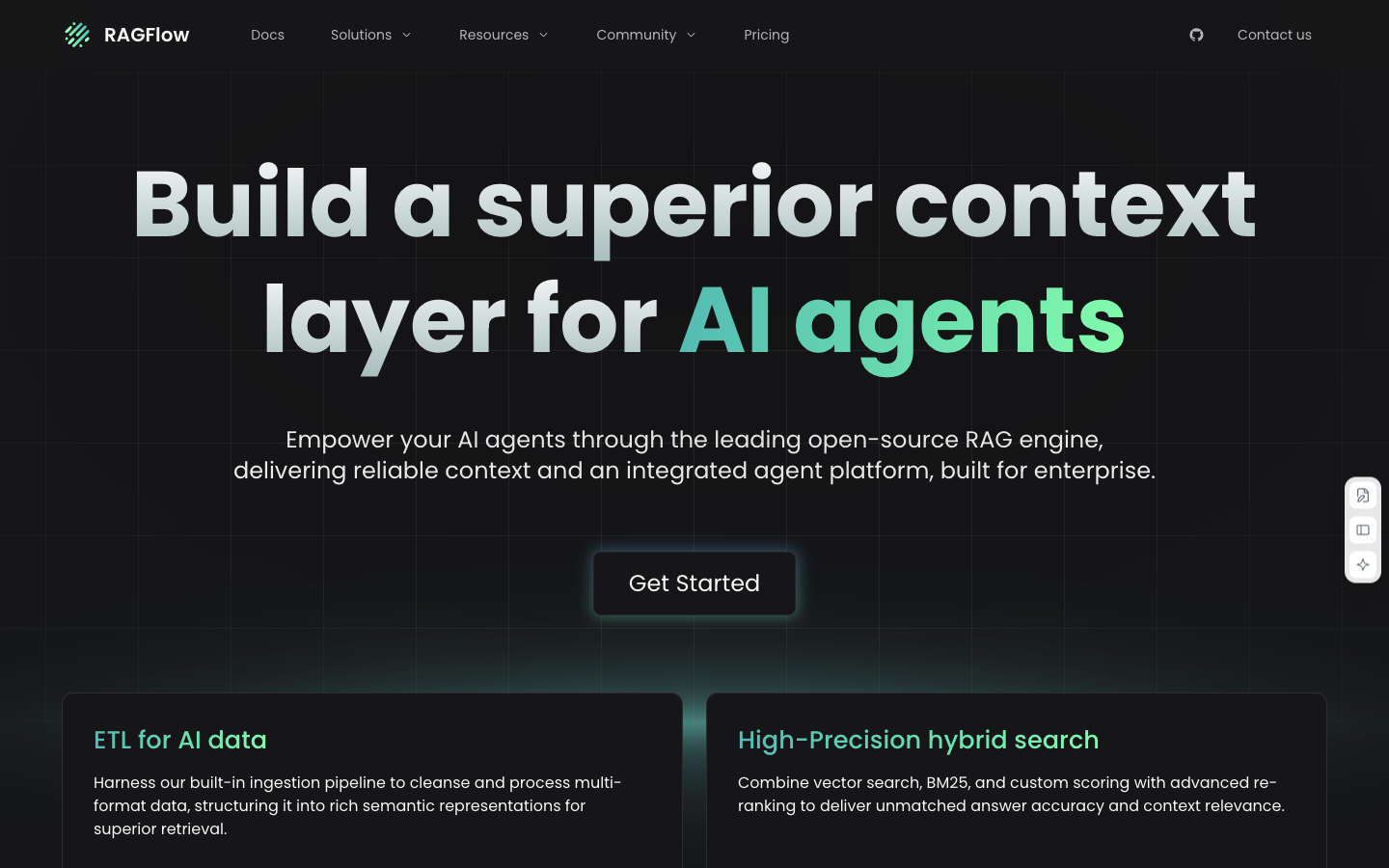
Why it fitsIngest documents, inspect chunks and build retrieval-based answers with traceable source references.
PrepareYou provide documents, chunking settings, retrieval questions and model connections.
GetYou receive inspectable chunks, references and generated answers.
ReviewCheck whether the retrieved chunks actually contain the evidence needed to answer the question.
Keep in mindModel, embedding, storage and parsing resources are separate cost drivers. Current documentation includes release-candidate setup; choose and pin a suitable release before production.
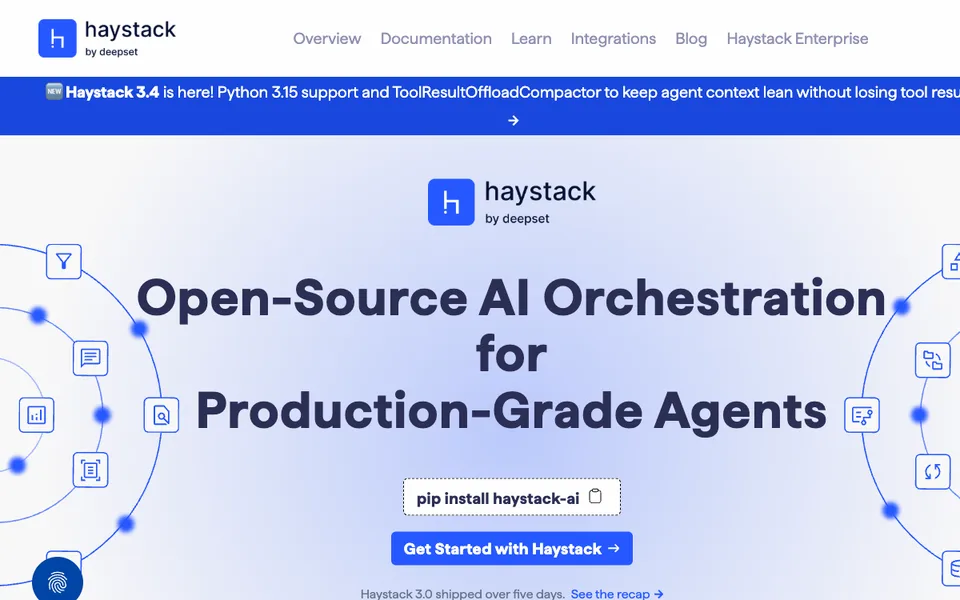
Why it fitsCompose retrieval, routing, generation and agent components into explicit Python pipelines.
PrepareYou provide documents, a component graph, model connections and queries.
GetYou receive pipeline results, retrieval answers and configured agent actions.
ReviewEvaluate retrieval recall and answer grounding separately on a small labeled question set.
Keep in mindThe Apache-2.0 framework does not include hosted inference or managed enterprise services. You must build deployment, data permissions and operational monitoring.
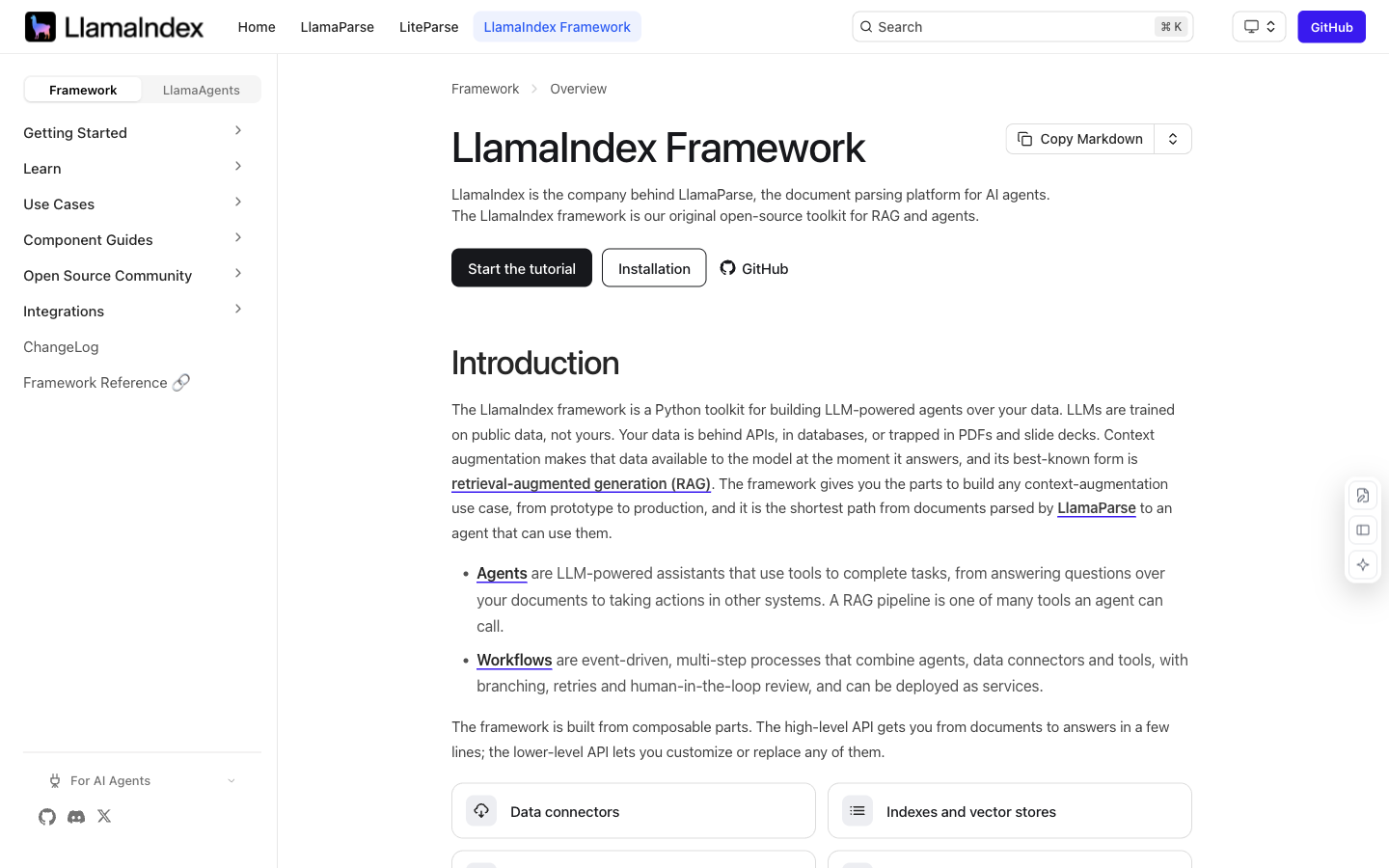
Why it fitsConnect data sources and model providers to build indexing, retrieval and agent applications in Python.
PrepareYou provide data connectors, documents, embeddings and questions.
GetYou receive indexes, retrieval responses and application/agent results.
ReviewPin integration versions and confirm that parser outputs preserve the fields your application needs.
Keep in mindMIT framework availability does not include LlamaParse service credits. Model/provider charges and integration versions need separate review; the stated company focus shift affects long-term selection.
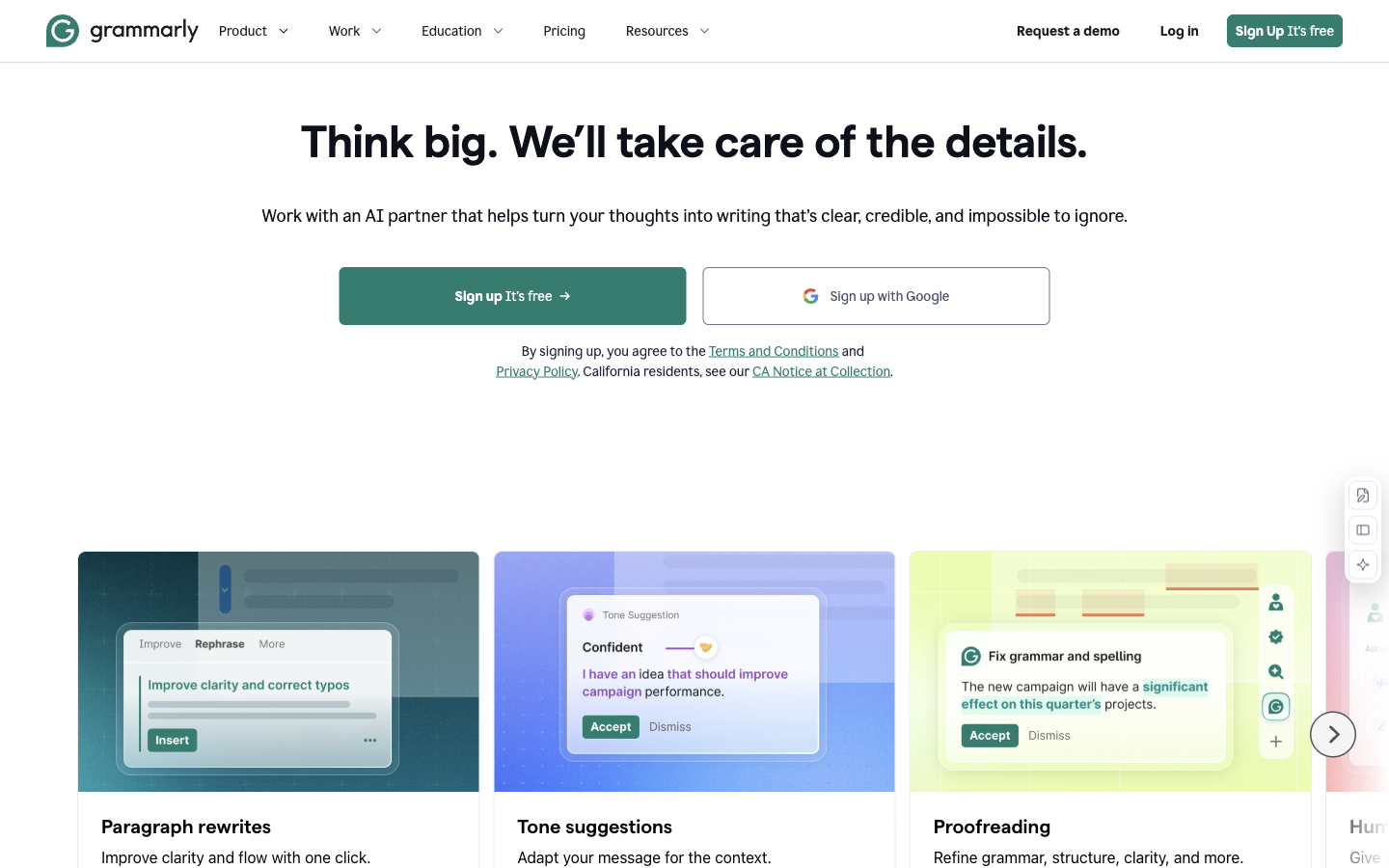
Why it fitsPolish existing writing with grammar, tone and sentence-rewrite suggestions across supported apps.
PrepareYou provide a draft and the intended audience or tone.
GetYou receive writing suggestions and revised text to accept or reject.
ReviewReview names, numeric claims and intended emphasis before accepting a rewrite.
Keep in mindA fluent rewrite can alter a technical qualification or brand tone. The paid writing plan does not establish the truth of a claim, and app support should be checked for the surfaces your team uses.
Why it fitsCompare sentence rewrites, adjust tone and summarize text in a lightweight writing workflow.
PrepareYou enter a sentence or passage and choose the change you want.
GetYou receive alternative wording or a summary for editorial review.
ReviewCheck that the chosen rewrite preserves the original commitment and level of certainty.
Keep in mindDaily rewrite limits and monthly summary limits reset on different schedules. Suggested wording can soften a promise or change certainty; the trial requires a payment card.
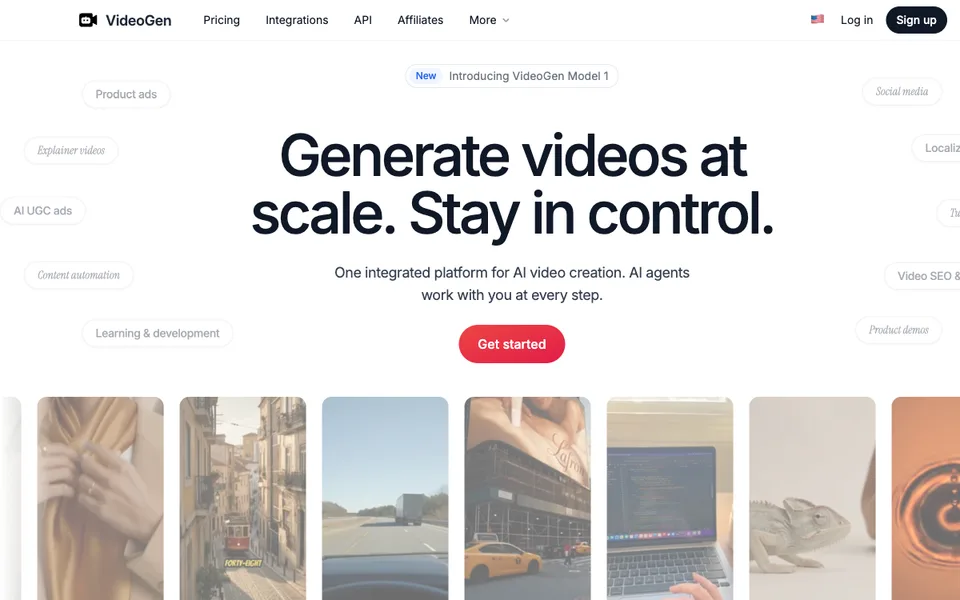
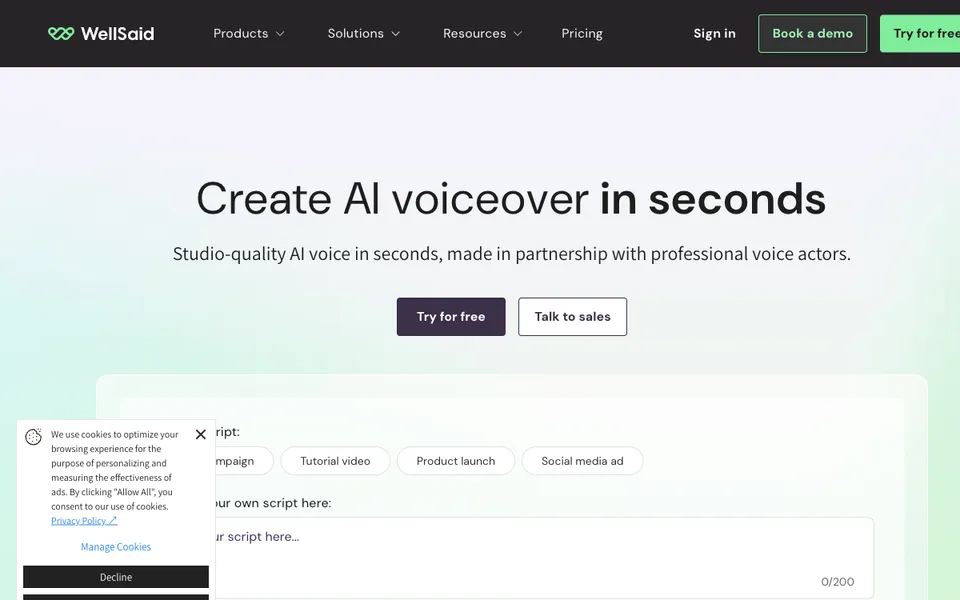
Why it fitsTurn scripts, articles and recordings into narrated videos with stock media, captions and text-based editing.
PrepareYou provide an approved script, article URL or recorded video.
GetYou receive an edited video with selected visuals, narration and captions.
ReviewWatch the full export for mismatched stock scenes, pronunciation errors and caption timing.
Keep in mindThe pricing page mixes annual headline allowances with a comparison table using other periods. This page uses the explicitly annual Starter card; verify the selected offer before checkout. Stock choices and captions still require editorial review.
Why it fitsCreate voice-led videos from scripts, ideas, blog posts or presentations, with stock footage and optional AI media.
PrepareYou supply a script, post, presentation or idea and choose voice and media settings.
GetYou receive a narrated video assembled from the selected scenes and voice.
ReviewVerify pronunciation, translated meaning and rights for every uploaded asset before publication.
Keep in mindThe live plan cards and older FAQ text disagree on some minute limits. Use the current credit-based cards for budgeting; voice regeneration can consume additional credits, and commercial rights are listed on paid plans.
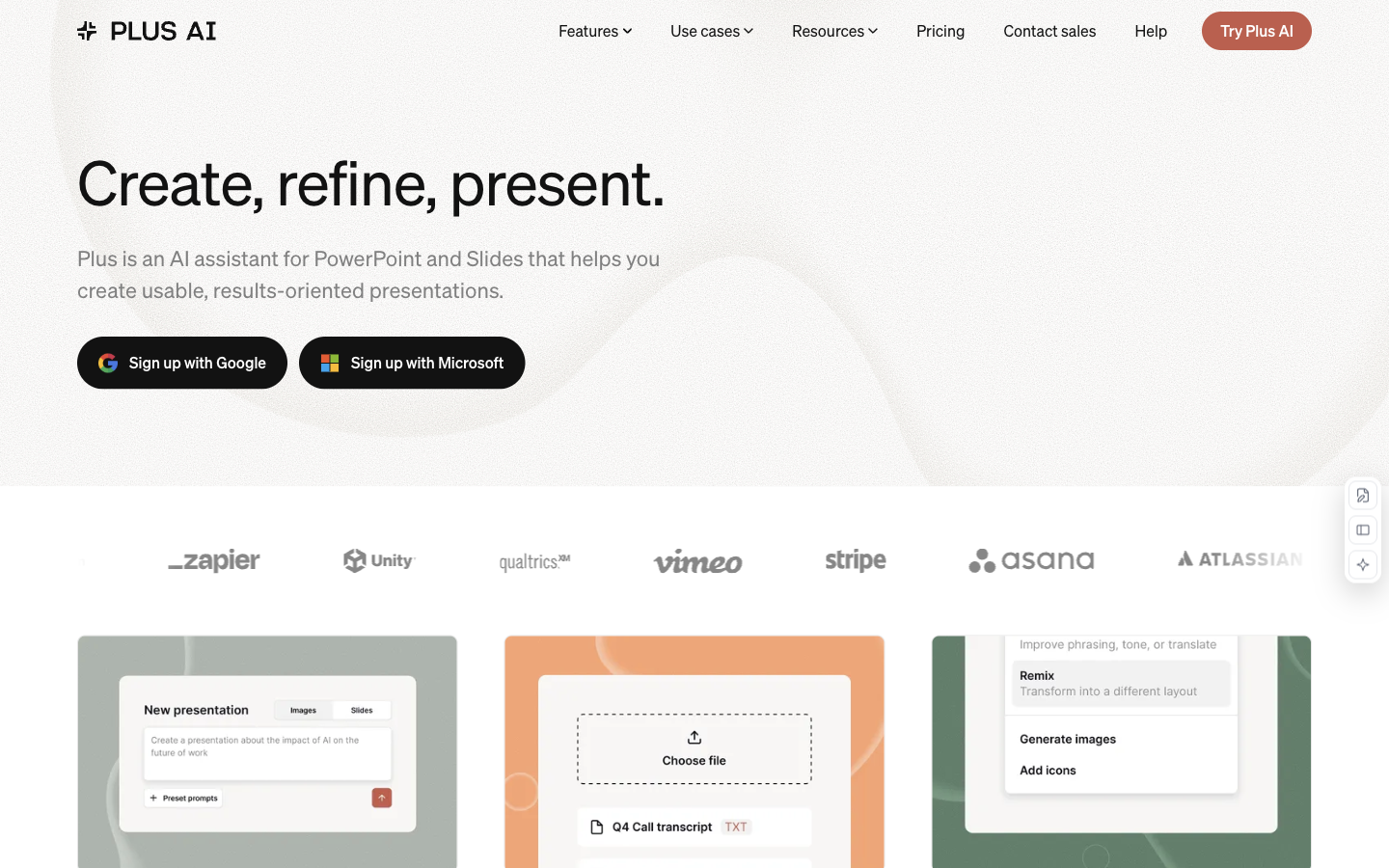
Why it fitsGenerate and revise presentations inside Google Slides and PowerPoint, with document import on higher plans.
PrepareYou provide a presentation prompt or, on Pro and above, an uploaded document.
GetYou receive editable slides in the supported presentation application.
ReviewCheck every imported number, source citation and chart label in the editable deck.
Keep in mindCredits are not a published fixed number of completed decks. Uploading PDFs and generating images require the appropriate tier; corporate templates and branding have separate plan requirements.
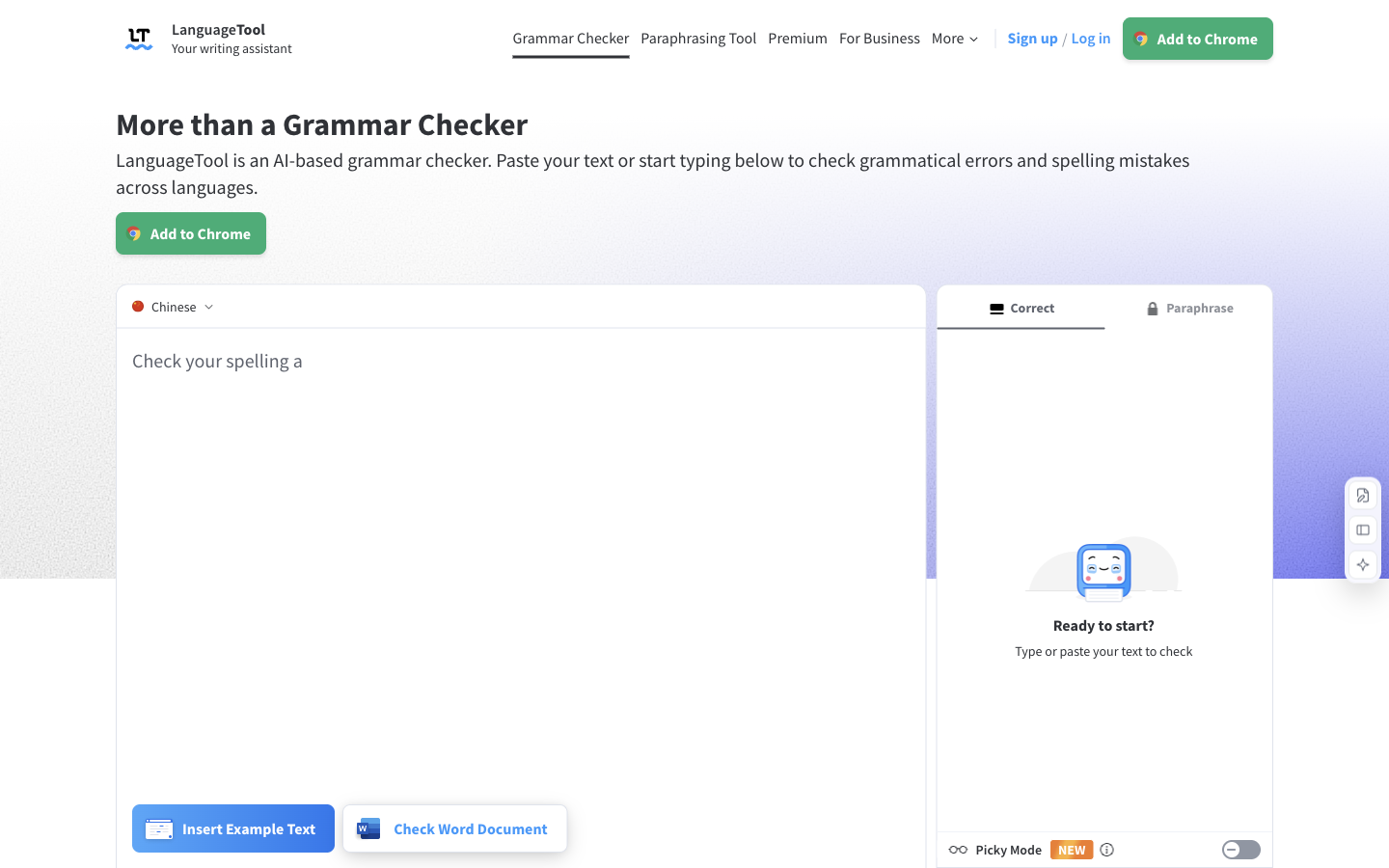
Why it fitsCheck multilingual grammar and style, then rephrase sentences with AI across supported writing integrations.
PrepareYou provide text in a supported language and select correction or paraphrasing.
GetYou receive highlighted corrections and optional sentence alternatives.
ReviewReview specialist terminology and language-specific style before accepting a batch of corrections.
Keep in mindPrices vary by region and billing interval. A character limit is not a word limit, and a grammar correction can still change terminology or intended tone.
Why it fitsGenerate presentation drafts and use Smart Slides to keep layouts aligned as content changes.
PrepareYou supply a presentation brief, source files or links and a visual theme.
GetYou receive an auto-formatted slide deck that you can refine and export.
ReviewInspect chart values, reading order and exported slide edits before sharing.
Keep in mindAutomatic layout is not proof that the argument or numbers are correct. Review PowerPoint export compatibility with your template; this profile evaluates the individual plan because the team seat description needs clarification.
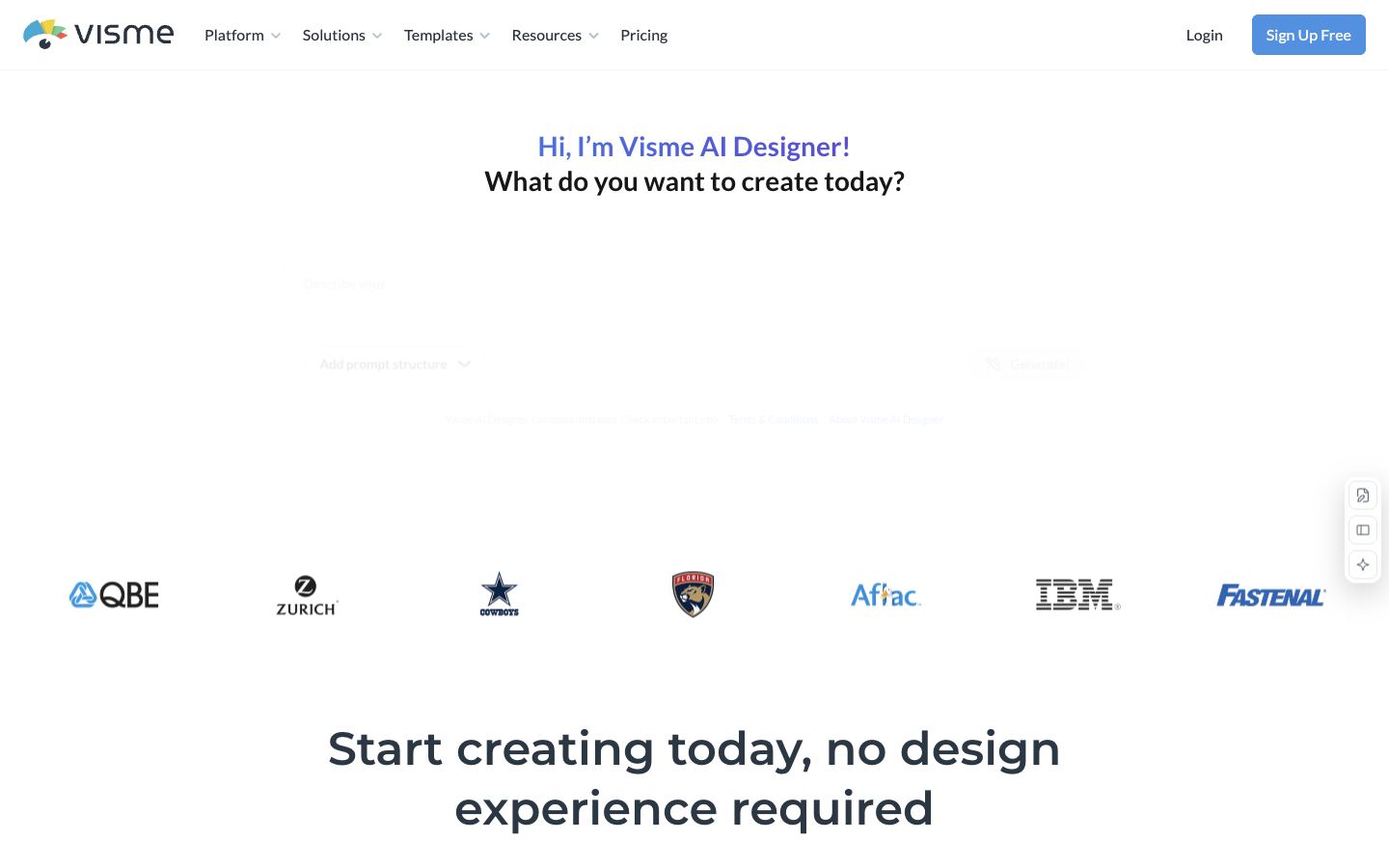
Why it fitsUse AI-assisted design to build presentations, reports and other visual content in one browser workspace.
PrepareYou enter a design brief and supply text, data or visual assets.
GetYou receive editable visual projects and downloads supported by your plan.
ReviewVerify the export format, chart data and visibility settings before handing the file to a client.
Keep in mindFree creation does not mean every download format is free. AI generation allowances should be checked separately from project count, and private sharing requires the appropriate plan.
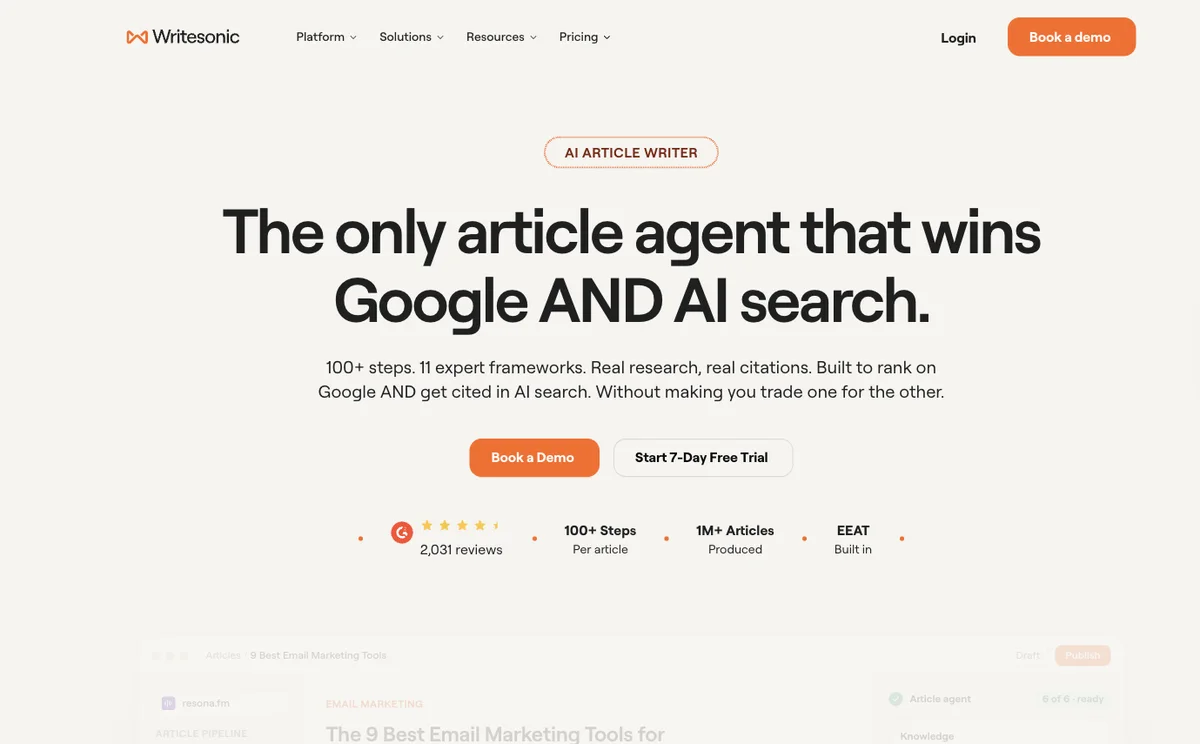
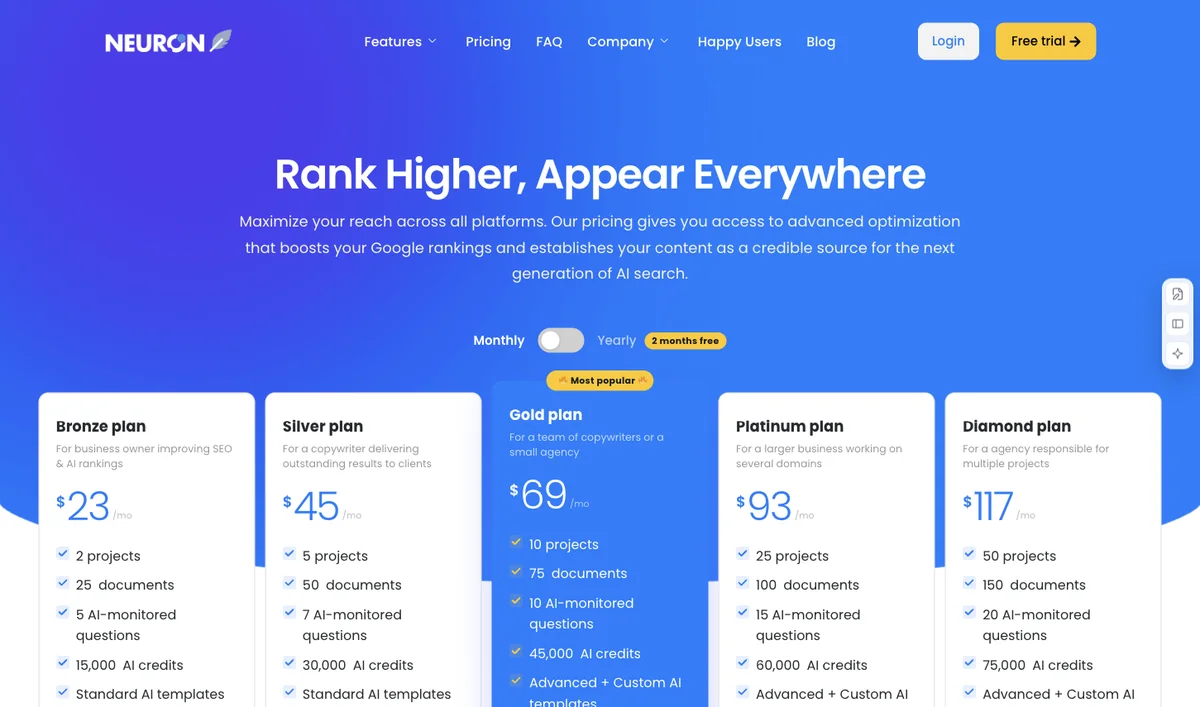
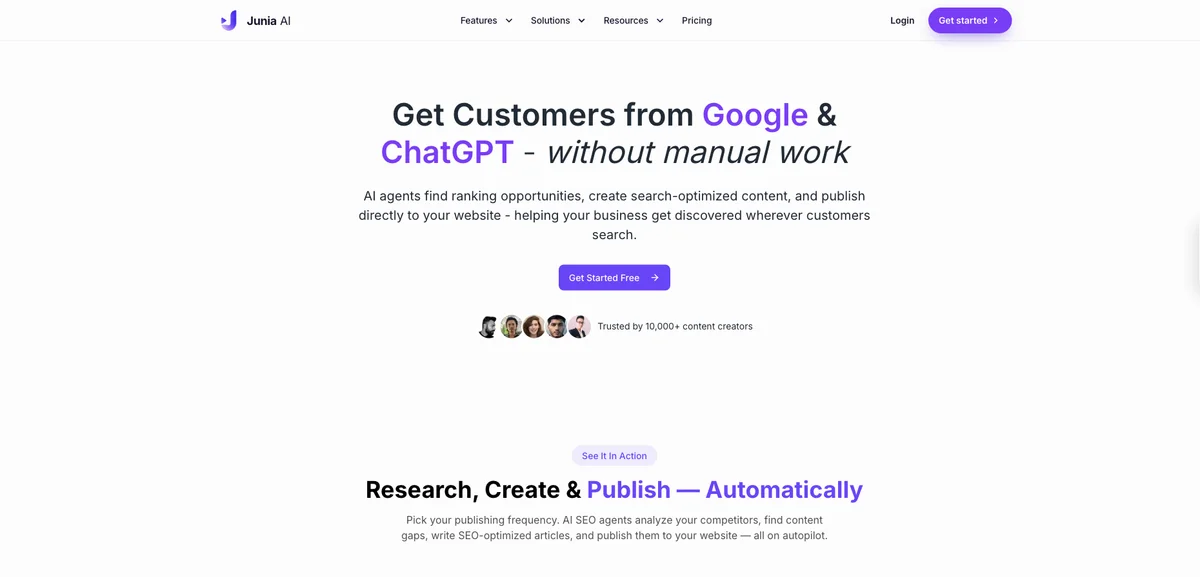
ReviewVerify cited claims and keep approval enabled until source quality and CMS output are checked.
Keep in mindAutomatic publishing is configurable and should not substitute for editorial review. Higher-tier pay-as-you-go is optional and off by default; AI scores and publication do not establish search indexing or traffic.
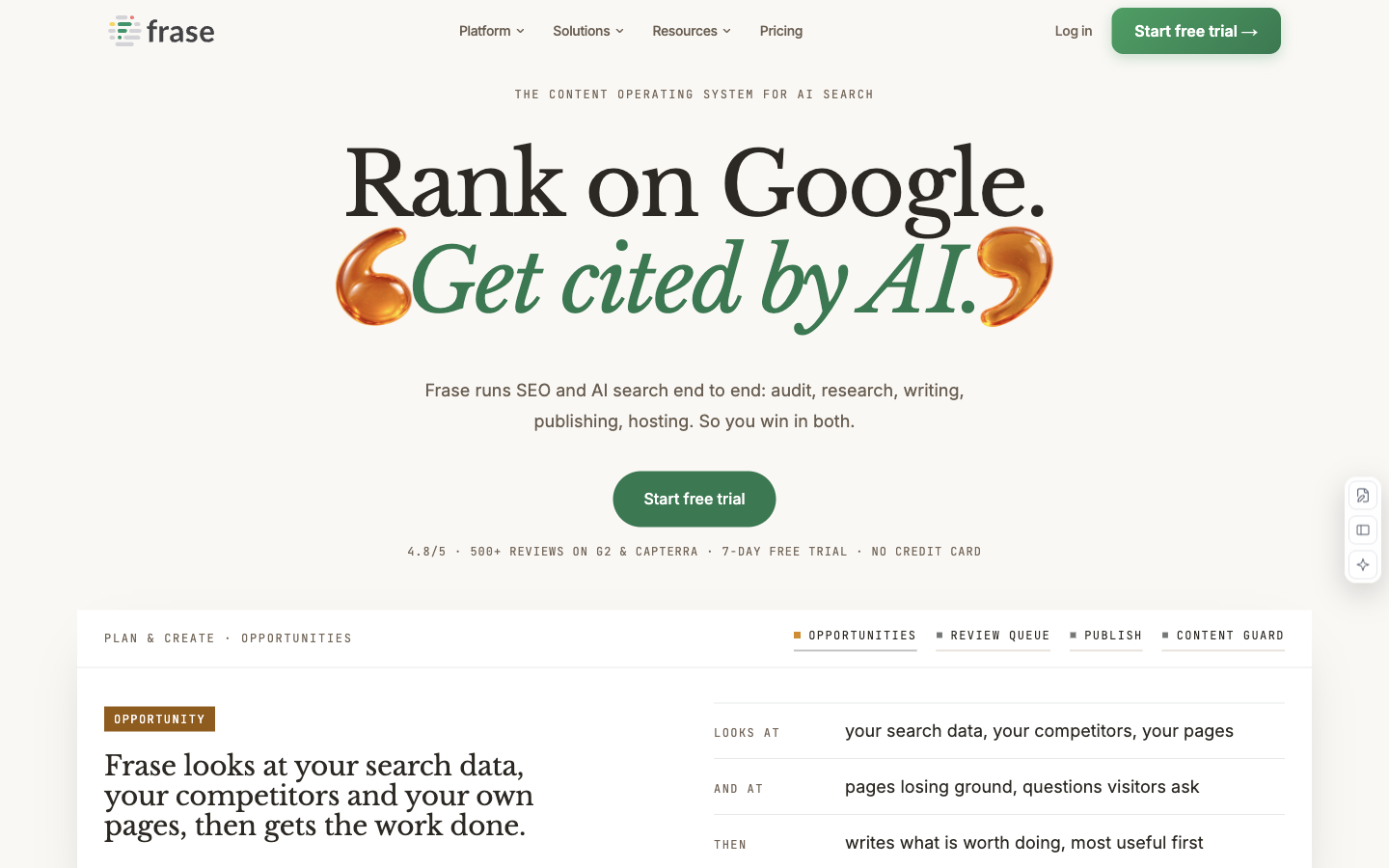
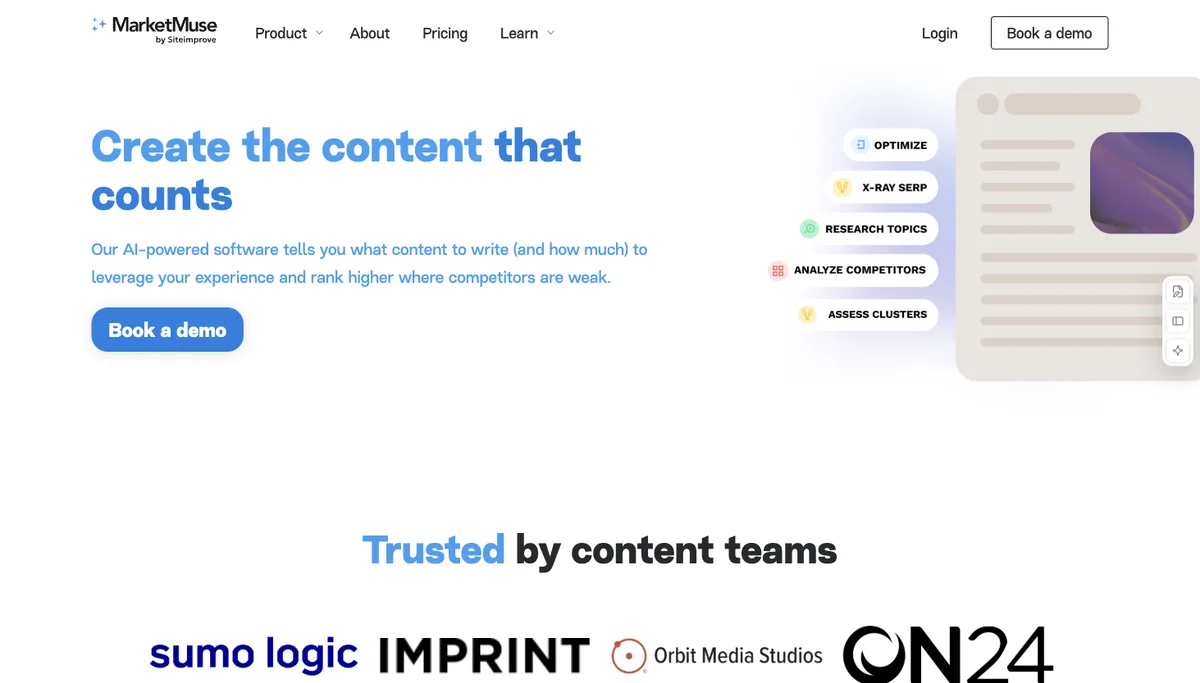
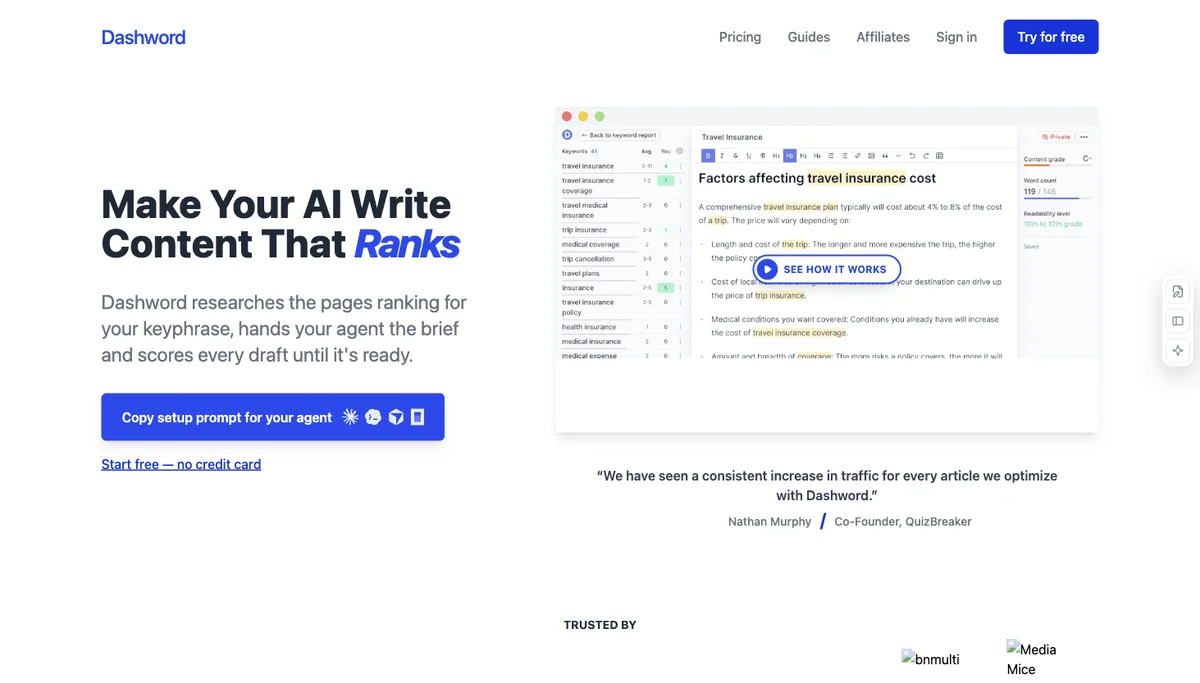
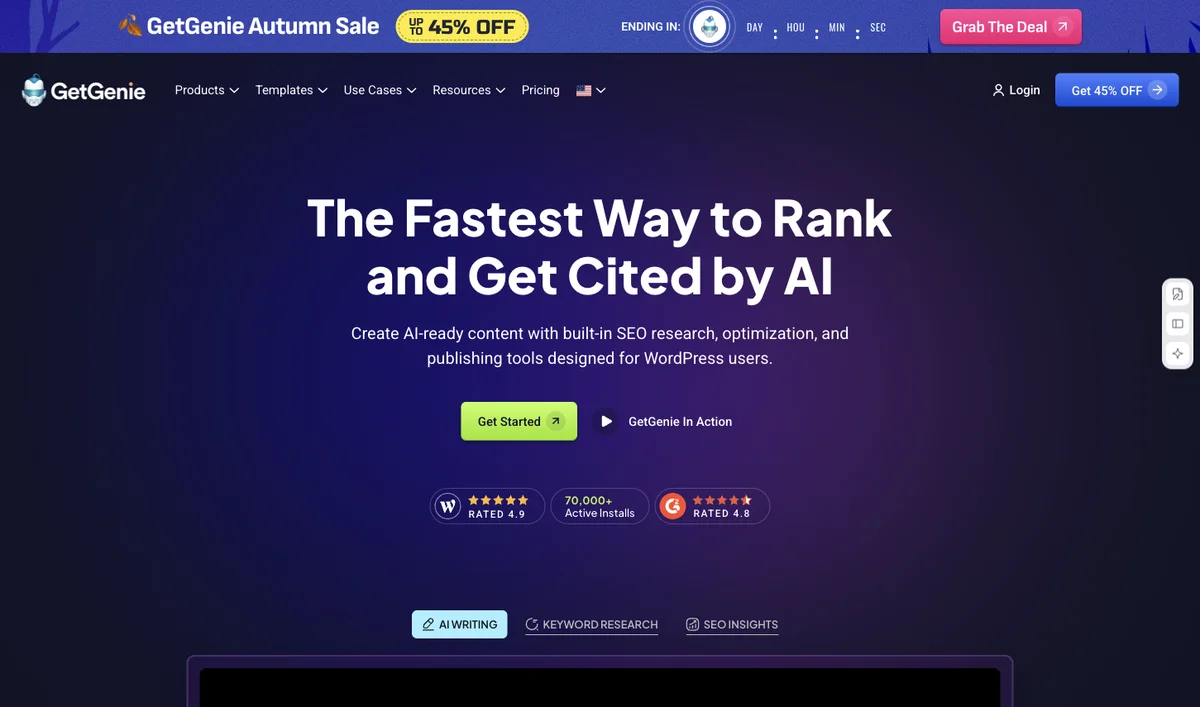
Why it fitsUse AI-assisted content optimization and optional AI-search visibility monitoring to plan and improve website pages.
PrepareYou provide a target query, draft page and optional brand-monitoring prompts.
GetYou receive optimization guidance and visibility observations for the selected plan.
ReviewKeep useful terminology only when it improves the answer and verify every added factual claim.
Keep in mindDocument counts are quoted as displayed without assuming a reset period not stated in the captured card. Optimization recommendations need editorial judgment; ranking and AI citations are not guaranteed.
ReviewCheck the cited workspace pages, meeting decisions and proposed write actions before accepting results.
Keep in mindConnected search and actions inherit configuration and permission boundaries. Business and Enterprise have different provider-retention terms; review the applicable tier before connecting sensitive sources.
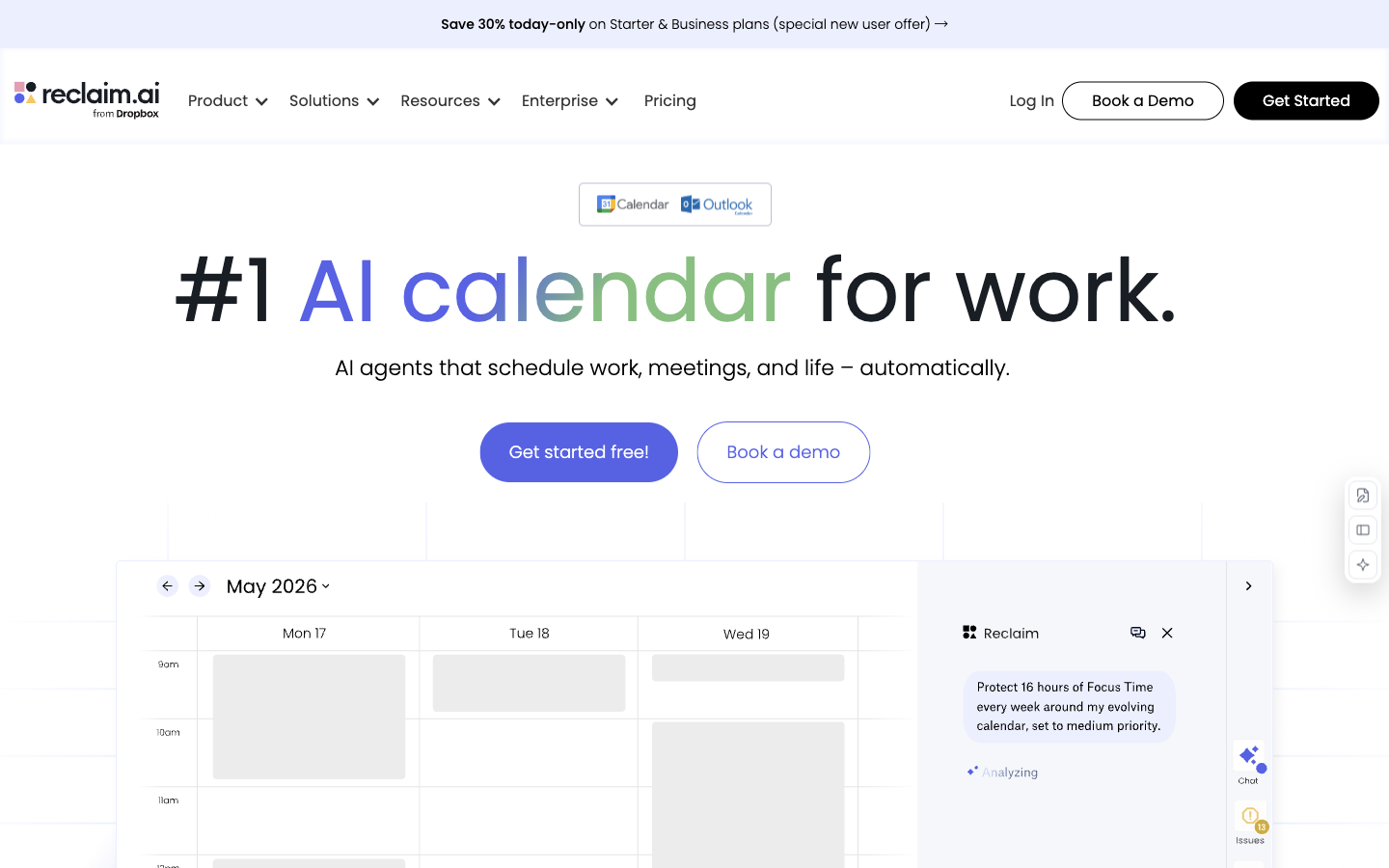
Why it fitsProtect focus time, schedule habits and coordinate meetings around a connected calendar’s changing availability.
PrepareYou connect calendars and define focus-time, habit and meeting rules.
GetYou receive scheduled blocks and calendar adjustments within the configured rules.
ReviewReview the first rescheduled week for conflicts, working-hour boundaries and excessive fragmentation.
Keep in mindScheduling depends on calendar permissions, priorities and realistic task durations. The product cannot create extra working hours; protect immovable meetings and confirm which calendars may be edited.
Why it fitsCombine AI task planning, projects and calendars to allocate work around deadlines and availability.
PrepareYou provide tasks, deadlines, effort estimates and connected calendar availability.
GetYou receive a planned schedule and project or task updates.
ReviewConfirm deadlines, estimated effort and which meetings are allowed to move.
Keep in mindThe price page separates individual and team views. Scheduling quality depends on task duration and priority inputs; AI-credit allowances are separate from the number of tasks you create.
Why it fitsGenerate marketing-copy variants and use predictive scores to shortlist messaging for further testing.
PrepareYou supply a marketing brief, audience and brand guidance.
GetYou receive copy variants and available predictive performance scores.
ReviewReview claims and brand tone, then compare shortlisted copy with real campaign outcomes.
Keep in mindA predicted performance score is a model estimate, not observed clicks or conversions. Connecting historical channel data and accessing custom models depend on higher plans.
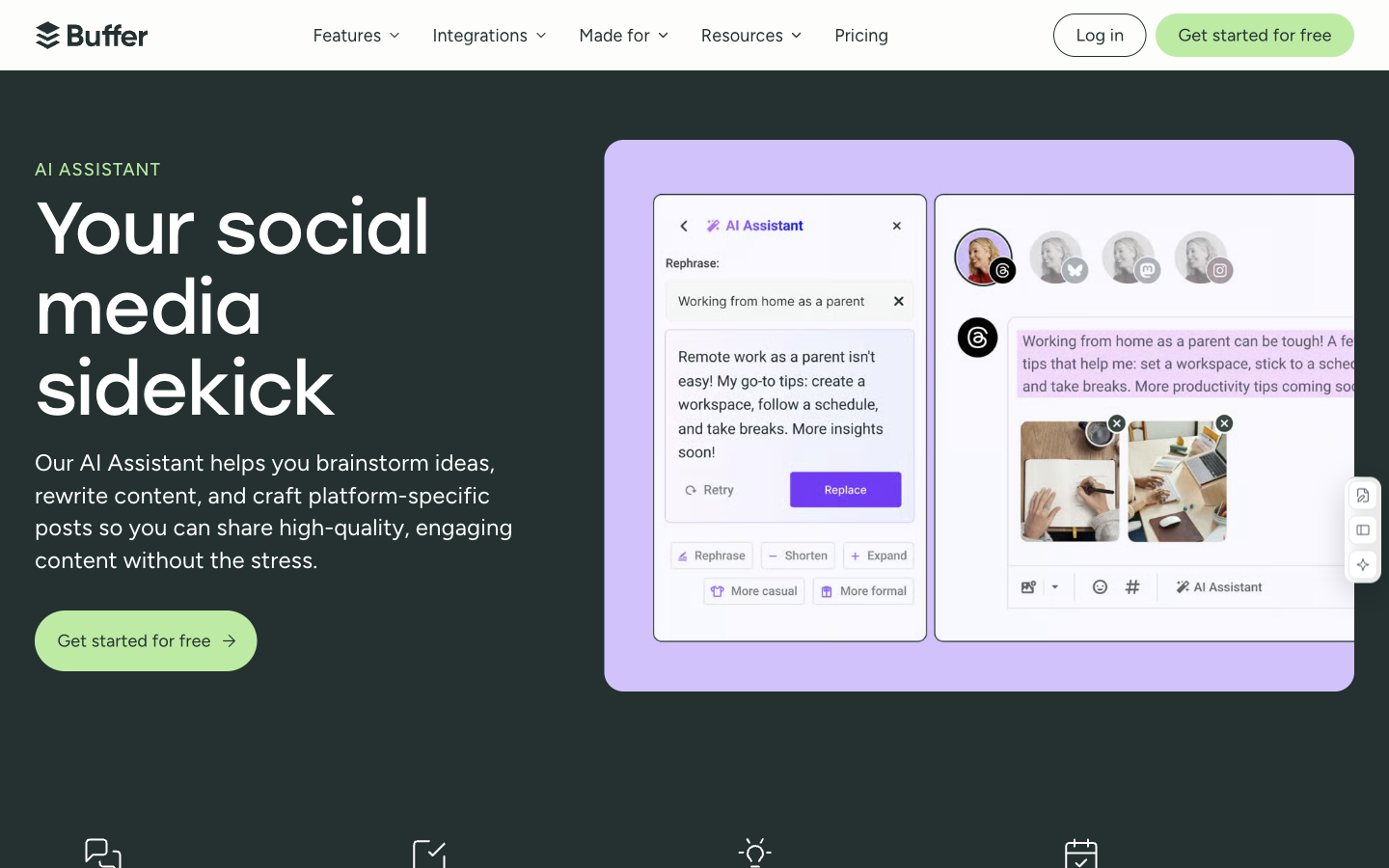
Why it fitsRefine and repurpose social posts with AI, then manage drafts and scheduled publishing in the same workspace.
PrepareYou provide a draft or idea and choose its target social channel.
GetYou receive revised posts that can be saved or placed in a publishing queue.
ReviewCheck destination accounts, post previews and scheduled times before approving publication.
Keep in mindPublishing capabilities vary by social network and account type. AI draft quality and queue capacity are separate from analytics, collaboration and approval features.
Why it fitsDraft emails, posts and pages, with an optional relationship assistant that draws context from connected communication sources.
PrepareYou supply a writing brief or authorize communication sources for relationship context.
GetYou receive text drafts, contextual briefings and suggested follow-up actions.
ReviewVerify names, commitments and recipients before approving a follow-up message.
Keep in mindConnected communication can include sensitive context. The vendor describes follow-up drafts as requiring approval; review connection scope and confirm recipient details instead of assuming remembered context is correct.
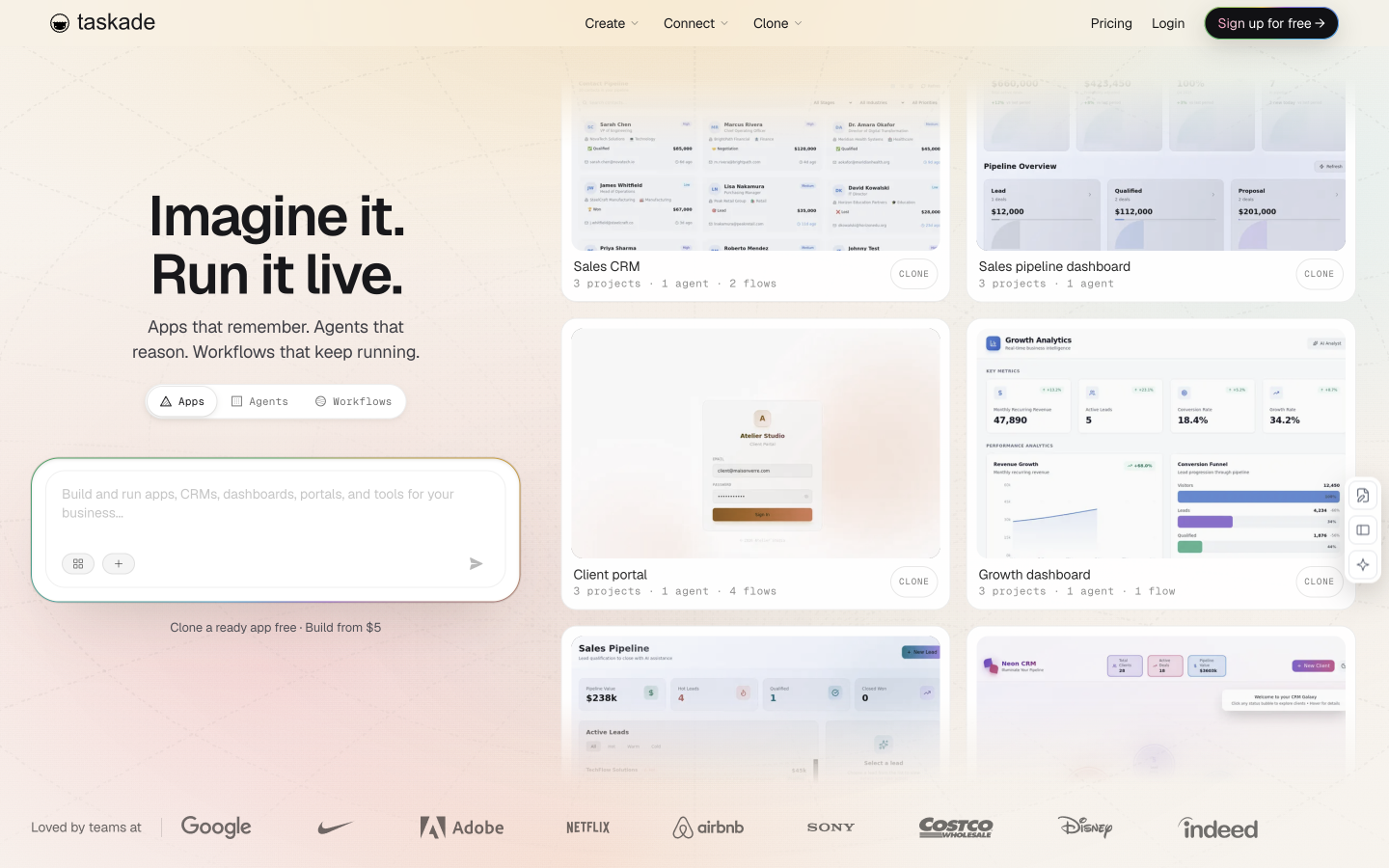
Why it fitsBuild AI apps, agents and connected workflows around a shared workspace without starting from a self-hosted framework.
PrepareYou provide a workflow prompt, source knowledge and authorized integrations.
GetYou receive an AI app or agent workflow with configured actions and outputs.
ReviewCheck the destination and write permissions of each integration before enabling an unattended run.
Keep in mindUnlimited apps or agents does not mean unlimited AI execution. Credit use depends on the model and workflow; connected actions need explicit permissions and suitable error handling.
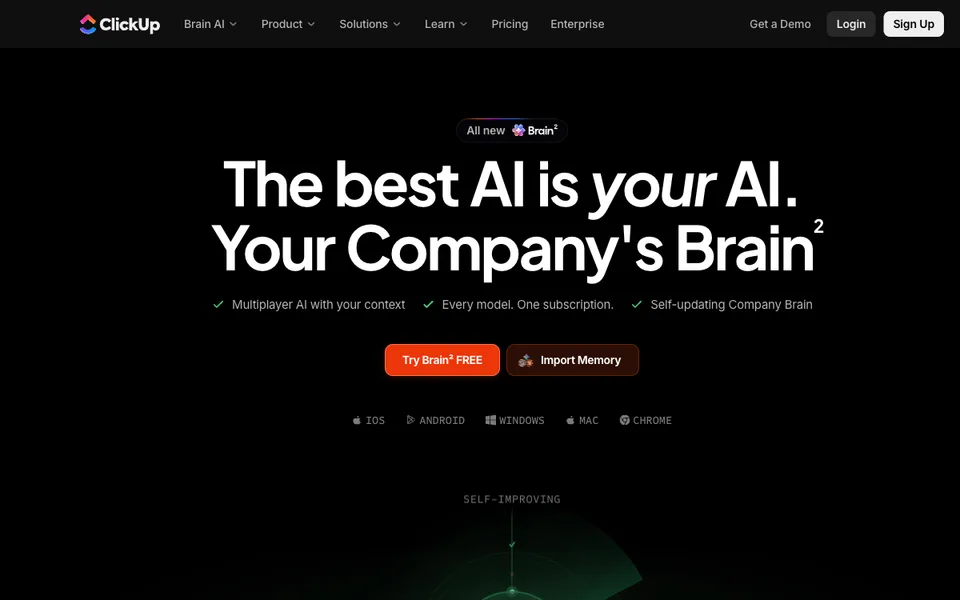
Why it fitsSearch workspace knowledge, draft content and assist task workflows with AI tied to ClickUp projects and documents.
PrepareYou provide workspace tasks, documents and a question or requested action.
GetYou receive contextual answers, written drafts and task-workflow assistance.
ReviewVerify task ownership, due dates and source permissions before accepting AI-generated updates.
Keep in mindCredit consumption varies with action complexity, and unlimited features remain subject to fair use. Workspace upgrades apply to all members; confirm which people and AI features the selected purchase covers.
Why it fitsTurn spoken ideas and vague goals into structured tasks, clearer next steps and natural-language task filters.
PrepareYou provide spoken ideas, a goal, an existing task or a desired filter.
GetYou receive structured tasks, suggested subtasks or a usable task filter.
ReviewConfirm extracted dates, labels and priorities before saving a spoken task list.
Keep in mindTask suggestions do not verify commitments or deadlines. External AI connectors use authorized task access and may have their own subscription requirements; connecting an assistant does not make its model usage free.
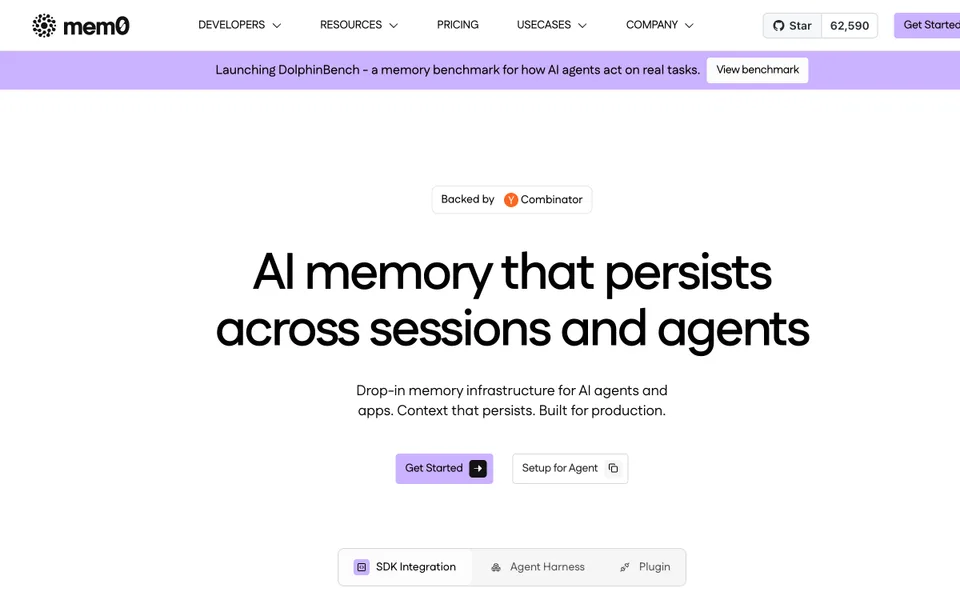
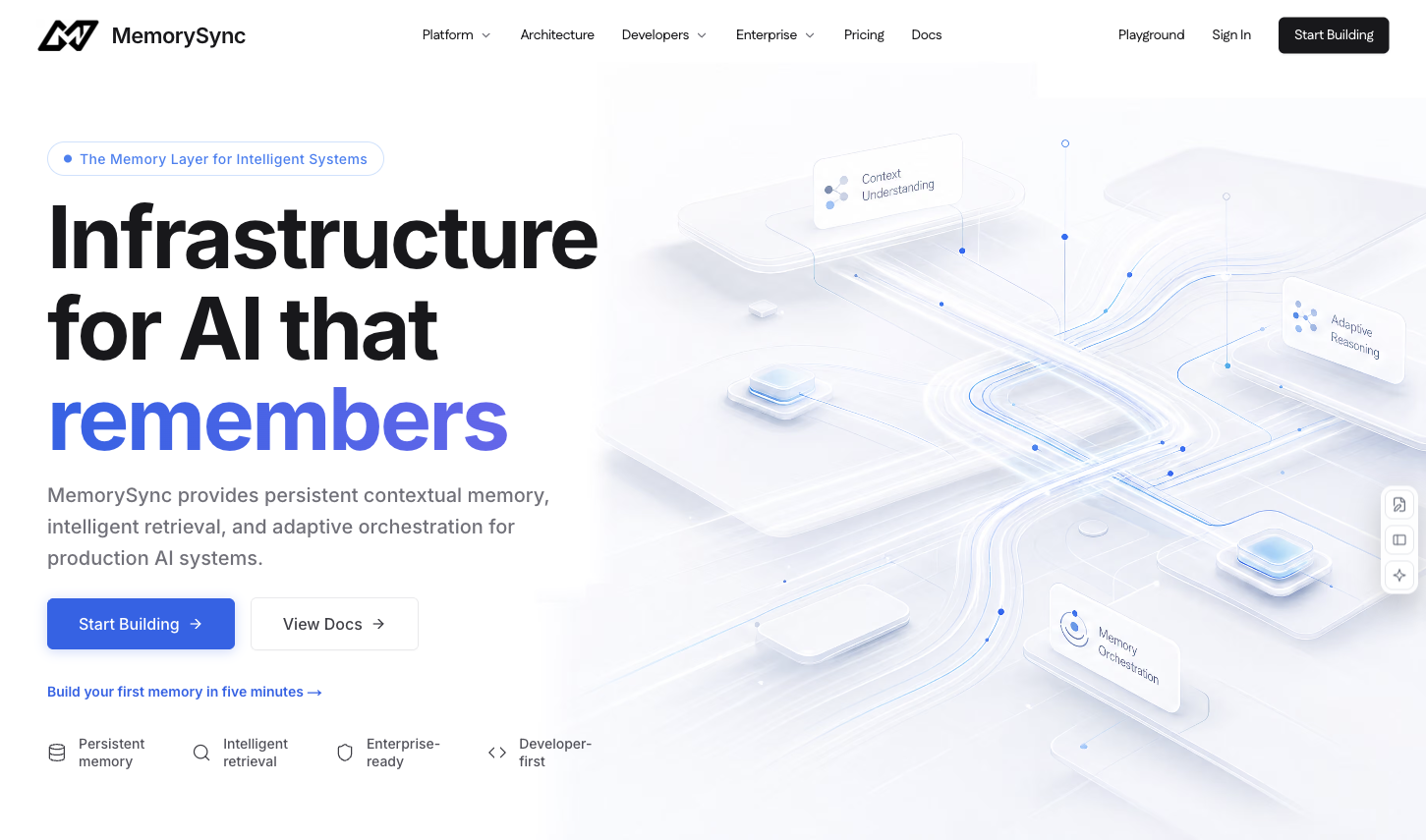
Why it fitsA hosted memory API that extracts durable facts and retrieves relevant context for AI applications.
PrepareApproved preferences or useful task outcomes, a stable non-sensitive end-user ID, and optional source labels or metadata
GetExtracted durable memories with identifiers and associated metadata
ReviewApprove which facts are stored and correct stale or wrongly inferred preferences; retrieved text is data, not trusted instructions.
Keep in mindAgenlify reviewed public official sources only. We did not create an account, submit memories, benchmark retrieval or independently verify security claims.
Why it fitsCompare Midjourney GPU-hour plans for visual concepts, including the privacy upgrade and the difference between fast and relaxed generation.
PrepareProvide a written visual brief and any reference images you have permission to use.
GetThe workflow returns generated image variations that you can select and refine.
ReviewCheck composition, lettering and usage rights before delivering a selected image to a client.
Keep in mindFast-time consumption varies by operation. Stealth is restricted to Pro and Mega, and companies above USD 1 million gross revenue must use Pro or Mega under the published plan rules.
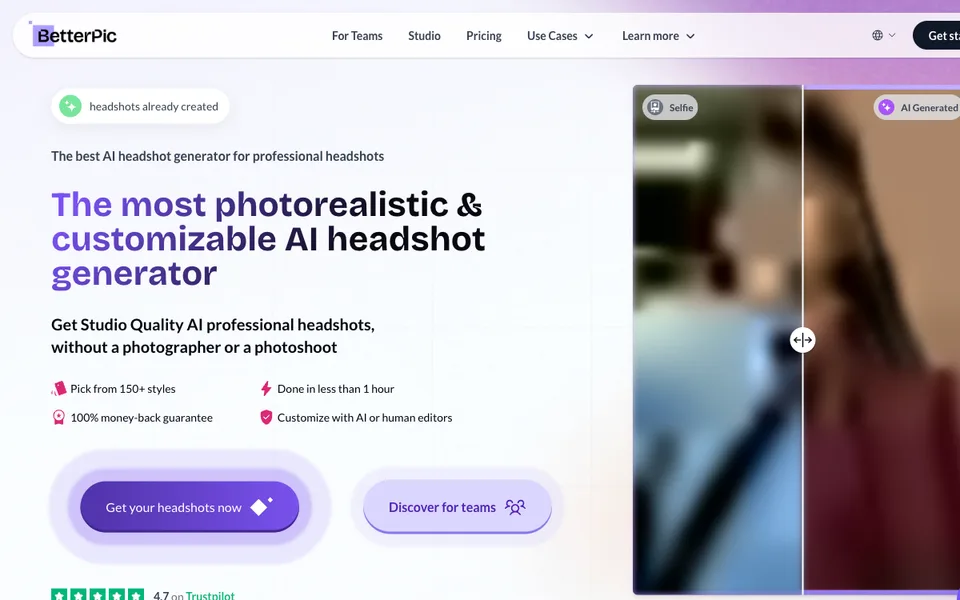
Why it fitsCompare BetterPic headshot packages by style count, edit allowance and refund timing before uploading your portrait photographs.
PrepareUpload 8–12 varied photographs of the same person, following the official upload guide.
GetYou receive a package of AI-generated headshots with the selected style allowance.
ReviewReview facial resemblance, hair edges and clothing before using a portrait on a professional profile.
Keep in mindThe refund FAQ limits the seven-day refund to purchases whose training has not started. The broader guarantee headline should not be read as an unconditional refund after generation.
Why it fitsAssess Interior AI for room concepts and virtual staging, including the Premium feature boundary and the difference between renders and buildable plans.
PrepareProvide a room photograph or a screenshot of a sketch or SketchUp view.
GetThe service produces redesigned room images and, on eligible plans, walkthrough-style outputs.
ReviewCheck structural features against the original photograph and label staged imagery clearly in listings.
Keep in mindRenders can alter geometry or invent furniture details. They do not establish real dimensions, structural feasibility or a purchasable bill of materials.
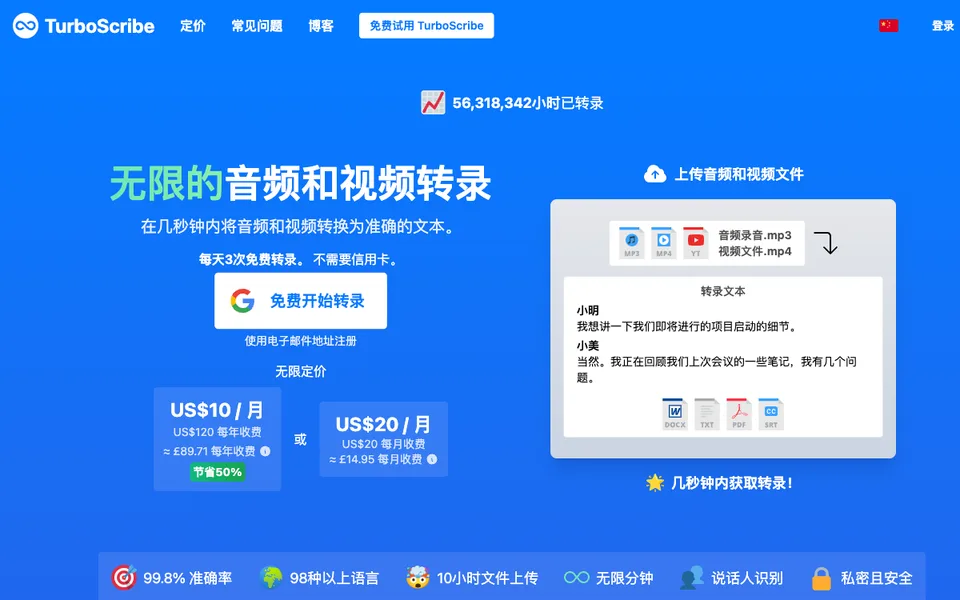
Why it fitsCompare TurboScribe for prerecorded interviews and lectures, with file-length limits and annual billing separated from live meeting assistance.
PrepareUpload an audio or video recording and specify the spoken language when needed.
GetTurboScribe returns a transcript that can be exported for document editing or subtitle workflows.
ReviewListen again to names, numbers and speaker changes before distributing a transcript.
Keep in mindUnlimited refers to the subscription offer, not unlimited file size, team seats or guaranteed transcription accuracy. Each subscription is for one person.
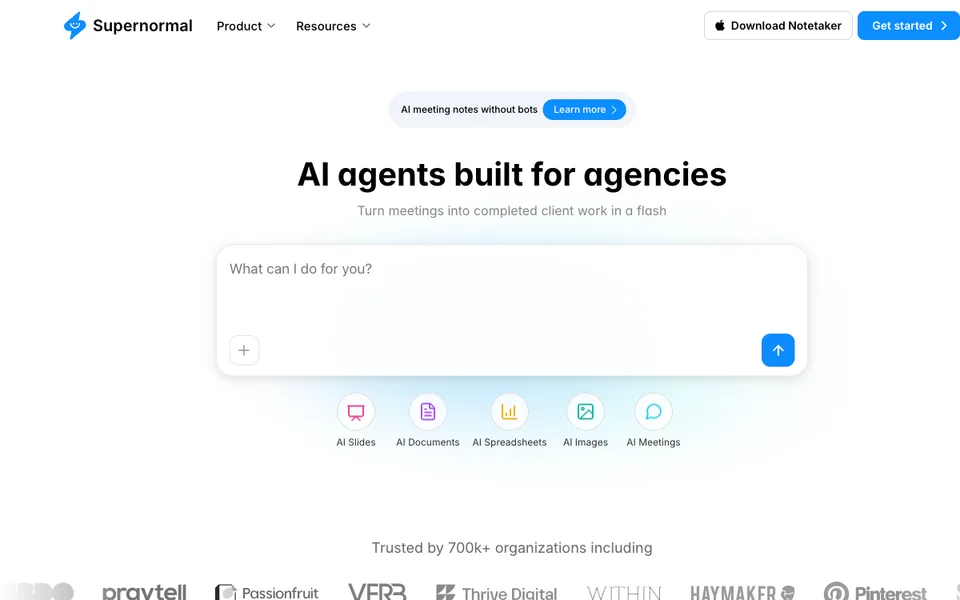
Why it fitsAssess Supernormal meeting notes and follow-up generation using shared credits rather than assuming that unlimited seats means unlimited AI work.
PrepareCapture a permitted meeting and provide context for the follow-up task you want to create.
GetThe workspace produces meeting notes and generated follow-up artifacts such as documents or presentations.
ReviewConfirm decisions and action owners with the meeting participants before assigning generated tasks.
Keep in mindThe entry paid configuration is a credit pool, not a per-seat AI allowance. SSO, audit logs and retention controls are listed under Business.
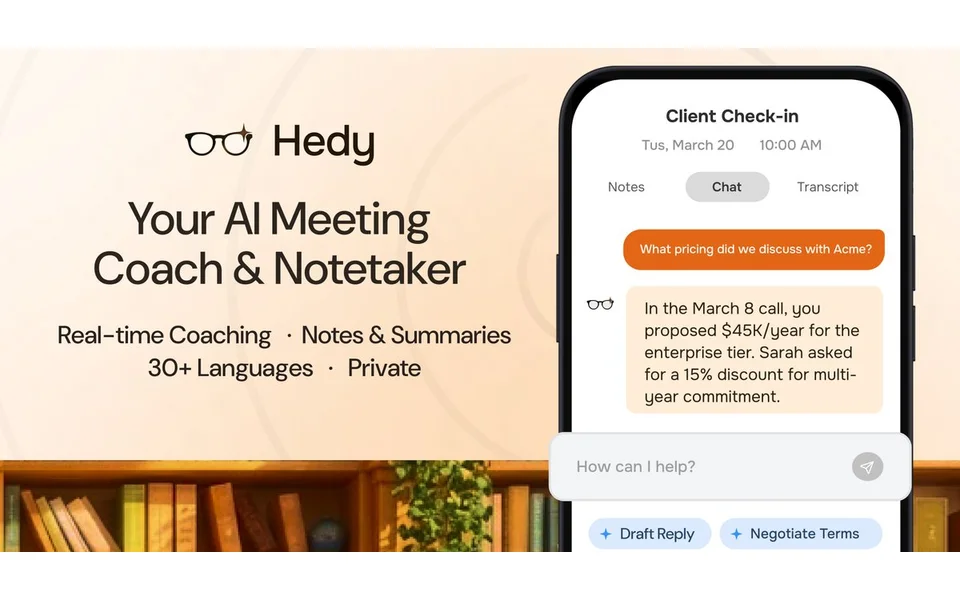
Why it fitsCompare Hedy live meeting assistance, personal recording limits and team seat costs, including the difference between private sessions and shared Topics.
PrepareCapture meeting audio through a supported desktop audio path or an appropriately placed mobile microphone.
GetHedy provides live suggestions, session summaries and searchable conversation records.
ReviewTell participants about the assistant and decide deliberately which sessions belong in a shared Team Topic.
Keep in mindTeam sharing requires cloud sync, and participant notification features are not a substitute for your own disclosure. Local AI availability depends on capable hardware and configuration.
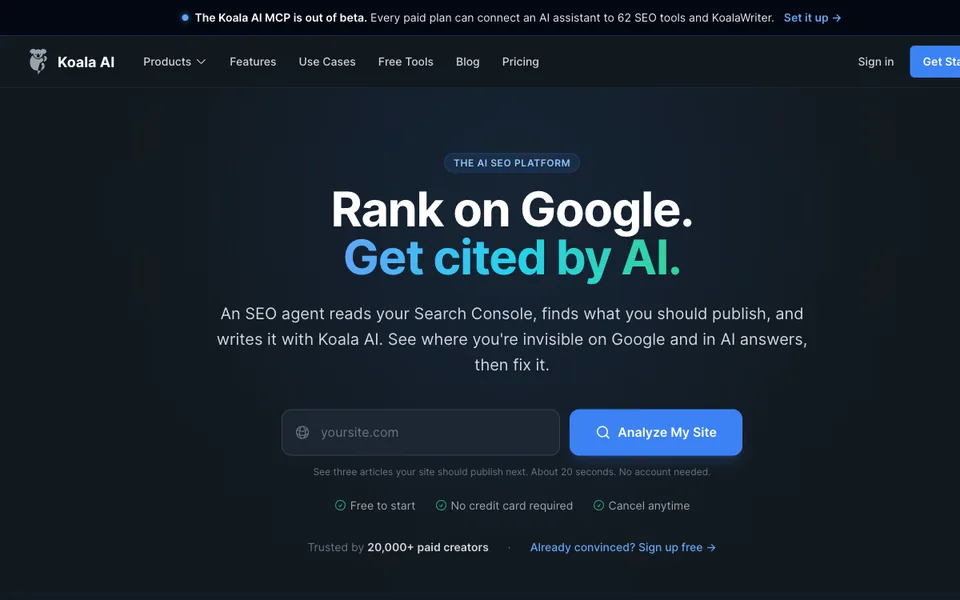
Why it fitsEvaluate KoalaWriter article production with model-weighted word allowances, separate credits and the upgrade needed for deeper editing workflows.
PrepareProvide a target topic, intended reader, supporting sources and publishing requirements.
GetKoalaWriter returns structured article drafts that can be edited and sent to supported publishing platforms.
ReviewValidate factual claims and source links, then add original expertise before approving publication.
Keep in mindMonthly allowances expire at the billing boundary, and model multipliers change the usable word count. Professional adds the Article Editor and deeper research features absent from the entry plan.
Why it fitsCompare SEOWriting article credits, brand voices and internal-link limits for a small blog or a multi-client content workflow.
PrepareEnter the article topic, brand context and the site whose pages may be used for internal links.
GetThe tool produces editable article drafts with optional generated images and publishing integrations.
ReviewRead each draft for unsupported claims and verify that suggested internal links help the reader.
Keep in mindThe advertised maximum is an allowance, not a promise of publishable quality. Free does not include the same brand-voice and link-building controls as paid plans.
Why it fitsBudget Hostinger AI Website Builder using the upfront term, renewal price and one-time AI credit gift rather than the promotional monthly equivalent alone.
PrepareProvide your business description, approved copy, images and domain requirements.
GetThe builder creates editable website pages on Hostinger’s hosting platform.
ReviewTest forms, mobile layouts and checkout behavior before connecting the public domain.
Keep in mindThe low advertised monthly rate requires a long prepaid term. Hosting, domain renewal, mailboxes and extra AI usage can have different billing boundaries.
Why it fitsCompare BoltAI’s Mac license with the separate model bill and the renewal needed for updates, cloud sync and mobile access.
PrepareConnect an approved model provider or local model endpoint and provide the text or files for the task.
GetBoltAI presents model responses in a native chat and workflow interface.
ReviewReview provider data policies and inspect generated text before inserting it into another application.
Keep in mindAPI credits are not bundled. A local chat store does not mean cloud-model requests stay on the Mac, and the Windows version is described as coming soon.
Why it fitsChoose a Wonderslide presentation plan by commercial-use rights, editable PowerPoint export and whether a one-off pack beats a subscription.
PrepareProvide a presentation topic, source material and a clear audience or meeting objective.
GetThe service creates editable slide content and exports supported presentation formats.
ReviewCheck numbers, citations and slide hierarchy before presenting or sending a deck to clients.
Keep in mindFree decks are non-commercial and capped at ten slides. A downloadable PDF is not the same deliverable as an editable PowerPoint file.
Why it fitsEvaluate Mindsmith for AI-assisted e-learning with separate author credits, learner conversation charges and SCORM delivery requirements.
PrepareSupply approved learning objectives, source documents and the learner tasks to assess.
GetMindsmith produces editable lessons, scenarios and shareable or SCORM-delivered learning content.
ReviewHave a subject-matter expert verify answers, accessibility and completion tracking in the target LMS.
Keep in mindConversation sessions count after more than 30 seconds and have a separate allowance. Free workspaces can build and test them, but must upgrade before learners use them.
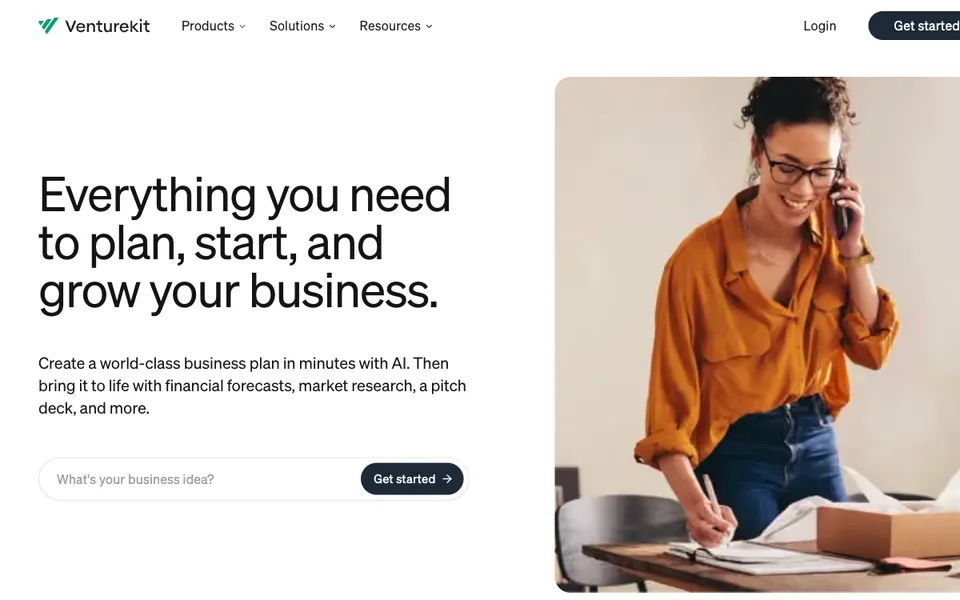
Why it fitsCompare Venturekit’s business-plan unlock credits with a free preview and keep company-formation fees separate from planning software.
PrepareProvide the business concept, target market, operating assumptions and any verified financial inputs.
GetThe platform organizes a business-plan draft with forecasting and pitch-related sections on eligible plans.
ReviewReplace generated market claims with cited evidence and review cash-flow assumptions before showing the plan to partners.
Keep in mindThe pricing page repeats some feature labels under Free and Pro; the help center clarifies that full-plan access requires paid unlocks. Formation and registered-agent services are different purchases.
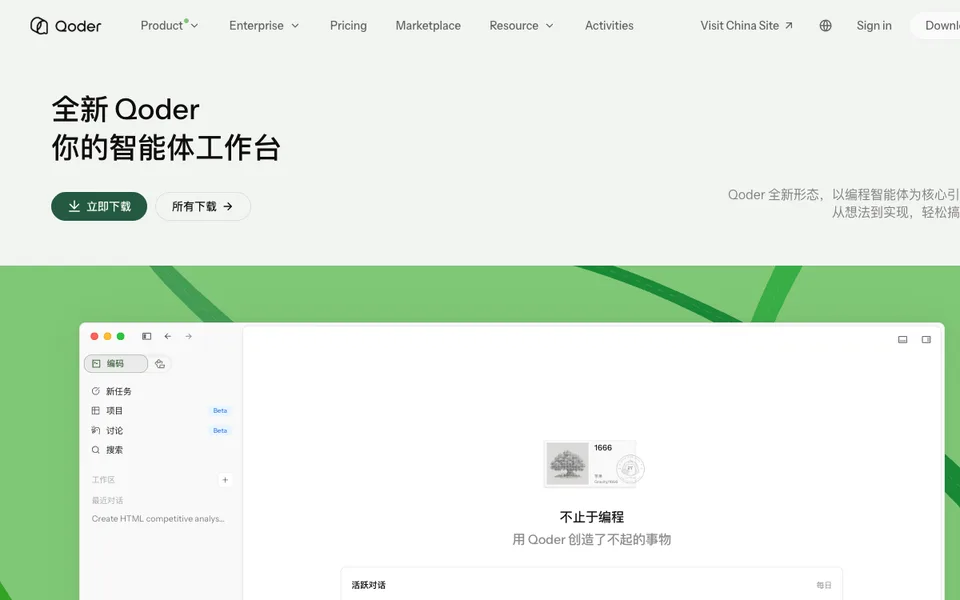
Why it fitsBudget Qoder coding tasks with monthly credits, expiring top-ups and a reviewable repository workflow rather than treating credits as a fixed request count.
PrepareOpen a repository and provide the change request, constraints and commands that verify success.
GetQoder produces code changes and task results for inspection in the development workflow.
ReviewRead the diff, run relevant tests and approve any deployment or credential use explicitly.
Keep in mindCredits expire and are not equivalent to requests. BYOK uses your provider billing; the free trial is not available on virtual machines under the documented rules.
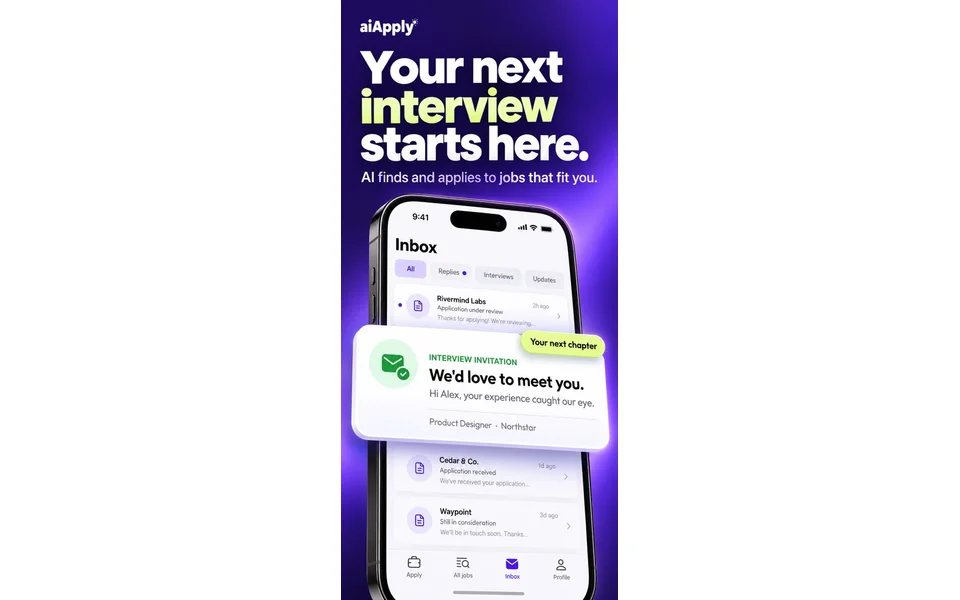
Why it fitsEvaluate AIApply Auto Apply by successful application credits, optional tailoring costs and the controls needed before automated submission.
PrepareProvide a truthful resume, target-role criteria and an answer library you have reviewed.
GetAuto Apply submits supported job applications and records successful submissions against the credit balance.
ReviewApprove the targeting and answers before enabling automation, then inspect submitted applications for accuracy.
Keep in mindBroad criteria can spend credits quickly. Unused credits roll over only while the subscription stays active, and cancellation loses the remainder at the billing period’s end.
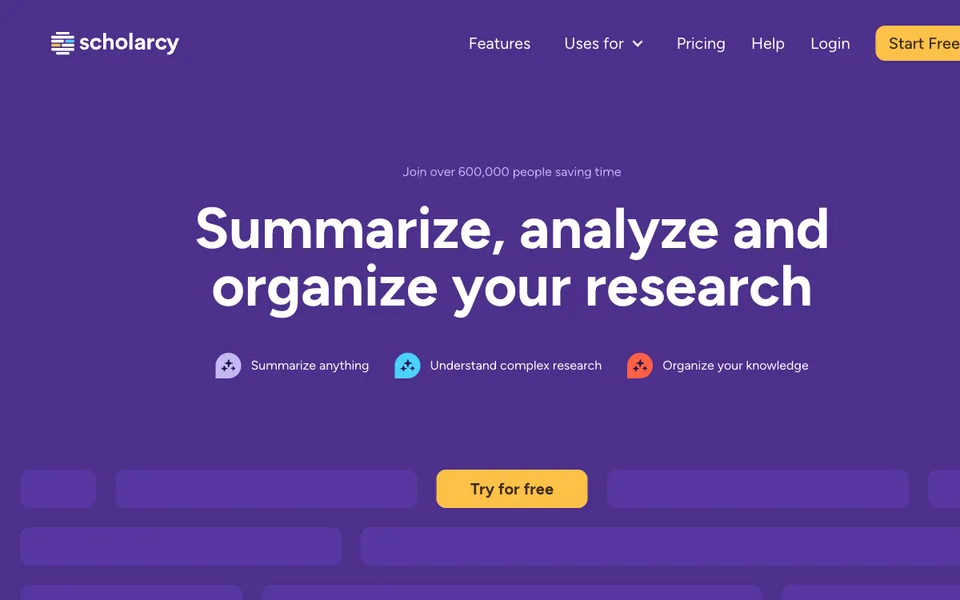
Why it fitsUse SciSummary to triage scientific papers with cited summaries, figure questions and a research library, while checking the original evidence yourself.
PrepareUpload a scientific document or import a paper through a supported reference workflow.
GetThe service returns structured summaries, cited answers and organized paper records.
ReviewOpen every decisive citation and verify methods, sample sizes and uncertainty in the original paper.
Keep in mindThe documented upload ceiling is 200 MB, and large files may still fail. Summaries can be wrong; non-AI library features remaining free does not make AI summarization permanently free.
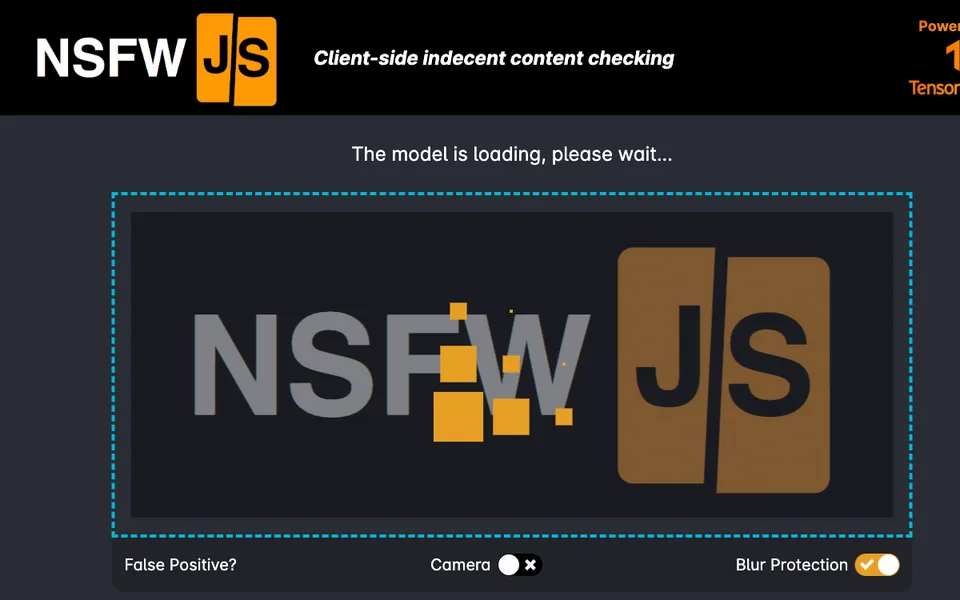
Why it fitsAssess NSFWJS for browser-side image classification, including TensorFlow.js setup, model delivery and the need to calibrate review thresholds on your own content.
PrepareProvide an image, canvas, video frame or tensor through the supported JavaScript API.
GetThe classifier returns class names with probabilities for your application to evaluate.
ReviewCalibrate thresholds on a labeled sample and route uncertain cases to a human reviewer.
Keep in mindInstall nsfwjs with its TensorFlow.js peer dependency. Browser backends include WebGL, optional WebGPU or WASM; Node.js can use tfjs-node. No universal memory or accuracy guarantee is established for your device or dataset.
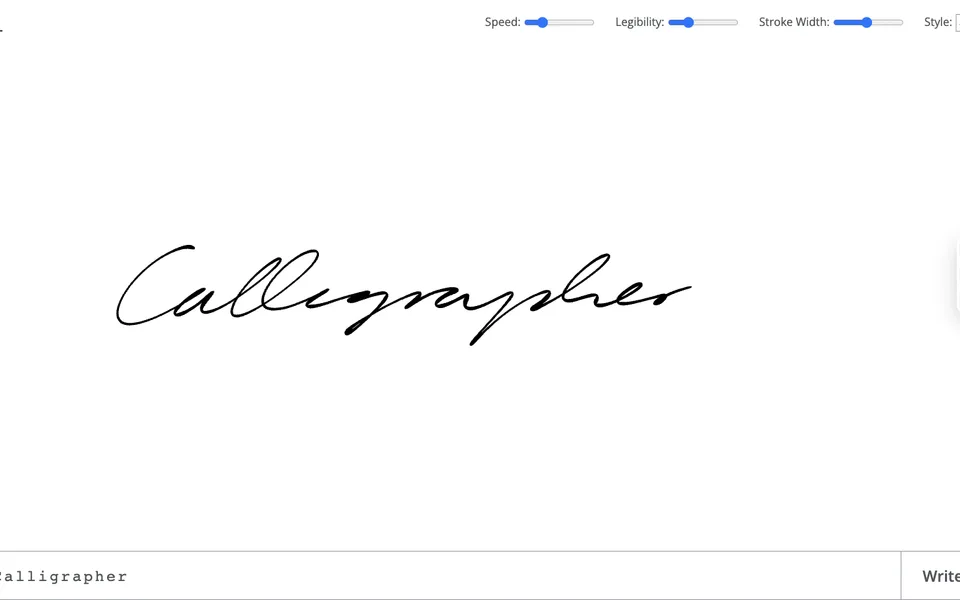
Why it fitsUse Calligrapher.ai to generate handwriting-style SVG from text, with adjustable legibility and stroke width for short graphic elements.
PrepareEnter the short text to render and choose the available style, speed, legibility and stroke-width controls.
GetThe browser generates handwriting strokes that can be downloaded as an SVG graphic.
ReviewRead every rendered word and confirm that the graphic does not imply another person’s authorship or approval.
Keep in mindThe interface is a specialized demo with no verified service-level commitment. Long documents, unsupported characters and production throughput should be tested rather than assumed.
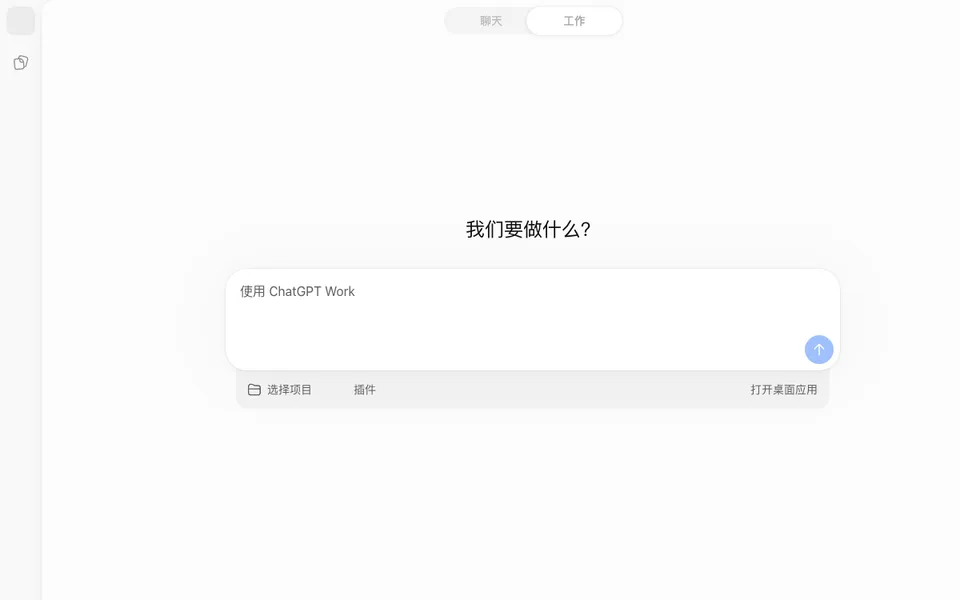
Why it fitsCompare ChatGPT Free and Plus for everyday document, writing and analysis work, with subscription limits separated from API billing.
PrepareProvide a specific question or brief and only the documents needed to answer it.
GetChatGPT returns conversational answers and, where enabled, generated files, analyses or images.
ReviewCheck important claims and calculations against the supplied material before using the output.
Keep in mindModel access and tool limits vary by account and rollout. Review data controls before supplying sensitive material; the general assistant is not an automatic guarantee of factual or computational accuracy.
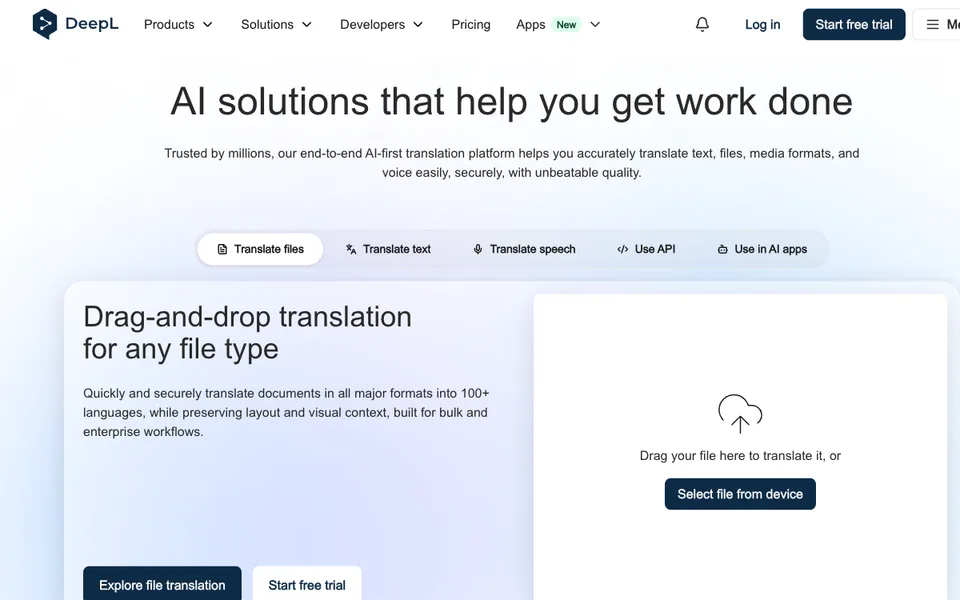
Why it fitsTranslate recurring documents with separate character, file and terminology limits.
PrepareSupply the source text or a supported document and select the intended target language.
GetDeepL translates text and supported documents, with glossary and tone controls depending on the plan.
ReviewRead names, figures and specialized terms against the original before circulating a translation.
Keep in mindFile counts, file sizes and character limits are separate constraints. Unlimited claims on higher plans remain subject to fair usage; the translator subscription is not an API allowance.
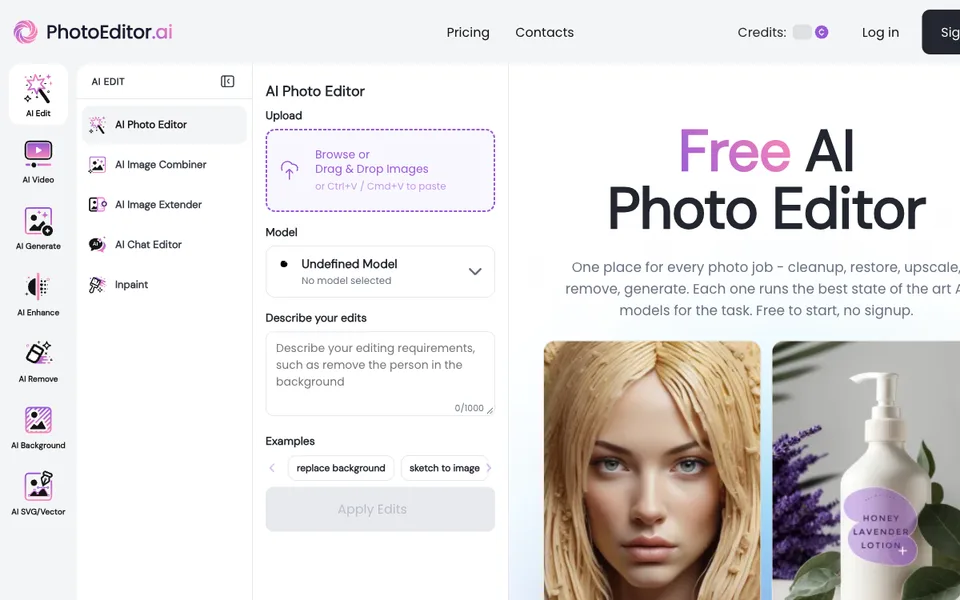
Why it fitsChoose browser cleanup and background tools with separate daily meters and API billing.
PrepareProvide an image and choose the specific edit, such as removal, cleanup or enlargement.
GetClipdrop returns edited raster images through separate background, cleanup, relighting and upscaling tools.
ReviewCompare the edited area with the original so cleanup does not remove meaningful details.
Keep in mindFree allowances differ by tool and reset on a 24-hour basis. Pro web limits do not describe API pricing, and higher resolution does not establish recovered factual image detail.
Why it fitsRecord remote podcasts while budgeting separate-track downloads and AI credits.
PrepareInvite guests to a studio and select the microphones and cameras for the session.
GetRiverside captures remote audio and video, then provides text-based editing, transcripts and repurposed clips.
ReviewConfirm all participant uploads have finished before producing and distributing the final episode.
Keep in mindPro includes one studio and 15 download hours per month. Translation, AI B-roll and animated clips use credits, while extra editors are add-ons; check the relevant meter rather than treating every AI feature as unlimited.
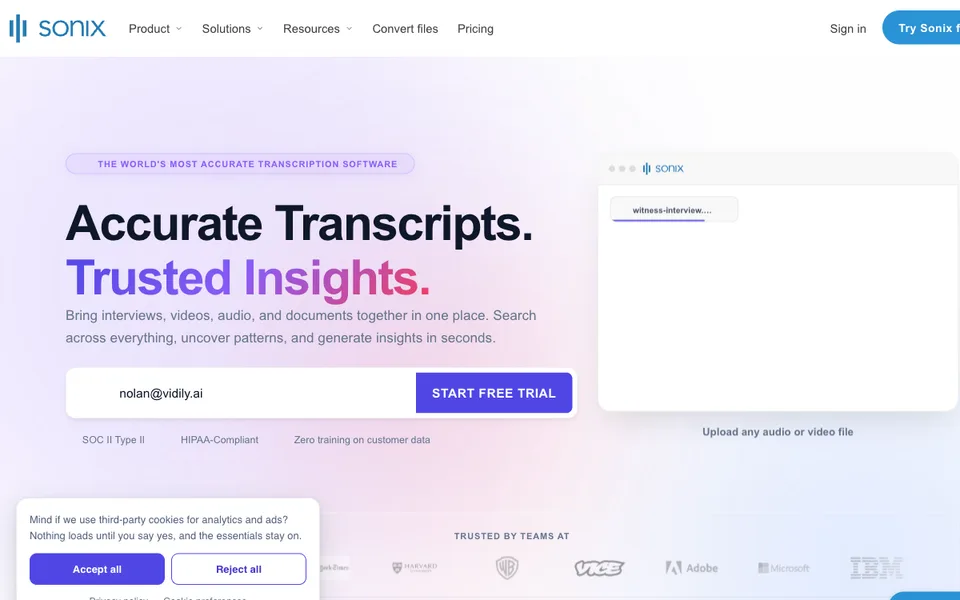
Why it fitsCompare per-hour transcription with workspace subscriptions and seat costs.
PrepareUpload an audio or video recording and specify its language and speaker context.
GetSonix produces time-coded transcripts, translated text and subtitle exports in a collaborative browser editor.
ReviewListen back to ambiguous phrases and verify speaker labels before using transcript quotations.
Keep in mindIncluded hours belong to the workspace rather than each seat. Translation and certain alignment operations draw from the same media-hour pool; the pay-as-you-go tier does not include AI workspace analysis.
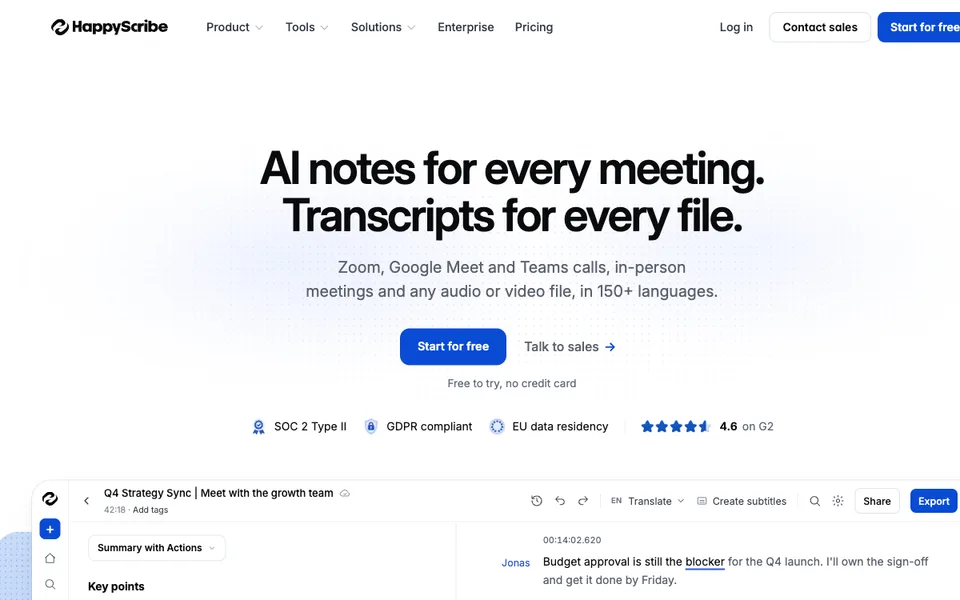
Why it fitsPlan subtitle localization around annual file minutes, exports and human-service add-ons.
PrepareProvide a recording and choose whether the deliverable is a transcript, subtitles or translated subtitles.
GetHappy Scribe generates editable transcripts and subtitles, with translation and optional paid human correction.
ReviewReview speaker names, subtitle reading speed and translated line breaks before release.
Keep in mindAI file minutes, meeting recording duration and human services are separate entitlements. Some comparison-table features are marked Soon, so do not buy a plan assuming those features already ship.
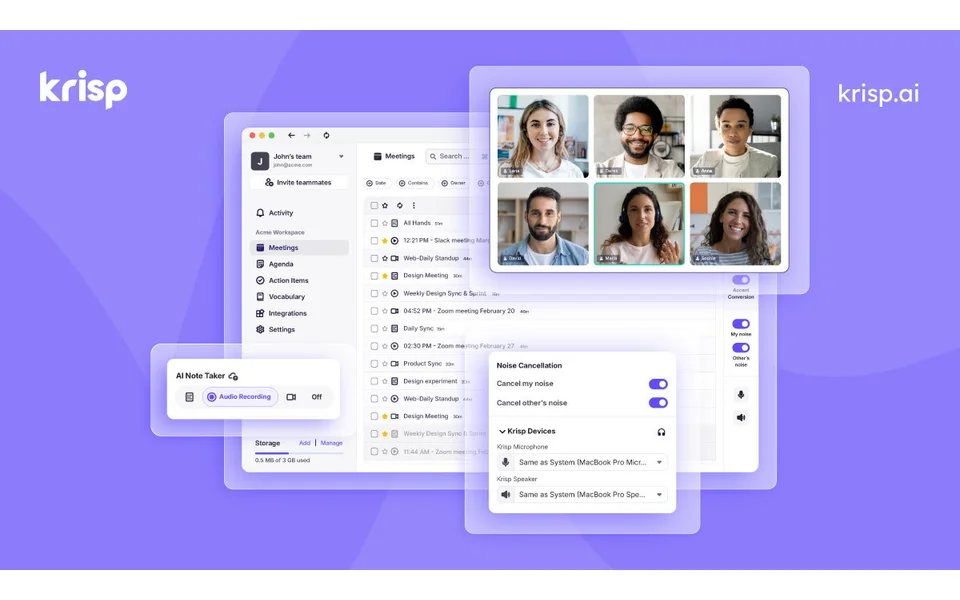
Why it fitsCombine live noise cancellation with meeting notes while checking per-seat and accent limits.
PrepareSelect the microphone and meeting application whose live audio needs cleaning.
GetKrisp filters meeting noise and can produce transcripts, summaries and action items from calls.
ReviewTell participants about recording and check that important speech survives the audio filter.
Keep in mindNoise cancellation and accent conversion have different limits. Paid-team invitations count as seats; private on-device transcription is listed as an enterprise entitlement, so do not assume every Core meeting stays entirely local.
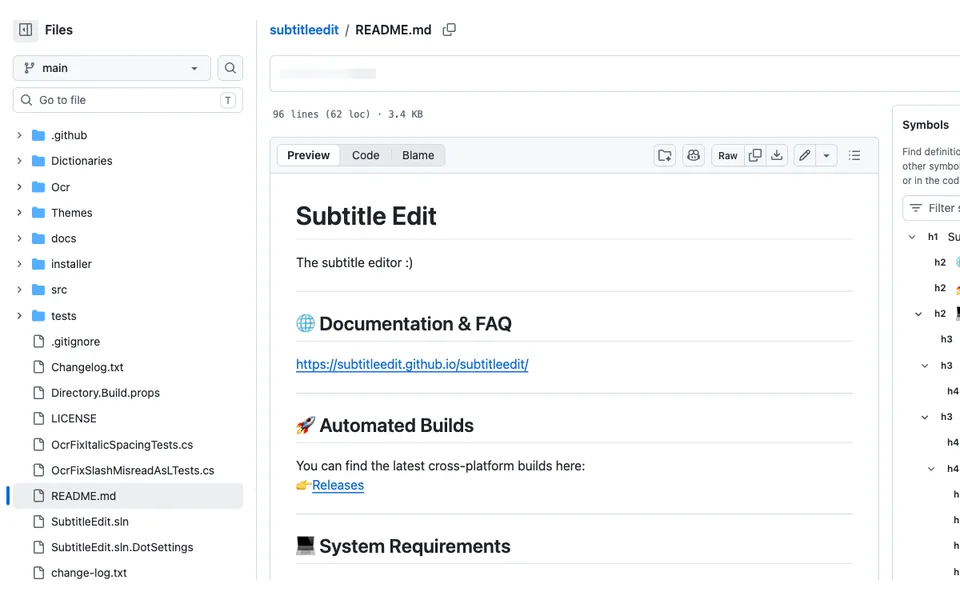
Why it fitsFinish subtitle timing and formats locally with optional speech and translation backends.
PrepareOpen a subtitle file and the matching video, or configure a speech-to-text source for a new subtitle.
GetSubtitle Edit creates and corrects timed subtitles with local media playback and format conversion.
ReviewPlay the finished subtitle against the exact delivery video and inspect reading speed and overlap.
Keep in mindThe current macOS build requires macOS 12 or newer and recommends 14+. Linux native builds need mpv and ffmpeg, while Flatpak bundles dependencies. Optional online providers transmit the data needed for their requests.
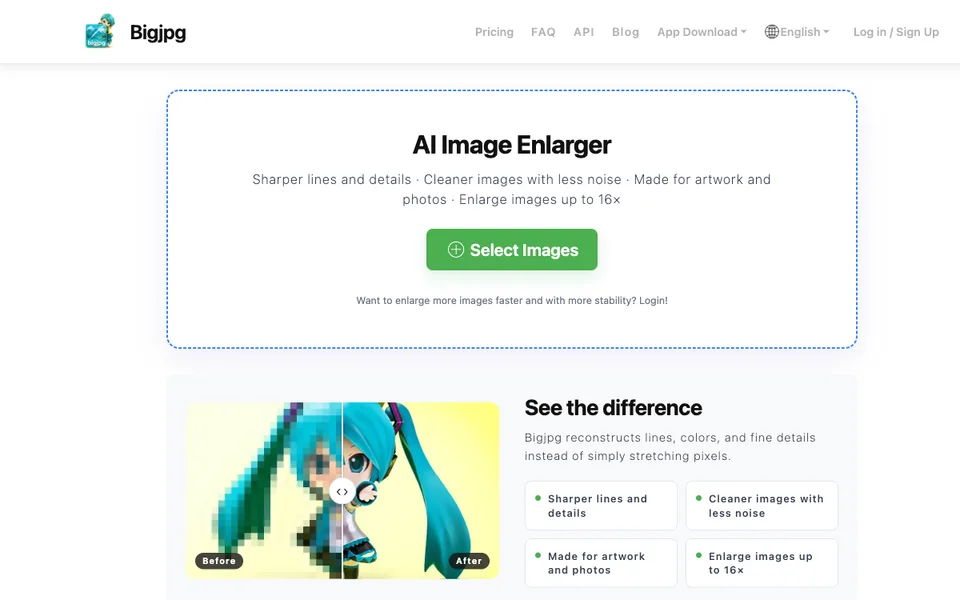
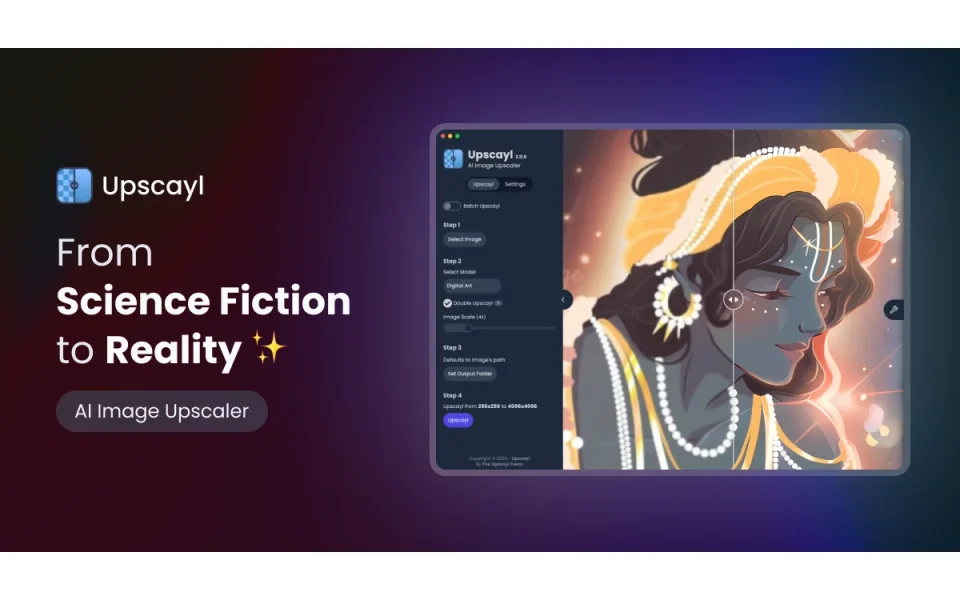
Why it fitsEnlarge image batches locally after checking Vulkan compatibility and artifact risk.
PrepareSelect a low-resolution image or folder and an available enlargement model.
GetUpscayl exports locally enlarged images using AI upscaling models and a desktop interface.
ReviewInspect text, faces and repeated textures for invented details before publishing an enlarged image.
Keep in mindA Vulkan-compatible GPU is required; many integrated GPUs and CPU-only machines are unsuitable. The README explicitly says the tool cannot correct focus or fully blurred images. Model and output rights still need review.
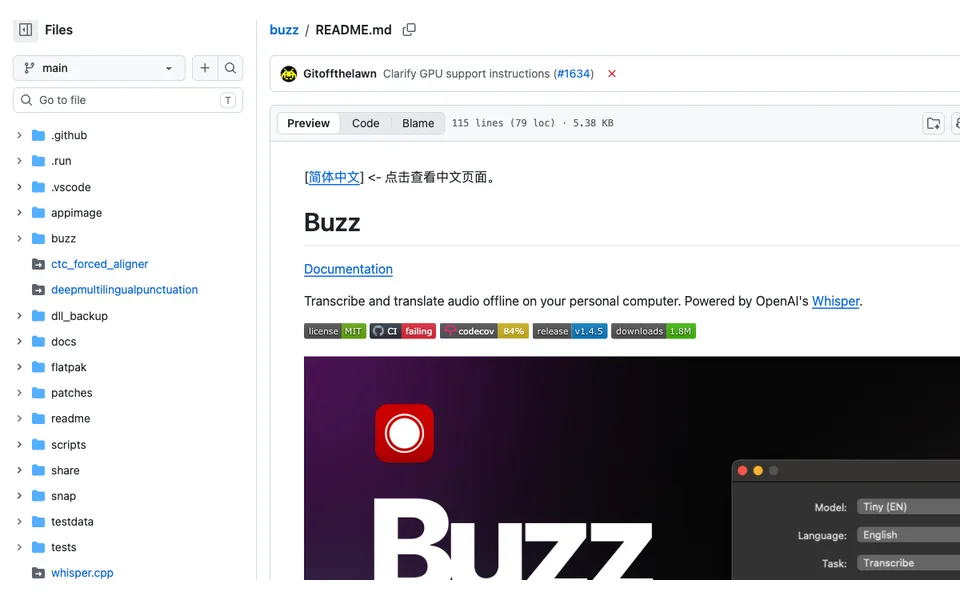
Why it fitsRun local speech transcription with a desktop interface and timestamped exports.
PrepareImport audio or video, or select a microphone for live speech capture.
GetBuzz transcribes and translates speech locally and exports TXT, SRT or VTT files.
ReviewCheck names and timestamps by replaying the original recording in the transcript viewer.
Keep in mindCurrent Mac builds require Apple Silicon; the README identifies 1.4.5 as the last Intel-compatible version. PyPI installation needs Python 3.12 and ffmpeg. Backend and model choices affect device support and speed.
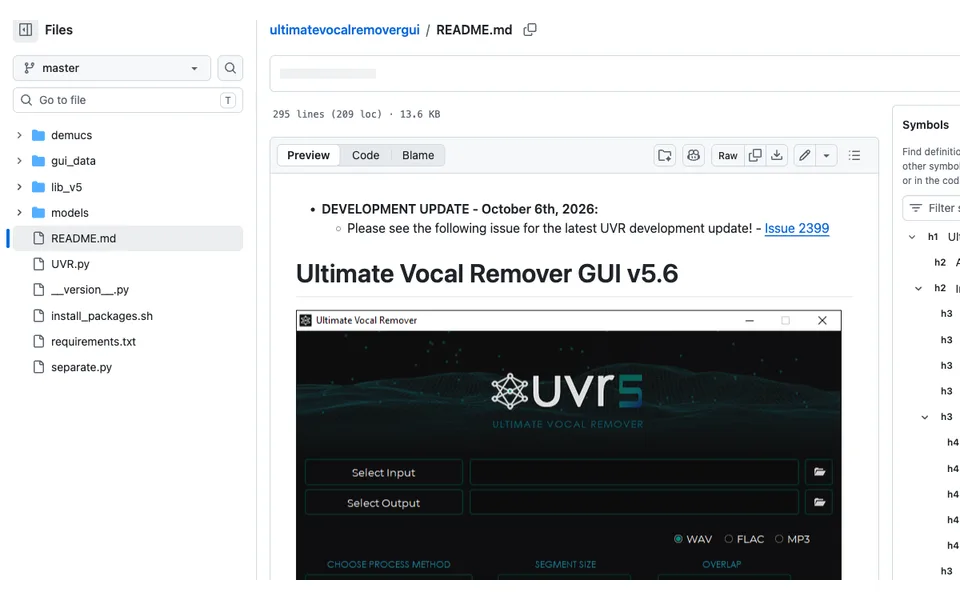
Why it fitsSeparate vocal and instrumental stems through a local model-selection interface.
PrepareChoose an authorized audio recording and the desired vocal or instrumental separation model.
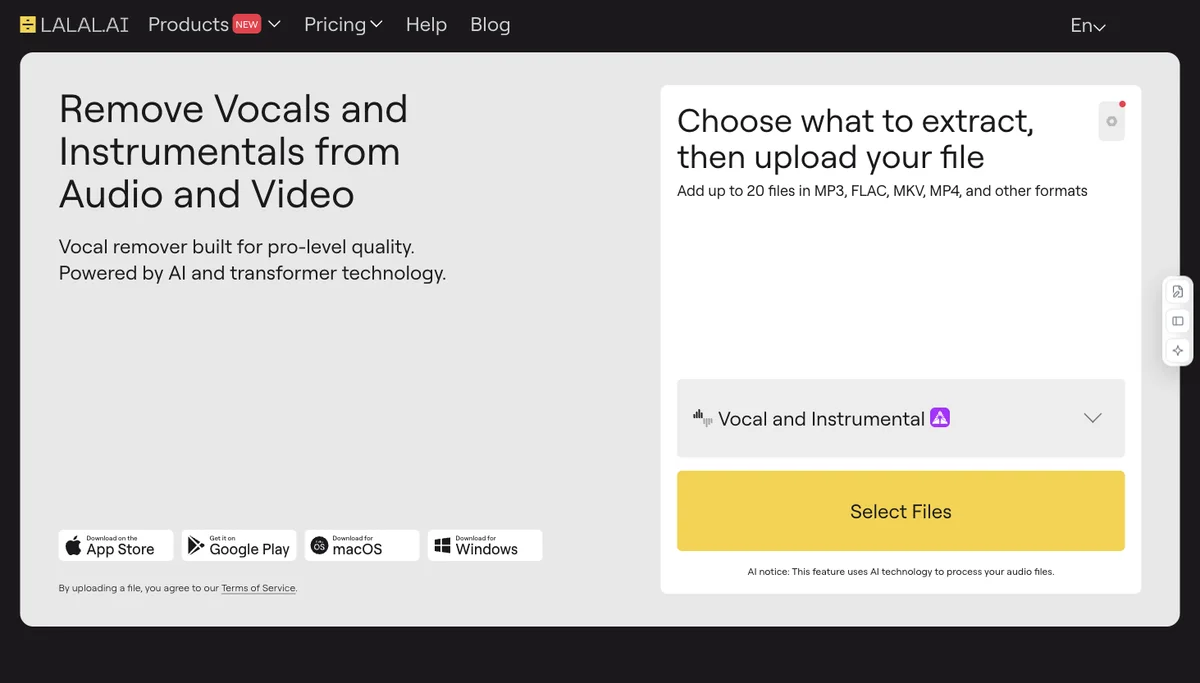
GetUltimate Vocal Remover separates recordings into vocals, accompaniment or model-dependent stems on your computer.
ReviewListen to both isolated and recombined tracks and confirm rights before sharing derivative audio.
Keep in mindThe README lists GTX 1060 6 GB as the minimum for NVIDIA GPU conversion and recommends at least 8 GB VRAM. AMD support is limited; Mac builds target Big Sur or later. No universal runtime or clean-separation guarantee is established.
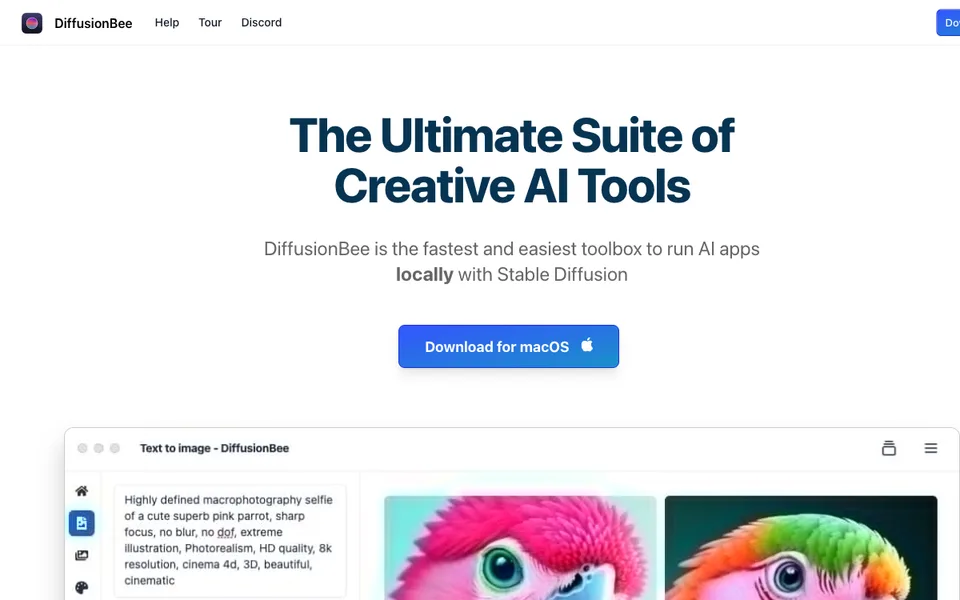
Why it fitsStart local Mac image generation without assembling a Python model stack.
PrepareEnter a visual prompt, optionally supplying an image, mask or ControlNet guidance.
GetDiffusionBee creates and edits images locally through text prompts, inpainting, outpainting and model controls.
ReviewCheck generated objects and image rights before moving drafts into client work.
Keep in mindThe README targets Intel and M1/M2 Macs with different minimum macOS versions. Local mode downloads weights; choosing an upload action changes the privacy boundary. Model terms remain separate from the GUI license.
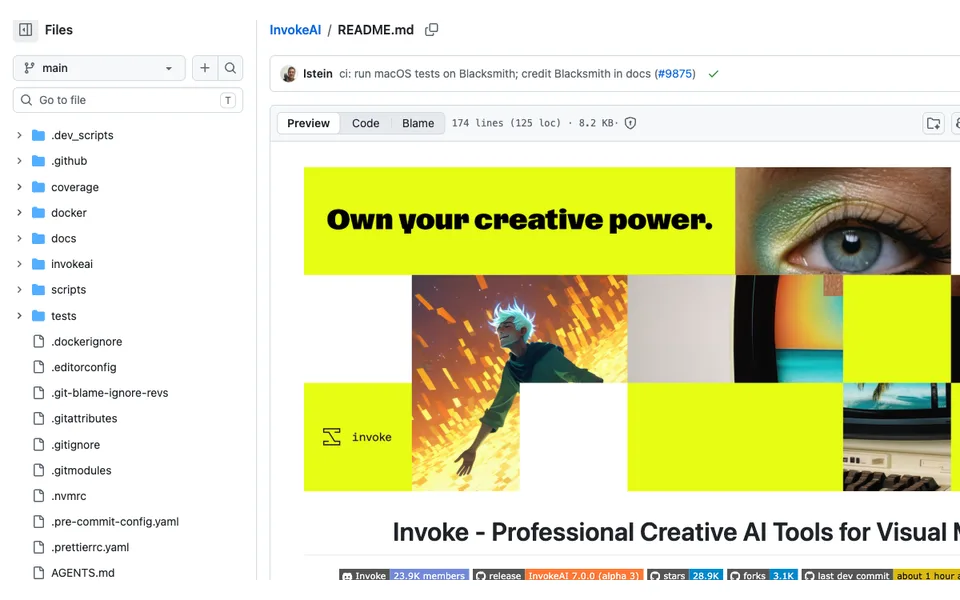
Why it fitsRefine generated images on a self-hosted canvas with boards and reusable workflows.
PrepareProvide a prompt, source image and canvas mask, then select a compatible generation model.
GetInvoke produces iterative image edits through a unified canvas, galleries, boards and reusable workflows.
ReviewReview masked boundaries and preserve the settings used for each approved revision.
Keep in mindCompatibility depends on model size and hardware; no universal VRAM minimum is asserted here. The README labels several models API Only, so selecting them can move data and cost outside a local-only workflow.
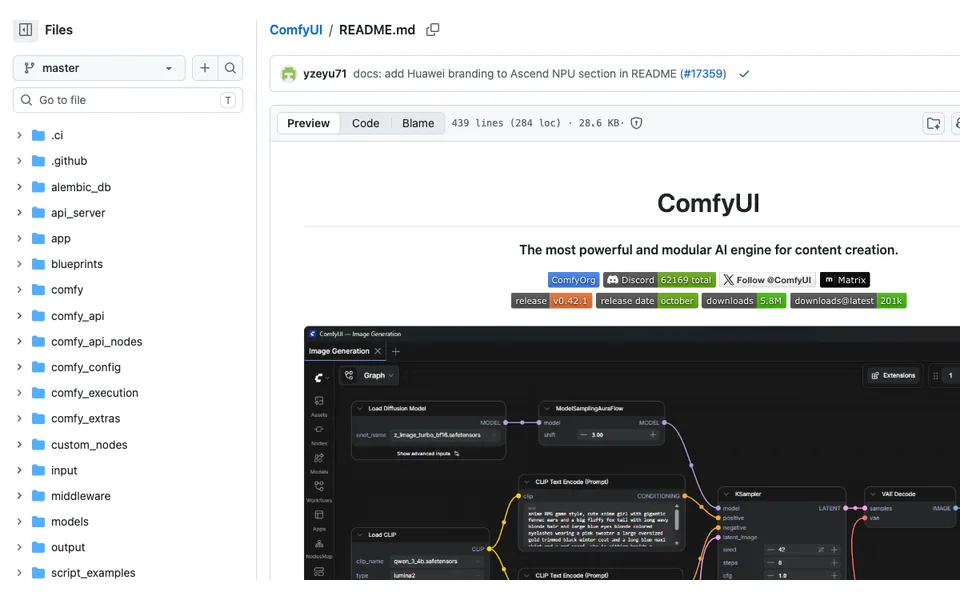
Why it fitsBuild reusable image-generation graphs with explicit model and node dependencies.
PrepareLoad a workflow with the required models and supply prompts, images or conditioning inputs.
GetComfyUI executes connected model nodes to generate or transform images with reusable workflow definitions.
ReviewInspect imported nodes and verify the output and provenance before reusing a shared workflow.
Keep in mindModel checkpoints and extensions are not automatically supplied by a workflow file. Device support varies across CUDA, ROCm, XPU and Apple backends; an extension can execute code or contact an external service.
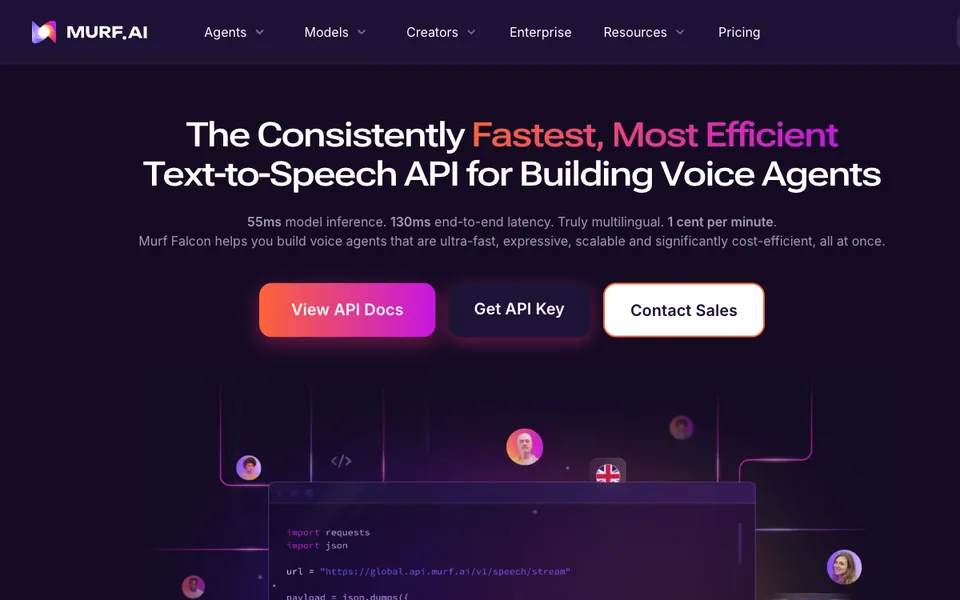
Why it fitsBudget application speech synthesis by characters and separately priced API endpoints.
PrepareProvide text, a supported voice selection and API credentials from your own account.
GetMurf API converts application text into generated speech with separately metered synthesis and translation endpoints.
ReviewCheck pronunciation, latency and authorization for the selected voice before deployment.
Keep in mindFive concurrent requests are listed for trial and pay-as-you-go. Character limits and voice entitlements depend on the endpoint; no production latency benchmark was run for this profile.
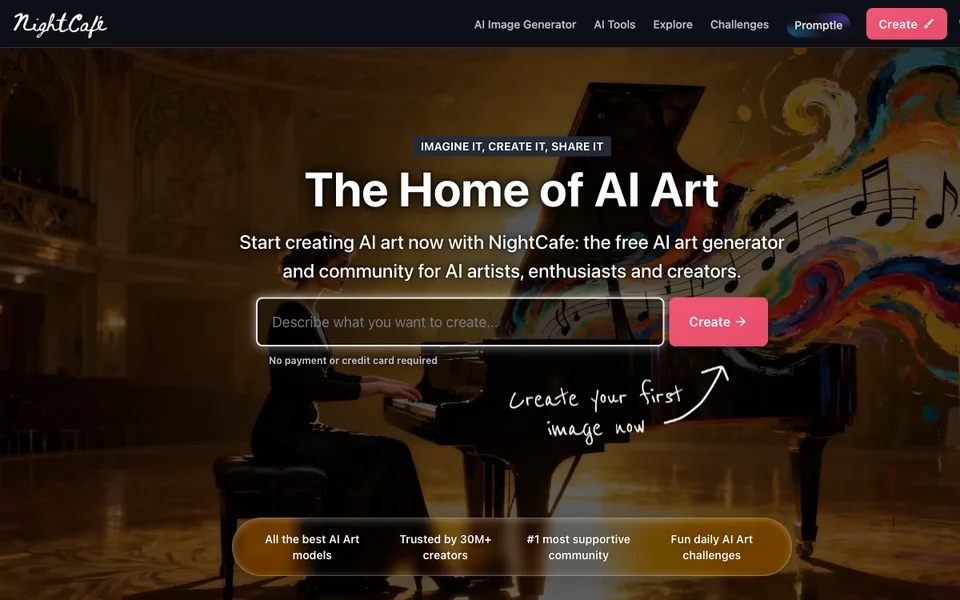
Why it fitsExplore hosted image models while separating Fast Credits, Relax Credits and PRO access.
PrepareChoose a supported image model and provide a prompt or authorized starting image.
GetNightCafe produces generated images and optional animations using hosted models and credit-based settings.
ReviewInspect the selected model, settings and sharing visibility before posting generated work.
Keep in mindUnlimited access applies only to listed models and base generations, excluding settings such as start images or ControlNet that raise costs. Some models require Fast Credits; Relax Credits are lower priority.
Why it fitsChoose private image generation with token banks and model-specific relaxed access.
PrepareProvide a creative brief, choose a model and review image or video guidance settings.
GetLeonardo generates images and selected video outputs through hosted models, guidance controls and creative presets.
ReviewConfirm privacy, asset rights and visual consistency before using generations in a campaign.
Keep in mindFree generations are public. Unlimited relaxed generation covers selected models and may queue or slow with demand; image and video allowances differ. A consumer subscription does not include API spending.
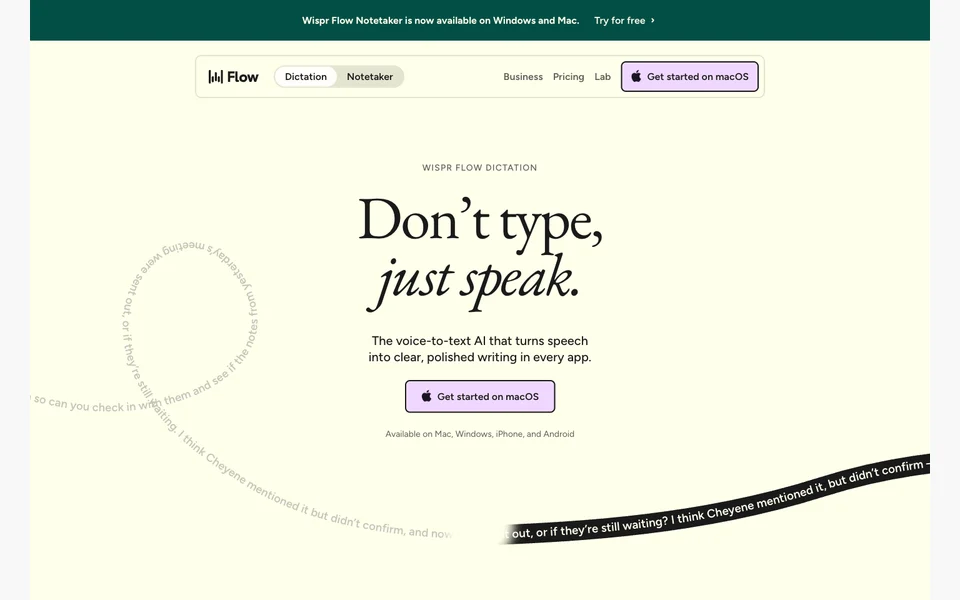
Why it fitsDictate into everyday apps with local or cloud models and task-specific modes.
PreparePress the dictation shortcut and speak into a selected microphone with the target app focused.
GetSuperwhisper turns speech into formatted text in other apps, with optional AI modes and file transcription.
ReviewRead inserted text before sending it, especially commands, amounts and recipient names.
Keep in mindThe FAQ recommends cloud models on Intel Macs and says offline models work best on Apple Silicon. Meetings are marked Mac only. Cloud AI modes and your own API endpoints have different privacy and cost boundaries from local Whisper.
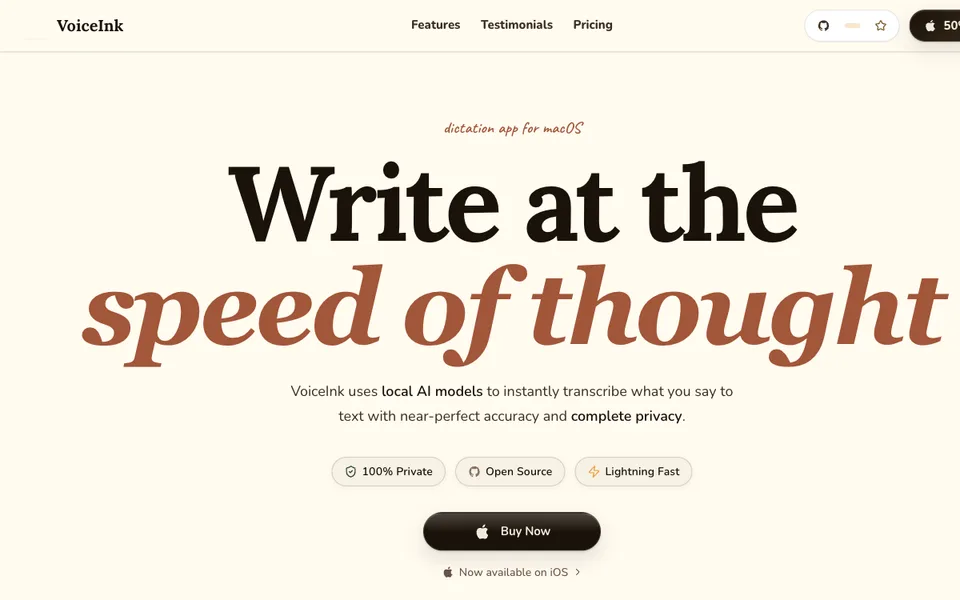
Why it fitsBuy local Mac dictation by device count and keep optional cloud enhancement explicit.
PrepareSelect a microphone and dictate into the active Mac application, using custom words if needed.
GetVoiceInk inserts locally transcribed speech into Mac apps and supports vocabulary and replacement rules.
ReviewCheck automatic replacements and sentence cleanup so the intended meaning survives editing.
Keep in mindThe commercial download requires Apple Silicon and macOS 14.4 or later. Voice transcription stays local, but enabling optional Cloud Enhancement sends transcribed text to that service; its privacy boundary is different.
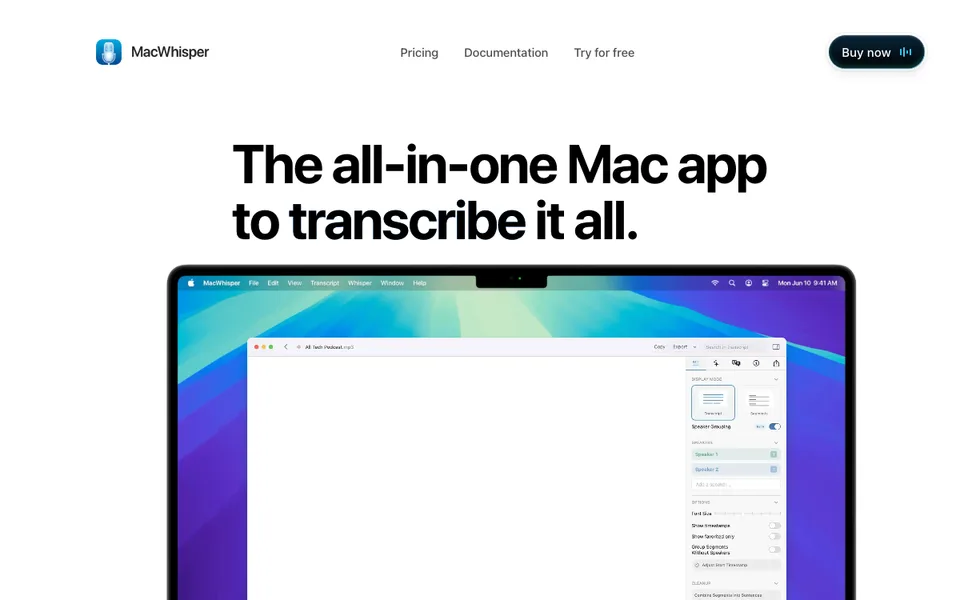
Why it fitsTranscribe Mac files and meetings with local models and a one-time Pro upgrade.
PrepareDrag supported audio or video files into the Mac app, or select an application audio capture source.
GetMacWhisper produces local transcripts and subtitles, with Pro tools for batches, meetings and connected AI workflows.
ReviewReview transcript quotations and confirm meeting participants know audio is being captured.
Keep in mindLocal transcription and optional cloud AI connections are different routes. The official site warns about impersonating download sites and directs purchases through Gumroad or the App Store; verify the download origin and current OS requirements before installing.
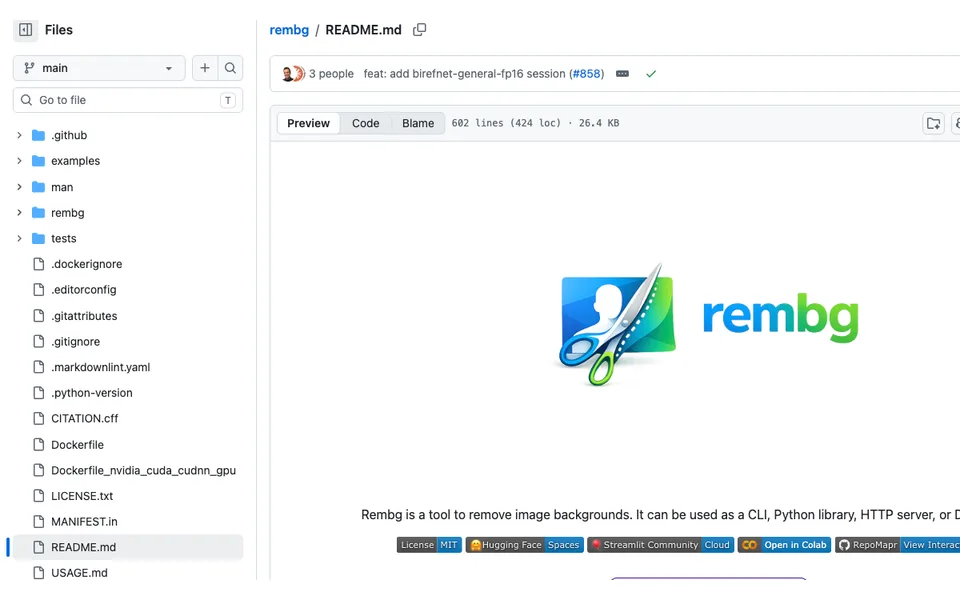
Why it fitsRemove image backgrounds locally through a Python command, library or self-hosted HTTP service.
PrepareProvide an image file, folder or byte stream and choose a suitable segmentation model.
Getrembg returns foreground cutouts with transparent backgrounds through local processing interfaces.
ReviewCheck edge masks and confirm that product details and shadows are retained as intended.
Keep in mindThe current default bria-rmbg model requires a paid agreement for commercial use; that amount is not published here. Choose and review another model, such as u2net, deliberately. Cloud backends such as withoutbg upload images and have separate service bills; installing rembg alone does not make every backend local or free.
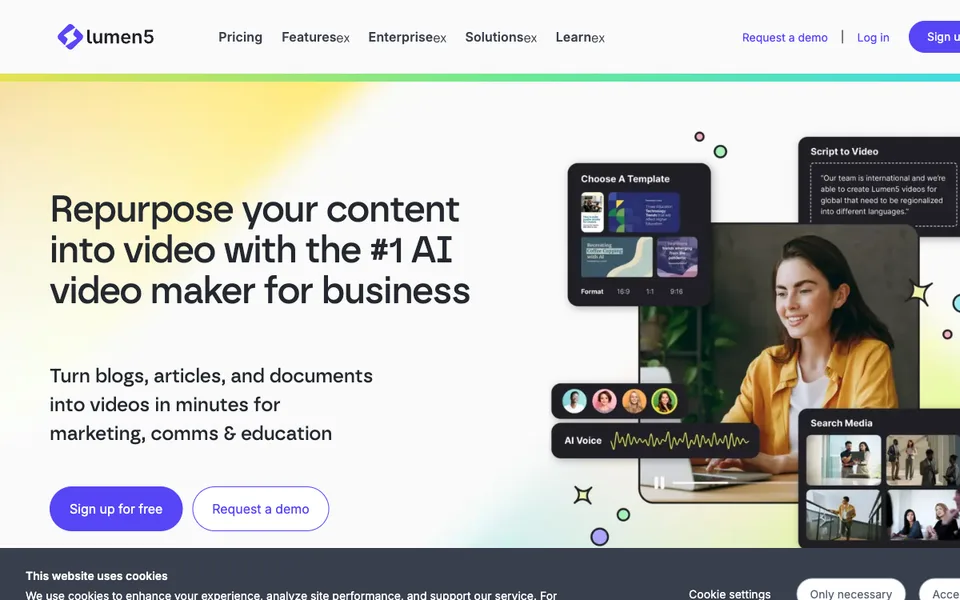
Why it fitsTurn an approved article into a branded video while budgeting export quality and annual voice minutes.
PrepareProvide the approved blog URL, script or document and a brand brief for the video.
GetLumen5 assembles scenes with stock media, captions and optional AI voiceover for editing and export.
ReviewCheck that each scene reflects the original claim and that stock imagery has the intended context.
Keep in mindUnlimited paid video counts do not remove resolution, duration, animation or voice limits. Free has an outro, and the plan table keeps AI voice usage on a yearly allowance.
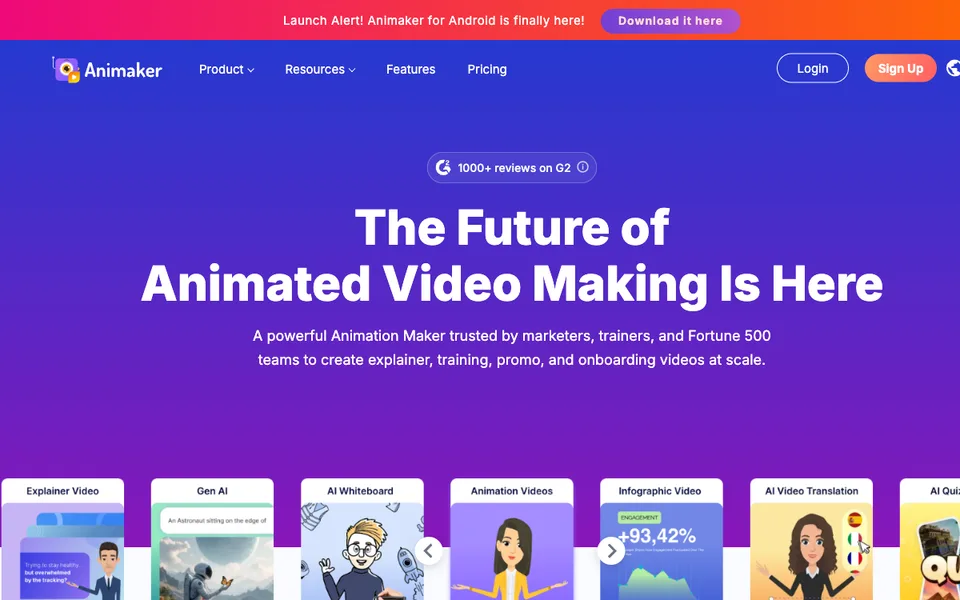
Why it fitsBuild character and whiteboard explainers with separate download and generative asset quotas.
PreparePrepare a storyboard, narration and brand assets before selecting characters or whiteboard scenes.
GetAnimaker produces editable animated scenes with voice and caption options, followed by plan-limited video downloads.
ReviewInspect character actions, narration timing and asset permissions for the final delivery context.
Keep in mindAI video credits, generated-asset credits and premium downloads are distinct counters. Commercial and resale rights vary by plan; do not assume a paid watermark-free export grants every right.
Why it fitsConnect company files to a hosted assistant and check storage limits before buying individual seats.
PrepareUpload a carefully scoped set of company documents and define a specific assistant task.
GetTextCortex returns generated answers and analysis grounded in connected material where retrieval succeeds.
ReviewCheck retrieved passages and permissions before accepting an answer or action.
Keep in mindAccounts cannot be shared with colleagues. The usage guide assigns a compute wallet worth 50% of the monthly license fee; exhausting it reverts to standard models. Extra Usage is optional and subject to admin spending caps, rather than unlimited premium inference.
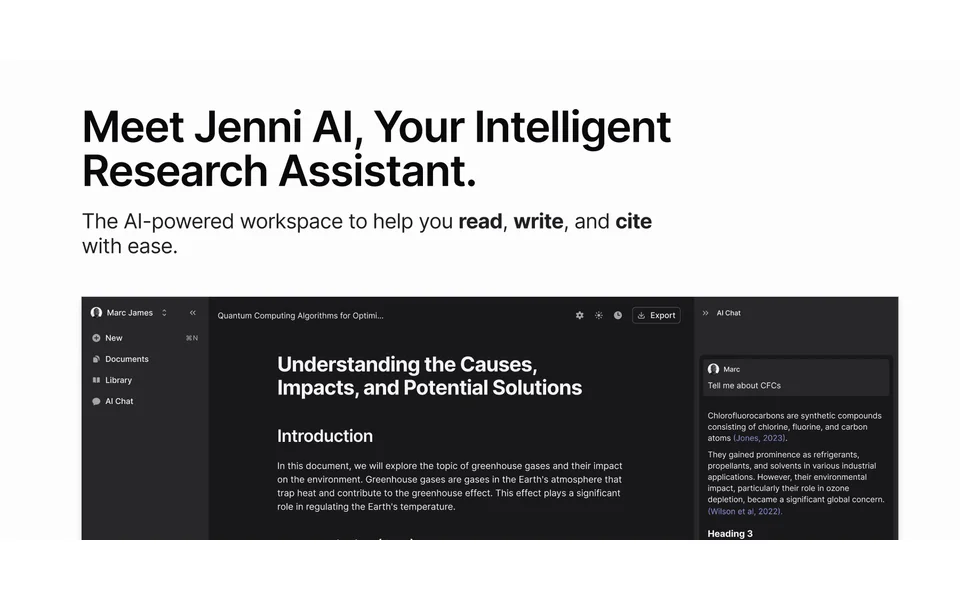
Why it fitsDraft with an academic citation library while checking PDF limits and document export scope.
PrepareImport source PDFs and your own outline, then request a targeted continuation or edit.
GetJenni returns editable draft passages with citation and document-management controls.
ReviewOpen cited papers and confirm that each reference supports the exact statement.
Keep in mindFree AI edits and chat messages have separate small allowances, and body export differs from full-document export. AI drafting does not establish originality, citation accuracy or journal acceptance.
Why it fitsExpand a known paper collection into a citation map and choose seed limits for the review size.
PrepareAdd known papers to a collection and choose the relationships worth exploring.
GetResearchRabbit produces related-paper recommendations and visual connections for literature exploration.
ReviewRead recommended abstracts and record inclusion criteria before treating a paper as evidence.
Keep in mindSeed selection biases the neighborhood you see, and discovery does not guarantee full-text access or systematic-review completeness. Country pricing can differ from the standard annual rate.
Why it fitsFind papers with machine-assisted summaries and build research feeds around a curated library.
PrepareEnter a paper, author or topic query and use publication filters to narrow the result set.
GetSemantic Scholar returns paper records, citations, available TLDRs and personalized research recommendations.
ReviewOpen the original publication and confirm bibliographic details before citing or excluding it.
Keep in mindAI summaries and reading features do not cover every paper, and a paper record does not grant publisher full-text access. Recommendation relevance depends partly on the library and feedback you provide.
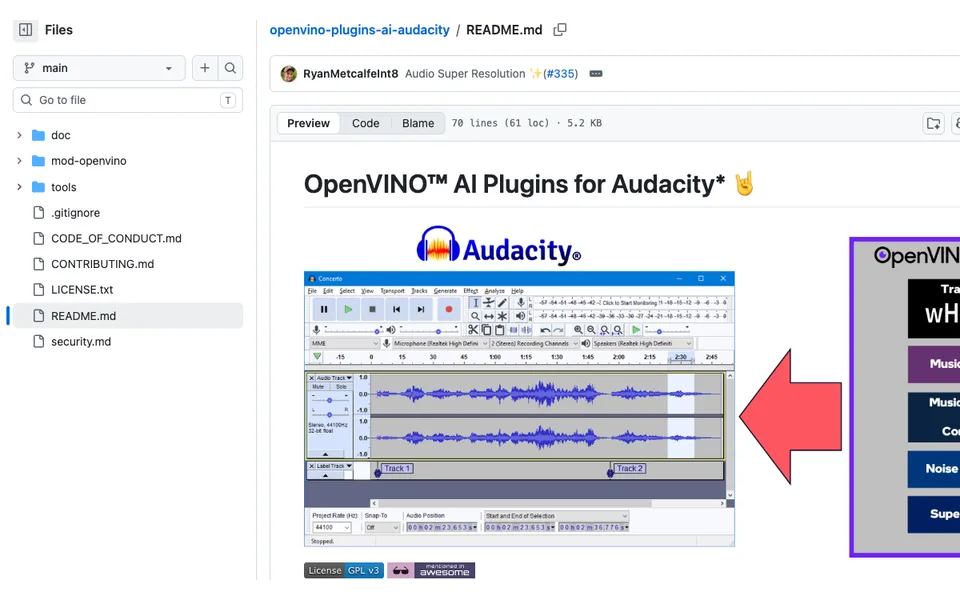
Why it fitsApply local AI separation and noise effects inside an Audacity editing session.
PrepareLoad mono or stereo audio into Audacity and select a passage for the intended AI effect.
GetThe plugins create processed audio or separated stems inside the editing workflow.
ReviewCompare processed and original tracks at matched loudness before committing the effect.
Keep in mindOpenVINO support varies by device and plugin version. Music separation, suppression and generation are different functions; successful installation does not prove that every accelerator or model works.
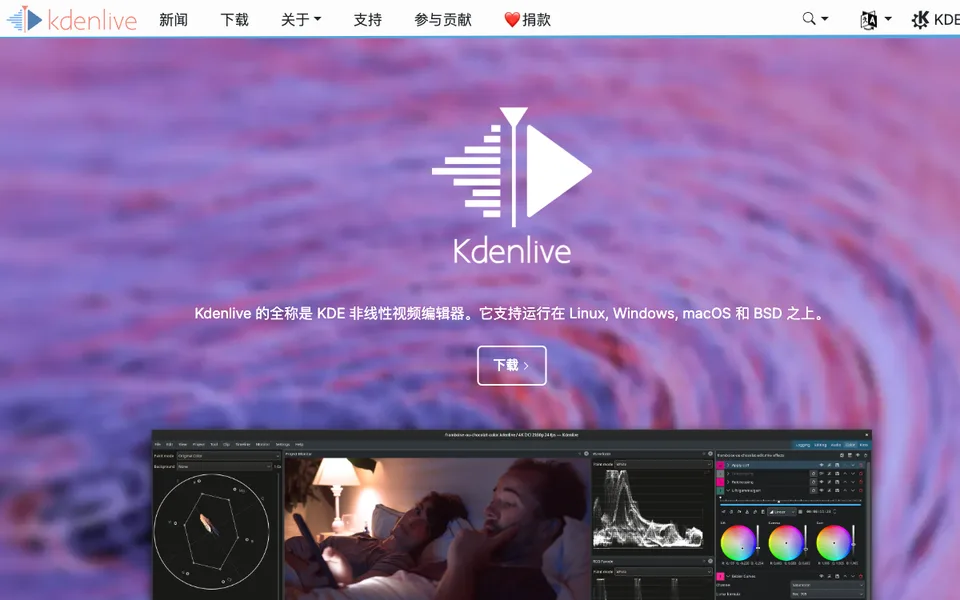
Why it fitsUse speech recognition to create subtitles and select interview clips inside a local timeline.
PrepareImport interview footage and select the clip or timeline zone to recognize.
GetKdenlive creates subtitle tracks or speech transcripts that can support clip selection and video assembly.
ReviewCheck cut boundaries, subtitle synchronization and translated terminology against the recording.
Keep in mindThe configured recognition engine controls the next operation. Model installation is required before speech features work, and translation can be substantially heavier than transcription.
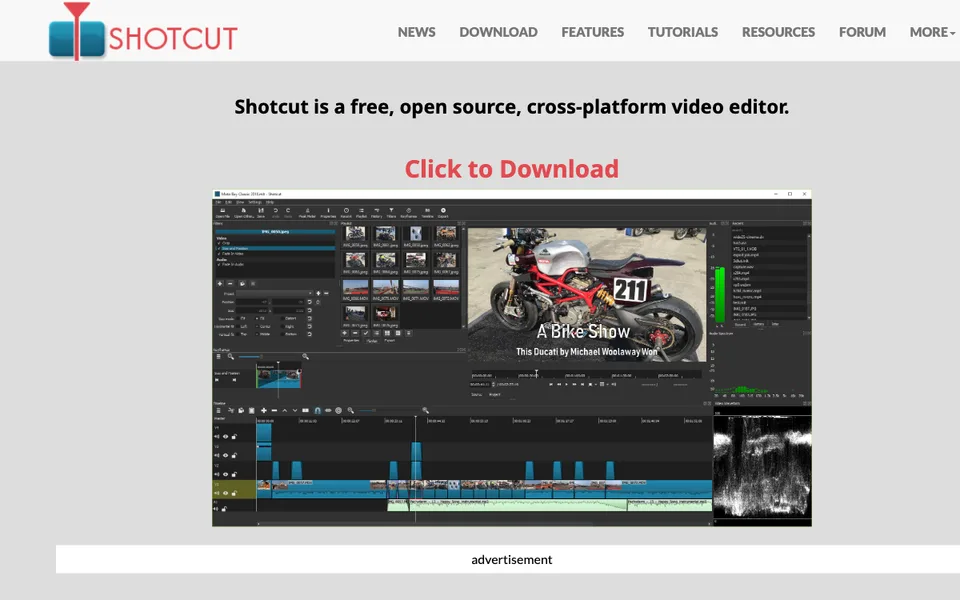
Why it fitsFinish captioned video in a free desktop timeline with a separately configured speech recognition step.
PrepareOpen source footage and arrange clips, audio and subtitle content on the local project timeline.
GetShotcut exports edited video and supports conversion of speech into subtitle text.
ReviewWatch the encoded output for subtitle timing, line breaks and unexpected audio transitions.
Keep in mindMedia compatibility depends on codecs, and local AI recognition has its own installation path. Free software is not evidence that a chosen computer can render a project in real time.
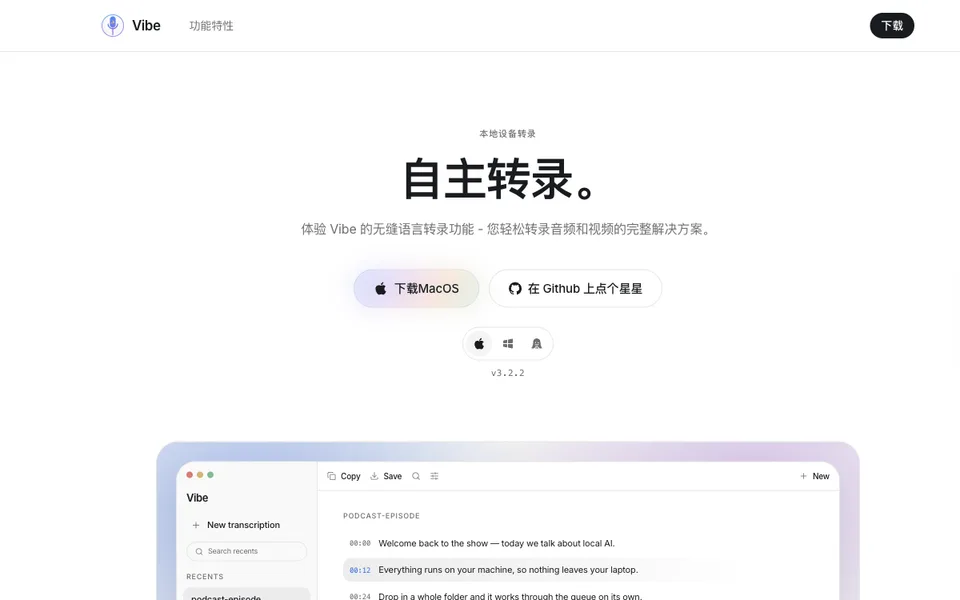
Why it fitsBatch-transcribe local recordings across desktop platforms and separate local recognition from optional cloud summaries.
PrepareSelect local audio or video files and a recognition model that fits the workstation.
GetVibe exports transcripts in formats including TXT, SRT, VTT, DOCX and JSON.
ReviewCheck names, speaker labels and caption timestamps against a representative audio segment.
Keep in mindOffline transcription is distinct from website downloads or cloud summaries. Stable timestamp options and speaker diarization add processing considerations; no runtime or accuracy benchmark was measured here.
ReviewListen to the readback and inspect specialist terms in both source and translated text.
Keep in mindModels are not bundled in the base installation. GPU add-ons need compatible drivers and extra space; Wayland shortcuts or text insertion can require additional desktop integration.
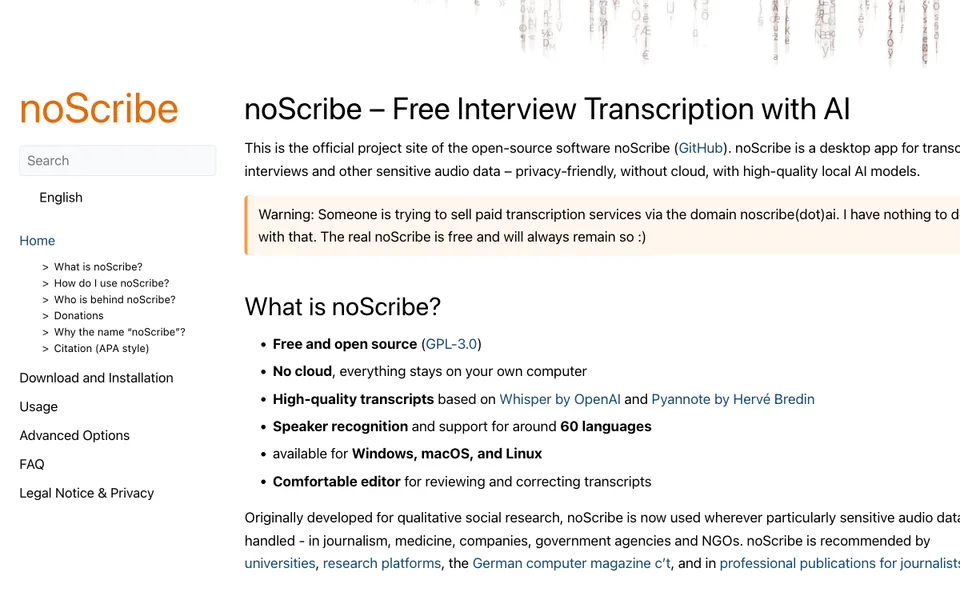
Why it fitsCreate and correct local interview transcripts with speaker distinction for qualitative research.
PrepareProvide an interview recording and choose the recognition and speaker settings appropriate to the session.
GetnoScribe produces a local transcript that can be reviewed and corrected in its accompanying editor.
ReviewConfirm speaker identities and ambiguous passages by listening, rather than accepting automatic labels.
Keep in mindSpeaker distinction is not verified speaker identity, and language support varies. Use the author’s linked website and repository to avoid confusing this software with an unrelated paid service.
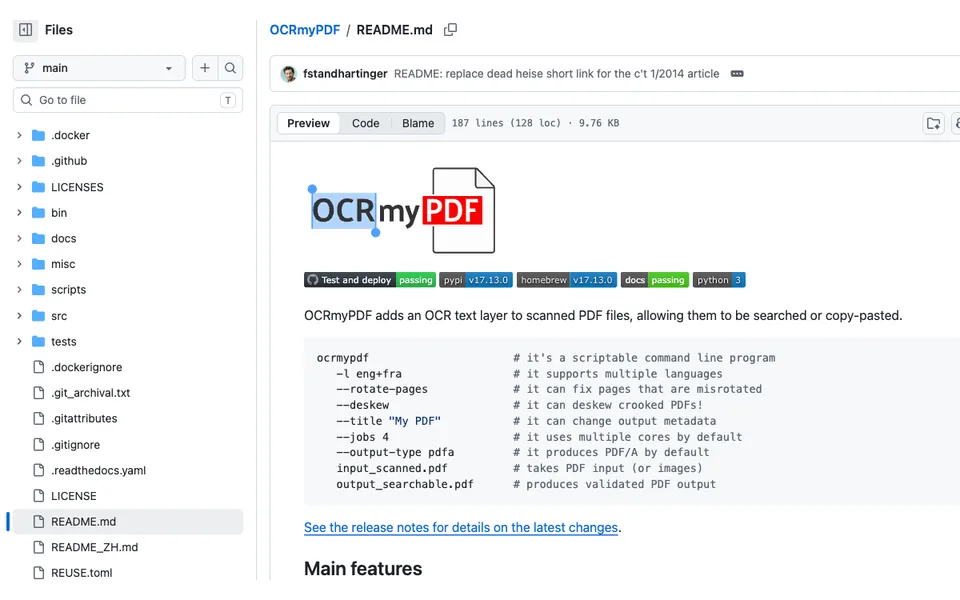
Why it fitsAdd a searchable text layer to scanned PDFs with explicit OCR languages and archival-output choices.
PrepareSupply a scanned PDF or image and specify the recognition language and desired output type.
GetOCRmyPDF returns a PDF with a searchable text layer and supports explicit PDF/A output.
ReviewCompare copied text, page order and visual appearance with the original before replacing an archive file.
Keep in mindOCR can misread low-quality scans, unusual layouts and unsupported languages. Searchable text is not verified data extraction; review destructive processing choices and retain originals.
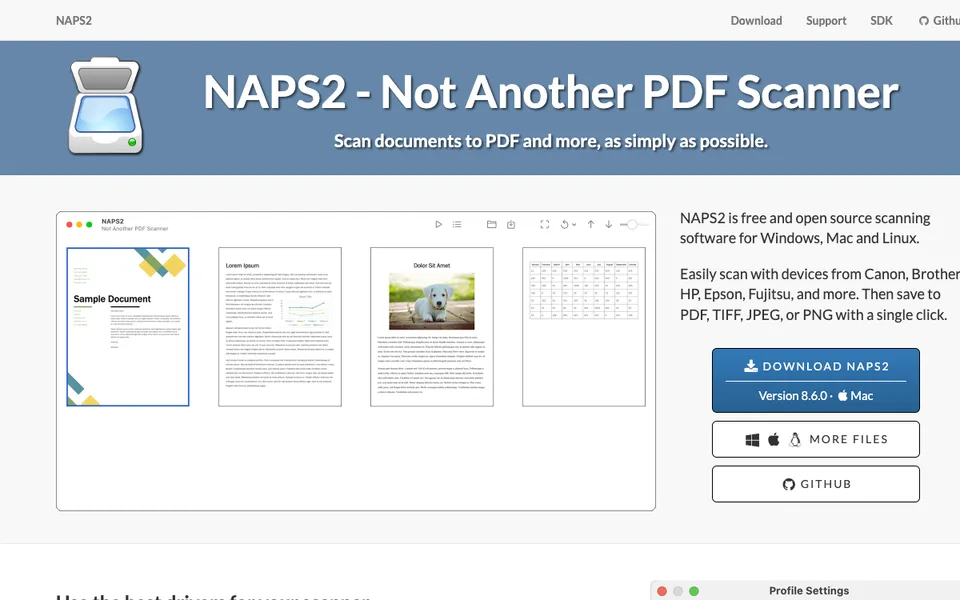
Why it fitsScan paper through a desktop interface and save searchable PDFs after page cleanup and ordering.
PrepareCapture pages from a scanner or import supported images and documents for arrangement.
GetNAPS2 saves assembled pages as PDF or image files and can add recognized text to PDFs.
ReviewCheck page orientation, missing sheets and copied text before filing the document.
Keep in mindDevice support depends on operating-system drivers. OCR language files and scan quality affect recognition; a successful scan is not proof that every field was read correctly.
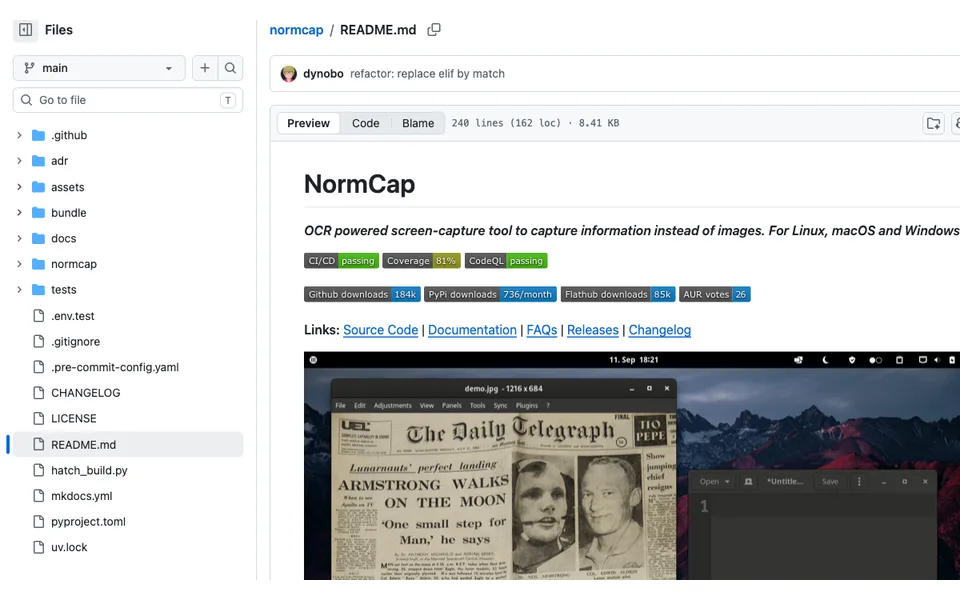
Why it fitsCapture text from a selected screen region through a lightweight local OCR workflow.
PrepareSelect the screen rectangle containing text that cannot be copied directly.
GetNormCap recognizes the captured text for reuse rather than returning only a screenshot image.
ReviewCheck visually similar characters and line breaks before pasting into another application.
Keep in mindScreen-capture permissions and desktop protocols affect operation. The tool does not promise handwriting recognition, structured-table recovery or unlimited language coverage.
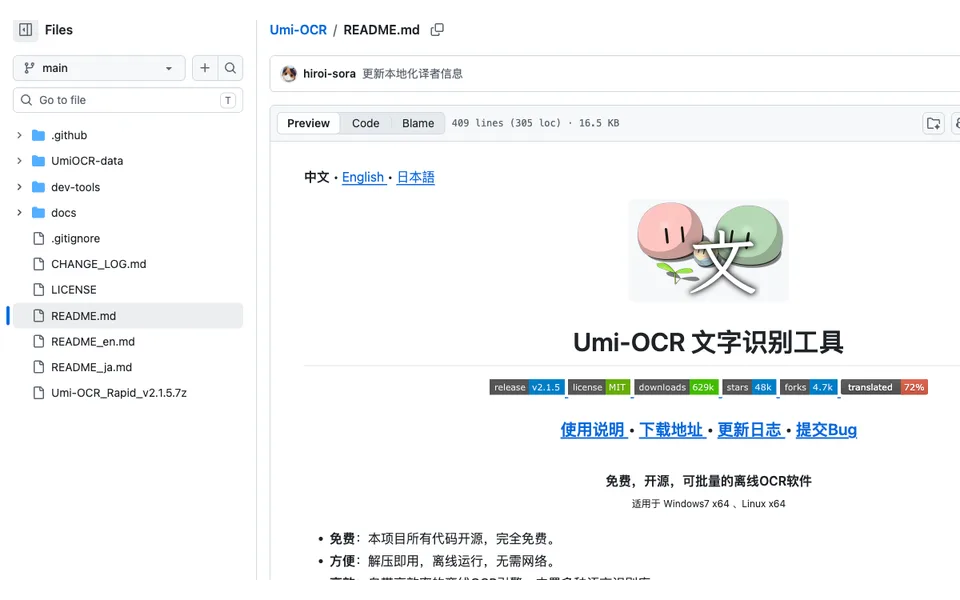
Why it fitsExtract text from image batches while excluding repeated watermark or header regions.
PrepareDrag images into a batch tab and define OCR language, engine and optional ignored regions.
GetUmi-OCR produces recognized text with configurable post-processing and batch output options.
ReviewInspect skipped regions, reading order and numbers on multiple layouts before accepting the batch.
Keep in mindDo not install both Scoop variants blindly because shortcuts can overwrite one another. Region rules are coordinate-sensitive, and alternate engines may produce different reading order or recognition results.
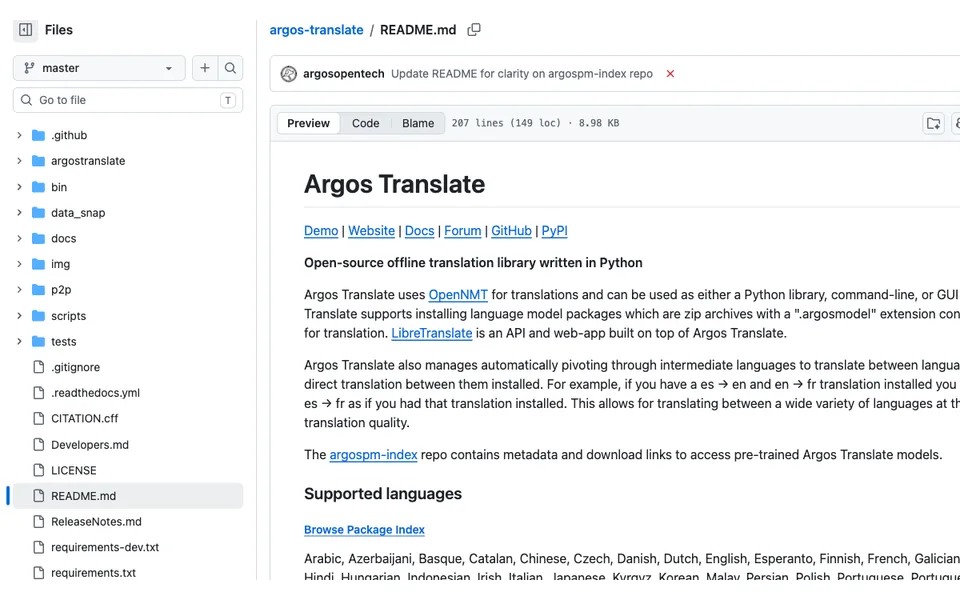
Why it fitsEmbed offline translation in Python or a command line with explicit language-package management.
PrepareProvide source text plus installed source and target language packages in the Python or CLI environment.
GetArgos Translate returns locally translated text and can pivot through installed intermediate languages.
ReviewInspect terminology and compare pivoted translations with the source before distributing them.
Keep in mindNot every language pair has a direct model. The optional GUI is a separate package, and translating files or HTML uses additional integrations rather than the plain-text call alone.
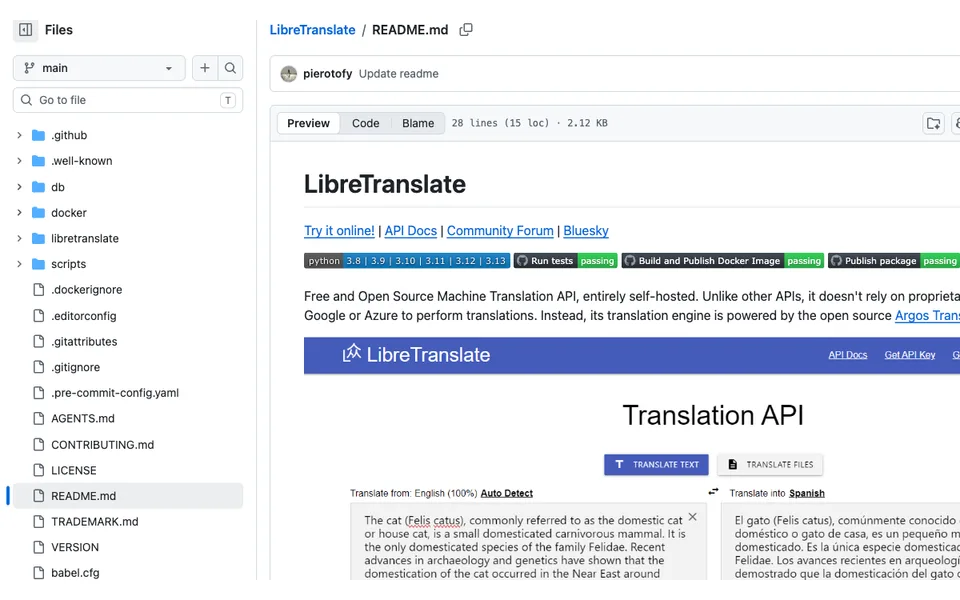
Why it fitsOperate an Argos-based translation endpoint with explicit server ownership instead of buying a hosted API allowance.
PrepareSend translation requests with explicit source and target languages to your configured instance.
GetLibreTranslate returns machine-translated text through its web interface and API.
ReviewReview translation samples and validate server exposure before making the endpoint available to others.
Keep in mindThe project relies on Argos model coverage and AGPL obligations. A public hosted service is a separate offering, and self-hosting does not by itself provide authentication, uptime or audited translation quality.
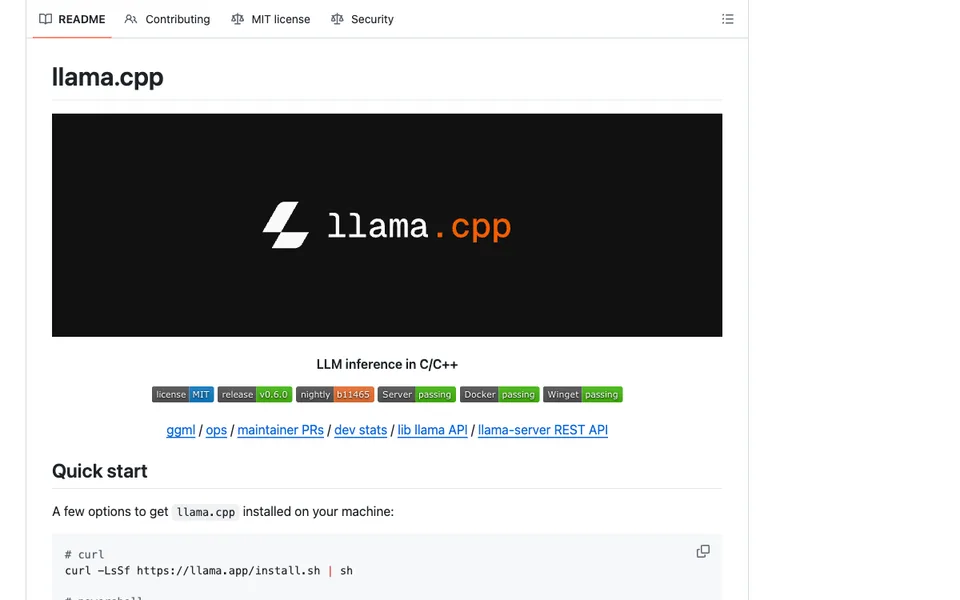
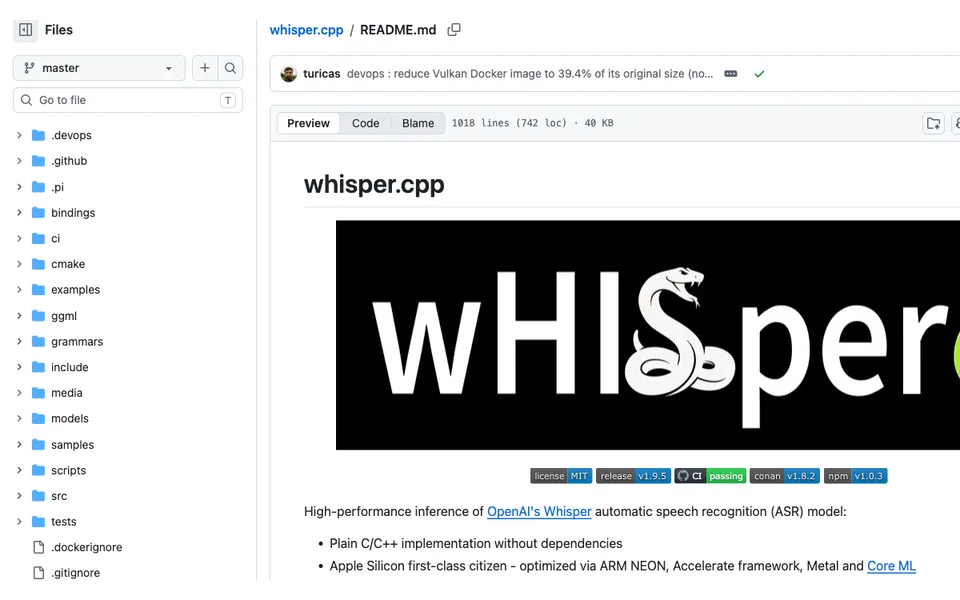
Why it fitsBuild a local speech-recognition CLI or application integration with explicit audio-format and memory requirements.
PrepareProvide compatible model weights and a supported audio file to the CLI or application binding.
Getwhisper.cpp computes local speech-recognition text with runtime options for timestamps and integration.
ReviewInspect transcription errors and measure latency on target hardware before product integration.
Keep in mindThe basic whisper-cli example expects 16-bit WAV input; the README shows FFmpeg conversion. GPU and NPU backends require their own build configuration, and model reference memory is not a concurrency guarantee.
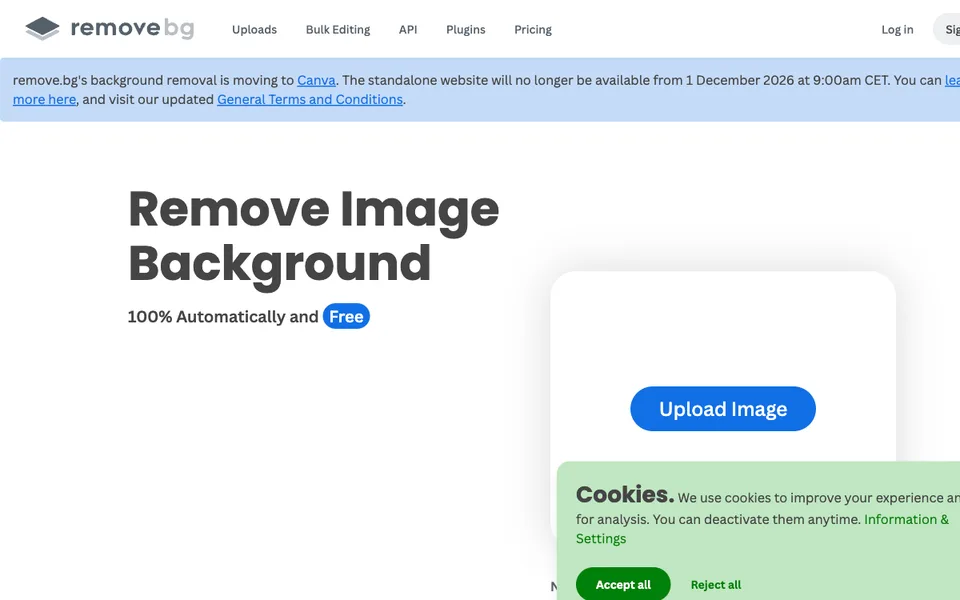
Why it fitsRemove image backgrounds with an explicit December shutdown and credit-expiry decision.
PrepareUpload a product photograph or send an image through a supported integration.
GetThe service returns a background-removed image that you can restore or edit before downloading.
ReviewInspect hair, transparent edges and product details, then record the replacement workflow for December.
Keep in mindThe announced closure makes continuity a material constraint. Trial access does not extend credit validity or guarantee that an existing API integration will survive the transition.
Why it fitsPrepare repeatable product visuals while separating batch-export limits from AI model credits.
PrepareProvide product photos and a consistent target background, crop and delivery size.
GetPixelcut produces edited or generated product images for review and export.
ReviewCompare labels and material texture with the original to catch invented product details.
Keep in mindUnlimited basic operations are distinct from model credits and monthly batch exports. A generated scene can misrepresent size, logos or included accessories.
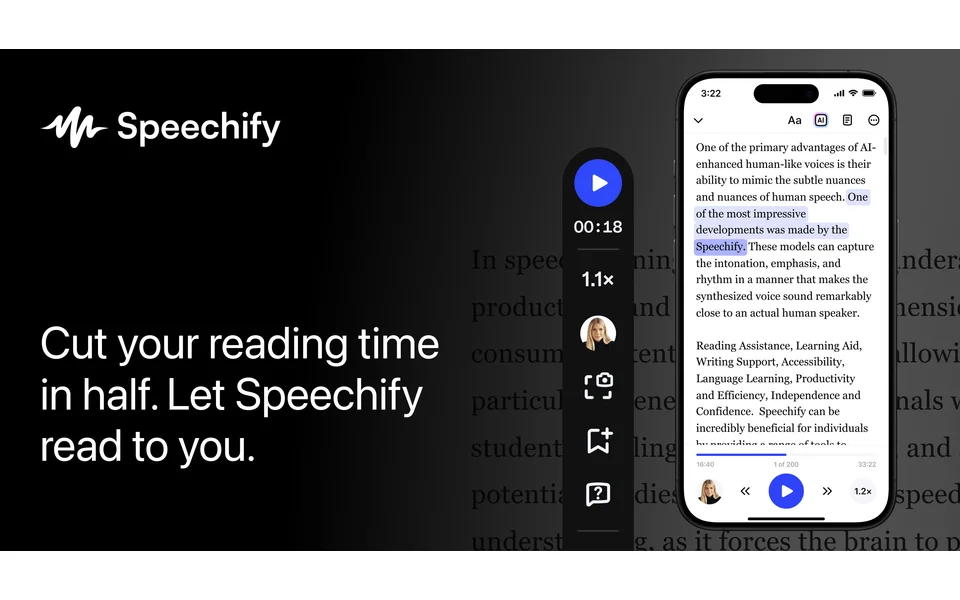
Why it fitsListen to documents and web pages without confusing a reader subscription with voiceover production.
PrepareOpen an article or import a supported document and select a voice for listening.
GetThe reader speaks the text with playback controls and plan-dependent AI assistance.
ReviewCheck names, equations and skipped passages against the original document.
Keep in mindA reader subscription does not establish commercial voiceover redistribution rights. Voice availability, scanning and other AI functions depend on the purchased plan.
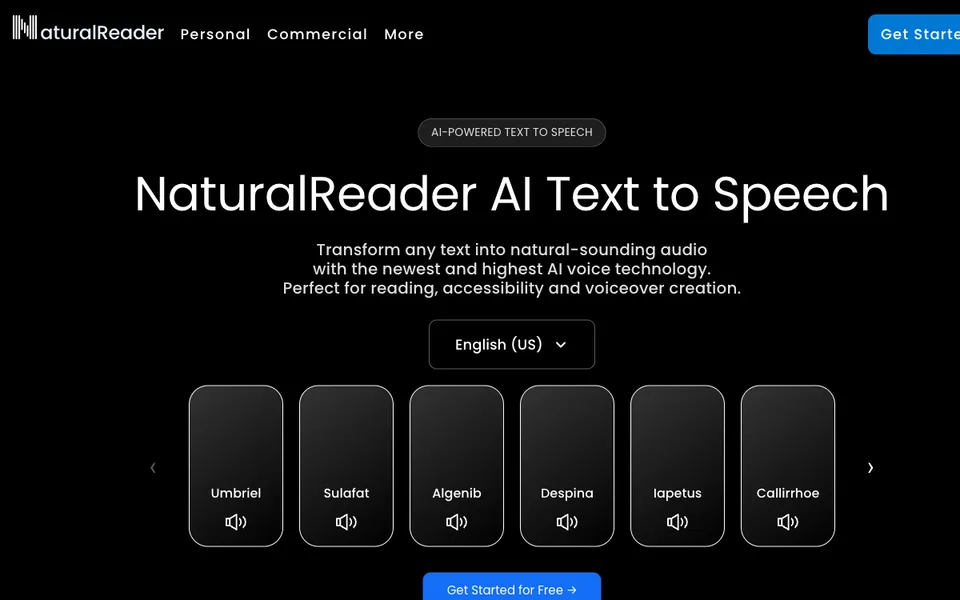
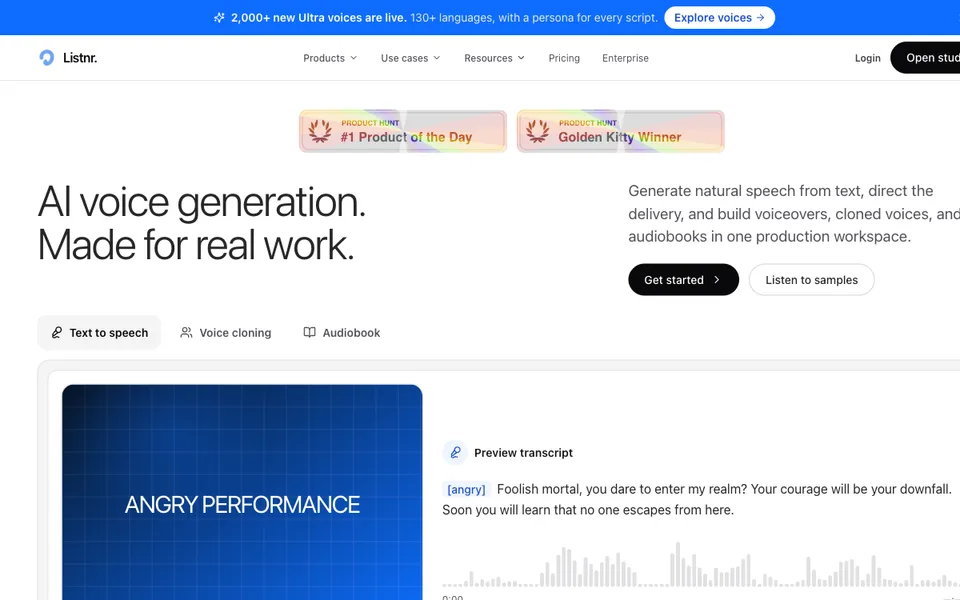
Why it fitsCreate licensed commercial narration while keeping personal listening plans and generation credits separate.
PrepareEnter an approved narration script, choose a permitted voice and set the desired delivery style.
GetThe commercial studio creates downloadable MP3 or WAV narration under its commercial terms.
ReviewProof-listen the full export and retain the applicable plan and voice permissions with the project.
Keep in mindCommercial credits, personal listening and voice cloning permissions are different controls. Obtain speaker consent for cloning; do not assume unused credits carry over without checking the current terms.
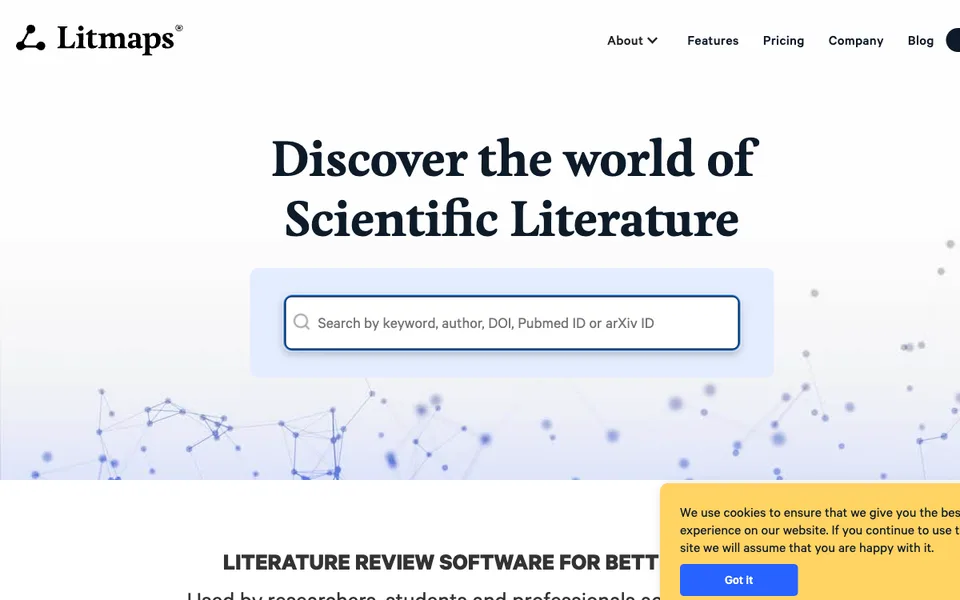
Why it fitsDiscover related papers while distinguishing citation-neighbor results from AI semantic similarity.
PrepareSupply one or more seed articles and select the citation or semantic discovery method available to your plan.
GetLitmaps returns a literature map with suggested papers and configurable monitoring.
ReviewRead abstracts and full papers to decide relevance; a recommendation is not an evidence-quality assessment.
Keep in mindSimilar Text analyzes titles and abstracts rather than validating study findings. Free and advanced discovery allowances differ; the plan page contains multiple variants, so use the rendered selected offer.
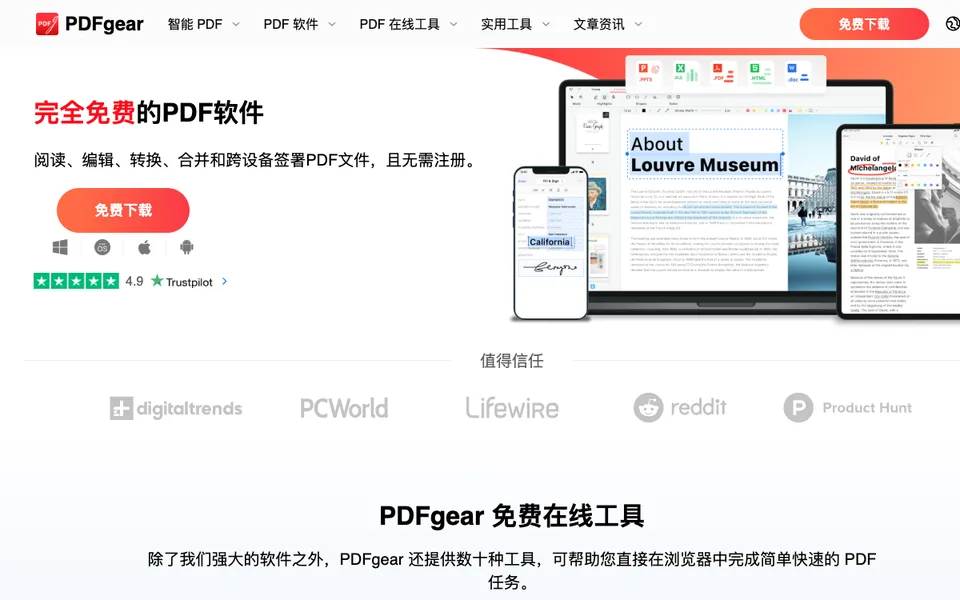
Why it fitsEdit and question PDFs while making a separate decision about sending document content to cloud AI.
PrepareOpen a PDF and choose either a document-editing operation or an AI question about its contents.
GetPDFgear produces edited files or AI answers that you can compare with the source pages.
ReviewCheck page layout, extracted numbers and source passages before accepting changes or answers.
Keep in mindAI output can be inaccurate, and document content may leave the device when AI is used. A free offer does not establish a service-level commitment or unlimited future access.
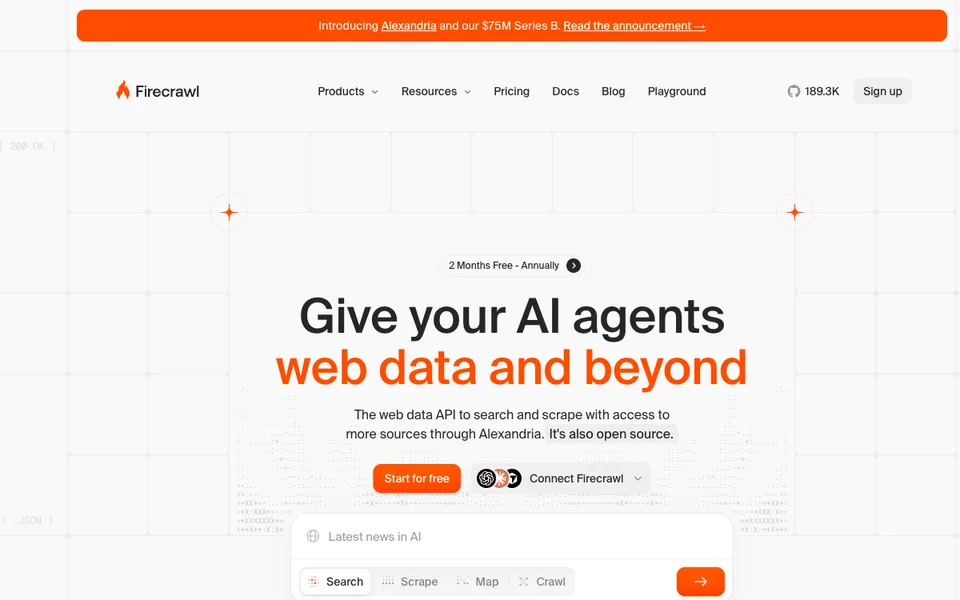
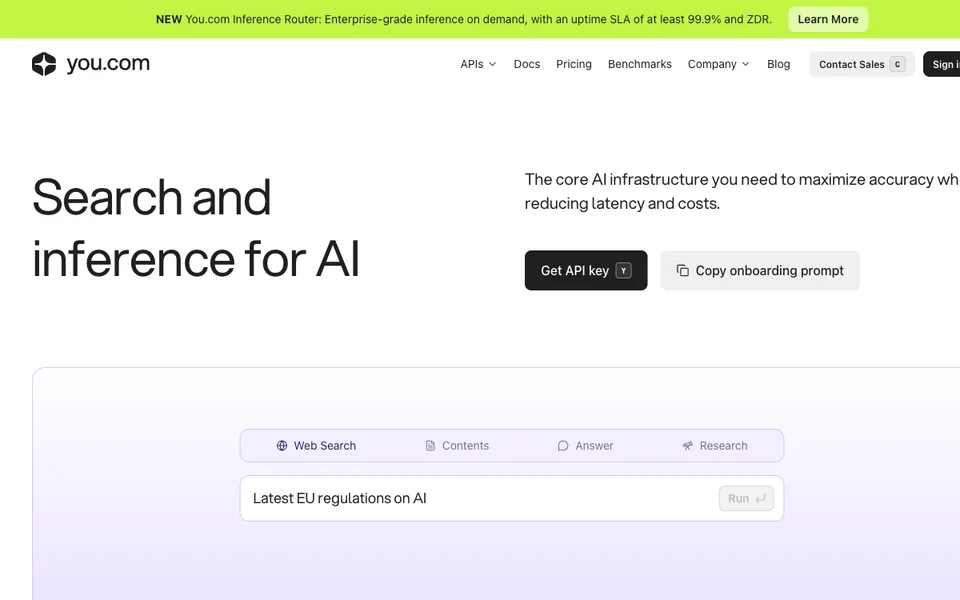
Why it fitsGround an agent in live web sources while choosing explicitly between retrieval and a generated answer.
PrepareSend a search query, known URL or research question to the appropriate endpoint.
GetThe selected API returns web results, extracted content or a generated answer with sources.
ReviewInspect source dates and citations before passing an answer into a consequential workflow.
Keep in mindSearch output is not a guarantee of factual correctness. Contents bills pages, and Research depth changes both latency and price; application model costs remain separate.
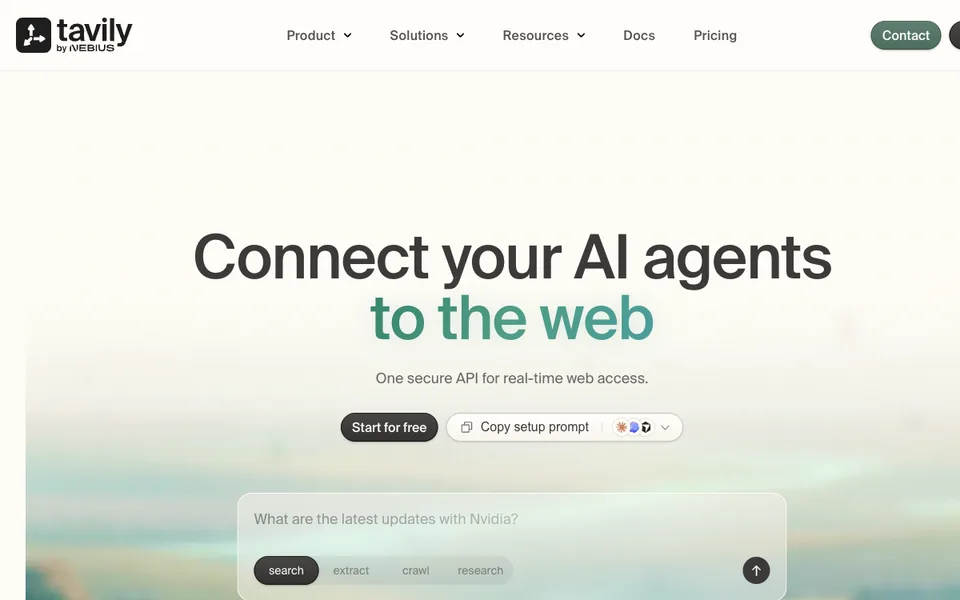
Why it fitsAdd web evidence to an agent while budgeting credits per operation instead of assuming one credit per search.
PrepareProvide a query or URL set and select the required retrieval depth and output options.
GetTavily returns search evidence or extracted web material for the agent to analyze.
ReviewCheck whether the cited page actually supports the proposed answer and whether its date is suitable.
Keep in mindCredits reset monthly, and complex operations can cost more than a basic request. Exhausting the free allowance stops requests until reset or an eligible upgrade.
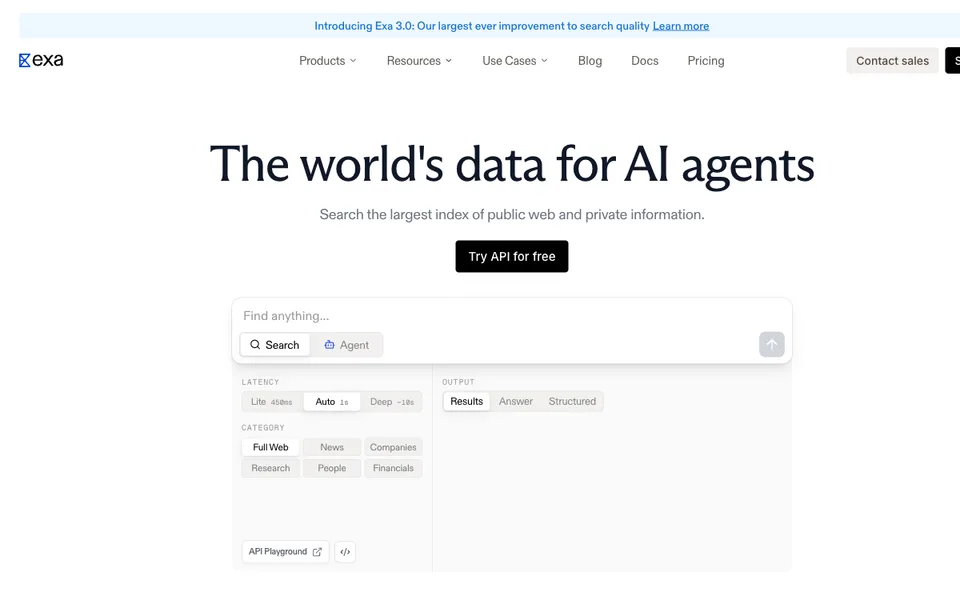
Why it fitsChoose search depth and result counts before letting an agent expand its web research budget.
PrepareSend a query with a search mode, result count and requested content types.
GetExa returns relevant pages and optional content, or an asynchronous research result when using Agent.
ReviewReview retrieval relevance and quoted passages instead of accepting a mode label as proof of research quality.
Keep in mindAgent contact enrichment is charged separately, and additional results or summaries increase the retrieval bill. Published speed descriptions are not a latency guarantee for your workload.
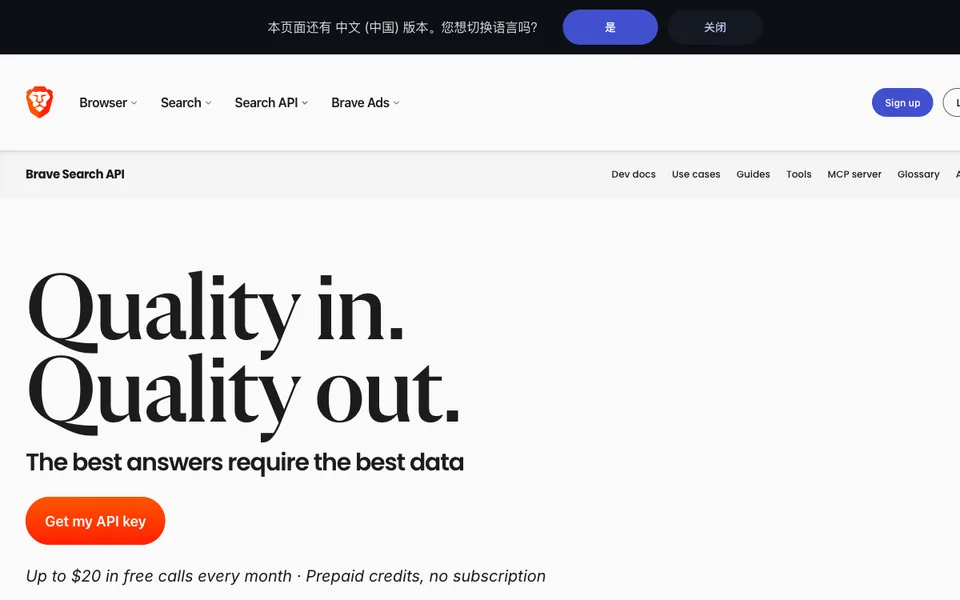
Why it fitsRetrieve web results for an AI application while separating search charges from answer-generation tokens.
PrepareProvide a query and relevant search parameters, or a question to the separate Answers endpoint.
GetThe search API returns ranked web evidence; Answers can return a cited generated response.
ReviewCheck freshness and source support, and keep model reasoning costs in a separate budget.
Keep in mindEndpoint rate limits and credits differ. Vendor benchmark claims are not Agenlify testing, and a retrieved result does not establish that a statement is true.
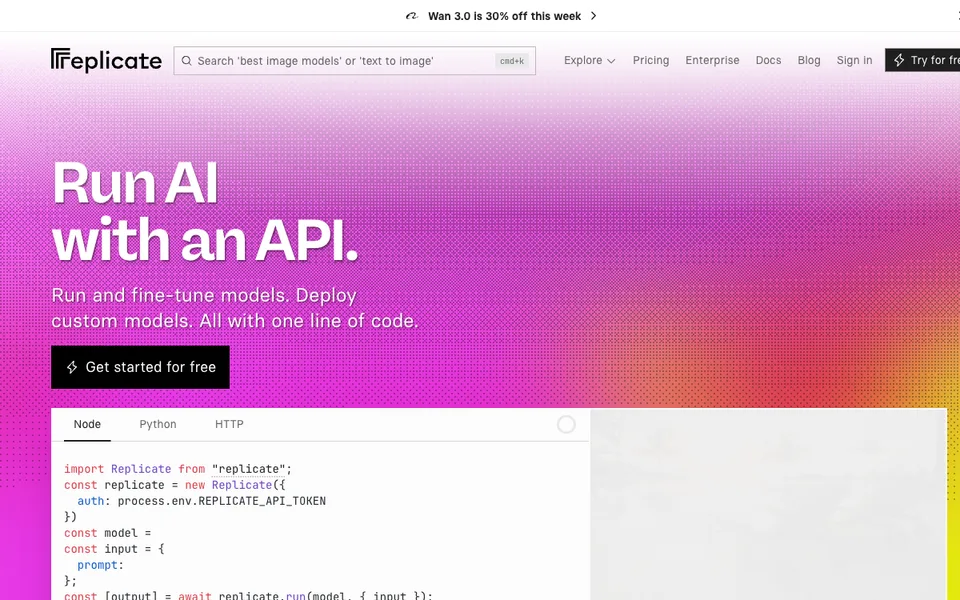
Why it fitsRun hosted models while checking whether the selected deployment bills only requests or also idle hardware.
PrepareSelect a model version and provide the required prompt, media or custom model package.
GetReplicate returns a prediction result or generated media from the hosted execution.
ReviewValidate output quality, model license and deployment billing behavior before production integration.
Keep in mindPrivate instances can incur setup and idle costs. Each model has its own license and input schema; a catalog listing does not grant unrestricted output rights.
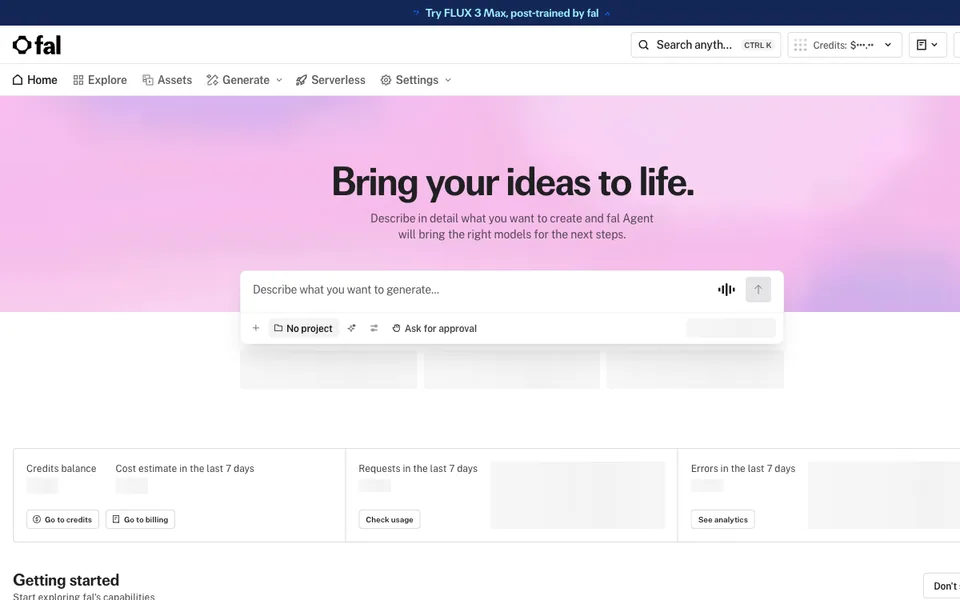
Why it fitsIntegrate media models with a budget that accounts for resolution and the exact billing unit.
PrepareSend a prompt or source asset together with explicit size, duration and model settings.
GetThe endpoint returns generated or transformed media in its model-specific output format.
ReviewInspect artifacts and usage receipts before accepting results into the media pipeline.
Keep in mindPer-image, per-megapixel and processed-megapixel units differ. Custom runners can bill while alive, and model availability or licensing must be checked separately.
ReviewReview model cards, licenses and hardware behavior before inviting users to a public demo.
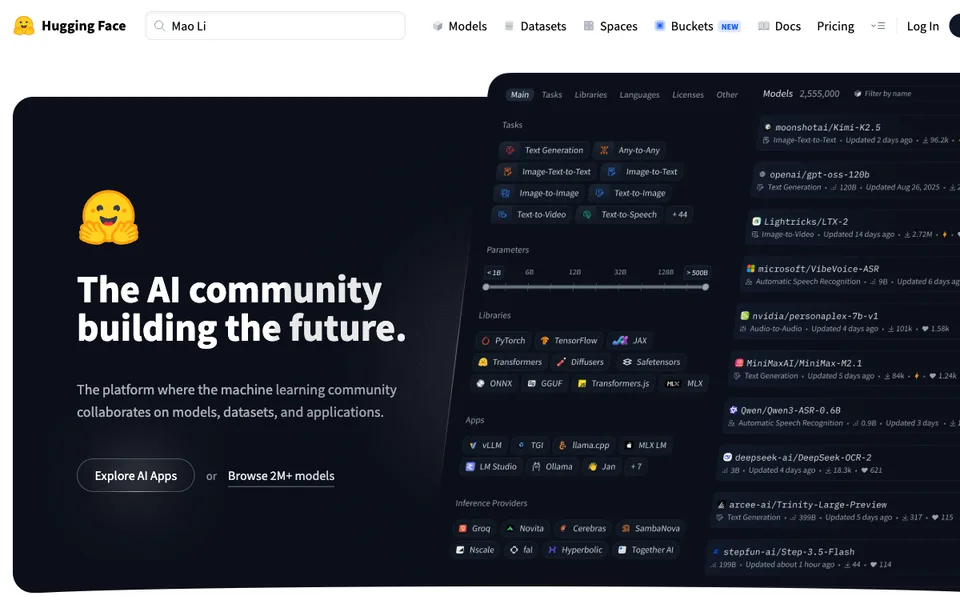
Keep in mindCommunity models have different licenses and resource needs. The multi-product Hub domain cannot be interpreted as usage of an individual model or Space.
Why it fitsRoute across model providers with explicit handling of platform fees, free limits and data-policy choices.
PrepareChoose an eligible model and route, then send a chat or application request through the unified interface.
GetOpenRouter returns the selected provider model response and usage information.
ReviewTest fallback behavior, inspect the provider policy and verify the resulting response before use.
Keep in mindFree-model availability and throughput are constrained. A unified API does not make provider retention policies, context limits or model capabilities identical.
Why it fitsUse a direct inference host while deciding when variable token usage justifies reserved capacity.
PrepareSend a model-specific inference request or supply deployment requirements for reserved capacity.
GetThe service returns generated text or media with the selected model usage meter.
ReviewMeasure answer quality, latency and errors with representative application inputs.
Keep in mindPrice and availability are model-specific, and dedicated services can have commitment or uptime costs. A media default-size estimate is not a universal per-output quote.
Why it fitsChoose model and scheduling tier together rather than treating the lowest token rate as a production guarantee.
PrepareSend prompts to the exact supported model and specify a service tier only when available.
GetThe endpoint returns model output with usage suitable for token-based cost accounting.
ReviewValidate response quality and retry behavior before routing live workloads to a cheaper tier.
Keep in mindFlex can be slower or unavailable, and Priority does not change model capability. Dedicated hardware has a different cost basis from serverless token billing.
Why it fitsChoose production model APIs with separate token and speech-hour accounting.
PrepareSubmit model-compatible messages or an audio file to the appropriate API.
GetGroqCloud returns generated model text or a speech transcription result.
ReviewCompare accuracy and tail latency on representative inputs before relying on a speed claim.
Keep in mindPreview models are explicitly unsuitable for production and may disappear at short notice. Limits and pricing units differ between text, speech and safety models.
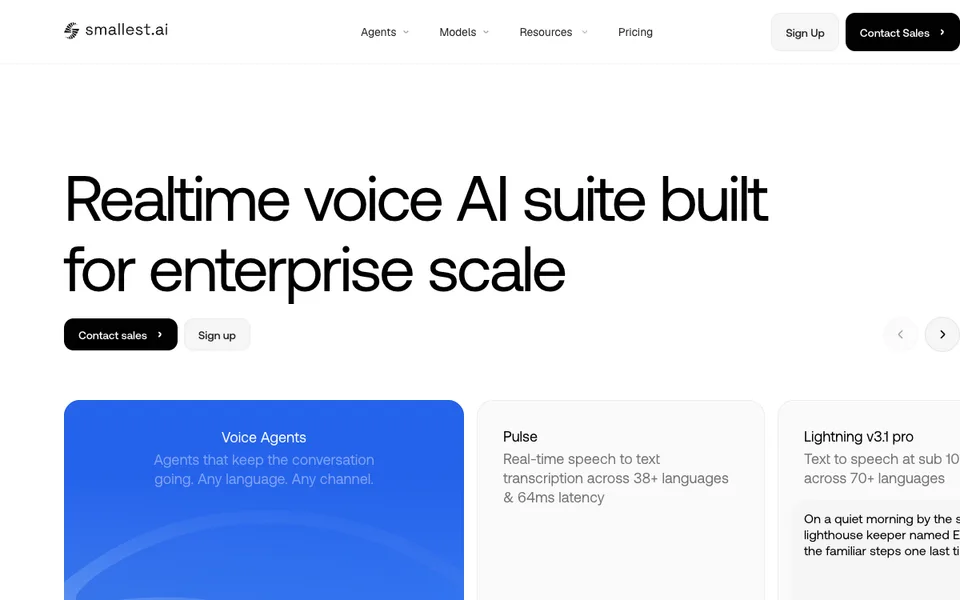
Why it fitsPlan a speech pipeline with distinct recorded-audio, live-stream and voice-agent budgets.
PrepareUpload recorded audio or open a supported live audio connection with the correct model and language settings.
GetThe API returns transcripts and any separately selected speech features.
ReviewReview timestamps, speaker labels and names, and obtain permission to process the recording.
Keep in mindStreaming promotions can end, and add-ons can change the effective minute rate. Speech recognition does not guarantee correct names, speaker identity or consent.
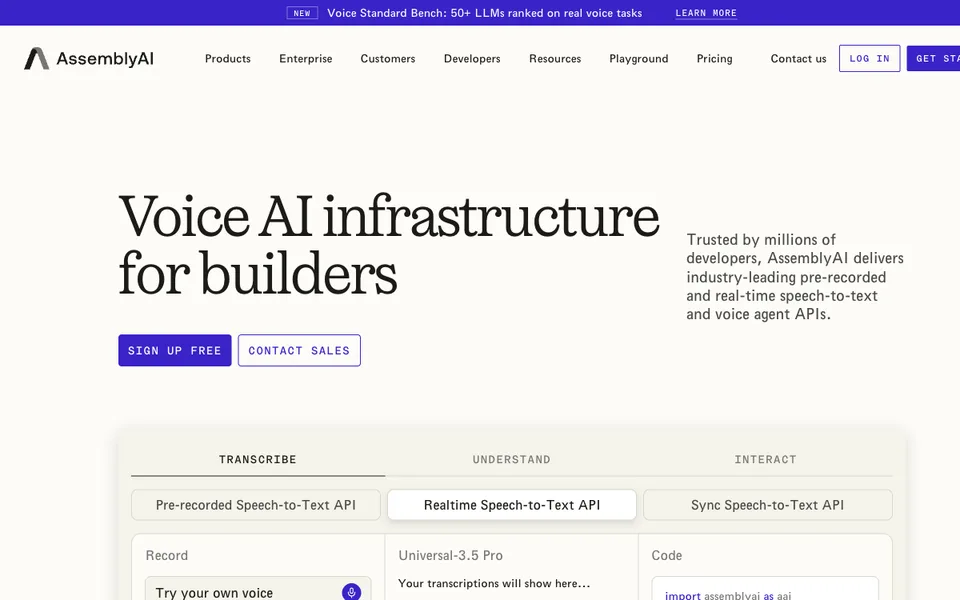
Why it fitsTranscribe recordings while adding only the speaker and understanding features the workflow actually needs.
PrepareProvide an accessible audio source and explicitly enable the desired transcription and enrichment options.
GetAssemblyAI returns a transcript with timestamps and the selected additional analysis.
ReviewCheck technical terminology and speaker turns before using the result as a meeting or research record.
Keep in mindAdd-on availability differs by model, and the maximum trial-hour claim is not a promise for every feature combination. Do not use generated labels as verified identities.
Why it fitsBudget voice generation and managed calls using their separate balances and telephony charges.
PrepareSend text for speech synthesis, audio for recognition or a configured conversation to a managed agent.
GetCartesia returns speech, recognized text or a managed voice conversation according to the chosen service.
ReviewTest interruptions, pronunciation and consent, then review actual call and model usage.
Keep in mindFree access does not include the stated Pro commercial license. Paid overages can be enabled, and time-limited free LLM or evaluation offers should not be treated as permanent zero cost.
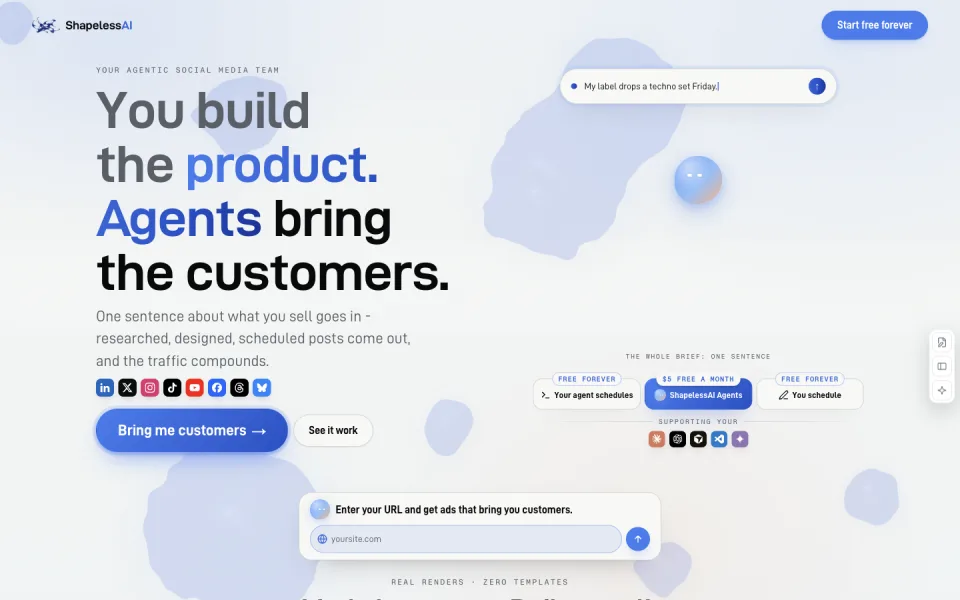
Why it fitsCoordinate campaign drafts and approval when separate copy, creative and scheduling handoffs are the bottleneck.
PrepareProvide a campaign brief, approved brand assets and the channels that need finished drafts.
GetThe workspace prepares campaign copy and creative with a scheduling and approval workflow.
ReviewReview the full campaign for factual consistency, brand rules and destination links before approving publication.
Keep in mindIncluded campaign counts are not a promise of unlimited revisions or advertising results. The pricing page advertises approval before shipping; keep a named reviewer and check the actual connected-channel permissions.
Why it fitsBudget branded writing by the shared daily credit pool instead of adding together every advertised output example.
PrepareSupply a writing brief, brand guidance and source material for the audience and channel you intend to reach.
GetThe editor and chat tools return text drafts and supported research or image outputs against a common credit balance.
ReviewCheck cited facts and audience assumptions, then revise the draft for the actual offer and brand voice.
Keep in mindCredit consumption depends on task and model. Vendor examples are indicative capacity illustrations, not measured throughput or evidence that generated audience responses represent real customer research.
Why it fitsDraft and send newsletters with explicit subscriber and brand-memory limits.
PrepareProvide an email objective, permission-based audience information and approved brand references.
GetThe platform generates email drafts and supports newsletter publishing and automation on the selected plan.
ReviewProofread offers, test links and verify recipient consent before approving any send.
Keep in mindAn included subscriber ceiling and unlimited-email wording do not eliminate deliverability, consent or sending-policy limits. Competitor tracking supplies examples rather than permission to copy protected text.
Why it fitsChoose a social publishing plan by profile count, collaborators and shared generation credits.
PrepareEnter a post brief and brand assets, then connect the specific social accounts you are authorized to manage.
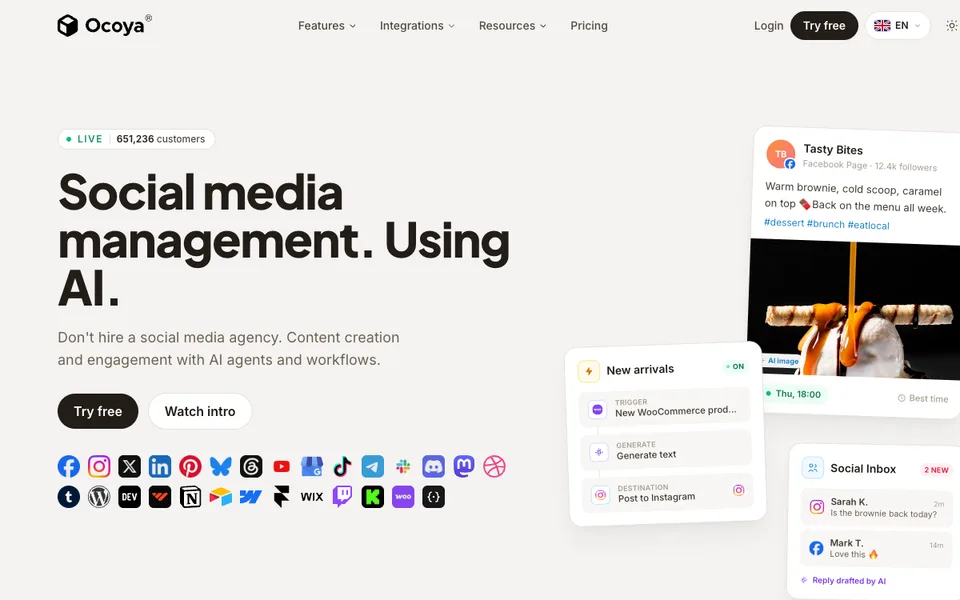
GetOcoya prepares social copy and creative and places approved posts in a publishing schedule.
ReviewCheck channel-specific crops, links and claims before allowing the scheduled post to publish.
Keep in mindMonthly credits are separate from profile and user allowances. A trial requires a payment card and renews automatically; record its end date rather than treating Try free as a permanent free plan.
Why it fitsOrganize AI-assisted posts into recurring categories while checking approval and workspace requirements.
PrepareProvide content themes and drafts and connect the social profiles that belong in the workspace.
GetThe platform returns AI-assisted post variants and an organized posting calendar with supported recycling rules.
ReviewReview whether recycled offers and dates are still valid, and approve versions before scheduling them.
Keep in mindUnlimited AI generation does not mean unlimited connected profiles, users or historical analytics. Do not assume the lowest tier includes every approval or collaboration feature shown in the comparison table.
Why it fitsDecide separately how much creative to generate and whether the selected plan can publish it automatically.
PrepareEnter a creative brief or product material, choose a format and select the brand context.
GetThe service generates editable ads, images or videos, with publishing options determined by the plan.
ReviewValidate product claims, visual fidelity and channel settings before using a creative in an advertisement.
Keep in mindCredit use varies by content type and model, and competitor-analysis runs have their own allowance. Generated creative and advertised savings do not demonstrate campaign performance.
Why it fitsTurn product links into ad drafts while checking the actual credit cost of each model and revision.
PrepareProvide a product URL or approved product assets and a brief for the intended ad audience.
GetCreatify generates editable ad concepts using supported actors, templates and media-generation models.
ReviewInspect the product depiction and actor script, then approve claims and export settings before running an ad.
Keep in mindCredits, concurrency and licensing conditions still apply to paid plans. A generated actor is not a real customer testimonial, and the reviewed pricing does not establish conversion performance.
Why it fitsPlan avatar training videos by model-minute pools and the LMS export format your course actually needs.
PrepareEnter an approved training script or import supported presentation material and choose the presenter and voice.
GetThe editor creates presenter-led lessons and supported video or course exports according to the selected plan.
ReviewCheck pronunciation, translated instructions and learner interactions in the target LMS before release.
Keep in mindFree access does not establish watermark removal, unrestricted MP4 downloads or SCORM entitlement. The Enterprise unlimited language is a sales-plan description, not a benchmark of rendering speed or unlimited editor seats.
Why it fitsUse scholarly search to build a reading trail while budgeting deeper reviews separately from ordinary searches.
PrepareAsk a clearly scoped research question and specify the population, intervention or outcome that matters to your review.
GetThe service returns paper results and plan-dependent AI messages, study summaries or deeper evidence reviews.
ReviewOpen the cited papers and check methods, populations and limitations before relying on a conclusion.
Keep in mindA citation is a retrieval trace, not proof that the study supports every sentence of the generated synthesis. Search coverage, publication bias and the quality of individual studies still require independent judgment.
Why it fitsBuild alternative settings around a product image when a small catalog needs themed backgrounds and repeatable batches.
PrepareUpload a clear product image and describe the desired backdrop with a theme or custom prompt.
GetThe studio produces product photographs with generated settings for your catalog or campaign.
ReviewCheck label spelling, shape, proportions and contact shadows against the original product before exporting selected variants.
Keep in mindA generated scene can distort packaging or imply an accessory that is not sold. Image allowances are monthly, and the visible plan text does not establish unused-credit rollover; do not budget unused capacity as a permanent balance.
Why it fitsReplace product backgrounds from one item photo and size a shared studio by seats before judging its unlimited-photo headline.
PrepareSupply an isolated product photograph and choose a template or describe the intended setting.
GetMokker returns staged product images with AI-generated surroundings.
ReviewCompare the exported image with the original label and silhouette and reject invented details.
Keep in mindThe free allocation is one-time, not 40 photos every month. A feature marked coming soon is not a current capability, and annual per-user prices require the stated seat commitment to estimate a team bill.
Why it fitsUse custom product models and scene variants when repeat visual identity matters more than simply replacing one background.
PrepareProvide product references and arrange the desired composition or custom-model brief.
GetThe workspace produces generated product visuals and plan-limited video variations.
ReviewInspect logos, material appearance and product dimensions before using a generated composition commercially.
Keep in mindFast modes have different quota consumption, and the visible Pro row does not establish every image allowance. Licensing wording and model limits need checking for the actual plan; do not infer company rights from a free preview.
Why it fitsConnect production traces to evaluation datasets while separating data processing, scoring and model inference costs.
PrepareSend application traces and a labeled evaluation dataset with expected behavior or scoring criteria.
GetThe platform provides trace inspection, experiment comparisons and evaluation scores for reviewing AI behavior.
ReviewCheck whether evaluators catch real failures and protect sensitive content before including production traces.
Keep in mindAn automated score is only as useful as its rubric and examples. Fourteen-day Starter retention may be too short for a monthly incident review, and included model credits are not unrestricted inference.
Why it fitsKeep prompt revisions and evaluation datasets together when several people need to compare changes before rollout.
PrepareProvide versioned prompts, application request records and test examples with desired responses.
GetThe workspace records prompt changes and evaluation results that teams can compare across versions.
ReviewReview dataset representativeness and require a human decision before promoting a prompt that changes production behavior.
Keep in mindAdditional usage can include requests, agent runs and evaluation cells. Free and Pro are hosted in the US; enterprise deployment options require separate agreement. A platform subscription does not establish a model-provider spending cap.
Why it fitsTrace multi-step agents and compare evaluation runs while keeping seat fees separate from execution and model costs.
PrepareInstrument agent calls and provide evaluation examples that capture the task success criteria.
GetLangSmith exposes execution traces, datasets and evaluation results for debugging agent behavior.
ReviewCheck nested tool calls and scoring failures before deciding that a run is ready for production.
Keep in mindA successful trace is not evidence of a correct answer. Resource-based deployment and model-gateway charges can dominate a small seat fee, so estimate each enabled service rather than relying on the starter headline.
Why it fitsBuild support agents with knowledge and human routing while budgeting automatic conversation packs and AI recharge separately.
PrepareProvide approved support articles, escalation rules and the customer channels the agent may use.
GetThe platform returns agent conversations, knowledge-grounded replies and routed support interactions.
ReviewTest unanswered questions, permission-sensitive actions and the handoff to a human before accepting live traffic.
Keep in mindTwo end-user messages make an exchange billable as a conversation; separate anonymous sessions and conversations spanning two months can count separately. Paid-plan AI recharge is USD 10 at 95% of its limit, and the published page says its threshold and amount are not yet configurable.
Why it fitsGround a support agent in your content and choose a plan by required API, voice and integration access before comparing credit counts.
PrepareUpload support documents or connect approved sources and define which customer actions the agent is allowed to perform.
GetChatbase produces a deployable support agent with source-based replies and plan-dependent actions and integrations.
ReviewValidate answers against source documents and test customer identity boundaries before enabling account-specific actions.
Keep in mindIncluded message credits and test credits are separate. Model choice and actions can affect consumption, so 700 credits do not promise 700 solved tickets. Training-content size and one included agent are additional limits even when credits remain.
Why it fitsProduce English narration with pronunciation control when paid output rights and an annual download budget matter.
PreparePaste an approved English script and choose a voice with pronunciation and delivery settings.
GetThe studio creates narration and supported caption files for integration into a video or learning project.
ReviewListen to names, numbers and sentence emphasis and check timing against the final picture before downloading.
Keep in mindTrial output does not carry commercial rights. Starter and Pro list English voices; additional languages belong to the relevant enterprise arrangement. Re-exporting revised audio can consume download capacity even if generation itself is unlimited.
Why it fitsCreate voiceovers in multiple languages while using the credit allowance, rather than unlimited downloads, to size production.
PrepareEnter the narration text and select the desired language, accent and voice.
GetListnr generates voice audio that can be downloaded or embedded according to the selected plan.
ReviewHave a fluent reviewer check pronunciation and meaning in every delivered language.
Keep in mindThe free credits are described as a starting allocation, not a recurring monthly promise. Approximate hours depend on credit consumption, and paid commercial rights do not clear third-party script or voice rights automatically.
Why it fitsBuy a block of narration duration for occasional projects when a recurring subscription would leave unused monthly capacity.
PrepareProvide a narration script or supported slide material and choose a language and voice.
GetThe service produces spoken audio or narrated video whose final duration determines generation charges.
ReviewListen to the complete result and check slide timing before accepting a paid render as final.
Keep in mindOne-second billing precision does not eliminate the cost of a corrected render. Generation and transcription use different duration bases, and content rights still require review before distributing a voiceover.
Why it fitsStructure agent coding work around a reviewed design, implementation plan, tests and code review.
PrepareA feature request, repository context and the host assistant configuration.
GetA design, task plan, implementation and verification artifacts produced through the host agent.
ReviewApprove the design and review the final diff and actual test evidence before merging.
Keep in mindWorkflow instructions depend on the host following them. Automatic activation can add process to small tasks; upstream performance claims have not been independently tested here.
Why it fitsGuide a coding agent to reuse existing components and review changes for unnecessary complexity.
PrepareAn existing repository, a scoped change and optionally a diff to review.
GetAgent changes, review findings and an audit of avoidable complexity.
ReviewCheck that simplification preserves validation, security and accessibility.
Keep in mindCommands vary by host; instruction-only adapters do not provide every plugin command. The optional Claude Code band requires the documented host version and is not available in every interface.
Why it fitsApply explicit specification, testing, review and release criteria to AI-assisted engineering work.
PrepareA specification or code change, project constraints and the selected skill.
GetStructured plans, implementation steps, reviews and verification records.
ReviewChoose the workflows to enable and inspect evidence before accepting a release.
Keep in mindWorkflow commands can overlap built-in assistant commands; namespaced invocation may be required. Individual-skill installation has a documented shared-reference gap.
Why it fitsPackage and run a local language model as a portable executable instead of provisioning a model service.
PrepareA trusted prebuilt llamafile or a runtime plus compatible model weights, followed by a prompt.
GetLocal model responses; the project also provides a separate whisperfile transcription tool.
ReviewVerify the model source and licence and assess output on the actual target hardware.
Keep in mindWindows executable size is limited to under 4 GB. Newer 0.10 builds differ from the classic 0.9 experience; model compatibility and memory needs vary.
Why it fitsBuild a queryable code knowledge graph with explicit versus inferred relationships for coding assistants.
PrepareA local repository, optionally with documentation and supported media.
GetAn interactive graph, a Markdown report and a JSON graph for scoped queries.
ReviewCheck important graph edges against source code before approving a change.
Keep in mindThe official Python package is graphifyy, with two y characters. Local code extraction and cloud or semantic processing have different privacy and cost boundaries; CLI installation does not establish an MCP connection.
Why it fitsRun an AI answer engine with web citations, configurable models and locally stored search history.
PrepareA research question, selected sources and model configuration; file uploads are optional.
GetA cited answer, search results and locally retained query history.
ReviewOpen the cited pages and verify that they support the answer.
Keep in mindSelf-hosting does not make external searches or cloud inference offline. The README lists authentication as upcoming, so protect any network exposure separately.
Why it fitsTurn a script into a narrated long-form video with generated scenes, music and a thumbnail.
PrepareA topic or approved script, chosen visual style, narrator and scene instructions.
GetAn editable narrated video with generated visuals and optional music and thumbnail assets.
ReviewCheck script facts, scene consistency and voice pronunciation before exporting.
Keep in mindA free allowance does not refresh monthly. Generating more scenes or revising images can exhaust component allowances before the approximate video-minute total; confirm top-up terms before relying on them.
Why it fitsProduce long-form explainers from a brief, script or supplied audio, then refine the footage and timeline.
PrepareA content brief, optional full script, MP3/WAV narration or owned footage.
GetA long-form video draft with narration, assembled footage and an editable timeline.
ReviewApprove the production plan, verify factual claims and check rights for each sourced asset.
Keep in mindThe FAQ targets 6–60 minute documentary and list videos and excludes Shorts, vlogs and software tutorials. Bringing your own voiceover does not reduce credit cost. Source licensing still requires review; website testimonials are not independent performance evidence.
Why it fitsChoose a research workspace by credit needs and parallel-agent capacity, then validate every cited study before using its synthesis.
PrepareSupply a research question, inclusion criteria and papers or PDFs that you are entitled to analyze.
GetThe workspace returns paper searches, document answers and plan-dependent research reports or writing drafts.
ReviewRead cited methods and results, and keep contradictory studies in the review rather than accepting the generated narrative alone.
Keep in mindCredit consumption depends on the tool and model. The labels unlimited and verified report do not establish unlimited compute or scientific correctness. Institutional full-text access also depends on your institution and publisher entitlement.
Why it fitsBudget training videos by generated minutes and editor seats, with custom-avatar charges kept separate from the base subscription.
PrepareProvide an approved script or supported source material, then choose the presenter, language and scene assets.
GetElai produces editable presenter-led scenes and video exports within the chosen plan and minute allowance.
ReviewListen to pronunciation and check factual statements, avatar consent and accessibility before distributing the lesson.
Keep in mindA stock-avatar subscription is distinct from a personal avatar or voice clone. Annual inclusions should not be assumed for monthly Team billing, and the displayed enterprise unlimited wording does not define an unrestricted self-serve plan.
Why it fitsSelect a music plan by distribution rights and editable output, before comparing the number of generated tracks.
PrepareChoose a composition style or provide an authorized audio or MIDI influence, then adjust the musical direction.
GetThe service generates compositions that can be edited and downloaded in the formats supported by the selected plan.
ReviewReview musical similarity, attribution duties and the intended release channel before using a composition publicly.
Keep in mindThe published plan is a licensing statement from the provider, not a legal finding about every generated work. Free downloads cannot be monetized, and Standard retains AIVA ownership with a narrower platform list.
Why it fitsSeparate app builders from internal users when costing an AI-enabled operational tool, then check the required governance tier.
PrepareConnect approved data sources and describe the interface, workflow and AI actions that staff need.
GetRetool returns an editable internal application with queries, interface components and configured automation.
ReviewReview generated queries, access controls and write operations using test data before exposing production records.
Keep in mindAn AI credit pool is shared across the account and renews monthly without rollover. Free and Team do not include every governance feature, and a model integration does not remove the need to control staff data access.
Why it fitsCost an agent integration by connected external users and execution credits, rather than counting connected accounts as separate people.
PrepareProvide your application user IDs, the approved integration actions and the accounts each user chooses to connect.
GetThe integration layer exposes authenticated API actions, tools and triggers that your application can call.
ReviewReview OAuth scopes and confirm the exact downstream action before letting an agent modify a connected service.
Keep in mindUsage credits cover actions, MCP tools, proxy requests and deployed-trigger events in thirty-second compute units. Listing apps and configuring components are described separately. Free development cannot serve real external users in production.
Why it fitsCompare gateway reliability controls and log retention with model costs kept outside the platform subscription.
PrepareSend supported model requests through the configured gateway with provider credentials and routing rules.
GetThe gateway forwards model responses and supplies plan-dependent logs, traces and routing controls.
ReviewSet retry limits, budget rules and log redaction before routing sensitive production requests.
Keep in mindThe pricing page mixes recorded-log and request terminology in its allowance and overage sections. Do not convert the listed fee into a guaranteed per-user or per-token price; verify metering and retention against the actual workload.
Why it fitsEvaluate a unified API by the model bill and credit-purchase fee, with private-deployment requirements treated as a separate plan decision.
PrepareProvide the selected model, operation and permitted text, image, audio or document payload in the API request.
GetThe service returns the selected provider operation through a unified interface with cost-monitoring information.
ReviewCheck provider-specific data handling, output format and failure behavior before changing the production model.
Keep in mindNo subscription does not mean free inference. Provider prices can change, model capabilities are not interchangeable, and automatic credit refill can create further charges if enabled. Advanced deployment terms require a quote.
Why it fitsChoose a persistent-agent workspace by agent count, memory size and model usage, with personal and developer plans kept distinct.
PrepareConfigure an agent identity, memory and permitted tools, then provide tasks through the supported app or CLI.
GetThe agent returns task responses while retaining state and memory according to its configuration and plan limits.
ReviewReview stored memory and tool permissions, and approve consequential actions before allowing autonomous execution.
Keep in mindThe pricing page does not quantify every Letta Auto token allowance. Heavy tool use and generation can consume quota quickly; memory capacity is not a substitute for inference credit. Do not assume the personal Pro plan includes developer API workloads.
Why it fitsSeparate ordinary AI-video minutes from generative motion seconds before buying an annual explainer-video plan.
PrepareProvide a reviewed script, preferred scene style and authorized media, then select the narration and output format.
GetThe editor turns the script into editable animated or generated scenes with audio and export settings.
ReviewReview scene relevance, timing and voice pronunciation before spending further generation credits on revisions.
Keep in mindUnlimited exports do not remove the separate monthly generation pools. The pricing page distinguishes image/stock, AI-video and generative allowances, and temporary Power-Up inclusions should not be treated as a permanent entitlement.
Why it fitsChoose between background music and an artist release, then check whether the editor needs MP3, WAV or separate stems.
PrepareChoose a genre or mood and refine the track structure and instrumentation to fit the intended production.
GetThe workspace produces editable music with plan-dependent MP3, WAV or stem downloads.
ReviewCheck the selected license, required musical contribution and distribution destination before releasing the track.
Keep in mindDownload allowance and distribution permission are separate. The public artist workflow describes adding vocals or instruments; do not promise unrestricted resale of an unmodified generated track. Enterprise eligibility depends on company size.
Why it fitsEstimate narration cost by voice-tier characters, with transcription and synthesis sharing a prepaid balance.
PreparePaste a permitted script or supported document, select the voice tier and assign speakers and pauses.
GetThe editor returns synthesized narration in supported audio formats, with separate tools for transcription and subtitles.
ReviewListen to names, numbers and pacing, and verify rights before using the narration in a client production.
Keep in mindCredits are not interchangeable with characters across all voice tiers. The price table uses a regional yuan display while the homepage advertises a dollar starting price; confirm checkout currency, taxes and exact pack before paying.
Why it fitsChoose the music license from the project’s monetization and client relationship, before comparing generation counts.
PrepareEnter a music prompt or choose supported mood, genre and duration controls for the intended finished production.
GetRender produces a music track with plan-dependent generation limits, editing access and downloadable audio formats.
ReviewConfirm the project’s commercial or client status and check the license certificate before embedding the track.
Keep in mindThe public disclaimer prohibits music-streaming releases, standalone redistribution and Content ID registration. Generation and download limits are separate; a commercial license does not remove those distribution restrictions.
ReviewInspect product identity, text legibility and image rights before approving each creative.
Keep in mindPro and Ultra have different batch, storage and model-access limits. A paid editor does not imply unlimited use of every generative model; confirm the selected model cost and the actual checkout currency.
Why it fitsBudget a video by model access, seat allocation and expiring credits rather than treating every generated clip as the same unit.
PrepareProvide a video brief, permitted reference assets and the intended visual format to the selected agent or editor.
GetThe workspace returns generated media and an editable video project for final assembly.
ReviewReview factual claims, scene continuity, stock licences and the final soundtrack before export.
Keep in mindCredits are charged across generation features and do not roll over. The lower tier has explicit model restrictions; guest seats and paid seats also carry different allocations.
Why it fitsSeparate subtitle minutes from dubbing minutes when comparing a browser video-editing budget.
PrepareImport a permitted video, audio recording or media link and choose the subtitle or editing task.
GetThe editor produces a revised video, captions and supported downloadable media or transcript files.
ReviewCorrect speaker names, subtitle timing and translated terminology against the original recording.
Keep in mindFree exports retain a watermark and short length/resolution limits. AI operations share credits, storage duration depends on the plan, and paid membership is recurring.
ReviewValidate every factual claim and compare reported visibility with the actual cited pages before making changes.
Keep in mindPrompt, project, user, audit and workflow limits are separate. The current product is broader than an old low-cost writing subscription; trial actions do not establish ongoing autonomous capacity.
Why it fitsCheck playback access and mandatory workspace licences before selecting a meeting-summary subscription.
PrepareConnect an authorised meeting or supported workplace source that the assistant is allowed to access.
GetRead generates transcripts, summaries, action items and searchable answers grounded in connected content.
ReviewConfirm participant permission and check the source passage behind each assigned action.
Keep in mindFree meeting length and monthly counts are separate restrictions. Playback, retention controls and enterprise identity features depend on higher tiers; search access does not override the permissions of connected sources.
Why it fitsDistinguish unlimited transcription from unlimited AI analysis when choosing a meeting-recording plan.
PrepareRecord an approved online call or upload supported meeting media into the workspace.
GetThe service returns recordings, transcripts, AI notes and plan-dependent meeting reports.
ReviewReview a report against its cited calls and remove private segments before sharing it.
Keep in mindSingle-meeting questions and multi-meeting insights belong to different tiers. Free AI counts are not advertised as a renewable monthly allowance, and integration permissions need separate configuration.
Why it fitsCount people who record separately from people who only read notes, then price sales-intelligence modules on top.
PrepareConnect approved conferencing, calendar and CRM accounts, then capture the intended customer call.
GetAvoma produces speaker-labelled transcripts, structured notes and configured CRM updates.
ReviewConfirm deal details and customer commitments before accepting automated CRM fields or follow-up emails.
Keep in mindPaid seat ceilings, enterprise minimums and add-on charges can materially change the quote. Automated notes can omit a qualification or misassign a commitment; final CRM records require review.
Why it fitsCompare transcript, audio and video retention separately before relying on a meeting archive.
PrepareCapture an allowed call through a meeting bot, supported recorder or uploaded media file.
GetThe workspace returns transcripts, summaries and configured next-step or integration actions.
ReviewApprove proposed follow-up actions and confirm that recording notices reach the intended participants.
Keep in mindBasic, Pro and Business have different per-meeting limits as well as different retention periods. AI workflows that can access other tools require deliberately scoped permissions.
Why it fitsCheck the single-conversation cap before assuming that a free monthly minute pool can transcribe a full meeting.
PrepareUpload an authorised audio/video file or record an approved conversation using a supported capture mode.
GetNotta returns time-aligned transcription, speaker labels and quota-dependent AI summaries or translations.
ReviewCorrect specialist terms and review translated wording before sending a client-facing transcript.
Keep in mindThe free conversation cap can stop a long recording despite unused monthly minutes. Summary counts, upload counts and translation add-ons impose additional boundaries; unused transcription quota does not carry over.
Why it fitsChoose a note allowance and meeting-duration limit together before adding workflow integrations.
PrepareCapture an approved online or in-person conversation through the supported desktop workflow.
GetJamie produces meeting notes, detected tasks and searchable answers about captured discussions.
ReviewVerify who accepted each task and edit any inferred deadline before syncing notes elsewhere.
Keep in mindNotes per month and hours per meeting are independent caps. Shared templates, admin controls and advanced integrations require the relevant plan; bot-free capture does not remove consent obligations.
Why it fitsTreat the free note allowance as a one-time evaluation and price recurring team meetings against the paid monthly quota.
PrepareConnect an approved conferencing calendar or upload permitted meeting audio/video into the workspace.
GetFellow creates meeting summaries, transcriptions, action items and answers through Ask Fellow.
ReviewConfirm decisions and task ownership before using the notes to drive a team follow-up.
Keep in mindThe free lifetime allowance cannot support an assumed monthly workflow. Enterprise minimum seats and plan-specific integrations change the total cost, and automated notes can misread ambiguous commitments.
Why it fitsCompare annual credit pools and input-character limits before choosing a document-to-slides plan.
PrepareSupply a permitted outline, topic, notes or a document supported by the selected plan.
GetThe tool returns a presentation draft that can be edited in the supported slide workflow.
ReviewCheck citations, chart labels and slide hierarchy before presenting to an audience.
Keep in mindBasic and paid plans differ in source-document support as well as model access. Annual credits are not a monthly slide allowance, and the rounded promotional monthly display should not replace the annual invoice total.
Why it fitsEvaluate both editable slide output and rehearsal support while treating slide-per-credit examples as estimates.
PrepareEnter a presentation topic or upload a supported source file, then choose the intended story and style.
GetStudio creates a presentation draft, and Loop supports practising its delivery.
ReviewVerify figures and restructure dense slides before relying on rehearsal feedback.
Keep in mindThe approximate slide capacity is not a fixed contractual conversion for every operation. Monthly subscription credits and purchased top-ups have different expiry rules, while annual billing is an upfront commitment.
Why it fitsChoose video narration and export requirements before paying for additional documentation creators.
PrepareCapture an approved software procedure or provide a source document supported by the selected tier.
GetGuidde returns an editable visual walkthrough with narration and supported export formats.
ReviewRemove sensitive screen content and validate each instruction against the current application.
Keep in mindCapture sources, generated voices and privacy controls differ by plan. An automated tutorial can preserve a mistaken click, so review the sequence and any exposed data before sharing.
Why it fitsCompare the minimum team bill with a solo creator licence before choosing the lower advertised per-seat price.
PreparePerform an authorised procedure in the supported application while the capture tool records its steps.
GetScribe generates a step-by-step guide with screenshots that can be edited, shared or exported by plan.
ReviewCorrect missing context, redact private fields and test the guide with a person unfamiliar with the task.
Keep in mindBasic is browser-focused, Team has a seat minimum and Enterprise security features vary by contract. Capturing work does not itself grant permission to publish screenshots or enable continuous AI capture.
Why it fitsCheck whether the source is scanned before choosing Humata’s cheaper document-question plan.
PrepareUpload a permitted PDF collection and ask a question whose answer can be checked inside those files.
GetHumata returns document-grounded explanations, summaries and references to supporting passages.
ReviewOpen the cited passage and verify dates, units and exceptions before using the answer in a report.
Keep in mindMonthly page allowances do not describe an unlimited document library. OCR and access controls vary by tier, and the published Team pool should not be multiplied by seats without confirmation.
Why it fitsCompare OCR pages per file as well as upload counts when choosing a PDF.ai plan.
PrepareProvide an authorised PDF and select a question, summary or extraction task for that document.
GetThe service produces answers and summaries from PDF content, with plan-dependent OCR and agent features.
ReviewCheck extracted numbers against the original page image before copying them into downstream records.
Keep in mindUpload, monthly question, file-size and OCR-page limits apply independently. An app subscription is not a Parse, Extract or Chat API entitlement.
Why it fitsChoose MaxAI for work beside an open page, after checking the response class your task consumes.
PrepareSelect permitted text on a page or provide a document and a specific reading or rewriting instruction.
GetMaxAI drafts summaries, explanations, translations and rewritten passages in its sidebar or web interface.
ReviewCompare the draft with the selected source and approve any reply before sending it.
Keep in mindBrowser-context access depends on extension permissions. Normal-use restrictions apply even to unlimited-labelled plans, and the current pricing page does not establish future model availability.
Why it fitsBudget WordHero by separate brands and campaign assets, rather than counting unlimited writing as unlimited production.
PrepareEnter the campaign brief, audience, approved offer and brand voice before choosing the desired formats.
GetThe workspace creates editable articles, emails, social drafts and generated campaign images.
ReviewCheck the offer, supporting evidence and tone in every asset before moving a draft into publishing.
Keep in mindFair-use writing and finite image/search credits are different entitlements. Trial billing, project count and brand-voice limits should be tested before an annual commitment.
Why it fitsChoose Clearscope by the inventory and queries to monitor; a larger team alone does not require Business.
PrepareProvide a target query, an existing page or draft, and the brand questions that need consistent monitoring.
GetClearscope returns language recommendations, content drafts and tracked visibility observations.
ReviewVerify recommended additions against reliable sources and preserve the page’s actual search intent.
Keep in mindQueries, monitored pages, Discoveries and Drafts have separate quotas. Model answer visibility can vary across capture times and does not prove user demand or conversions.
Why it fitsPrice Framer’s site, editors and locales separately before choosing AI credits for a marketing team.
PrepareSupply an approved site brief, brand assets and page content to the canvas or AI design workflow.
GetFramer produces editable website layouts and CMS pages that can be published on its hosting.
ReviewInspect responsive layouts, forms, accessibility and generated text before publishing the site.
Keep in mindCustom domains need a paid plan. AI usage, editor seats, localisation and hosting limits are separate; a larger credit bundle does not remove CMS or page ceilings.
Why it fitsSeparate Crisp’s shared-inbox subscription from its AI-credit budget when comparing support costs.
PrepareConnect approved support channels and supply the knowledge articles the AI may use.
GetCrisp routes conversations into a shared inbox and generates AI replies or workflow actions according to configuration.
ReviewReview answers about payments, account access and policy exceptions before enabling automatic resolution.
Keep in mindThe permanent Free plan has no included AI credit budget. Paid seat allowances and automation access vary, while unlimited conversation wording does not remove AI-consumption charges.
Why it fitsCount AI agents, human seats and voice minutes separately before choosing Kommunicate’s base tier.
PrepareProvide maintained support content and connect only the customer channels assigned to the agent.
GetThe platform generates conversational answers, routes escalations and exposes plan-dependent support summaries and integrations.
ReviewValidate escalation ownership and prevent the agent from promising refunds or actions it cannot authorise.
Keep in mindConversations and approximate message counts are different measures. Voice minutes, extra bot instances and extra humans can each add charges, and branding removal is not listed on the lower tiers.
Why it fitsPrice Landbot’s ordinary-chat and AI-chat pools separately when designing a lead qualification flow.
PrepareDefine qualifying questions, approved knowledge and the destination for each conversation branch.
GetLandbot returns structured customer responses, AI answers and configured handoffs or integrations.
ReviewCheck the captured fields and obtain explicit approval before a flow makes customer-facing commitments.
Keep in mindThe free builder does not include AI chats. Own-number WhatsApp, integrations and branding removal depend on tier, while ordinary and AI overage counters can both matter.
Why it fitsAssign Dust seats by individual workload instead of giving every team member the largest credit pool.
PrepareConnect approved company sources and define an agent’s instructions, knowledge scope and permitted tools.
GetDust returns context-aware conversations and configured multi-step agent outputs or tool actions.
ReviewReview retrieved source access and approve external actions before they change business records.
Keep in mindCredits vary with model and tools rather than mapping to a fixed number of answers. Monthly pools expire, data connectors are capped on Business and automated API usage has its own rate.
Why it fitsSeparate Pinecone database costs from embedding and answer-generation costs before estimating a RAG application.
PrepareSend vectors or supported text records with metadata, then submit a query using the chosen index type.
GetPinecone returns ranked matches and metadata, with optional separately metered inference or Assistant outputs.
ReviewEvaluate retrieval relevance and source permissions before passing results into an answer-generating model.
Keep in mindRead units are not end-user visits, and sample workloads are illustrative rather than guaranteed throughput. Index limits, region choice and model operations change the real workload bill.
Why it fitsUse DSPy when you can define a scoring function and examples before optimising a language-model pipeline.
PrepareDefine task signatures, representative examples, an approved model connection and a metric that reflects useful outputs.
GetDSPy returns structured predictions and reusable optimized program configurations rather than a hosted finished application.
ReviewKeep a held-out evaluation set and inspect failure cases before deploying an optimized program.
Keep in mindOptimizers consume model calls and can overfit examples. Typed output structure does not establish factual correctness, and external tools retain their own permissions and charges.
Why it fitsValidate Pydantic AI’s tool and output wiring offline before paying for an end-to-end model run.
PrepareProvide typed input, dependencies, permitted tools and a declared output schema for the Python agent.
GetThe agent produces validated Python results and tool-call trajectories that the application can inspect or instrument.
ReviewReview tool authorisation and factual correctness even when the returned object passes schema validation.
Keep in mindA valid type is not a correct answer. Optional observability, gateways and durable backends require separate configuration, while tool side effects need application-level controls.
Why it fitsChoose AI SDK for the streaming application layer, then budget model access and hosting independently.
PrepareProvide application messages, a selected model adapter and explicitly defined tools or output schemas.
GetThe toolkit returns generated text, structured results, media or streams that the application renders to users.
ReviewValidate tool arguments and final outputs on the server before persisting data or exposing actions.
Keep in mindStreaming UI is not durable execution or automatic authorisation. Provider-specific features and external services retain their own limits, and SDK installation alone does not deploy the application.
Why it fitsChoose Pika credits using the intended model and rerun budget, then verify the commercial licence separately.
PrepareSubmit a visual brief or permitted reference media and select the model, duration and output settings.
GetPika generates short video, image or audio assets that can be reviewed and used in a wider editing workflow.
ReviewInspect identity, motion, audio and commercial-use eligibility before approving a generated asset.
Keep in mindFree access has no recurring credit grant or commercial licence. Concurrency, priority and model cost vary; API and app balances are not interchangeable with Create top-ups.
Why it fitsChoose Otio by source size and parallel research needs, after reconciling its unlimited-upload headline with its plan limits.
PrepareCollect authorised papers, pages or recordings and ask a focused question across the selected sources.
GetOtio produces source-linked research answers and draft documents from the collected material.
ReviewCheck whether each citation supports the exact claim, including the original author’s limitations.
Keep in mindPublished upload marketing and tier cards are inconsistent. AI volume, source size, spaces and concurrent chats are separate constraints; model access does not establish unlimited compute.
Why it fitsEvaluate Durable for a service business that needs a website, bookings and lead follow-up together.
PrepareProvide accurate business details, service descriptions and authorised brand materials for a draft website.
GetThe builder creates hosted business pages and can connect booking, contact and CRM workflows.
ReviewReview service claims, contact details and booking behaviour before making a website public.
Keep in mindThe free website is a private preview. AI allowances differ from website traffic, and the pricing page does not establish extensive HTML customisation or specialised ecommerce coverage.
Why it fitsChoose Scalenut after separating prompt-monitoring frequency from the article-production allowance.
PrepareSupply a domain, target topics, search prompts and a content brief with facts your team can substantiate.
GetScalenut returns visibility reports, content plans and AI-assisted drafts or optimisation suggestions.
ReviewVerify factual claims and query relevance before approving drafts or changing existing pages.
Keep in mindWeekly prompt refresh is not real-time monitoring. Promotional triple quotas apply only to eligible annual purchases, and generated content still needs editorial judgement.
Why it fitsChoose MindStudio when the model workflow is central, and budget the platform separately from inference.
PrepareDefine the task, connect only the required data sources and choose the model steps and authorised actions.
GetAn agent executes the configured workflow and returns the generated content or downstream task result.
ReviewInspect intermediate outputs and require approval before external messages or consequential record changes.
Keep in mindA platform run allowance is distinct from token billing. Connected tools retain their own permissions, and custom governance requirements belong in the Business discussion.
Why it fitsCompare Activepieces by credit consumption and team controls, rather than the number of flows alone.
PrepareSelect an application trigger, authorised account connections and the AI or data operations the flow should perform.
GetThe configured flow transforms records, invokes agent steps and passes results to the selected destinations.
ReviewCheck field mappings and add a human review before the flow changes customer records or sends messages.
Keep in mindUnlimited flows do not mean unlimited credits. Free reset wording needs confirmation, and self-hosting or enterprise controls must be scoped separately from the self-serve cloud allowance.
Why it fitsEvaluate Abacus.AI by agent conversations and credit use after the first-month promotion ends.
PrepareGive the assistant a defined question, permitted files or a bounded agent task with clear completion criteria.
GetThe service returns model-generated answers, media or task results according to the selected tool.
ReviewValidate the answer and approve any agent-produced code or external action before use.
Keep in mindBasic permits only three AI Agent conversations per month. Model availability, credits and unrestricted wording do not establish equal capability or unlimited usage across every feature.
Why it fitsSeparate Weaviate database capacity from embeddings and Query Agent costs when budgeting retrieval.
PrepareProvide a schema, authorised records or vectors, and the filters and queries your retrieval task requires.
GetThe database returns matching records for vector, keyword or hybrid search; configured AI services add their own outputs.
ReviewEvaluate retrieved evidence against labelled questions before connecting it to an answer-generating model.
Keep in mindFree lacks backup retention and is limited to one collection. Capacity, embedding requests, Query Agent calls and answer generation are separate operating concerns.
Why it fitsStart Milvus with a local-file retrieval prototype, then choose production deployment and operations separately.
PrepareSupply vectors or records with identifiers, define the collection dimensions and submit similarity queries with optional filters.
GetMilvus returns ranked matching records; it does not independently verify or write a final natural-language answer.
ReviewCheck retrieval relevance, permissions and deletion behaviour before using matches in an AI application.
Keep in mindA local Lite example does not establish production high availability or distributed capacity. No universal hardware minimum is assigned here; size the selected deployment using its official requirements and your dataset.
Why it fitsChoose a Synthesys tier by brand controls and publishing needs before comparing the approximate video count.
PrepareProvide an approved creative brief, permitted product references or source footage and the target video format.
GetThe agent creates a script, storyboard and generated video assets, with editing tools for the production.
ReviewApprove claims, asset rights and the final edit before enabling a publishing connection.
Keep in mindBrand Kit starts at Pro and social publishing at Agency. Approximate ads-per-month figures depend on the workflow, and commercial rights do not grant rights to an unrelated product or person you upload.
Why it fitsCheck AKOOL’s licence tier and paid editor seats before budgeting a client-facing video workflow.
PrepareUpload authorised footage, text or avatar references and choose a generation or translation operation.
GetAKOOL produces edited or generated media according to the selected tool and its resolution and duration limits.
ReviewVerify consent for likeness and voice, then review translated meaning and the final visual output.
Keep in mindA personal-use subscription should not be treated as a commercial-production entitlement. Model access, concurrency and credit use vary, and additional editor seats create additional charges.
Why it fitsUse Uizard to validate an interface concept, then treat developer handoff as a separate implementation step.
PrepareDescribe the intended interface or provide a permitted screenshot or wireframe with the user flow to prototype.
GetUizard creates editable mockup screens and linked prototypes, with plan-dependent developer handoff.
ReviewReview interaction states, readable labels and accessibility requirements with the people implementing the design.
Keep in mindThe Free and Pro plans use different Autodesigner versions. Project and generation limits apply independently, and prototypes are not a hosted application backend.
Why it fitsChoose Zencoder’s team tier for shared credits and governance, rather than assuming Pro includes those controls.
PrepareOpen an authorised repository and specify a bounded implementation, debugging or code-review task.
GetThe agent proposes or applies code changes and reports task results through the supported coding interface.
ReviewReview the diff, run relevant tests and approve any command or integration affecting external systems.
Keep in mindCredits do not directly specify a fixed number of completed programming tasks. BYOK still needs paid model access, and private deployment is an enterprise discussion rather than a Pro entitlement.
Why it fitsSelect Tiledesk when support needs both visual routing and a staffed escalation path.
PrepareSupply approved support documents, channel credentials and explicit rules for escalating a customer request.
GetThe configured agent produces replies and routes conversations or structured workflow results to connected services.
ReviewAssign an escalation owner and inspect incorrect answers before allowing the agent to handle additional channels.
Keep in mindIncluded agents, conversations, users and AI tokens are different limits. Channel-provider fees and paid overages need a separate confirmation; white-label access is not an entry-plan promise.
ReviewValidate factual claims and choose useful edits rather than publishing solely to reach a content score.
Keep in mindDocument, project, monitoring-question and AI-credit allowances are separate. Own-key and API/MCP access are listed on higher tiers; their inclusion does not make external model calls free.
Why it fitsUse MarketMuse’s Free plan for topic queries; inventory-based planning requires a paid quote.
PrepareEnter a topic or authorised site content and define the editorial question you need to answer.
GetMarketMuse returns topical analysis and, on the appropriate paid tier, inventories, briefs and strategy documents.
ReviewAn editor must validate gaps, prioritise feasible work and verify claims in every resulting brief.
Keep in mindFree has no inventory or briefs, and paid plans still cap brief and strategy-document production. Published testimonials are not an independent performance test.
Why it fitsChoose Nichesss by short-copy volume, and upgrade for long-form access only when that workflow is needed.
PrepareDescribe the audience, offer, tone and verified facts that a marketing draft must preserve.
GetNichesss returns business ideas or marketing-copy variants that you can edit for a chosen channel.
ReviewSelect useful variants and check every claim against the actual product before publishing.
Keep in mindRookie and Intermediate cannot use long-form autowrite. Pro retains explicit monthly word and autowrite ceilings despite its unlimited short-form label.
Why it fitsSelect Monica by advanced-credit needs, because its unlimited-chat tier does not include an agent-credit allocation.
PrepareProvide text, a permitted document or a page together with the reading or writing question.
GetThe assistant produces model responses, summaries, translations or drafts, with tool access depending on the plan.
ReviewCheck source fidelity and remove sensitive material before allowing a tool to act on an external website.
Keep in mindModel access counts differ from advanced credits, and the Max offer is time-limited and subject to changing terms. Personal accounts prohibit sharing, multi-user use and non-personal bulk calling.
Why it fitsUse Merlin Teams only after pricing its five-seat minimum, not by comparing one discounted seat with personal Pro.
PrepareSupply a page, document or question and specify the desired language, format and research scope.
GetMerlin produces summaries, answers and drafts that can be accessed through its supported interfaces.
ReviewVerify quotations and inspect original sources before reusing a generated research response.
Keep in mindFair-use limits and possible top-ups apply. The public pricing page does not expose a precise free quota, and Merlin does not offer direct API access under this subscription.
Why it fitsBudget Vidyard’s Video Agent separately from Starter when automated personalised sales video is the actual goal.
PreparePrepare an approved sales script, presenter or avatar assets, and the recipient-trigger rules for a permitted campaign.
GetVidyard produces hosted video messages and, with the required add-on and integrations, automated personalised deliveries.
ReviewReview the video and recipient logic before enabling a live sales workflow.
Keep in mindUnlimited recording on Starter is not the same as unlimited AI generation. CRM/MAP integration is listed on Teams, and automated captions are excluded from Free in the comparison table.
Why it fitsChoose Pieces for recalling work context across tools, and review capture controls before collecting a broad timeline.
PrepareAllow only appropriate apps or websites to contribute work context and ask a time- or topic-specific recall question.
GetPieces returns contextual answers, recaps and memory references that compatible MCP clients can use.
ReviewCheck captured sources, exclude sensitive work and verify which provider receives context for each connected assistant.
Keep in mindThe public plan offers a trial rather than a permanent free tier. Personal on-device storage and organisation-level governance are distinct capabilities.
Why it fitsEvaluate Sourcegraph for cross-repository understanding and governance, using its current enterprise contract rather than a legacy Cody subscription.
PrepareConnect authorised repositories and ask a concrete code-understanding, investigation or migration question.
GetThe platform returns code search and navigation results, AI-assisted investigations and reviewable batch-change workflows.
ReviewReview repository permissions, validate code references and test any generated or batch-applied change.
Keep in mindIncluded AI credits are not a published unlimited-use promise. Legacy Cody prices are not used here, and optional support and additional usage need written contract terms.
Why it fitsChoose Kits by required download minutes, because unlimited conversion can still leave a finished-song export bottleneck.
PrepareUpload a permitted vocal recording or create a voice using material you are authorised to use.
GetKits generates converted vocals or designed voices, with downloads governed by the selected plan.
ReviewListen for pronunciation and musical artefacts, and verify consent and rights before releasing an exported performance.
Keep in mindConversion minutes, downloads and stored voice slots are different meters. Unlimited plans have fair-use conditions, and cancelled custom voices become unavailable.
Why it fitsTest LALAL.AI separation quality for free, but budget a paid plan before promising downloadable stems.
PrepareSelect the desired stem type and upload audio or video you have permission to process.
GetThe service returns separated-stem previews and, on an eligible plan, downloadable results.
ReviewAudition exposed stems and confirm the rights to reuse the underlying recording before distribution.
Keep in mindA free preview does not include export rights within the product plan. Queue minutes, upload-size limits and first-year promotional pricing need independent checks.
Why it fitsSelect smolagents when code actions make a tool workflow easier to express, and isolate execution independently.
PrepareProvide a bounded task, a configured model and explicitly permitted tools or data sources.
GetThe agent produces an answer and an inspectable sequence of code actions or tool calls.
ReviewReview tool authority and generated code, and choose an isolated executor appropriate for the data and commands.
Keep in mindThe built-in local executor is not a security boundary. No universal model-memory requirement is stated; local hardware needs depend on the selected model and context.
Why it fitsChoose LanceDB Embedded when retrieval should live with the application, and separate that decision from an enterprise service purchase.
PreparePrepare permitted records, multimodal references and the embeddings or embedding configuration needed for retrieval.
GetLanceDB stores searchable tables and returns matching records through the selected search and filtering method.
ReviewValidate retrieval quality, access filters and data lifecycle before using results to ground an agent response.
Keep in mindThe embedded edition is not a bundled managed production service. Capacity and latency depend on records, indexes, storage and workload; no universal RAM minimum is asserted.
Why it fitsSelect AdCreative.ai by downloadable variants and managed brands, rather than its unlimited-generation headline.
PrepareProvide a permitted product image, brand colours, logo and a verified offer for the intended ad placement.
GetThe workspace generates creative variants and scores; selected exports consume the plan’s download credits.
ReviewReview product fidelity, claims and platform specifications before exporting and launching any campaign.
Keep in mindUnlimited generation does not mean unlimited downloads or proven conversion lift. Brand and collaborator limits can matter even when two tiers have the same download-credit count.
Why it fitsCompare Speechmatics models by language handling and required features before comparing their hourly rates.
PrepareSubmit authorised audio or video and choose the transcription model and relevant language options.
GetThe API returns transcription text with supported speaker labels, formatting and word timings.
ReviewCheck names, numbers and domain vocabulary against the recording before using a transcript as a record.
Keep in mindLowest advertised rates assume model-training permission and volume savings. The training opt-in changes future audio/transcript data-use terms; a price-view switch does not prove your account opted in. Model features and add-ons differ, and introductory credits are not perpetual free inference.
Why it fitsChoose Gladia after checking both model language coverage and the default training setting.
PrepareProvide authorised recordings or a live audio stream, select the model and request only needed add-ons.
GetGladia returns transcripts and, when requested, summaries, translations or other audio-analysis results.
ReviewReview transcription errors and account data-use controls before sending sensitive production audio.
Keep in mindSelf-serve model training is enabled by default. Real-time diarization and PII-redaction availability differ from async; do not infer parity.
Why it fitsUse Mapify when the deliverable is a navigable map of source material rather than an unstructured chat answer.
PrepareSupply a document, supported video link or text whose contents you are authorised to summarise.
GetMapify produces an editable mind map and plan-dependent exports, with source-linked navigation where supported.
ReviewCompare branches with the source and correct omissions before sharing the summary with readers.
Keep in mindFree credits are one-time; advanced input types and deeper research belong to higher tiers. A neat hierarchy does not prove source accuracy.
ReviewCheck speakers and decisions and approve integration destinations before enabling automated updates.
Keep in mindMeeting history and recording storage have different limits. Paid governance and integrations do not remove the need to review generated notes.
Why it fitsChoose Revid when recurring video production and publishing automation matter alongside the video editor.
PrepareProvide an original script, authorised source link or music and select the intended short-video format.
GetRevid produces editable videos with generated visuals, narration and captions, plus configured publishing outputs.
ReviewReview factual claims, media rights and captions before approving export or an automated publishing schedule.
Keep in mindCredit consumption depends on generation operations. The promotional Growth price and worker count do not promise reach, engagement or unlimited output.
Why it fitsChoose Phoenix for operating your own AI trace and experiment store, after checking the ELv2 service restriction.
PrepareSend instrumented application spans and authorised evaluation examples to a Phoenix instance you operate.
GetPhoenix returns trace views, versioned datasets and experiment results for debugging model and retrieval behaviour.
ReviewInspect trace payloads and evaluator destinations and check the licence before exposing a hosted service to others.
Keep in mindELv2 is not a blanket permission to resell a managed Phoenix service. Hosting, persistence and external evaluator costs remain the operator’s responsibility.
Why it fitsChoose echowin by combined voice, messaging and number costs instead of the voice rate alone.
PrepareProvide approved instructions, business knowledge, channel configuration and tools for a narrowly defined agent.
Getechowin handles configured phone or chat conversations and records workflow outcomes and analytics.
ReviewApprove the agent’s permitted actions and verify human transfer before opening a production phone route.
Keep in mindPhone numbers, SMS registration and compliance options can add charges. Credits expire by cycle and the introductory allowance is inconsistent on the page.
Why it fitsUse Vapi when choosing individual voice-stack providers is worth maintaining a multi-component cost model.
PrepareConfigure an agent prompt, model, transcriber, voice, transport and approved tool connections.
GetVapi orchestrates live voice conversations and exposes configured events, call data and tool results.
ReviewCheck transfer behaviour, data retention and tool permissions before accepting real callers.
Keep in mindProvider and transport fees are additional. Base concurrency and retention differ from paid success packages, and Pro has a material monthly minimum.
Why it fitsWinston AI screens writing and images and creates shareable review reports.
PrepareUpload a permitted document or image, or submit text for an authenticity check.
GetInspect detection findings and export or share the available reports.
ReviewReview Winston AI results against the original material before using them.
Keep in mindVendor accuracy claims are not independent validation. False positives and missed detections require human review before consequential decisions.
Why it fitsCopyleaks combines AI-text screening and plagiarism matching in one report, with a separate image-detection workflow.
PrepareSubmit authorised writing or images and select the relevant detection workflow.
GetRead the combined text report or the image AI-presence report.
ReviewReview Copyleaks results against the original material before using them.
Keep in mindAI classification is probabilistic. Image scanning does not check image plagiarism, and annual displayed rates are not monthly cancellation prices.
Why it fitsClipchamp combines timeline editing with AI subtitles, voiceovers and audio tools.
PrepareImport video, audio and images or record a screen and voice track.
GetExport an edited video with reviewed captions, titles and audio.
ReviewReview Microsoft Clipchamp results against the original material before using them.
Keep in mindConsumer and organisation licences are different. Caption and voiceover results need review, and premium assets can change export eligibility.
Why it fitsMicrosoft MarkItDown converts documents and supported media into Markdown for LLM and text-analysis pipelines.
PrepareProvide a supported local file, stream or URL and select the needed optional dependencies.
GetReceive Markdown text suitable for subsequent indexing, summarization or analysis.
ReviewReview MarkItDown results against the original material before using them.
Keep in mindThe documented Python range is 3.10–3.14. Third-party plugins are disabled by default; cloud conversion and local extraction have different privacy and cost implications.
Why it fitsChoose AutoShorts for a recurring topic series whose draft can be reviewed before scheduled posting.
PrepareSupply a topic or custom prompt for a series and choose the channel and posting schedule.
GetThe service creates a short video draft with editable script, title, visuals and background music.
ReviewCheck factual claims, visual rights and the scheduled version before connecting public posting.
Keep in mindFree creation is paused in the reviewed offer. Posting frequency and motion credits are separate limits, and advertised growth is not a measured outcome.
Why it fitsChoose Wisecut by the mix of manual editing, automated processing and prompt-driven tasks in one shared credit pool.
PrepareUpload a recording and choose editing operations, an Autopilot workflow or an explicit WISH instruction.
GetWisecut returns edited videos and clips, with captions and supported reframing or publishing options.
ReviewInspect cuts, subtitle accuracy and the estimated task cost before accepting an automated result.
Keep in mindEditor and Autopilot minutes consume credits at different rates. The pricing table does not establish unrestricted API or MCP access on every tier.
Why it fitsChoose Dzine after calculating the specific model and resolution, rather than using the largest headline generation count.
PrepareProvide an image, prompt or character reference and select a supported model, output size and editing action.
GetThe workspace produces generated or edited images, video clips and supported character or lip-sync assets.
ReviewCheck identity consistency, text details and usage rights before adopting a generated asset.
Keep in mindThe Beginner card and detailed table disagree on storage capacity, so confirm storage at checkout. Unlimited images remain subject to fair use and do not imply unlimited video.
Why it fitsChoose Modal when you need to run your own AI code with explicit resource and execution control.
PrepareProvide Python code, a container environment, model files and explicit CPU, memory or GPU requirements.
GetDeployed functions, batch jobs or sandboxes return application results together with execution logs and resource usage.
ReviewValidate model licensing, execution permissions and a representative resource bill before production scaling.
Keep in mindStarter has one-day log retention and no deployment rollbacks in the comparison table. Included credits do not remove compute charges beyond the allowance.
Why it fitsChoose Make after counting every action and every expanded record in the scenario, rather than counting only workflow starts.
PrepareConnect authorised app accounts and define a trigger, data mapping and any AI or branching instructions.
GetThe scenario produces mapped records, generated content or updates in the connected destination applications.
ReviewInspect mapped fields and test failure handling before allowing a scenario to write production data.
Keep in mindScenarios stop when credits run out; webhook queuing is bounded. Credits expire with the billing term, and automatic extra-credit purchases are optional settings to review.
Why it fitsChoose Fillout when structured response collection and database mapping matter more than an open-ended chat agent.
PrepareDescribe the intended form or supply source material, then define fields, conditional logic and the destination integration.
GetFillout produces a shareable form and structured submissions that can be exported or sent to connected systems.
ReviewReview generated questions, sensitive fields and database writes before distributing the form.
Keep in mindFree file uploads are limited to 20 MB per file in the comparison table. Branding, custom domains and granular organisational controls require different paid tiers.
Why it fitsEvaluate Resemble AI as a detection and verification platform using its current offer, rather than assuming older voice-generation pricing applies.
PrepareSubmit authorised audio, images or video and select the detection or verification operation relevant to the case.
GetThe platform returns detection results and, when purchased, additional intelligence or identity and watermark checks.
ReviewReview provenance, thresholds and contradictory evidence before taking action on a flagged item.
Keep in mindA zero subscription fee does not include free media processing. Audio seconds and video seconds have different rates, and Intelligence is an additional priced service.
Why it fitsChoose Jotform AI Agents when a conversation should guide the user into a structured form or customer-intake workflow.
PrepareProvide a form, approved knowledge sources and instructions describing the information the agent should collect.
GetThe agent produces conversational answers and structured form submissions through the configured channels.
ReviewCheck captured fields, escalation behaviour and permission to process customer data before embedding the agent.
Keep in mindA shared form-platform domain cannot establish this product’s visits. Dedicated numbers, voice limits, form submissions and storage must be evaluated separately.
Why it fitsChoose Figma by each collaborator’s editing and handoff responsibilities, rather than assigning every reviewer a Full seat.
PrepareProvide a design brief, reference assets or an existing file and specify the interface or prototype behaviour to develop.
GetThe workspace produces editable design files, prototypes and supported AI-generated interface or application drafts.
ReviewReview generated layouts, component consistency and the developer handoff before treating a draft as implementation-ready.
Keep in mindStarter has both daily and monthly AI caps. Seat upgrades and extra AI allowances can change the bill independently of the number of design files.
Why it fitsChoose OpenArt by the model mix and required commercial use, rather than assuming every advertised maximum can be achieved together.
PrepareSupply a prompt, reference image or scene brief and choose the model, aspect ratio and desired media type.
GetOpenArt returns generated images, video or audio assets and supports workflows for consistent characters and directed scenes.
ReviewCheck generated identity, model-specific usage rights and the credit estimate before delivering visual assets.
Keep in mindOutput maxima vary by model and exclude some workflows. Watermark-free output does not establish every commercial-use right or an unlimited generation entitlement.
Why it fitsChoose Voicemaker when you need to budget narration by voice model and character count before creating audio.
PrepareEnter a script, choose a voice model and language, and adjust pronunciation or SSML where supported.
GetVoicemaker returns generated narration audio and supports speech conversion or transcription using the shared credit balance.
ReviewListen for names, emphasis and pauses, and confirm the plan permits the intended commercial use.
Keep in mindConversion size, voice-clone slots, storage and rollover are separate plan limits. The reviewed individual subscription does not establish the developer API price.
Why it fitsChoose Hypefury by platform count and workspace needs before paying for a broader social suite.
PrepareProvide post copy or a draft idea, attach approved media and choose the connected accounts and publishing times.
GetThe workspace produces platform-specific drafts, scheduled posts and engagement or link reports.
ReviewReview AI-written variants, auto-DM rules and every destination before enabling a public schedule.
Keep in mindPlatform count differs from workspace count. Pro listening is limited to five keywords, and the reviewed trial is not a permanent free plan.
Why it fitsChoose ContentStudio when AI media production and multi-client publishing belong in the same reviewed workflow.
PrepareSupply brand instructions, content ideas or existing assets and connect the social accounts you manage.
GetContentStudio creates AI-assisted text and media drafts, a publishing calendar and performance reports.
ReviewInspect brand claims and media rights, then apply the appropriate approval workflow before publishing.
Keep in mindAI text, images, video, clipping and API requests have independent limits. The annual monthly equivalent is not a monthly payment option, and optional listening or white-label services add cost.
Why it fitsChoose ProWritingAid when the task is to diagnose and revise existing prose rather than fund open-ended generation.
PreparePaste or import draft prose and select the line-editing report, rephrase or chapter-feedback task.
GetThe service returns writing suggestions, reports and story feedback for the author to accept or reject.
ReviewCheck each suggestion against meaning, character voice and genre before applying changes.
Keep in mindDaily allowances differ across features. Story Credits and plagiarism checking are separate purchases, and annual equivalents must not be mistaken for monthly billing.
Why it fitsChoose Msty Studio when reusable knowledge and model choice need a dedicated workspace with optional local execution.
PrepareConnect a local or approved online model, add selected knowledge sources and provide a question or reusable prompt.
GetStudio returns model responses and supports reusable knowledge, prompt and agent workflows within the chosen feature tier.
ReviewCheck source grounding, model routing and tool permissions before reusing a workflow with sensitive material.
Keep in mindFree features have separate limits. Team controls require a custom plan, and model availability, runtime compatibility and resource demands depend on the selected connection.
Why it fitsChoose SE Ranking when AI visibility needs to be evaluated alongside conventional keyword tracking, audits and research.
PrepareProvide a verified site, target keywords and AI-search prompts, then configure the required projects and reporting scope.
GetThe platform returns ranking and audit reports, research data and AI-visibility observations within the selected limits.
ReviewCheck locations, engines, reporting dates and the selected landing page before interpreting changes.
Keep in mindTrial and paid-plan limits differ. Separate API and visibility add-ons have their own units, and annual plans are prepaid rather than cancellable monthly instalments.
Why it fitsChoose Voilà when summarising a page and rewriting in the current browser are more important than running a local model workspace.
PrepareSelect webpage text, a writing instruction or a supported video, document or image input for the chosen plan.
GetVoilà returns summaries, rewritten text, answers and supported generated images inside the assistant workflow.
ReviewVerify summaries against the page, remove private information and approve any rewritten text before use.
Keep in mindThe free 250-request offer has no verified renewal cadence. Unlimited requests can switch model under fair use, and the BYOK option does not make provider inference free.
Why it fitsChoose Apify when an AI workflow needs a ready-to-run web tool with a documented input schema and a reviewable usage budget.
PrepareSupply permitted target URLs and the parameters required by the chosen Actor, then set a maximum spend or run limit.
GetActor runs return structured datasets, logs and API-accessible results that an AI application can inspect.
ReviewCheck a sample against the original page and approve downstream use before feeding extracted records into an agent.
Keep in mindAn Actor listing is not a guarantee that every source is accessible or that each output field is accurate. Free usage stops at its allowance rather than establishing unlimited scraping.
Why it fitsChoose Browserless when your agent already has browser automation code and needs managed browser capacity with explicit time limits.
PrepareConnect a permitted automation script to the hosted browser endpoint and provide the target page and session settings.
GetThe browser returns rendered page state, screenshots, PDFs or downloads according to your script.
ReviewVerify page identity and action results, and stop the automation when the target requires user control.
Keep in mindThe subscription does not include an AI model’s inference bill. Longer sessions, more parallel browsers and persisted replays have separate plan limits.
Why it fitsChoose Beam after deciding whether the AI workload needs a persistent machine, a short sandbox or a serverless GPU endpoint.
PrepareProvide your application code or machine configuration, dependencies and the CPU, RAM or GPU requirement.
GetBeam runs the selected compute workload and exposes its application results through the configured service or machine.
ReviewMeasure cold starts and actual resource use, and verify model outputs before relying on the deployed endpoint.
Keep in mindOn-demand machine prices and serverless component prices are different products. Persistent data can outlive stopped compute, so stopping a VM does not establish a zero total bill.
Why it fitsChoose Cerebrium when you can estimate CPU, memory and GPU runtime separately for a deployed AI service.
PrepareDeploy application code with the required model files, dependencies and explicit resource settings.
GetThe hosted application returns inference results from your own configured workload.
ReviewTest latency and resource usage with representative requests and reconcile the observed bill with the selected tier.
Keep in mindGPU concurrency, deployed-app limits and log retention are separate concerns. The public page alone does not resolve its conflicting Standard seat and log values.
Why it fitsChoose Daytona when an agent needs an isolated machine whose compute and retained storage can be budgeted independently.
PrepareSupply the agent’s execution code, dependency setup and required sandbox resources.
GetThe sandbox returns execution output and generated files from the agent’s workload.
ReviewInspect execution results and downloaded artifacts, and define when a sandbox should stop or be removed.
Keep in mindFree trial credit is finite. Storage, Windows and preemptible GPUs have distinct rates, and a sandbox is not evidence that an agent’s actions are correct.
Why it fitsChoose SiteGPT when your support budget must explicitly account for the mix of smaller and larger answer models.
PrepareProvide your support site or files and select the model mix, source refresh schedule and escalation route.
GetSiteGPT supplies website answers and support conversation records using the indexed knowledge.
ReviewVerify representative answers against the current policy and check what happens when the source is missing or stale.
Keep in mindManual refresh on Starter is different from automatic source updates. The larger-model allowance is not additive to the full smaller-model quota.
Why it fitsChoose CustomGPT.ai when several departmental knowledge agents matter more than a large single-bot message quota.
PrepareConnect approved websites or documents and assign each agent a focused knowledge scope.
GetThe service returns knowledge-grounded answers through hosted agents and the RAG API.
ReviewCheck cited material, access boundaries and whether updated documents have actually been reprocessed.
Keep in mindDocument storage, monthly processing and query quotas are distinct. Standard’s manual website workflow is not Premium’s auto-sync entitlement.
Why it fitsChoose DocsBot when your documentation assistant must move from cited answers into explicitly configured support actions.
PrepareIndex approved documentation and define the support actions and external tools a bot may call.
GetDocsBot produces documentation answers, conversation analytics and results from enabled actions.
ReviewValidate the cited source and test each action’s permission and human escalation behavior.
Keep in mindSource pages and AI credits are different counters. Larger models and action calls can consume more than one credit, so credits cannot be read as a fixed answer count.
Why it fitsChoose Dante AI by whether you need answers only, lead capture or a real person taking over the same conversation.
PrepareProvide website, Drive or Notion knowledge and configure the channels and lead or handoff behavior.
GetThe agent returns knowledge answers and, on supported plans, collects leads or transfers the conversation to your team.
ReviewTest voice and text responses, source refresh timing and how a person receives the full conversation.
Keep in mindCredits reset monthly without rollover; heavier models cost more credits. A phone channel’s shared knowledge does not make phone-number rental free.
Why it fitsChoose Tella when a product walkthrough needs recorded screen footage plus conversational edits, rather than an avatar reading a script.
PrepareRecord your screen and camera or import clips, then describe the required edits to Tella Agent.
GetThe editor returns an editable video with layouts, subtitles and shareable or downloadable output.
ReviewWatch the final cut, confirm cursor actions and redact private screen content before sharing.
Keep in mindAgent messages consume credits according to work and model. Auto Capture is beta, and its paid-plan requirement differs from ordinary recording and trial editing.
Why it fitsChoose ScreenApp when the deliverable is a checked summary, answer or document derived from an existing recording.
PrepareRecord or upload permitted audio and video, then choose a summary template or ask a question about the content.
GetThe workspace produces transcripts, structured notes, summaries and answers derived from recordings.
ReviewCheck quoted words and decisions against the recording before circulating a summary.
Keep in mindFree transcription and import allowances are described as trials, not monthly grants. Enterprise currently lacks SSO/SAML, and recording duration remains limited even on Max.
Why it fitsChoose Manychat by how many people you actually converse with each month and whether AI conversations are part of the workflow.
PrepareConnect authorised social accounts and supply reply rules, lead questions and approved AI instructions.
GetThe platform generates automated social replies and manages contact conversations in its inbox.
ReviewReview message timing, channel rules and handoff before making a flow public.
Keep in mindActive contacts differ from stored followers or total messages. AI availability and channel count vary by tier, and some channel usage can incur separate charges.
Why it fitsChoose Chatfuel when customer replies, lead qualification and bookings should share a metered messaging workspace.
PrepareConnect authorised messaging channels and configure business knowledge, qualification questions and booking rules.
GetChatfuel produces AI replies, qualified lead records and configured booking or inbox actions.
ReviewInspect generated replies and confirm campaign recipients, booking permissions and wallet limits before enabling automation.
Keep in mindIncluded credits expire on renewal and do not guarantee a fixed number of conversations. The model calculator’s example is not measured performance for your business.
Why it fitsChoose Langdock when the team needs governed model access but can keep chat-seat costs separate from workflow inference.
PrepareInvite authorised team members, connect approved knowledge and define agents, skills and workflow permissions.
GetThe workspace returns model chats, team-agent results, meeting summaries and configured workflow outputs.
ReviewReview connector permissions and generated outputs, and track workflow model spend separately from seat subscriptions.
Keep in mindCore meeting transcription is ten meetings per member/month. Coding agents are marked coming soon, and workflow fair-use defaults can limit steps despite the unlimited-steps headline.
Why it fitsChoose Graphy when the main task is turning a checked table into a shareable interactive chart with a clear visual story.
PrepareProvide a cleaned table or spreadsheet data and specify the comparison or trend the chart should explain.
GetGraphy produces editable interactive charts that can be shared or embedded.
ReviewConfirm totals, labels, units and whether the chosen visual hides important differences.
Keep in mindFree AI usage is limited without a verified numeric allowance. Automatic Sheets refresh requires Business; consumer pricing does not establish SDK/API entitlements.
Why it fitsChoose Botsonic only after costing the actual handoff and API features your support workflow needs.
PrepareUpload approved knowledge or a sitemap and configure allowed actions, integrations and the widget.
GetThe bot returns source-based answers and results from configured agentic actions.
ReviewTest the actual ticket destination and human handoff, not only a successful AI answer in the builder.
Keep in mindSome enterprise integrations are marked coming soon. Messages, action slots and integration subscriptions are separate limits, and annual displayed equivalents can be rounded.
Why it fitsChoose Browserbase when the agent needs managed browser capacity and you can separately track reasoning, search and fetch costs.
PrepareProvide permitted target pages, an automation or agent workflow and the browser concurrency required.
GetThe platform supplies browser sessions, rendered page results and execution records for your agent.
ReviewVerify the final page and action outcome, and monitor browser, proxy and model usage independently.
Keep in mindBrowser, Search and Fetch rate limits differ. Hosted automation does not establish permission to act on an account or guarantee correctness of an agent’s decisions.
Why it fitsChoose Wonderchat when human takeover and a shared helpdesk must be present from the first small AI-support deployment.
PrepareConnect approved webpages or files and configure the support channels and human inbox.
GetWonderchat returns AI support replies and conversations that a human can take over in the helpdesk.
ReviewTest escalation and source refresh, then confirm whether synced ticket capacity fits the support operation.
Keep in mindFree source refresh is manual and Starter/Basic webpage retraining is monthly. An approximate resolution estimate is not an observed result for your support workload.
Why it fitsChoose Baseten after deciding whether you want a managed model API or to own the resource footprint of a dedicated deployment.
PrepareSelect a hosted model API or deploy your application with explicit compute, memory and dependency requirements.
GetThe chosen service returns model responses, training artifacts or sandbox execution results.
ReviewBenchmark the actual workload and validate model output before reserving or scaling production capacity.
Keep in mindToken, dedicated-instance and sandbox rates are separate meters. Production capacity, priority resources, regions and support can require custom commercial terms.
Why it fitsBoomy suits creators who need a clear distinction between experimenting with generated songs and downloading a commercial release.
PrepareSelect a musical style, generate candidate songs and use the available song-editing controls to develop the chosen version.
GetThe service creates editable songs; paid plans permit WAV downloads, with commercial use and distribution permission stated for downloaded songs.
ReviewListen to every section and inspect the current license before placing a downloaded track in a video or distributing it through a music service.
Keep in mindFree creation does not include commercial use or downloads. Promotional prices may change, and the pricing page does not establish exclusive copyright or guaranteed distributor acceptance.
Why it fitsUdio is useful when a musical idea needs repeated extension, remixing and lyric edits before the creator decides how to share it.
PrepareProvide a description and lyrics where required; eligible paid features also accept audio uploads or an existing song as a style reference.
GetUdio returns generated musical versions that can be extended, remixed, edited and shared within the available service workflow.
ReviewConfirm rights to source recordings, compare generated versions by listening and verify export and usage terms before promising a deliverable to a client.
Keep in mindPaid monthly credits do not roll over. Free full-length 2:10 generations are limited to three a day; a trial does not include all Standard entitlements.
Why it fitsSoundful is an option for creators who generate many background-track candidates but only need a controlled number of finished downloads.
PrepareChoose a musical style and adjust the generation settings to create candidate tracks for a specific scene or content format.
GetReviewable tracks are generated in the service, with MP3/WAV downloads and stem availability determined by the selected plan.
ReviewAudition the track against the actual video and match the license class to advertising, social publishing or music distribution.
Keep in mindUnlimited generation is not unlimited downloading. The Personal license matrix excludes commercial projects, commercial music releases and perpetual use.
Why it fitsAudimee fits a producer who already has a vocal performance and wants to change its vocal character while retaining a minute-based budget.
PrepareUpload a singing recording and select an available voice or an authorised custom voice model for conversion.
GetThe service returns converted vocals, with MP3 on Free and 24-bit WAV downloads on the listed paid tiers.
ReviewCheck pronunciation, pitch transitions and consent for any cloned voice before combining the result with the final instrumental.
Keep in mindThe free tier has no custom voice slots, no harmony maker and no commercial-use permission. Saving conversions and isolations is a paid feature.
Why it fitsLalals is useful when voice conversion, stem separation and cleanup must draw from one audio-tool subscription.
PrepareProvide audio and choose the voice-changing, separation, enhancement or generation tool relevant to the current production step.
GetResults vary by tool, including converted vocals, separated stems and cleaned audio; the comparison lists MP3 for Plus and lossless WAV for Pro.
ReviewObtain the necessary recording and voice permissions and audit audible artifacts before a commercial delivery.
Keep in mindFree voice outputs are limited to ten seconds and downloads cost ten credits. Paid downloads are listed as free, but processing still consumes credits; a commercial-use label does not grant rights to someone else’s voice.
Why it fitsACE Studio suits producers composing a vocal line from MIDI and lyrics instead of merely changing the timbre of an existing singer.
PrepareSupply a MIDI vocal melody and lyrics, or an authorised vocal recording for the separate voice-changing workflow.
GetThe workspace synthesizes singing voices and AI instruments, with optional generated musical assets and videos from credit-based tools.
ReviewEdit phonemes and phrasing, check the selected voice’s rights and test the target machine before committing to a yearly plan.
Keep in mindAfter the required two-year rent-to-own period, the desktop license can remain usable, but toolkit credits refresh only during active membership. Subscription voice slots can lock after cancellation; the general cancellation policy does not promise a prorated refund.
Why it fitsResearchPal is useful when paper discovery, document questions and a literature-review draft need to remain in one project.
PrepareEnter a research question, search for relevant papers and upload permitted PDFs or other supported documents according to the plan.
GetThe workspace produces paper insights, cited drafts and literature-review material that can be exported on eligible plans.
ReviewRead the primary papers, verify citation relevance and retain responsibility for research design and any statistical-test choice.
Keep in mindThe comparison caps uploaded papers at five on Free and fifty on Standard. Generated gaps, citations and proposed methods require human verification; the displayed annual credit count does not prove every feature is unlimited.
Why it fitsLogically, reached from the former Afforai pricing route, combines a reference library with AI-assisted document writing and annotation.
PrepareImport references or upload supported papers and documents, then draft a document or ask the integrated assistant about the library.
GetThe product returns editable writing, reference metadata and annotations; paid export formats include DOCX and Markdown as well as PDF.
ReviewValidate the referenced passages, correct extracted metadata and check citation formatting before submitting academic work.
Keep in mindFree storage is 100MB and individual files are capped at 25MB or 200 pages; the paid table lists 100MB or 2,000 pages per file. “Unlimited” AI access does not guarantee factual accuracy.
Why it fitsRegieGO by Regie.ai combines account research, enrichment, message drafting and a CRM for teams planning an AI-assisted prospecting workflow.
PrepareSupply a target-account list or prospecting criteria, then connect an approved inbox and optionally HubSpot or Salesforce.
GetThe system produces enriched prospect records, researched message drafts and prospecting activity within a built-in or connected CRM.
ReviewApprove recipients and messages, verify contact accuracy and check CRM write-back settings before allowing outreach actions.
Keep in mindResearch, drafting, enrichment and dialing consume the same credit pool. The page says empty enrichment is free, but does not establish one universal cost per lead or guarantee reply rates.
Why it fitsHyperWrite suits a writer who wants a document editor, reusable writing personas and source-linked research in the same drafting process.
PrepareProvide a draft, instructions and a selected persona, or ask a research question requiring source-backed information.
GetThe editor returns generated or revised text, TypeAhead suggestions and research answers with references where available.
ReviewOpen the cited sources, check assertions and edit the voice before sharing or publishing the document.
Keep in mindOfficial claims of cited or current answers are not independent accuracy tests. Experimental agent access is not proof of a completed browser task, and the free credit quantity remains unverified.
Why it fitsGetGenie fits a content team that wants writing assistance and explicit research quotas close to its WordPress workflow.
PrepareProvide a topic or target query, review search-analysis results and generate an outline or draft in the web panel or WordPress plugin.
GetThe tool produces draft content, keyword and competitor analysis, topical maps and tracking views according to plan limits.
ReviewValidate factual claims and search intent, then add original evidence and editorial judgment before publishing.
Keep in mindGenerated words do not guarantee ranking or inclusion in AI answers. Starter’s 12 image generations are marked for yearly billing, and promotional pricing should not be treated as a guaranteed renewal rate.
Why it fitsGravityWrite is useful when one creator needs writing, image and video tools plus social scheduling under a shared allowance.
PrepareProvide a content brief, topic, source link or media instructions for the specific writing, image, video or summarisation tool.
GetThe selected tool produces drafts or media; the scheduler can organise approved posts within the account and post limits.
ReviewReview generated claims, visual consistency and destination accounts before separately authorising publication.
Keep in mindCredit charges vary by tool, model and quality. Rounded monthly-equivalent prices are not monthly-payment offers, and hosting bundles should not be assumed to include every external model or operating cost.
Why it fitsVanceAI suits an editor deciding whether cloud credits or local Windows processing better match an image-enhancement workload.
PrepareUpload an image to the relevant web tool, or open it in the Windows application and select the enhancement method and output scale.
GetThe tools return upscaled, sharpened, denoised or otherwise processed images; the web suite also offers separately metered video operations.
ReviewCompare small details and text against the original, and inspect upload resizing before delivering an enhanced image as documentary evidence.
Keep in mindPaid web uploads are limited to 10MB, 34MP and 8,000 pixels on the longest side, with oversized files resized or compressed. Web credits do not pay API usage; the short FAQ’s one-to-three-credit summary omits higher detailed restoration rates.
Why it fitsIcons8 Smart Upscaler is useful for estimating hosted image enlargement by accepted image counts rather than a multi-tool credit pool.
PrepareUpload or paste JPG, PNG or WebP images into the browser, choosing a batch that respects the displayed file-size constraints.
GetThe service returns enlarged images; the page states a maximum output of 7,680 × 7,680 pixels and offers history for re-downloading processed results.
ReviewInspect faces, fine lines and lettering for invented detail and confirm the watermark-free purchase option before client delivery.
Keep in mindThe upload UI lists up to 500 images at 5MB each. The provider stores uploads for history; this hosted workflow is different from a local-only application. Company-wide icons8.com traffic cannot represent this individual tool and is hidden.
Why it fitsneural frames suits musicians who want their song to drive a visual sequence rather than assemble unrelated short clips.
PrepareUpload an authorised song and describe its mood, scenes and visual style, then choose Autopilot or a more manual editing workflow.
GetThe service generates a music video with audio-reactive effects and offers stem extraction, lyric or lipsync tools and 25 fps export.
ReviewCheck visual timing against musical transitions and inspect faces, lyrics and generated movement before accepting a finished video.
Keep in mindModel and duration affect credit use. The captured song-cost calculator was still loading, so no per-minute generation price is claimed; 4K upscaling is absent from Knight.
Why it fitsDomoAI is useful for creators transforming existing footage or a character reference into stylised motion with explicit Fast and Relax modes.
PrepareProvide a video, character image or text brief, then select the generation type, model, duration and available speed mode.
GetThe workspace returns stylised videos, animated characters or generated images and offers separate image and video upscaling tools.
ReviewInspect subject identity, frame continuity and the credit estimate before accepting a render or placing a longer batch.
Keep in mindRelax jobs take longer and some durations remain Fast-only. Advertised image and video counts are separate estimates from one pool; they are not simultaneous entitlements. Add-on credits cost extra.
Why it fitsKive suits a store that needs product shots, ad variations and a shared asset library with a visible difference between draft and premium output costs.
PrepareUpload product imagery and brand references, describe the intended advertisement and select an output quality or guided agent workflow.
GetKive returns product shots, edited images or short videos and stores references in a searchable collaborative library.
ReviewCompare packaging text, proportions and trademarks against the real item before using generated visuals in a listing.
Keep in mindUnused monthly credits roll over only up to twice the plan allowance. Failed or filtered generations are refunded, while merely disliked results are not; Enterprise-only accuracy or IP checks should not be assumed in Basic.
Why it fitsLet’s Enhance suits recurring photo-enhancement work where one image consumes one credit and unused personal-plan capacity can roll over.
PrepareUpload a photograph and choose the enhancement or enlargement settings appropriate to the source and intended output.
GetThe service produces enhanced or enlarged images and also lists background-removal and AI-art operations.
ReviewInspect reconstructed text and fine detail against the source, checking the actual export dimensions before print or delivery.
Keep in mindPersonal-plan rollover is capped at six monthly allowances and expires when the subscription ends. Business plans do not share that rollover policy; background removal has its own 16-megapixel limit.
Why it fitsLTX Studio is a fit for creators who need to develop shot structure and consistent elements before rendering a video.
PrepareProvide a scene brief, visual references or an audio track and organise the shots, camera instructions and recurring elements.
GetThe studio produces generated images and video shots, editable storyboards and presentation material on supported plans.
ReviewReview character consistency, camera continuity and the intended personal or commercial licence before delivering a sequence.
Keep in mindGeneration, appearance changes and new shots consume credits at different rates. Model availability may change; Pro’s three collaborators are per project. The ltx.io root also covers other offerings, so root-domain traffic is not assigned to Studio.
Why it fitsAnswerThis suits a researcher choosing between ordinary cited questions, higher-tier queries and repeat systematic-review work.
PrepareEnter a research question, import references from Zotero or Mendeley, or upload papers into a project library.
GetThe platform returns cited answers, summaries, research drafts and, on eligible plans, screening and review artefacts.
ReviewRead the cited study passages and independently check inclusion criteria, extracted numbers and synthesis before relying on a review.
Keep in mindUnlimited basic queries do not remove Max-query limits. Full-text AI screening begins at Research; advertised clinical and regulatory capabilities are product claims, not an independent validation of a medical decision.
Why it fitsPaperguide is useful when a team needs to budget both AI usage and how many papers fit into a systematic review or extraction table.
PrepareSubmit a research question, PDFs or imported reference-manager records and define the fields or screening criteria for the project.
GetThe platform produces cited reports, structured extraction tables, reference libraries and writing drafts with supported document exports.
ReviewCheck excluded studies and field-level evidence before using a table or report in a manuscript.
Keep in mindFree tables allow five columns and ten papers; paid table cards list fifty columns and one hundred papers. Credits cover several AI tools, and the page’s temporary promotion should not be treated as a permanent subscription price.
Why it fitsSharly suits readers comparing claims across uploaded documents who can work with a defined message quota and verify citations themselves.
PrepareUpload supported PDFs, DOCX files or Notion exports and ask a specific question across the chosen documents.
GetSharly returns summaries, AI answers and supported citations or structured extracted information.
ReviewOpen cited passages and check conflicting statements in their original context before sharing a conclusion.
Keep in mindUploads or chats pause at the applicable limit until reset. Unlimited uploads on Pro do not remove its message quota; the captured page does not establish a universally consistent Free document allowance.
Why it fitsAFFiNE suits people who combine documents and a visual whiteboard and want to evaluate the AI add-on separately from storage and collaboration.
PrepareWrite or import notes, arrange blocks on the whiteboard and provide a prompt for a specific writing or visual-organisation action.
GetThe workspace returns edited text, structured outlines or visual mind maps alongside the original editable notes.
ReviewCheck rewritten meaning, action items and the data sent to hosted AI before incorporating results into shared notes.
Keep in mindThe editor is MIT licensed while the backend is described as source-available; do not assume identical licences for every component. AI request limits and self-hosted inference entitlement were not quantified in the captured price page.
Why it fitsAxiom.ai suits browser workflows that combine repeatable clicks and data collection with optional AI extraction while keeping runtime and model bills separate.
PrepareConfigure browser actions, source pages and output fields, adding an authorised model API key only when an AI step is needed.
GetBots return collected rows, downloaded files or the result of configured web actions through the selected desktop or cloud runner.
ReviewReview the target site permissions and inspect the first completed run, especially before enabling any action that changes a record.
Keep in mindUnused runtime does not roll over and the trial does not renew. Cloud limits differ from desktop limits; Ultimate’s marketing and detailed text disagree on concurrency, so confirm it before buying for parallel throughput.
Why it fitsNanonets is useful when extraction is only one step and a team also needs to classify, validate, route and export documents.
PrepareSend documents through an upload, email, cloud connector or API and configure the fields, validation rules and destination blocks.
GetThe workflow returns extracted and validated records or routes them into the configured business system.
ReviewAudit key fields against source pages and test duplicate handling before enabling automatic downstream writes.
Keep in mindThe page mixes monetary block prices with a credit subscription, so confirm the credit-to-dollar offer in the account. Enterprise security and deployment options are not automatically included in Starter; no advertised accuracy or invoice savings are treated as our test results.
Why it fitsVeryfi suits developers who want an extraction API priced by document and need to understand how a monthly minimum affects small workloads.
PrepareSubmit supported receipts, invoices or other documents to the extraction API, with a capture SDK only if the application requires it.
GetThe API returns structured document fields for the consuming application to validate and store.
ReviewReconcile totals, currency and vendor identity with the source and check duplicate API submissions before writing accounting records.
Keep in mindThe card’s “less than 5k documents” summary differs from the calculator’s 6,250-receipt example because document rates differ. The table and calculator also differ for some check pricing, so confirm that type. Free storage is limited and paid capture or fraud features are add-ons.
Why it fitseesel AI suits support teams that want a fixed monthly ticket pool and need to distinguish a worked ticket from a fully autonomous resolution.
PrepareConnect an approved helpdesk or knowledge source, define permitted tasks and specify when the agent should leave a ticket to a person.
GetThe agent drafts or handles replies and authorised actions inside supported channels, with usage visible in the workspace.
ReviewTest escalation, policy-sensitive replies and action limits before enabling autonomous handling.
Keep in mindCredits reset monthly without rollover. Agents pause at the limit unless capped overage is enabled. Standard data is stored in the US; residency or compliance promises depend on the contracted plan, and SOC 2 Type II is marked in progress.
Why it fitsYuma AI suits ecommerce teams comparing a contracted full-resolution budget with ticket-credit subscriptions and human-assisted workflows.
PrepareConnect approved store and helpdesk sources, provide support policies and configure the actions and escalation rules allowed for each ticket type.
GetSupport AI handles eligible ecommerce requests and records conversations, action results and qualifying resolutions in its operating workflow.
ReviewVerify refunds, exchanges and escalation behaviour with controlled examples before authorising live actions.
Keep in mindAnnual usage pauses when the bundle is exhausted according to the comparison text; another card mentions USD 1.50 monthly-plan over-quota tickets. Resolve that contract distinction in writing. Published automation and ROI figures are vendor claims rather than our measurements.
Why it fitsBeFunky is a useful choice when photo correction, collages and simple design need to share one editor rather than a dedicated advertising pipeline.
PrepareUpload a photograph or start a collage or design, then select the correction, background or image-generation operation that fits the source.
GetThe editor returns a revised image or composed design; Pro adds bulk AI processing for groups of photographs.
ReviewInspect restored facial detail, edges and lettering before exporting images for a client or product listing.
Keep in mindFree access does not include the whole premium toolset. Generator and Batch AI usage draw on credit limits, and additional top-ups incur extra charges; do not budget the annual equivalent as a cancellable monthly payment.
Why it fitsPhot.AI suits sellers who need a marketplace-ready image set and advertising variations from product references rather than a general photo editor.
PrepareProvide product images, brand references and a listing or campaign brief, then choose the marketplace and desired creative angle.
GetThe platform produces product-detail images, static or carousel advertising assets and marketplace-oriented creative sets.
ReviewApprove packaging text, dimensions and claims against the real product before publishing a listing or advertisement.
Keep in mindThe Starter card states 500 credits while a lower comparison section refers to 1,000–1,500 from about USD 41. Use the named plan card and confirm checkout rather than treating that general claim as an entitlement. Real-time collaboration is marked coming soon.
Why it fitsRask AI is suited to teams that need to correct translated speech and preserve a speaker’s identity across recurring localisation work.
PrepareUpload an authorised video and choose target languages, speakers and the voice or lip-sync options available on the selected plan.
GetRask returns a translated dub and an editable transcript with timing and speaker controls for the localisation workflow.
ReviewHave a fluent reviewer check terminology, meaning, speaker attribution and mouth alignment before accepting each target-language version.
Keep in mindCreator does not list paid extra minutes; its table directs an upgrade. Annual rollover language does not establish identical monthly-plan terms, and the page’s rounded monthly equivalents differ from exact annual division.
Why it fitsMaestra is useful when an editable transcript is the first deliverable and a team may later add subtitles or voiceover through distinct plans.
PrepareUpload an audio or video file, choose the transcription language and select the plan for that operation rather than a different media tab.
GetThe service produces a transcript that can be corrected and shared, with summaries and dictionary support on the listed higher transcription tiers.
ReviewProofread names, technical terms and speaker changes against the original recording before sharing the transcript.
Keep in mindThe 180/360/900-minute allowances apply to transcription, not every localisation operation. Premium’s extra member and API access are not listed on Lite; a free-start button does not establish unlimited free transcription.
Why it fitsWavel fits creators alternating between dubbing, subtitles and text-to-speech who can track one shared allowance instead of assuming separate quotas.
PrepareProvide a script or authorised recording, select dubbing, speech, subtitles or video, and choose the language and voice for that task.
GetThe selected tool returns generated speech, translated audio, subtitle files or an AI video according to the operation and paid-plan permissions.
ReviewReview pronunciation, timing and translation before approving an export, and inspect the charge before switching to another tool.
Keep in mindThe free tier is explicitly a watermarked, non-downloadable trial with no editing or top-ups. Credit rollover wording does not make every advertised output independently unlimited, and task estimates depend on the selected operation.
Why it fitsBHuman suits a sales team deciding how to split a limited balance between personalised asynchronous videos and live AI conversations.
PrepareChoose a supported presenter or permitted actor and supply the approved video message and recipient-specific information for personalisation.
GetAI Studio produces personalised videos, while Speakeasy provides live conversations charged from the same account balance.
ReviewReview each representative render for truthful personalisation and consent before authorising an outreach campaign in the connected system.
Keep in mindAppSumo credits apply only to AI Studio and exclude Speakeasy. The plan examples are alternative allocations, not video and conversation entitlements added together; LeadR includes one LinkedIn account seat.
Why it fitsPotion is relevant when a presenter wants their own face, voice and gestures reused in personalised sales or customer messages.
PrepareProvide an authorised source recording and the recipient fields or screen-recording background that should vary between messages.
GetPotion generates personalised videos using supported face, voice and gesture cloning and exposes video analytics and integration workflows.
ReviewCheck pronunciation, recipient names and the meaning of the complete message before allowing any delivery integration to send it.
Keep in mindThe captured plan page does not quantify trial output or resolve every video-duration limit. Professional’s unlimited claim should be checked against usage terms; lower tiers do not list its team and admin features.
Why it fitsAmplemarket fits a small sales team seeking prospect data, AI intent signals and multichannel engagement in one annual-term platform.
PrepareDefine the target account criteria and approved messaging, then use prospect filters, research signals and the connected engagement workflow.
GetThe platform returns contact and company information, AI-assisted research or email drafts and configured multichannel sequence work.
ReviewValidate contact accuracy and the evidence behind personalisation, then approve recipients and sequence timing before activation.
Keep in mindThe headline 27,000 contacts should not be read as a monthly per-user allowance. Phone credits, additional seats and higher-tier AI features have distinct limits; no response-rate or pipeline improvement was independently tested here.
Why it fitsSendspark is useful when a seller wants one recording adapted with each prospect’s name and website while keeping minute overages explicit.
PrepareRecord an approved message with a personalisation placeholder and supply recipient names, company fields and permitted website backgrounds.
GetThe platform returns voice-personalised videos with dynamic backgrounds and thumbnails and can synchronise engagement data through integrations.
ReviewInspect pronunciation and the correct recipient-to-background pairing before approving a batch or allowing its connected sending workflow.
Keep in mindAdditional minutes continue to incur charges rather than simply stopping generation. Workflow tasks are separately metered, and annual-term payments already made are described as non-refundable despite cancellation being available.
Why it fitsGenei suits readers who want article summaries, linked notes and reference management in a project rather than only an explanation of one highlighted passage.
PrepareAdd permitted articles or papers to a project, then select text to summarise and organise related notes and references.
ReviewRead the cited source passages and verify that summaries preserve qualifications, numerical results and the authors’ actual claims.
Keep in mindThe current official matrix still names GPT3-based Pro features; no newer model or benchmark capability is inferred. The page’s broad “from GBP 3.99” headline is not the verified Professional Basic monthly price.
Why it fitsExplainpaper is a focused choice for readers blocked by a difficult passage, equation or figure and wanting an explanation alongside the paper.
PrepareImport a permitted paper or Zotero library and highlight the passage to explain; on Pro, select a supported figure, graph or equation.
GetThe service returns explanations and follow-up answers; Pro additionally provides an automatic outline with clickable page references.
ReviewCheck the original definitions and experimental context rather than treating an accessible explanation as evidence that a claim is correct.
Keep in mindFree uses basic models and does not list the Pro figure and equation workflow. Unlimited highlights do not imply unlimited organisation administration; Teams management and priority support require a quote.
Why it fitsClay is a good fit for operators who need to build a repeatable prospect-research table and control enrichment logic rather than buy one fixed sales sequence.
PrepareImport permitted prospect or company rows, define research fields and select enrichment providers, fallback logic and any authorised API keys.
GetClay produces enriched table fields, AI-researched information and workflow outputs that can be passed to supported systems on eligible plans.
ReviewCheck evidence for generated facts, test provider fallbacks on a small sample and approve downstream audience or CRM changes.
Keep in mindAction and data-credit balances are distinct. Bringing your own provider key may create separate provider charges; free tables are limited to 200 rows, and custom governance controls are reserved for Enterprise.
Why it fitsStoryChief suits a marketing team whose bottleneck is coordinating drafts, feedback and channel publication rather than only generating article text.
PrepareProvide a content brief, brand guidance and draft assets, then assign review stages and permitted publishing destinations.
GetThe workspace returns AI-assisted drafts, an editorial schedule and reviewed content distributed through supported publishing connections.
ReviewVerify article claims and links, obtain stakeholder approval and preview the actual channel format before publication.
Keep in mindStarter has at most three total users after paid additions and lacks Growth approval workflows. AI credits are separate from article limits; extra channels cost EUR 5/channel/month billed yearly, and Agency pricing applies to each workspace.
Why it fitsJunia is useful for a site owner who needs draft articles, brand context and scheduling in one workflow and can review every page before publication.
PrepareEnter the target topic, audience and authorised brand knowledge, then choose an outline, article settings and an eligible publishing integration.
GetJunia generates editable article drafts, images and linking suggestions and can schedule content through its supported integrations.
ReviewCheck sources, originality, internal links and useful task coverage before accepting a draft or enabling automatic publication.
Keep in mindThe advertised Google-indexing and traffic claims do not guarantee crawling, rankings or revenue. The managed service’s guarantee is a separate commercial offer, and the article allowance does not remove editorial responsibility.
Why it fitsTavus suits builders who need a real-time face-to-face AI interface and must budget simultaneous sessions separately from total usage.
PrepareConfigure a permitted stock or custom Face, a conversation persona and its knowledge or tools, then connect a user through the video interface.
GetTavus provides an interactive audio-video conversation with transcripts and eligible function calling, integrations or recording features.
ReviewTest turn-taking, tool permissions and the agent’s factual responses before allowing the persona to represent a business to real users.
Keep in mindConversation usage is rounded to six-second increments with a thirty-second minimum per session. Async video uses a separate minute allowance and overage rate; Free and Starter do not include pay-as-you-go conversational overages.