
AI-assisted workflow

Google Flow

Google's creative workspace for generating videos and images with model-based credit usage.

Details checkedReviewed 2026-10-03

Decide at a glance

Best for

Creators using Google models to develop and refine visual scenes.

Ready to use

Pricing, with context

Google documents 50 daily Flow credits. AI Pro costs USD 19.99/month and adds 1,000 monthly Flow credits. Daily credits do not roll over; generation costs vary by model and output.

Official pricing ↗

Pricing checked:

Keep in mind

Free video generation can be unavailable during peak hours.

Check the evidence →
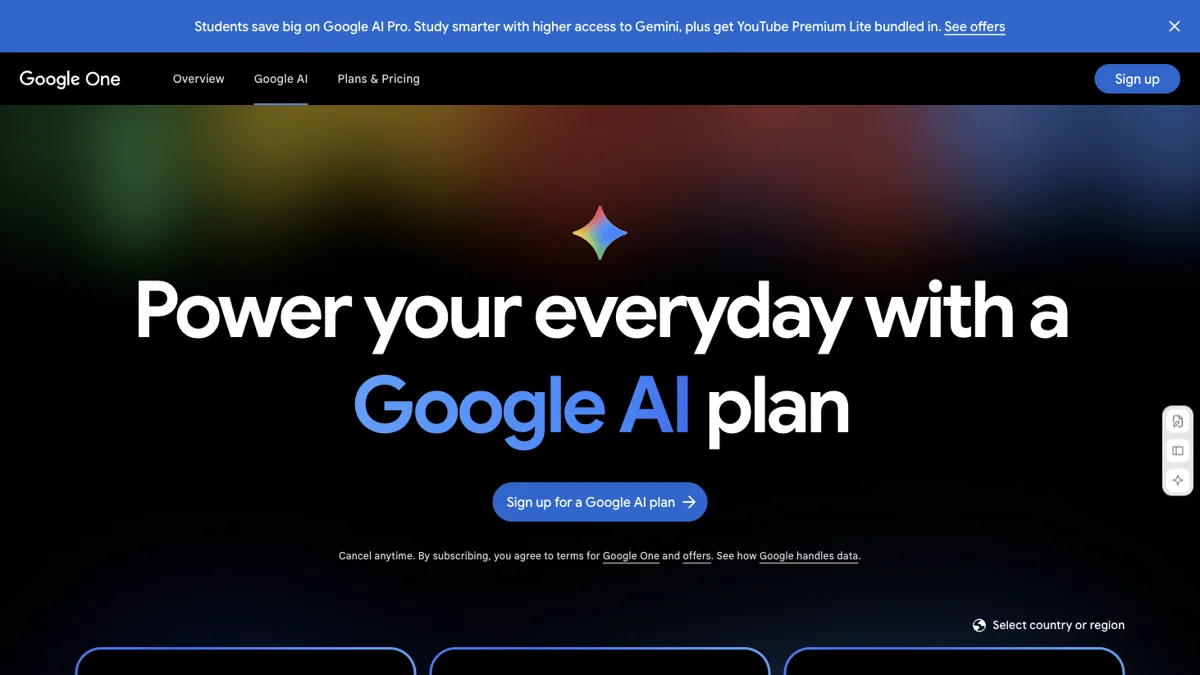
Google Flow website preview
Official website screenshot ↗2026-10-03

Is it a fit?

Best for

Creators using Google models to develop and refine visual scenes.

Think twice if

Guaranteed video access during peak hours on a free account.

What it can help you do

Generate a video from text or images

Google's creative workspace for generating videos and images with model-based credit usage.

Prepare: A visual brief and permitted image or video references
Get: Generated videos, images and scene variations
Your part: Review each generation and check the selected model cost

Where you still take over

  • Review each generation and check the selected model cost

Limits to know

  • Free video generation can be unavailable during peak hours.
  • Some requests generate multiple outputs and charge per generation.

From input to output

What you provide

  • A visual brief and permitted image or video references

What you get

  • Generated videos, images and scene variations

How to start

Have these ready

  • A supported account and permission to use the supplied material.
  1. Open Flow with an eligible Google account.
  2. Create a project and choose a model and references.
  3. Check credits and review generated scenes.

Pricing, with context

Google documents 50 daily Flow credits. AI Pro costs USD 19.99/month and adds 1,000 monthly Flow credits. Daily credits do not roll over; generation costs vary by model and output.

Official pricing ↗

Pricing checked:

Published prices are a snapshot. Confirm billing cycle, taxes and current allowances with the provider.

Evidence & sources

This is an official-source review, not a hands-on test of Google Flow. Vendor descriptions and demos are evidence of advertised features, not independent proof of results. “Best for” and review guidance are editorial judgments based on those sources.

Frequently asked questions

What does Google Flow do?

Google's creative workspace for generating videos and images with model-based credit usage.

How much does Google Flow cost?

Google documents 50 daily Flow credits. AI Pro costs USD 19.99/month and adds 1,000 monthly Flow credits. Daily credits do not roll over; generation costs vary by model and output.

What should I check before using Google Flow?

Free video generation can be unavailable during peak hours.

Other ways to get it done

Captions

Details checked

Generate, caption, translate, and clip short videos from a prompt or a long video.

Why it fits Max includes both one-tap video generation and a feature that turns a long video into a batch of clips.

PreparePrompt or script

GetShort videos

ReviewChoose a generation or clip style

Keep in mindGenerative tools consume credits and are not on the free plan
Ready to use · Paid · AI workflow

Synthesia

Details checked

Turn a script or document into a presenter-led video.

Why it fits Its video assistant converts documents, links or ideas into videos with avatars and voiceovers.

PrepareA script, document or idea

GetA generated presenter video

ReviewReview the script, pronunciation and visuals

Keep in mindDownloads and logo removal require a paid plan
Ready to use · Free plan · AI workflow

HeyGen

Details checked

Create an editable avatar video from a prompt or script.

Why it fits Video Agent generates a video from a prompt, with motion elements editable afterward in AI Studio.

PrepareAn idea or checked script

GetGenerated video

ReviewCheck narration and timing

Keep in mindFree video length and monthly volume are restricted
Ready to use · Free plan

Compare their inputs, outputs and setup requirements before choosing.