Lovable alternatives

Compare app builders by what happens after the first demo: source ownership, database setup, debugging and deployment. A generated interface is only part of a working application.

Editorial comparison · Updated

Which alternative fits your workflow?

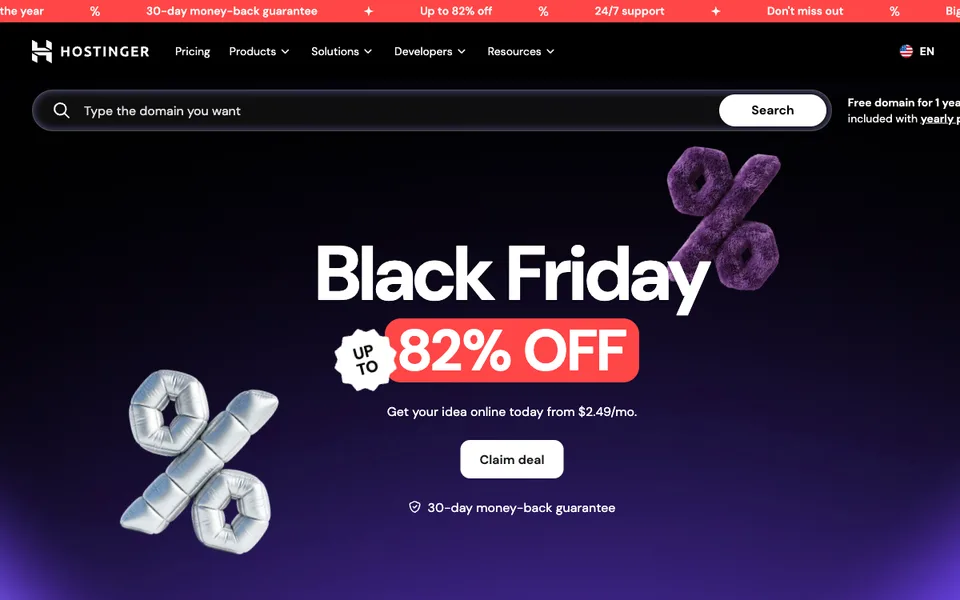
Hostinger AI Website Builder

Budget Hostinger AI Website Builder using the upfront term, renewal price and one-time AI credit gift rather than the promotional monthly equivalent alone.

Coding Agents & App BuildersFree
Details & limits

Why it fits Budget Hostinger AI Website Builder using the upfront term, renewal price and one-time AI credit gift rather than the promotional monthly equivalent alone.

PrepareProvide your business description, approved copy, images and domain requirements.

GetThe builder creates editable website pages on Hostinger’s hosting platform.

ReviewTest forms, mobile layouts and checkout behavior before connecting the public domain.

Keep in mindThe low advertised monthly rate requires a long prepaid term. Hosting, domain renewal, mailboxes and extra AI usage can have different billing boundaries.

How to choose

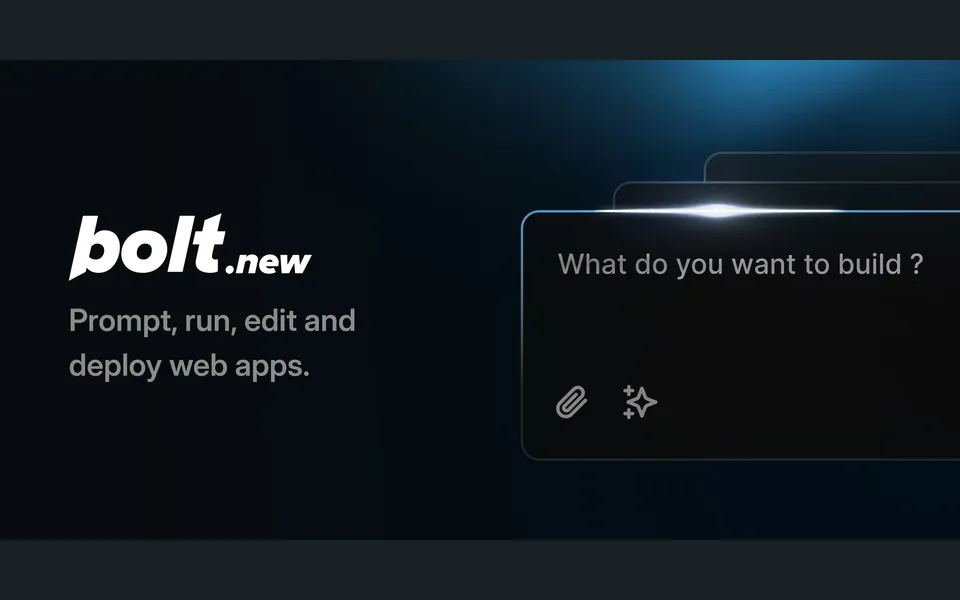
Bolt (StackBlitz)

For prompt-driven app creation in a browser workspace. Confirm integration, export and hosting requirements for your intended stack.

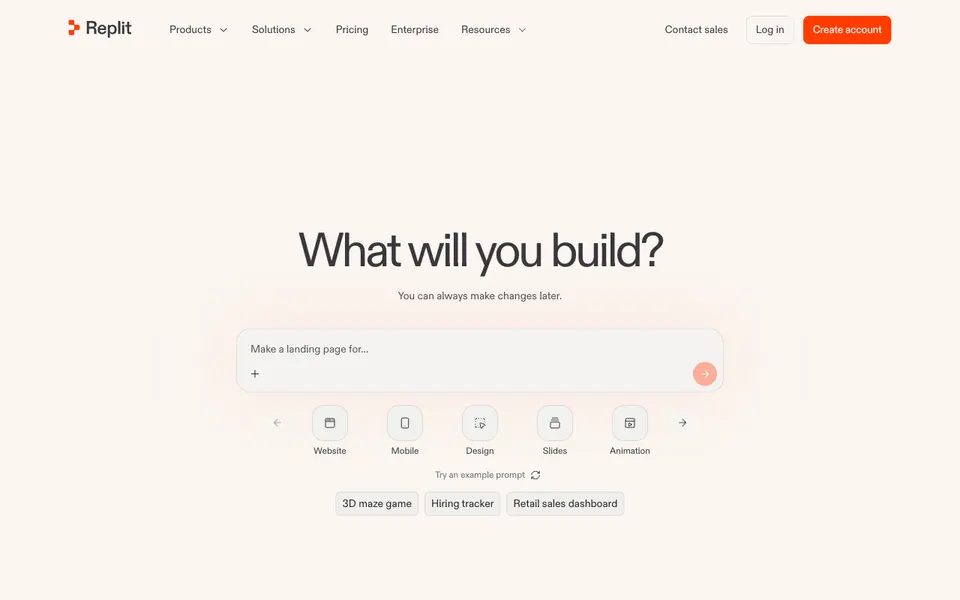
Replit Agent

For building and running the app in a hosted development environment. Budget for runtime and usage in addition to generation.

Vercel v0

For UI-focused generation and iteration. Check which backend and deployment work your application still requires.

Hostinger AI Website Builder

For when you only need a marketing website, not an application with data and logic. Hostinger's reviewed offer is USD 143.52 paid upfront for 48 months, renewing at USD 10.99/month, with a one-time gift of 250 AI credits; check the renewal price and term before comparing it with a monthly app-builder plan.

Start with what you need to change

Native mobile apps or non-web systems.

Review Lovable pricing and limitations →

Selections reflect documented features and workflow differences. We have not tested every candidate on the same task; order is not a performance ranking.

Pricing and setup, side by side

ProductGet startedPricingReview before switching
LovableReady to use

Free provides five daily build credits, capped at 30/month. Pro starts at USD 25/month for 100 monthly subscription credits, or USD 250 billed annually. Workspace members share credits. Build work, Cloud, app AI and some connectors can draw from the balance after applicable grants.

Official pricing ↗

Pricing checked:

Build and usage credits are limited by plan
Bolt (StackBlitz)Ready to use

Free entry with paid plans for more usage; tiers are shown on the site.

Official pricing ↗

Pricing review pending

GitHub import requires authentication

Replit AgentReady to use

A limited Starter plan is available. The pricing page lists Core at USD 18/month billed annually, including USD 20 toward model usage, and Pro from USD 90/month billed annually with USD 100 in credits. Usage beyond allowances and applicable taxes can add to the bill.

Official pricing ↗

Pricing checked:

Free agent usage is limited
Vercel v0Ready to use

Free plan plus paid plans; paid tiers include monthly credits per user.

Official pricing ↗

Pricing review pending

Focused on web and React-style projects
Hostinger AI Website BuilderReady to use

The observed US offer lists Premium at USD 143.52 paid for 48 months, equivalent to USD 2.99/month, renewing at USD 10.99/month. It covers three sites and a one-time gift of 250 AI credits. Domain and mailboxes are free for the first year only.

Official pricing ↗

Pricing checked:

The low advertised monthly rate requires a long prepaid term. Hosting, domain renewal, mailboxes and extra AI usage can have different billing boundaries.

How often each option is found on Google

Estimated monthly Google organic search traffic · 2026-10

ProductEstimated visits
LovableCurrentlovable.dev · 2026-10716.7K
Bolt (StackBlitz)bolt.new · 2026-10168K
Vercel v0v0.dev · 2026-104.3K
Comparison coverage: 3 / 5

Estimates cover each whole website and reflect how many people find it through Google, not usage, revenue or quality. Products that share a domain or sit on a page of a larger company site are left out.

Before you switch

  1. Choose one representative task and keep the original input.
  2. Check account, model, integration and export requirements.
  3. Compare the result, manual corrections and total usage cost.
  4. Keep your existing workflow until the replacement passes your checks.

When keeping your current tool makes sense

Founders and teams building web products without coding.

Switching can add migration and training work. If your current tool meets the task and budget, a different feature list alone is not a reason to move.

Explore this category →

Keep exploring this workflow

Choose an editor, terminal agent or app builder. Compare workflows and inspect a recorded bug fix.