AI agent

Cue by Manus

Personal AI agents with their own identity and a shared workspace.

Details checkedReviewed 2026-09-29

Decide at a glance

Best for

Delegating personal tasks to dedicated agents on macOS.

Ready to use

Pricing, with context

Public pricing and usage allowances were not found on the launch page; verify them in the app before relying on a plan.

Official pricing ↗

Pricing review pending

Keep in mind

The public launch page does not explain pricing or all supported actions

Check the evidence →
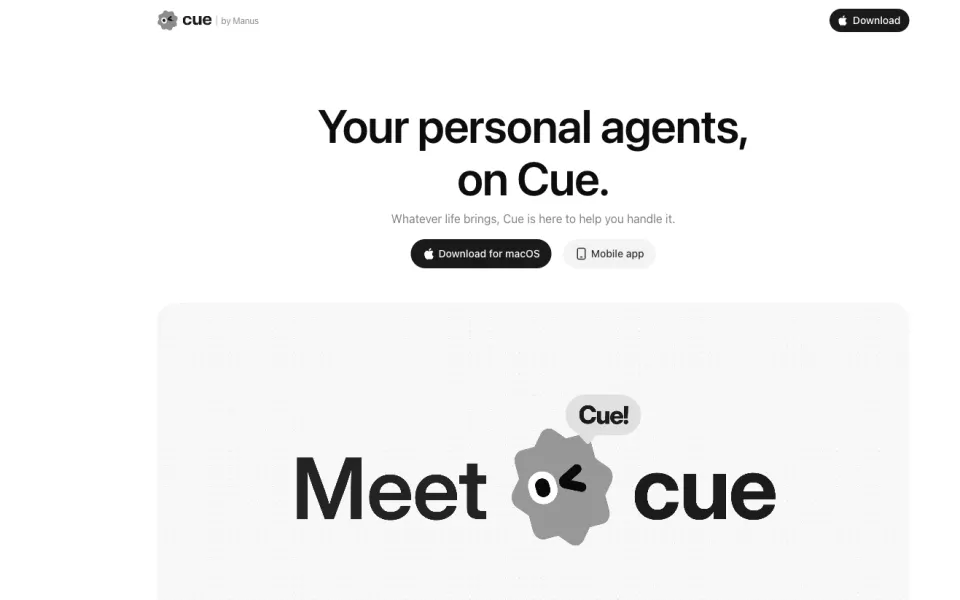
Cue by Manus website preview
Official website screenshot ↗2026-09-29

Is it a fit?

Best for

Delegating personal tasks to dedicated agents on macOS.

Think twice if

Teams that need documented web or Windows access today.

What it can help you do

Automate repetitive work across apps

Cue presents personal agents working together in a shared workspace.

Prepare: A personal task and relevant context
Get: Agent work in a shared workspace
Your part: Check the completed work and any external actions

Where you still take over

  • Check the completed work and any external actions

Limits to know

  • The public launch page does not explain pricing or all supported actions
  • Agenlify has not run a hands-on task

From input to output

What you provide

  • A personal task and relevant context

What you get

  • Agent work in a shared workspace

How to start

Have these ready

  • A macOS device for the public download
  1. Open Cue and download the macOS app.
  2. Describe one bounded task.
  3. Review the agent work and result.

Pricing, with context

Public pricing and usage allowances were not found on the launch page; verify them in the app before relying on a plan.

Official pricing ↗

Pricing review pending

Published prices are a snapshot. Confirm billing cycle, taxes and current allowances with the provider.

Evidence & sources

This is an official-source review, not a hands-on test of Cue by Manus. Vendor descriptions and demos are evidence of advertised features, not independent proof of results. “Best for” and review guidance are editorial judgments based on those sources.

Frequently asked questions

What does Cue by Manus do?

Personal AI agents with their own identity and a shared workspace.

How much does Cue by Manus cost?

Public pricing and usage allowances were not found on the launch page; verify them in the app before relying on a plan.

What should I check before using Cue by Manus?

The public launch page does not explain pricing or all supported actions

Other ways to get it done

Lindy

Details checked

Shared AI teammate for inbox, meetings, follow-ups, and other work.

Why it fits The pricing page lists meeting follow-up, inbox drafting, scheduled routines, and broader delegated work, with approval before external actions.

PrepareEmail and calendar connections

GetDraft replies

ReviewConnect inboxes and tools

Keep in mindActions with outside impact wait for approval
Requires setup · Paid

Fyxer

Details checked

Email assistant that organizes the inbox, drafts replies, and writes meeting follow-ups.

Why it fits The pricing FAQ says Fyxer drafts replies and leaves a post-meeting follow-up in drafts, while the user sends it.

PrepareGmail or Outlook inbox

GetCategorized inbox

ReviewConnect Gmail or Outlook

Keep in mindFyxer drafts email and does not send it
Requires setup · Free trial · AI workflow

Bardeen

Details checked

GTM agents that scrape, qualify, and export lead lists.

Why it fits Build scraping and AI qualification workflows that turn web information into rows for connected work tools.

PrepareSearch or profile URLs

GetScraped rows

ReviewDefine the scrape and qualification rules

Keep in mindScraping and enrichment consume credits
Requires setup · Free trial · AI workflow

Compare their inputs, outputs and setup requirements before choosing.