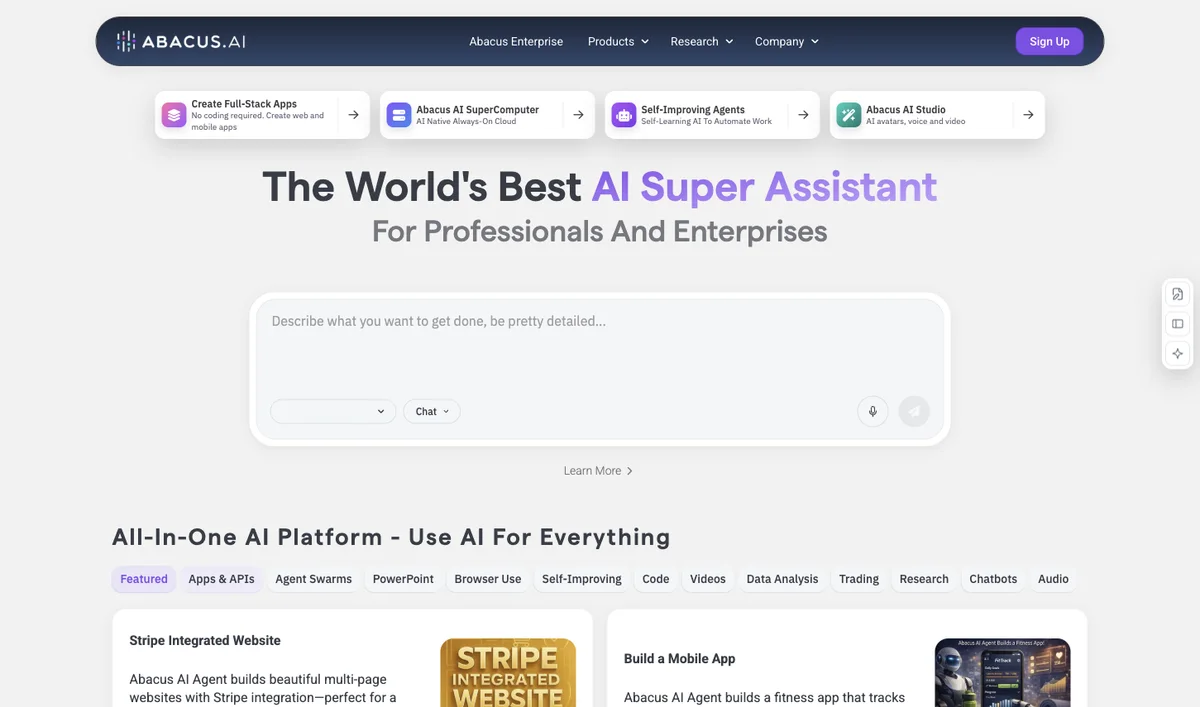

Abacus.AI
Evaluate Abacus.AI by agent conversations and credit use after the first-month promotion ends.
Connect your apps. Take the repetition out of work.

Browse alphabetically. Open a product to see its sources and limits.
Evaluate Abacus.AI by agent conversations and credit use after the first-month promotion ends.
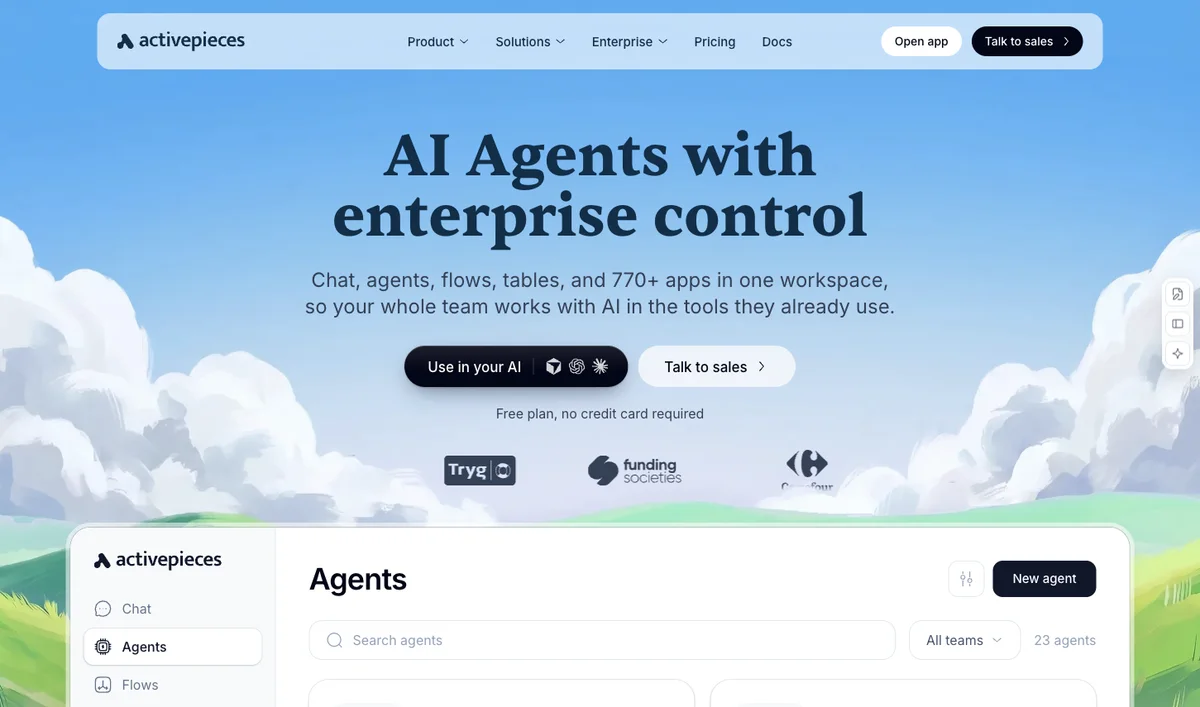

Compare Activepieces by credit consumption and team controls, rather than the number of flows alone.
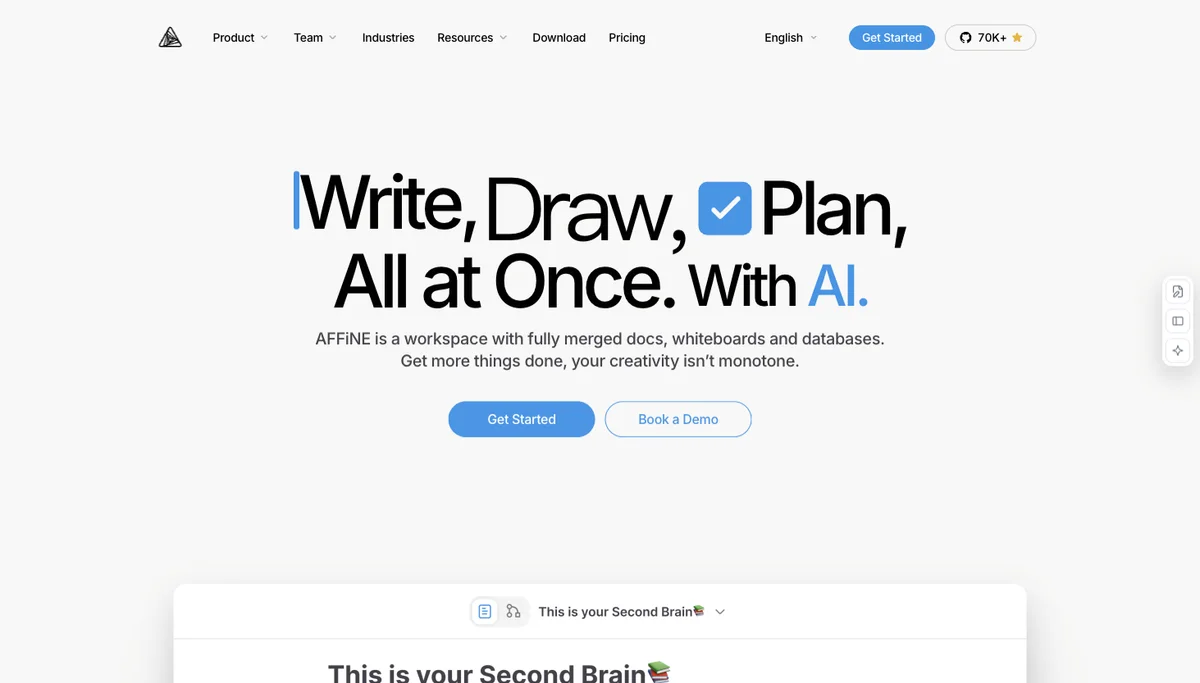

AFFiNE suits people who combine documents and a visual whiteboard and want to evaluate the AI add-on separately from storage and collaboration.
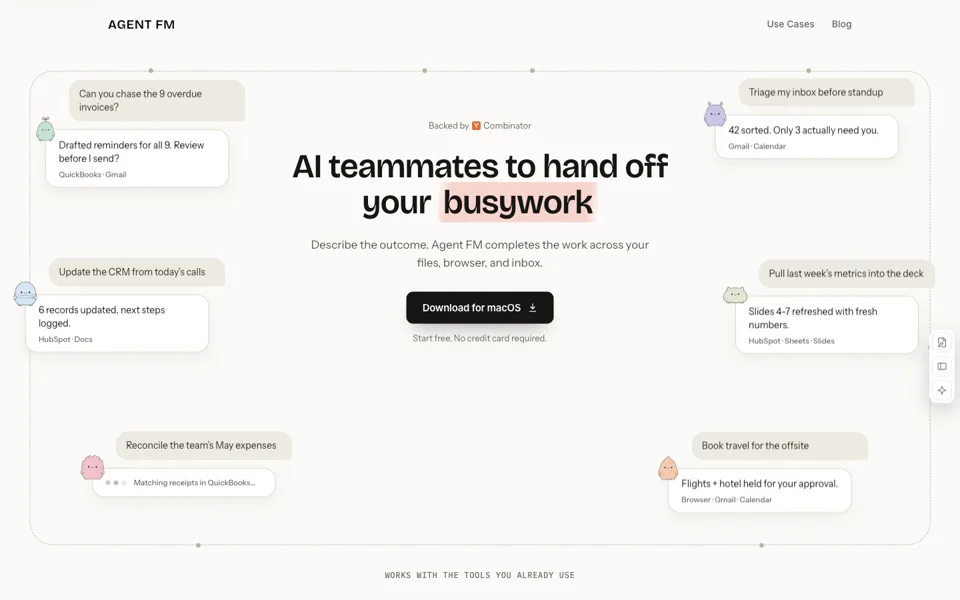

Delegate office workflows across local files, the browser and connected business apps.
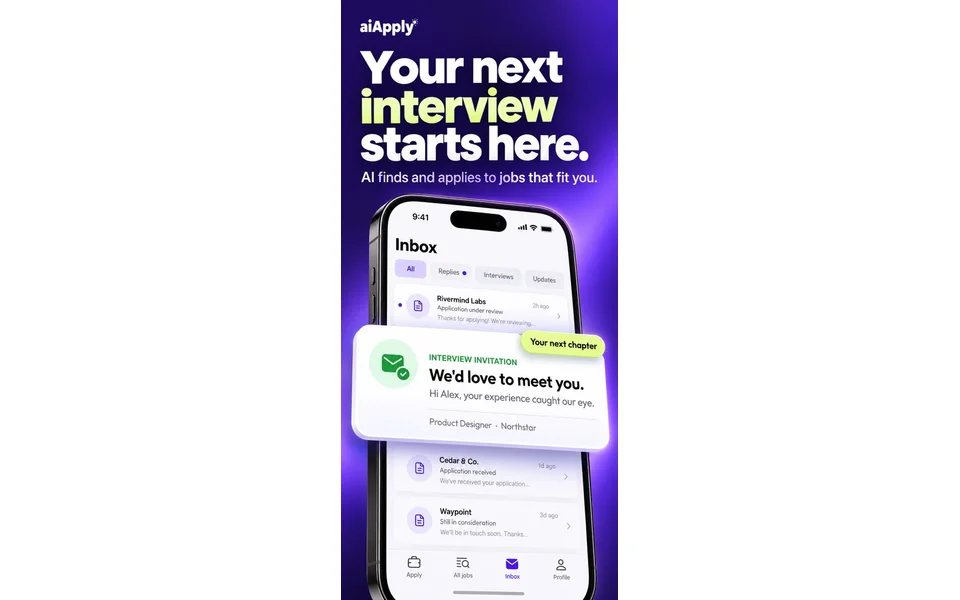

Evaluate AIApply Auto Apply by successful application credits, optional tailoring costs and the controls needed before automated submission.
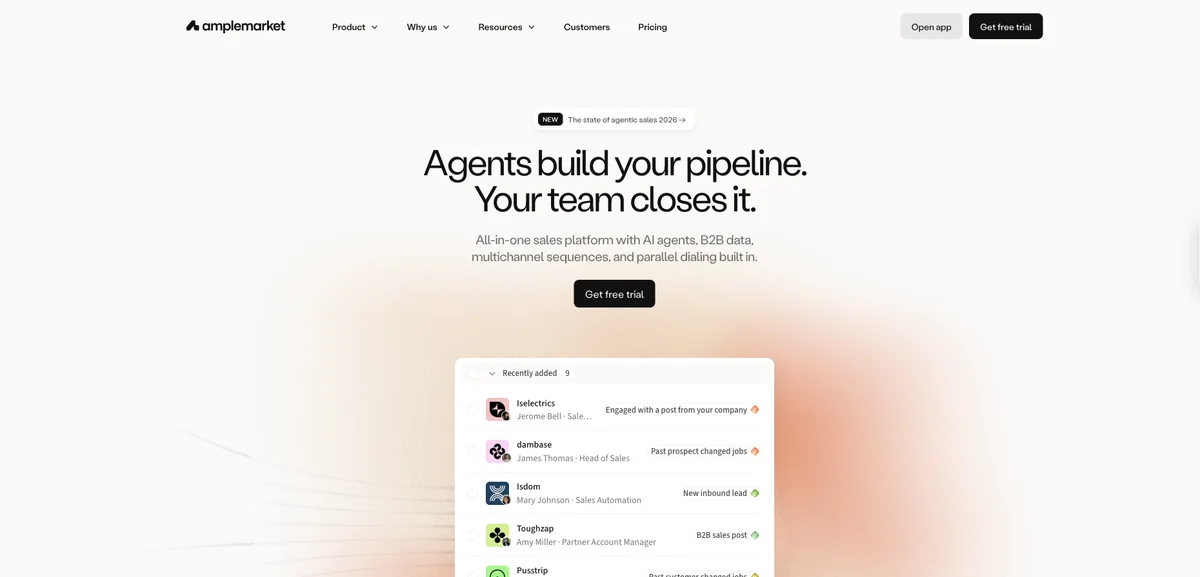

Amplemarket fits a small sales team seeking prospect data, AI intent signals and multichannel engagement in one annual-term platform.
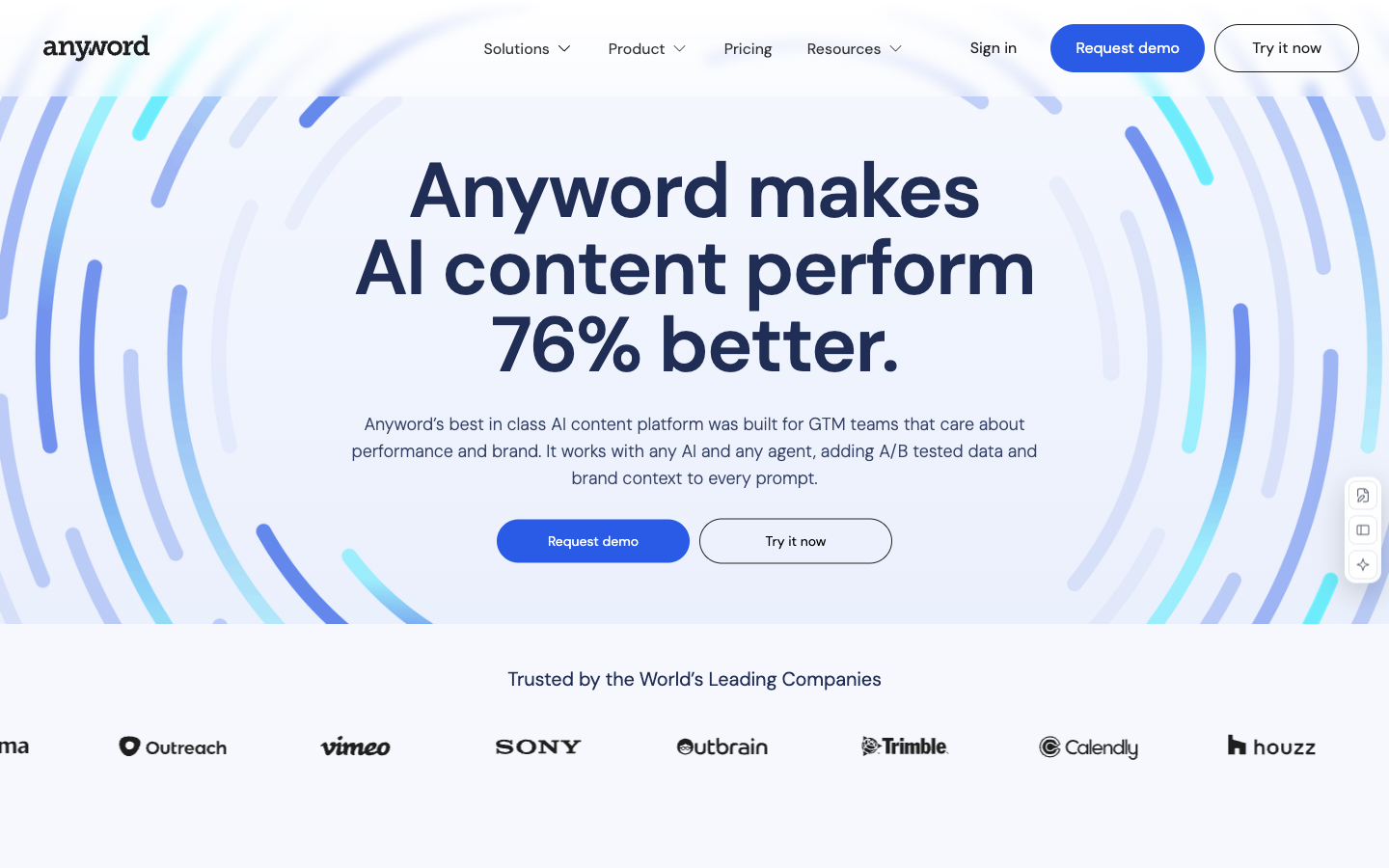

Generate marketing-copy variants and use predictive scores to shortlist messaging for further testing.
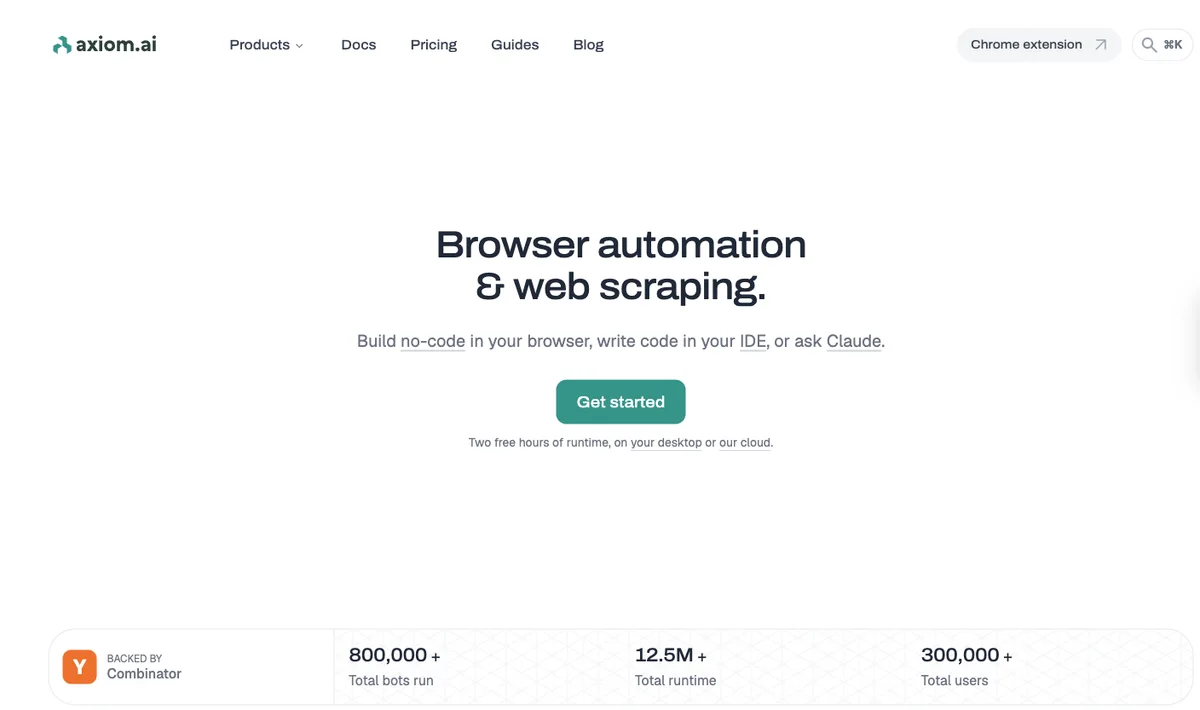

Axiom.ai suits browser workflows that combine repeatable clicks and data collection with optional AI extraction while keeping runtime and model bills separate.

GTM agents that scrape, qualify, and export lead lists.


Generate presentation drafts and use Smart Slides to keep layouts aligned as content changes.

BHuman suits a sales team deciding how to split a limited balance between personalised asynchronous videos and live AI conversations.
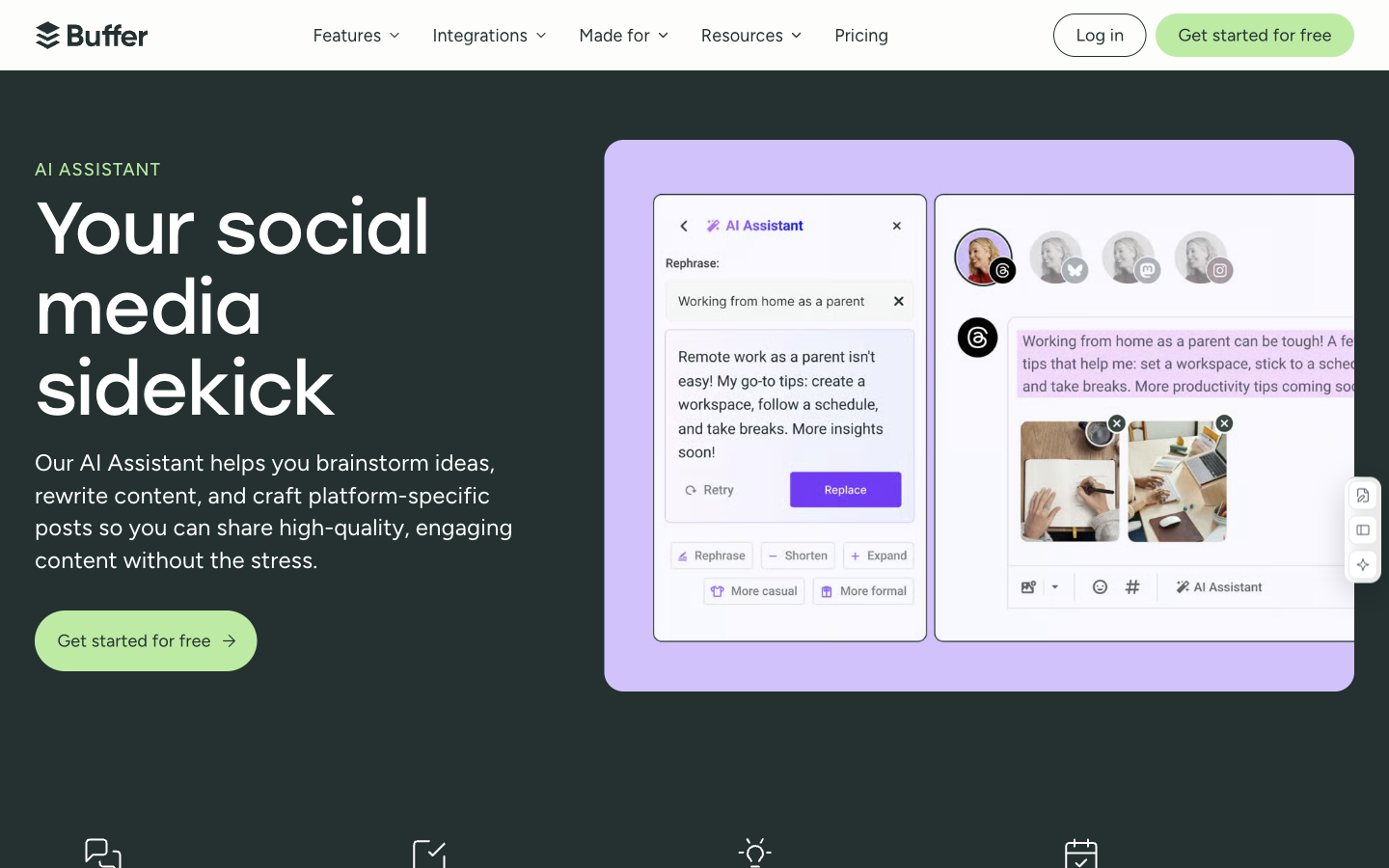

Refine and repurpose social posts with AI, then manage drafts and scheduled publishing in the same workspace.

Clay is a good fit for operators who need to build a repeatable prospect-research table and control enrichment logic rather than buy one fixed sales sequence.
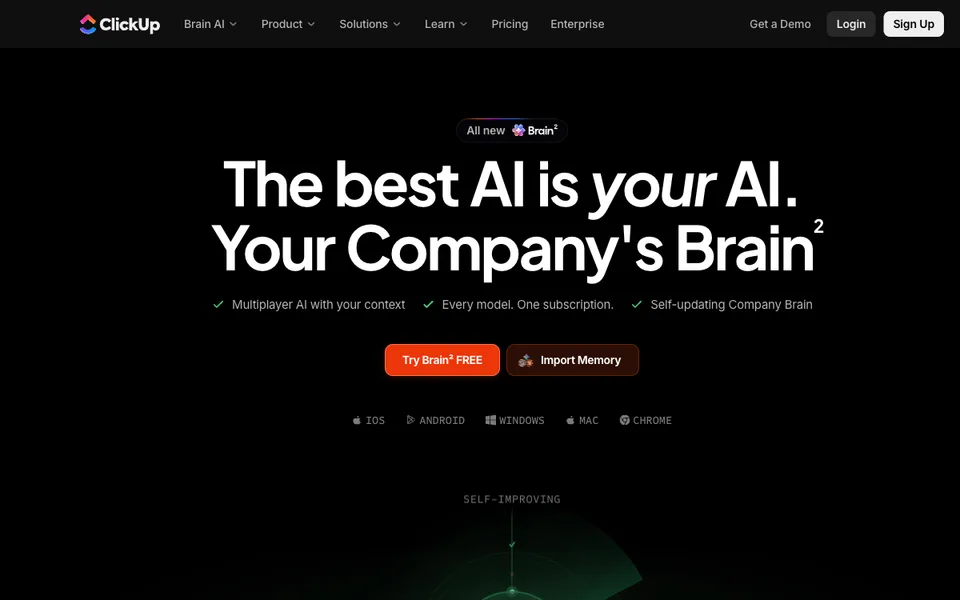

Search workspace knowledge, draft content and assist task workflows with AI tied to ClickUp projects and documents.
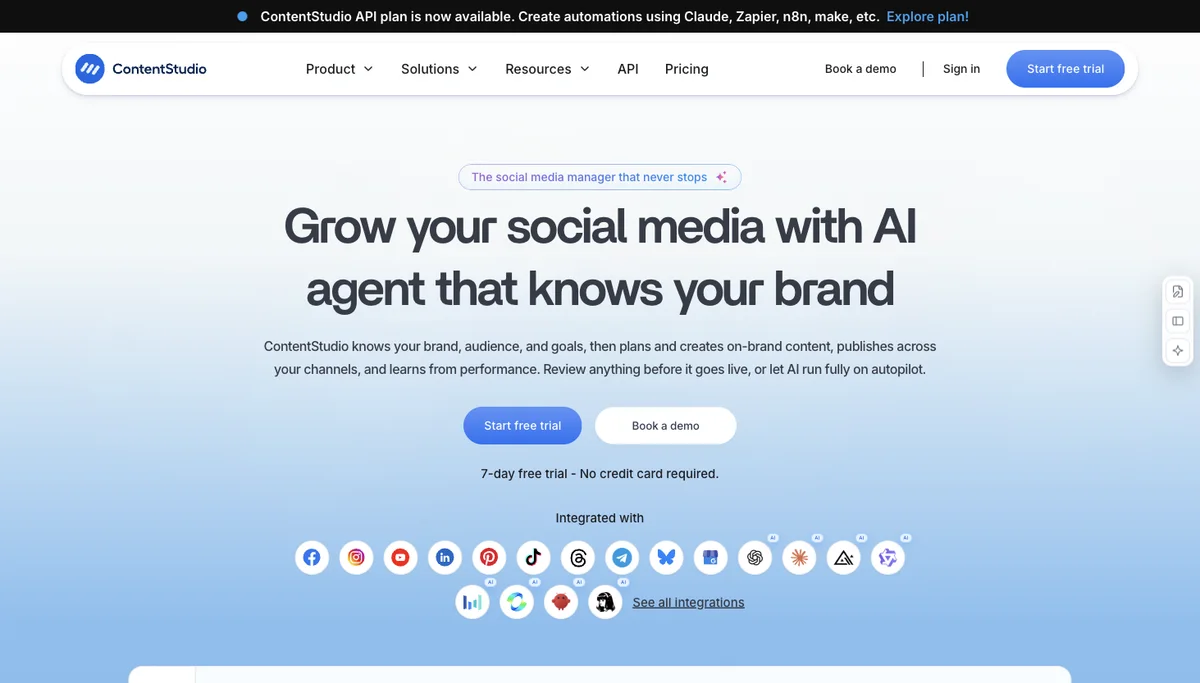

Choose ContentStudio when AI media production and multi-client publishing belong in the same reviewed workflow.
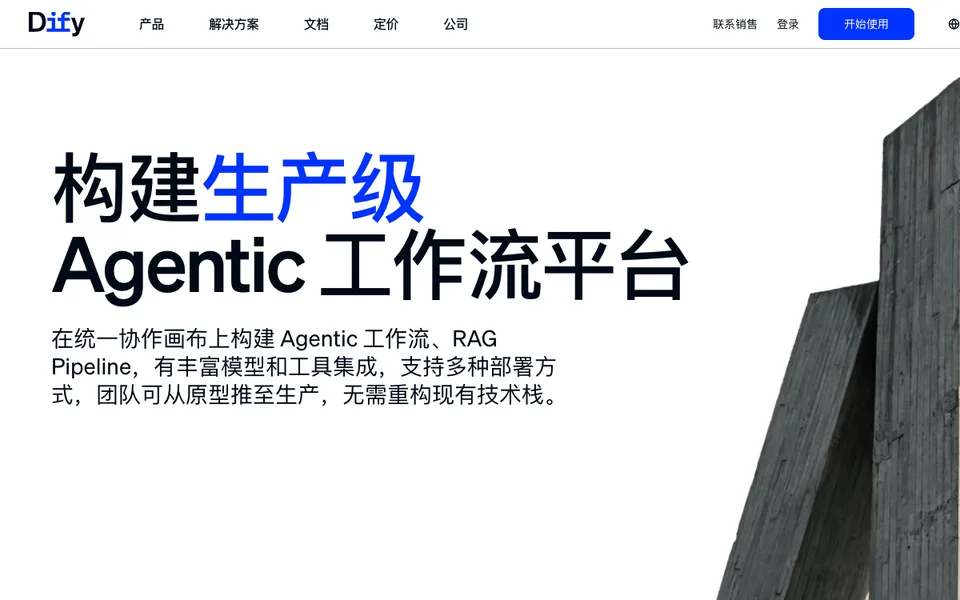

Build model-connected applications with visual workflows and retrieval pipelines.
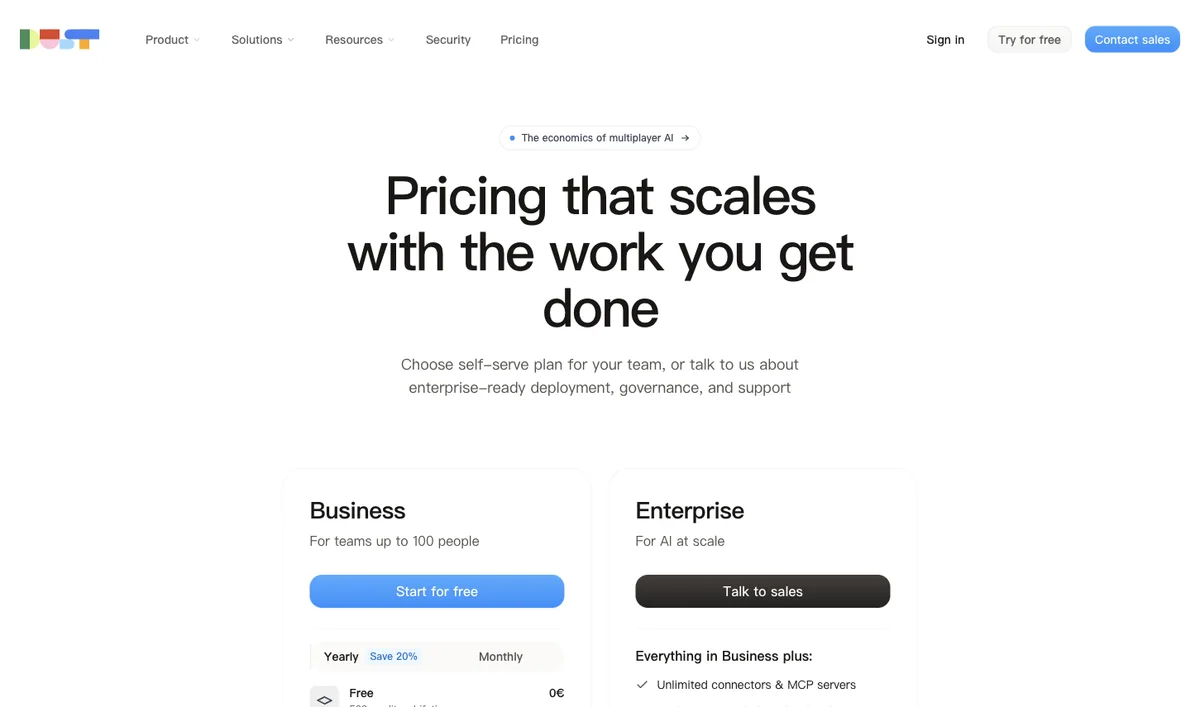

Assign Dust seats by individual workload instead of giving every team member the largest credit pool.

eesel AI suits support teams that want a fixed monthly ticket pool and need to distinguish a worked ticket from a fully autonomous resolution.
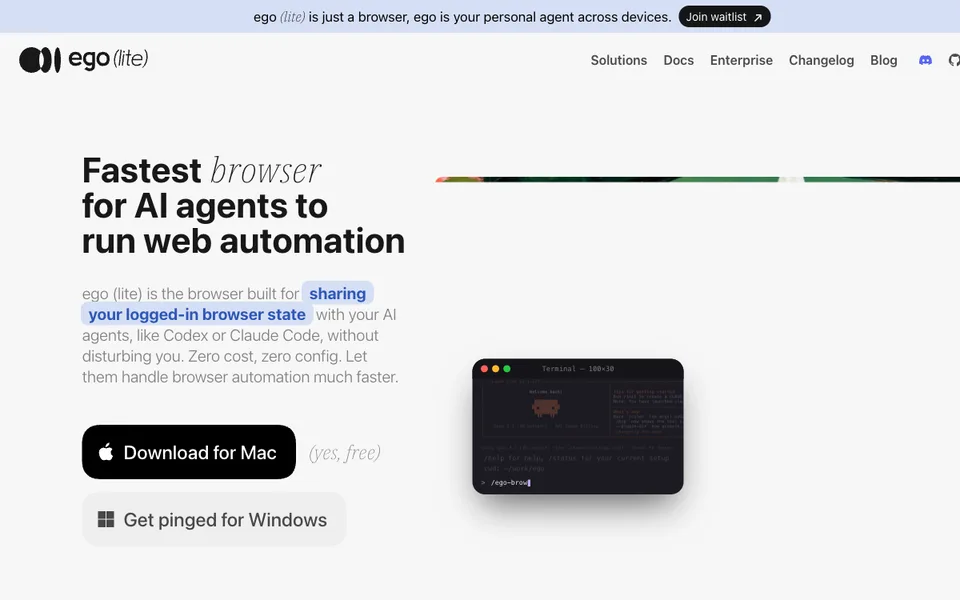

Give AI agents separate browser Spaces while keeping your own browsing session.


Record supported meetings, search their transcripts, and copy paid AI follow-up drafts into your email client.
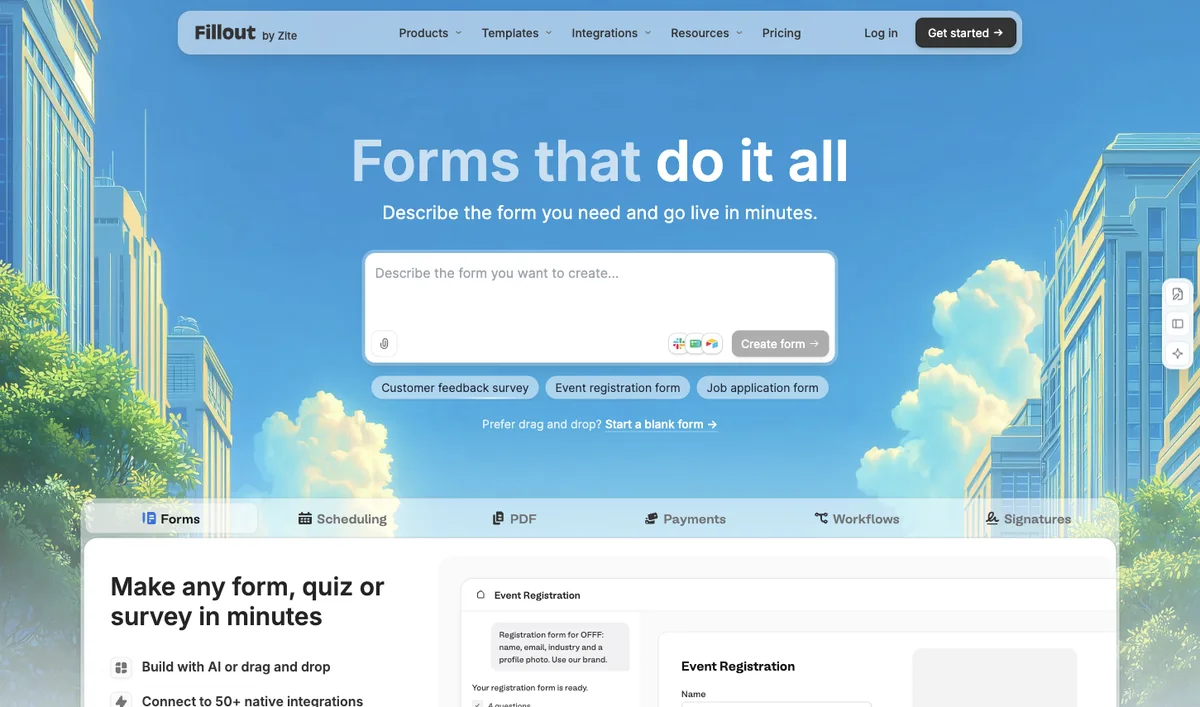

Choose Fillout when structured response collection and database mapping matter more than an open-ended chat agent.

Meeting recorder that transcribes calls and exposes notes, tasks, and an email assistant.

Research, draft, optimize and monitor website content with an AI workflow connected to supported publishing systems.

Email assistant that organizes the inbox, drafts replies, and writes meeting follow-ups.

Capture meeting audio without a bot, enhance your notes, and review paid Gmail follow-up drafts.

Choose video narration and export requirements before paying for additional documentation creators.
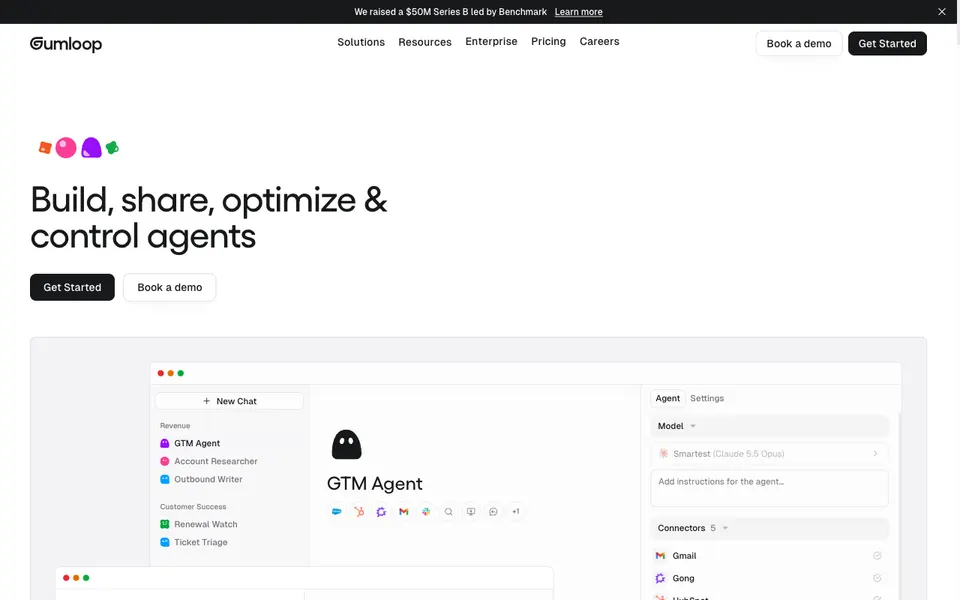

No-code workspace where teams describe work and run agents across their apps.
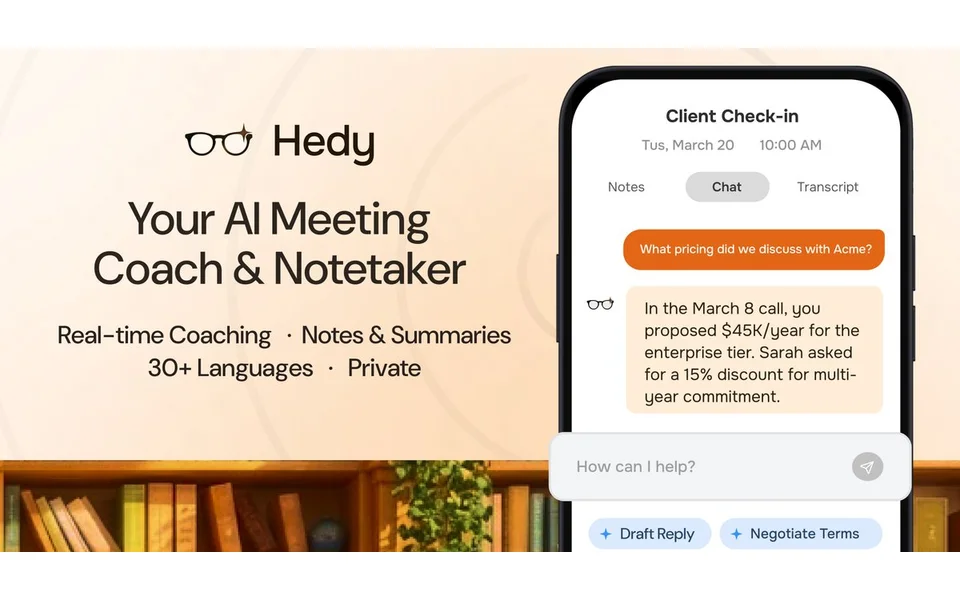

Compare Hedy live meeting assistance, personal recording limits and team seat costs, including the difference between private sessions and shared Topics.
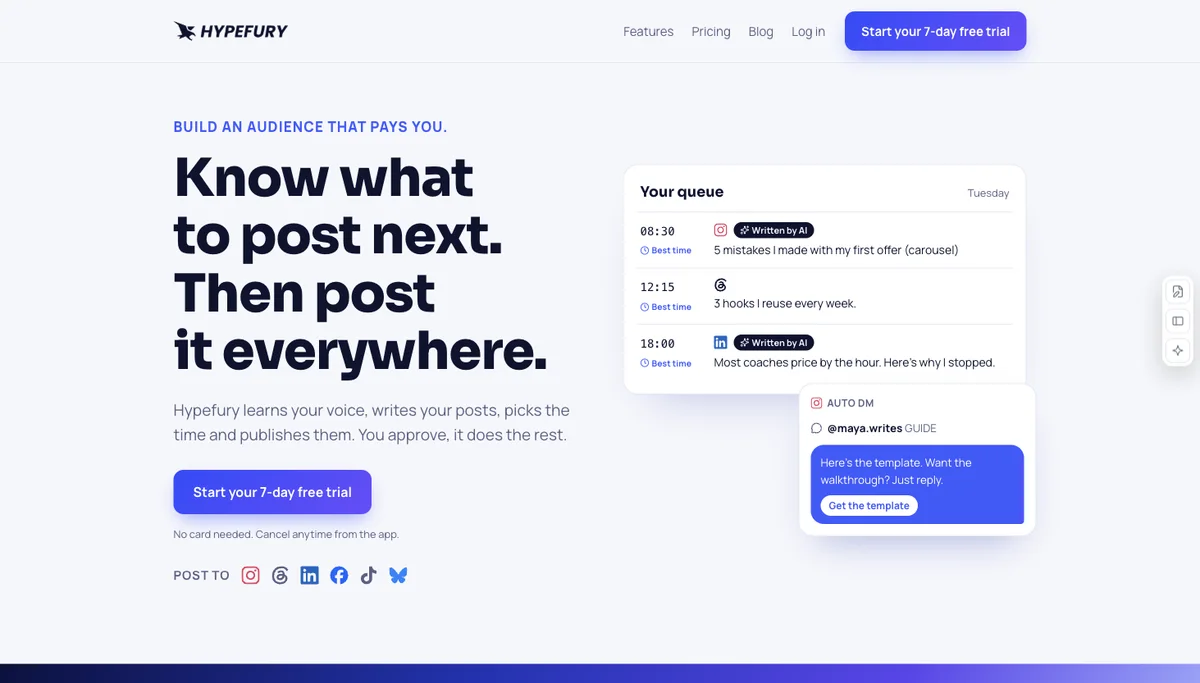

Choose Hypefury by platform count and workspace needs before paying for a broader social suite.
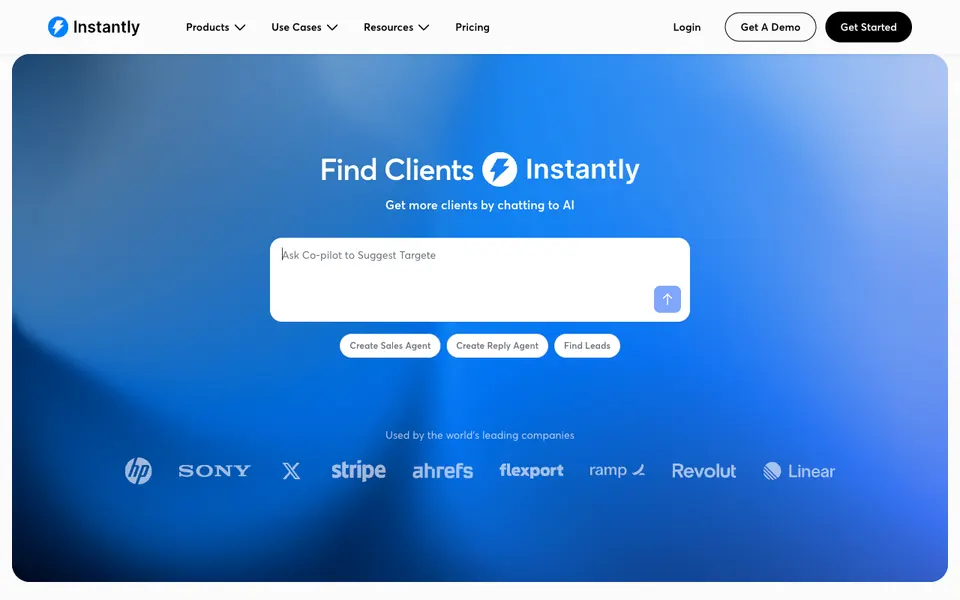

Cold-email campaigns with warmup, lead data, and optional AI reply handling.

A sales outreach assistant for prospecting, personalized sequences and meeting-booking workflows.
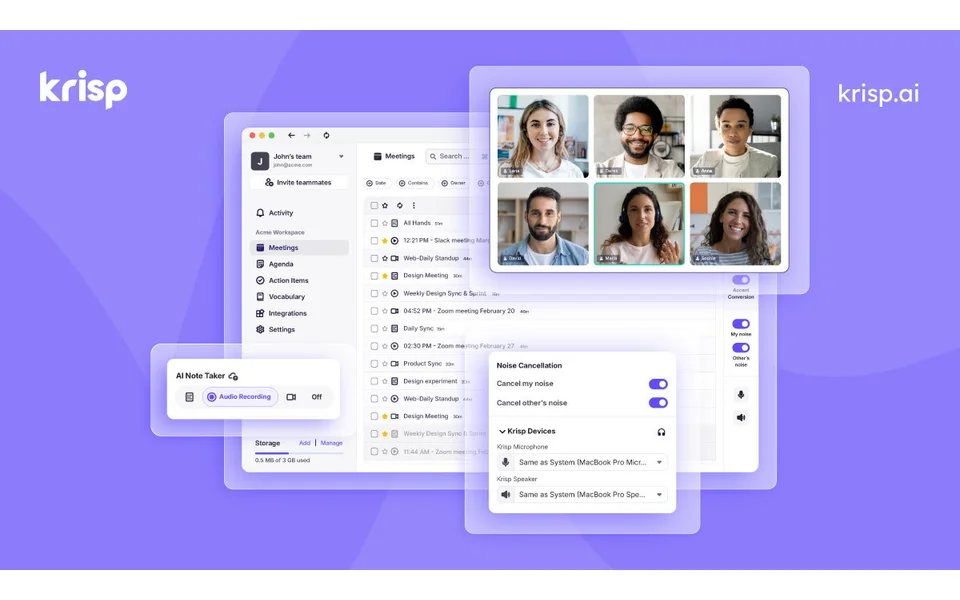

Combine live noise cancellation with meeting notes while checking per-seat and accent limits.

Choose Langdock when the team needs governed model access but can keep chat-seat costs separate from workflow inference.
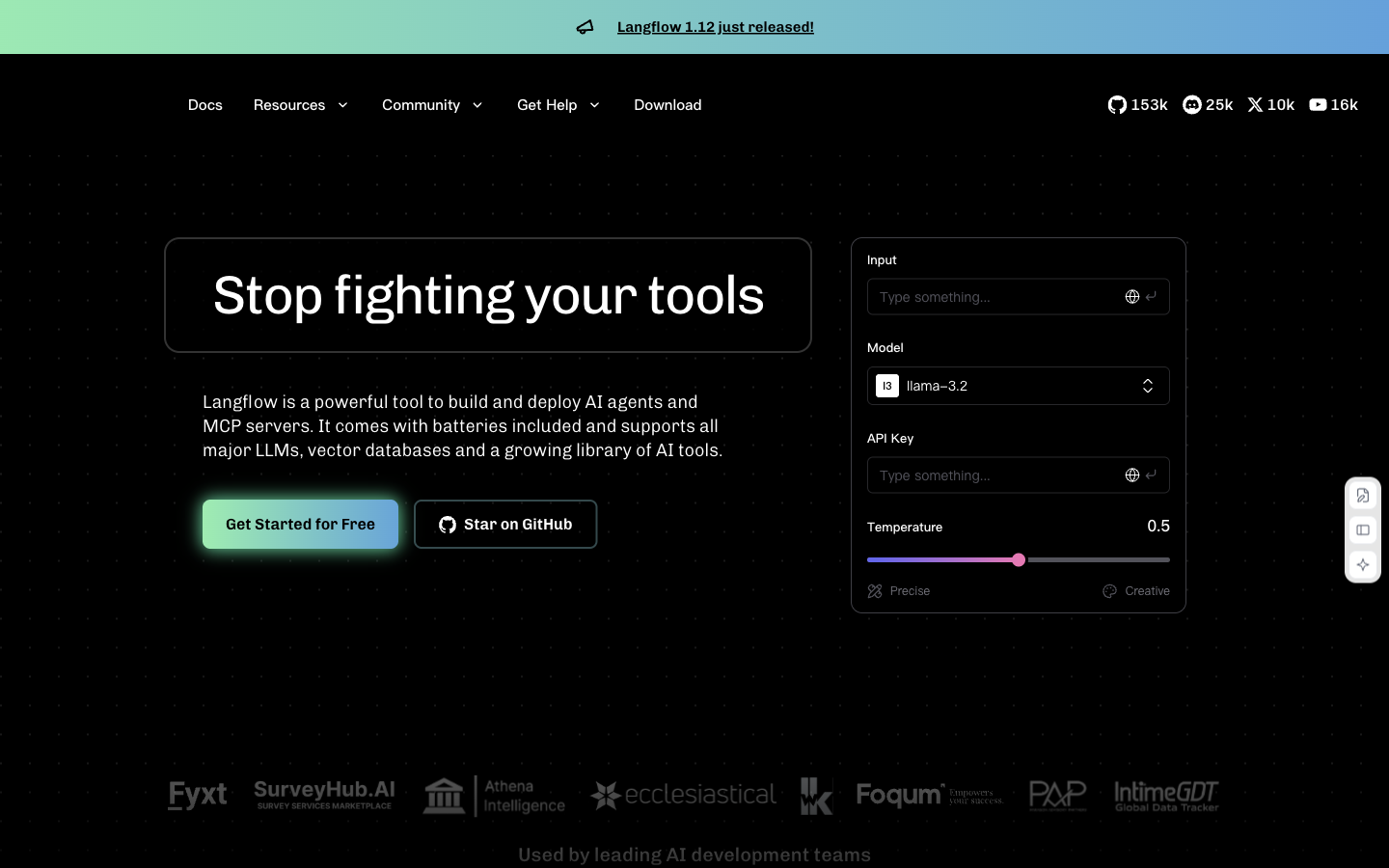

Build model, retrieval and tool workflows on a visual canvas, then expose them through API or MCP.
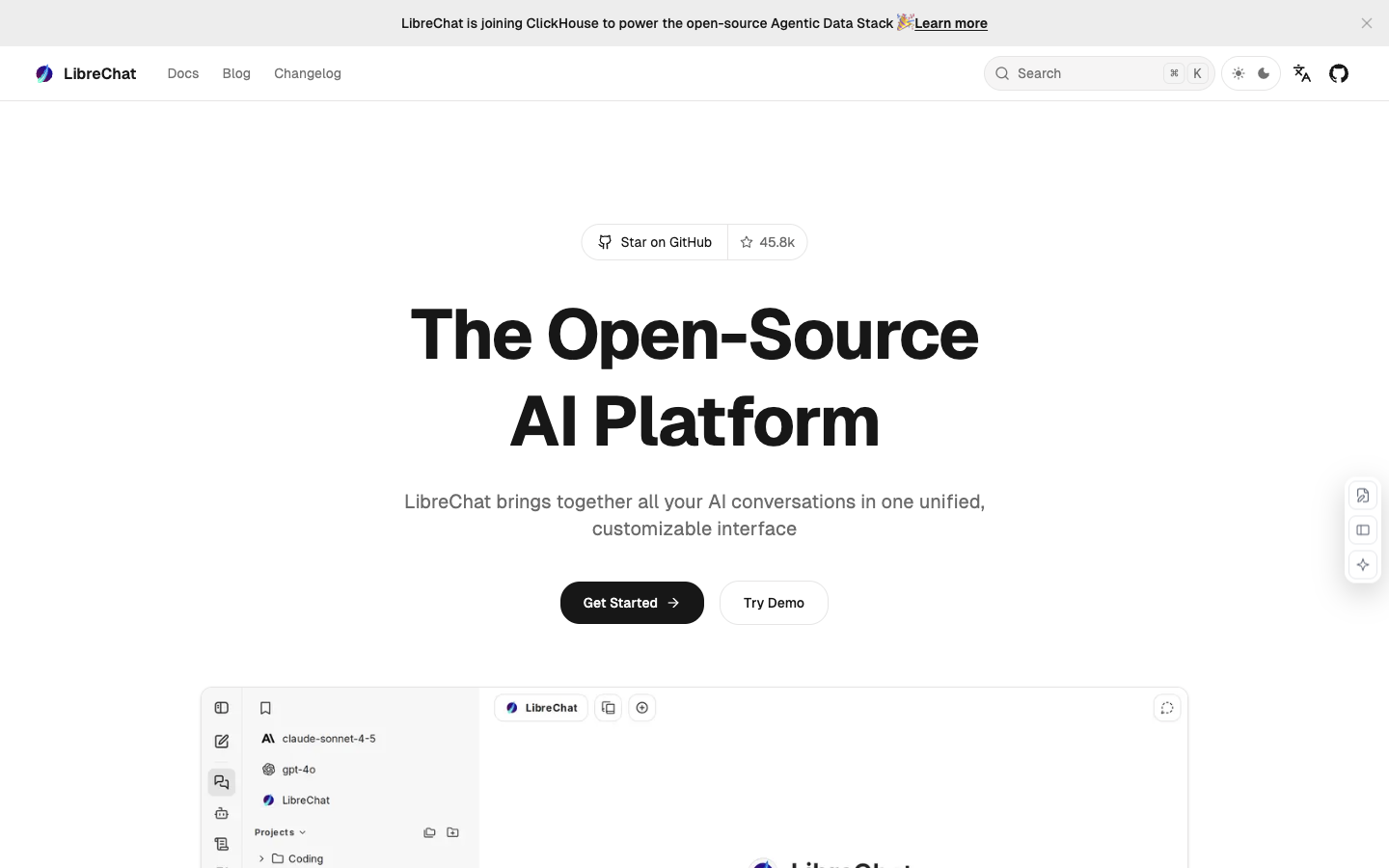

Use a shared chat interface across model providers, with configurable agents, file search and tools.
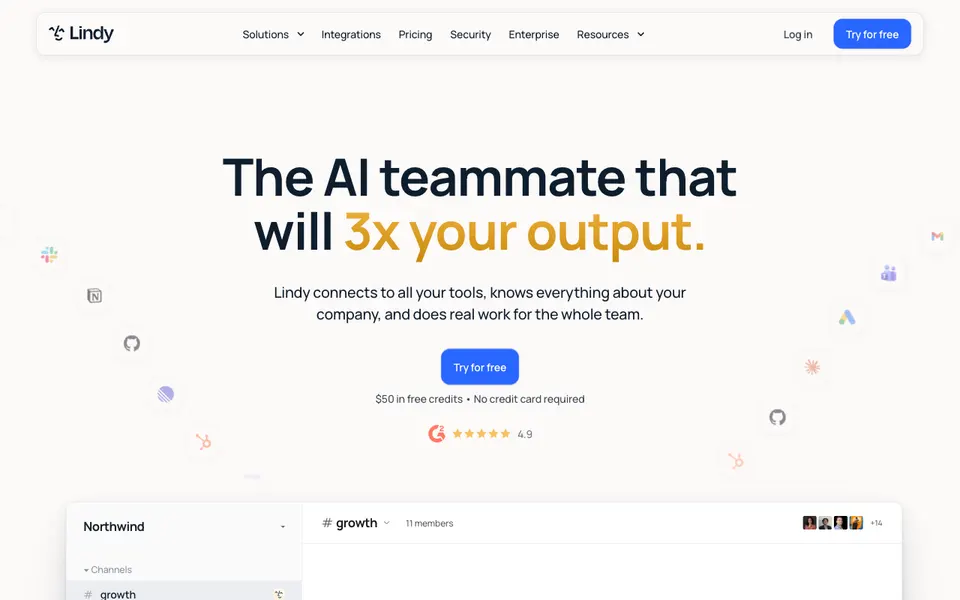

Shared AI teammate for inbox, meetings, follow-ups, and other work.
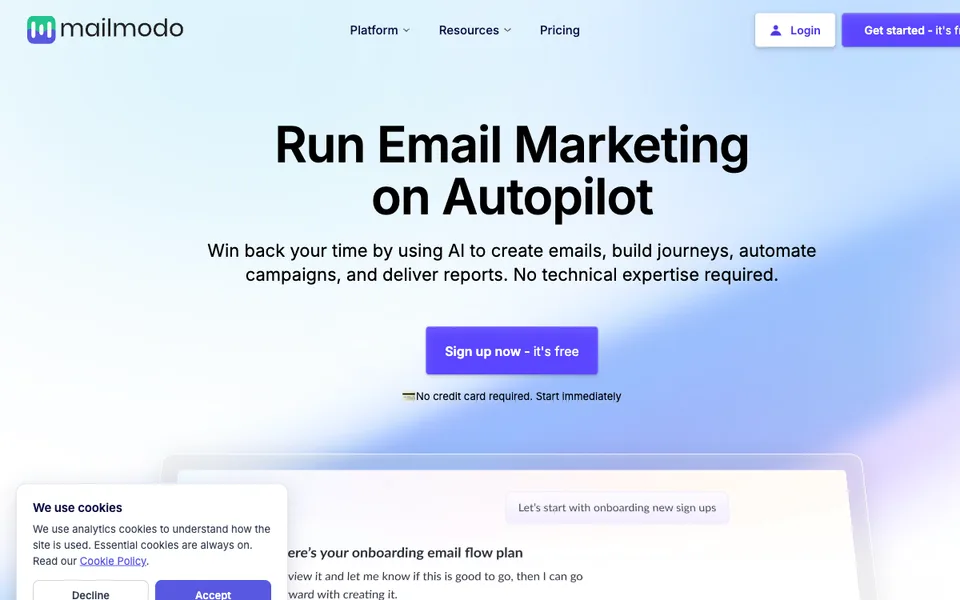

Email marketing software with AI-assisted templates, audience segments and campaign journeys.


Choose Make after counting every action and every expanded record in the scenario, rather than counting only workflow starts.


Choose Manychat by how many people you actually converse with each month and whether AI conversations are part of the workflow.
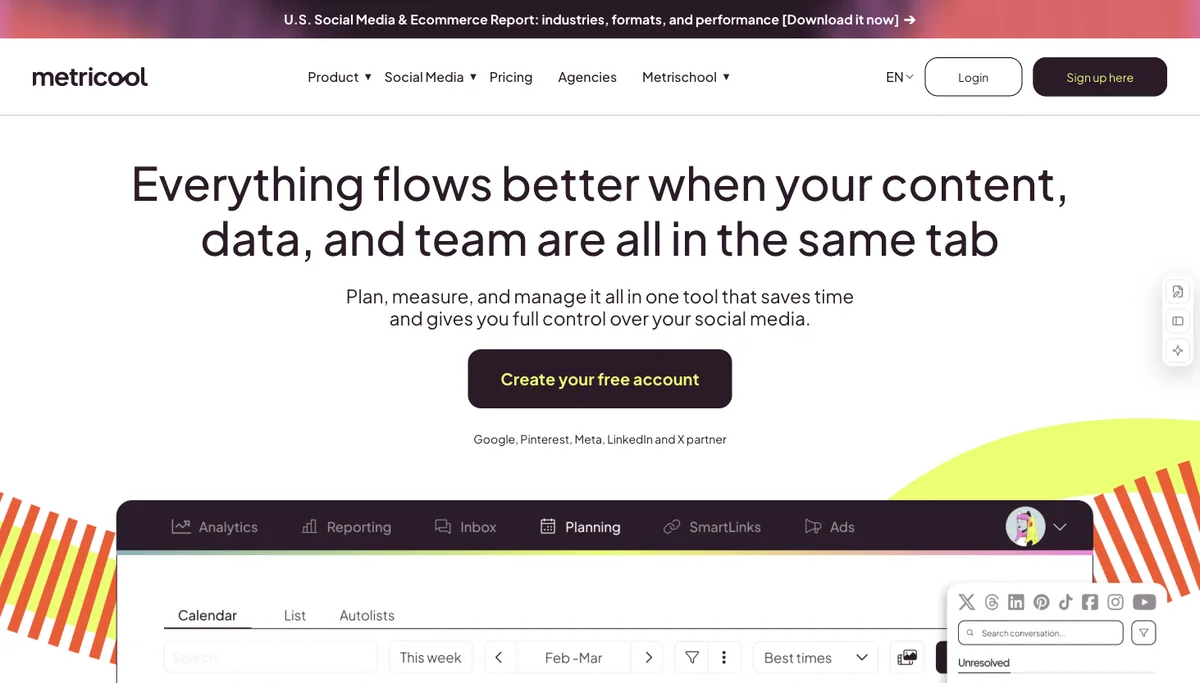

Choose Metricool when the deciding unit is a brand with a content calendar and measurable social reporting.
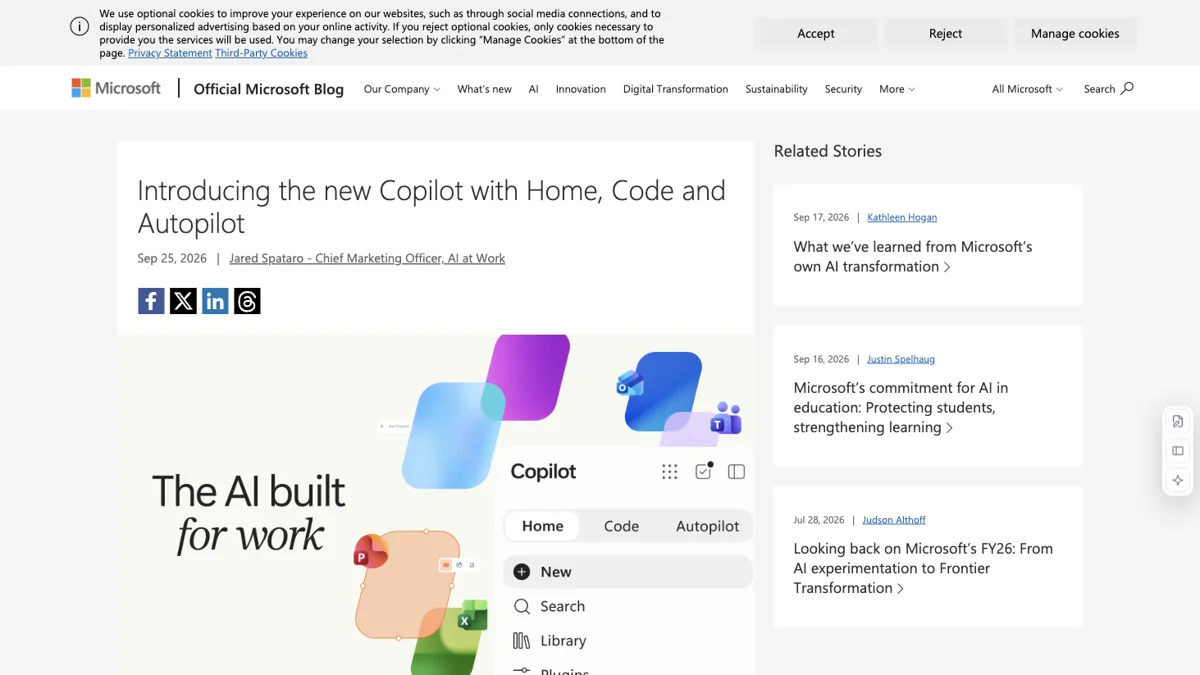

A private-preview Microsoft 365 agent for recurring work across Teams, Outlook and documents.
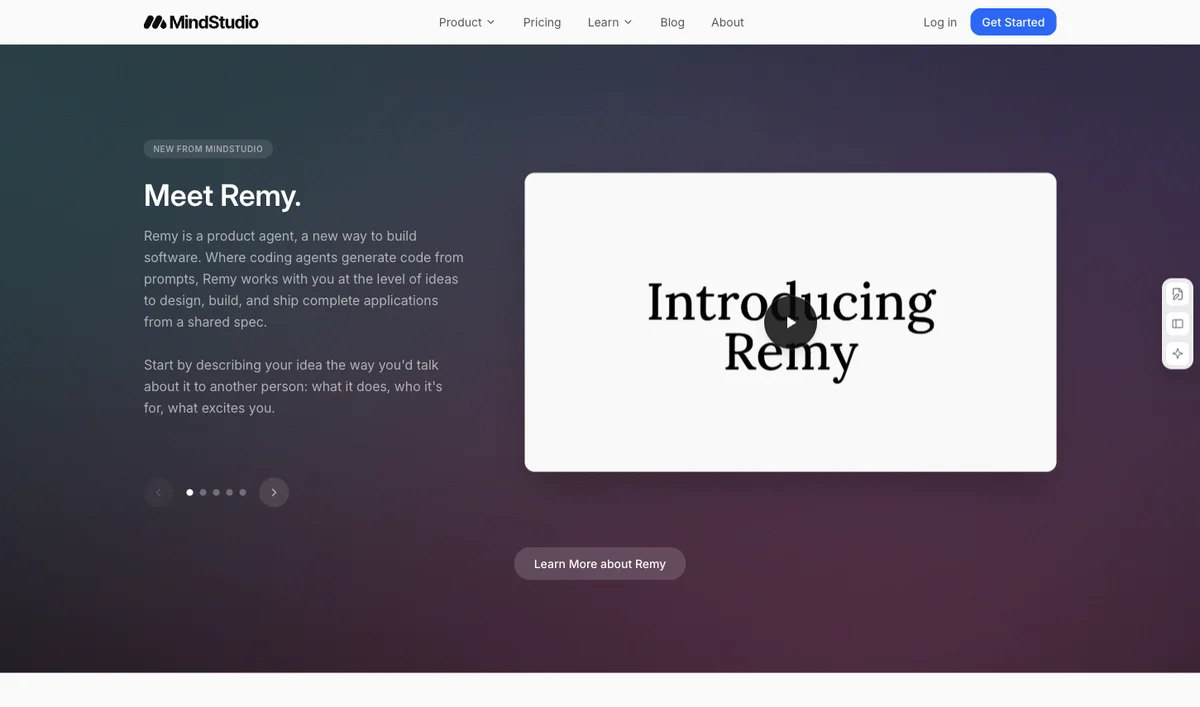

Choose MindStudio when the model workflow is central, and budget the platform separately from inference.
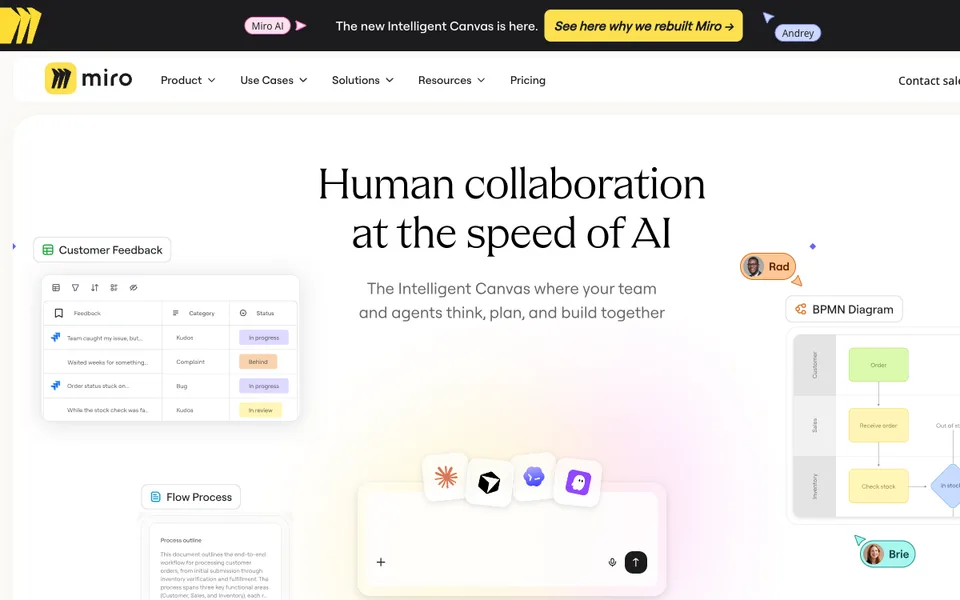

A shared visual workspace that uses AI to turn research and ideas into plans, diagrams and documents.
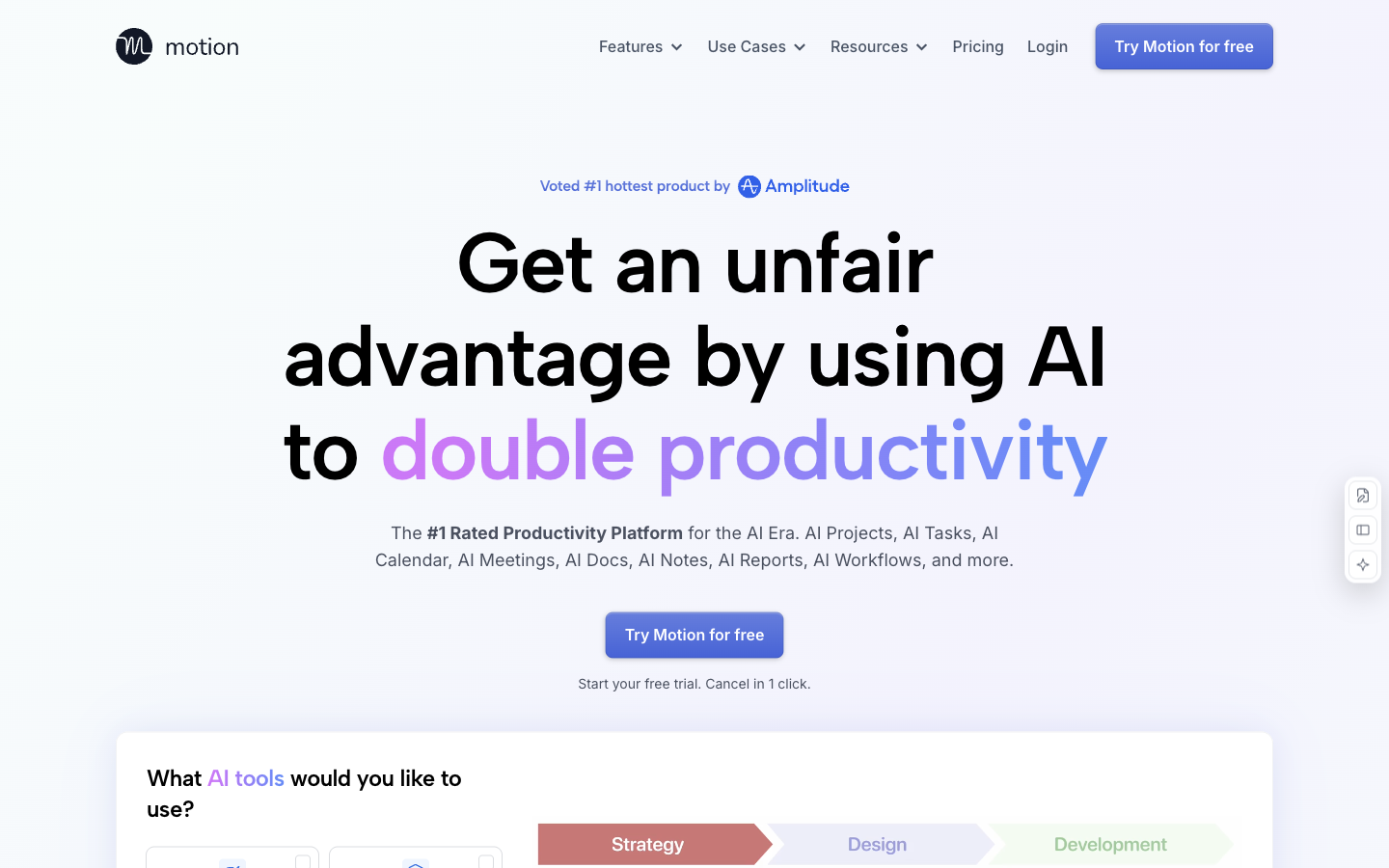

Combine AI task planning, projects and calendars to allocate work around deadlines and availability.

Build agent workflows with connected tools, logic and human approvals.

Nanonets is useful when extraction is only one step and a team also needs to classify, validate, route and export documents.

Draft, search and act on workspace content using Notion’s contextual AI, meeting notes and configurable agents.

Choose a social publishing plan by profile count, collaborators and shared generation credits.


Transcribe meetings, review action items, and ask AI Chat for a follow-up draft.

Coordinate existing agents with goals, tasks, permissions and budgets in one dashboard.
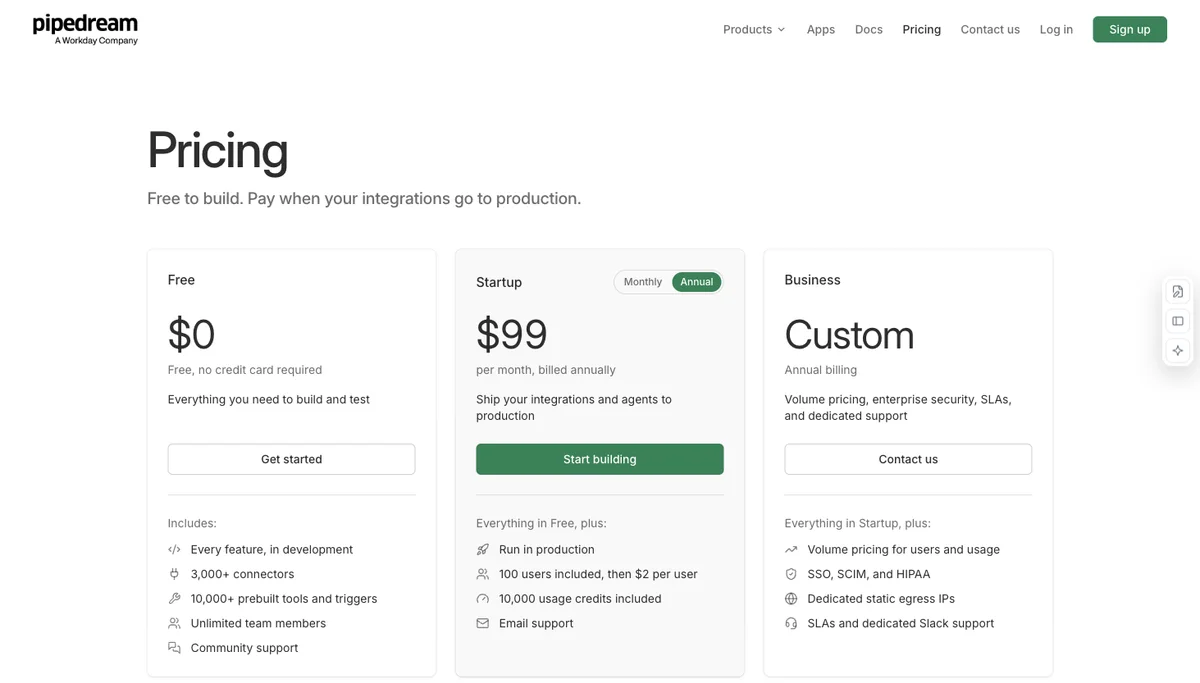

Cost an agent integration by connected external users and execution credits, rather than counting connected accounts as separate people.

Agents that triage work items and run recurring tasks inside Plane.
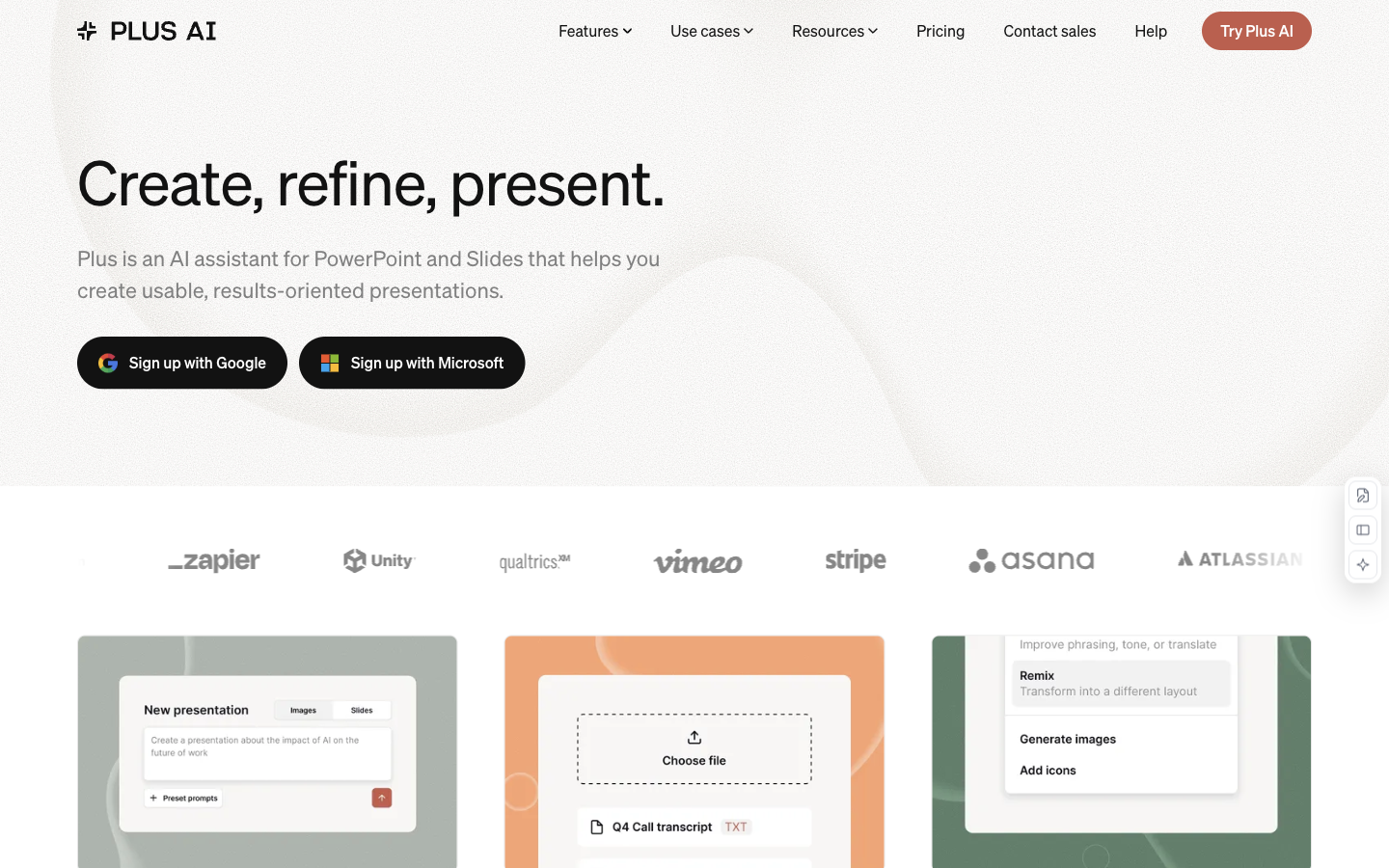

Generate and revise presentations inside Google Slides and PowerPoint, with document import on higher plans.
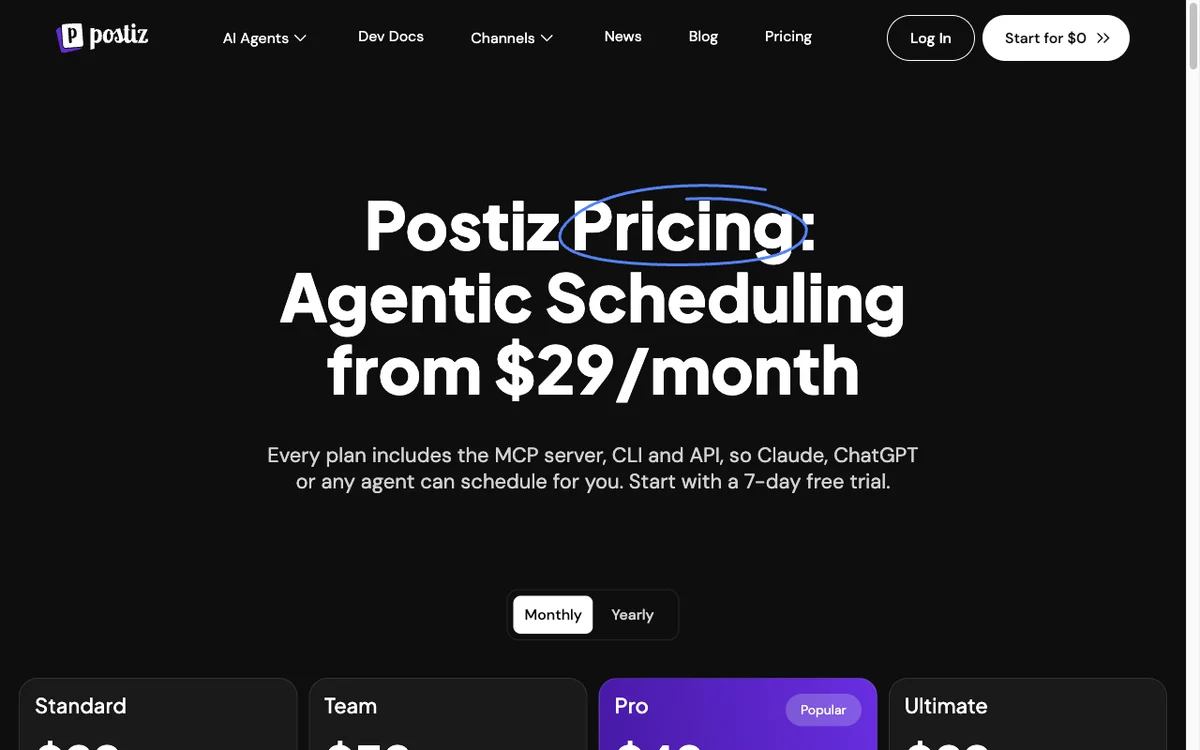

Postiz combines an AI copilot, a publishing calendar and agent-accessible scheduling interfaces.
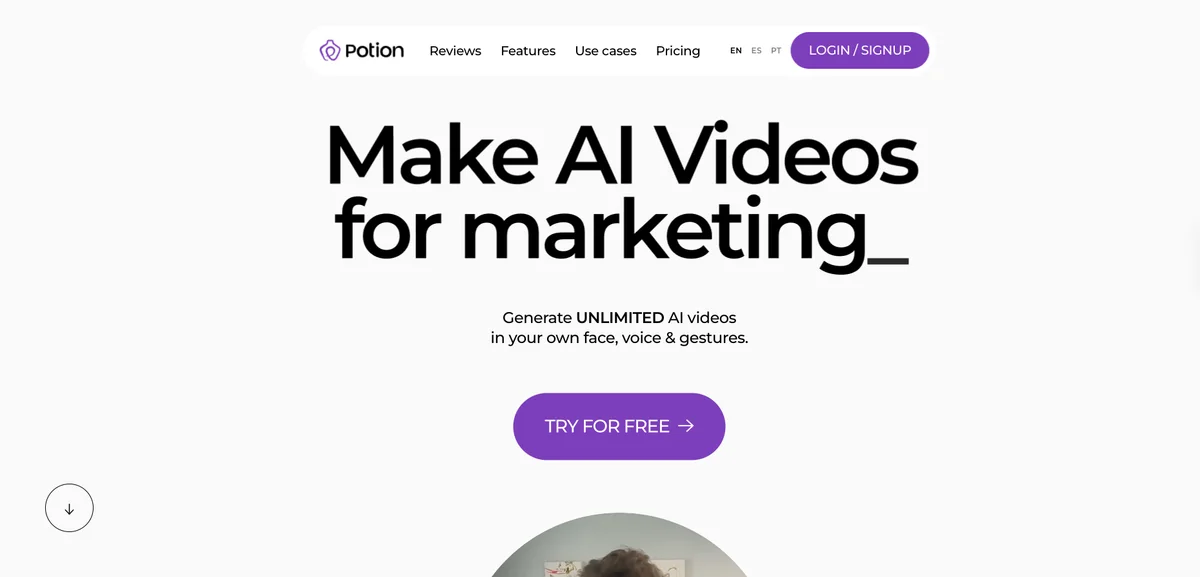

Potion is relevant when a presenter wants their own face, voice and gestures reused in personalised sales or customer messages.
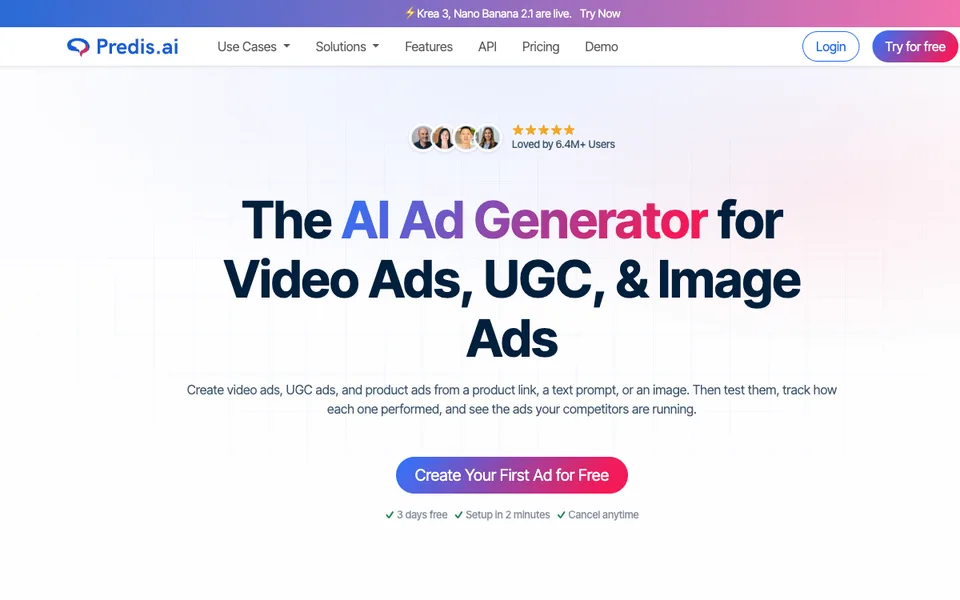

Decide separately how much creative to generate and whether the selected plan can publish it automatically.
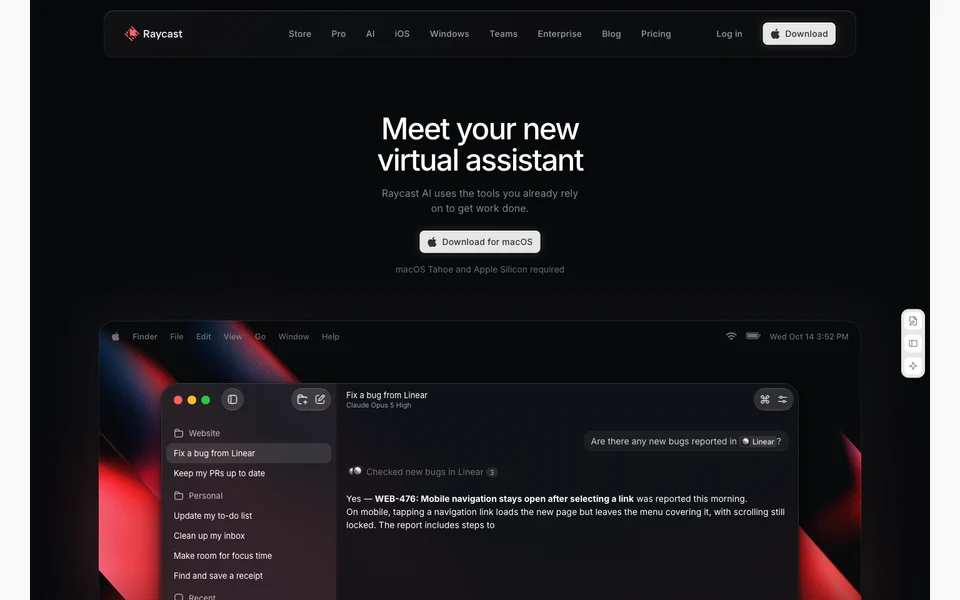

Use AI chat and connected tools from a desktop command launcher.
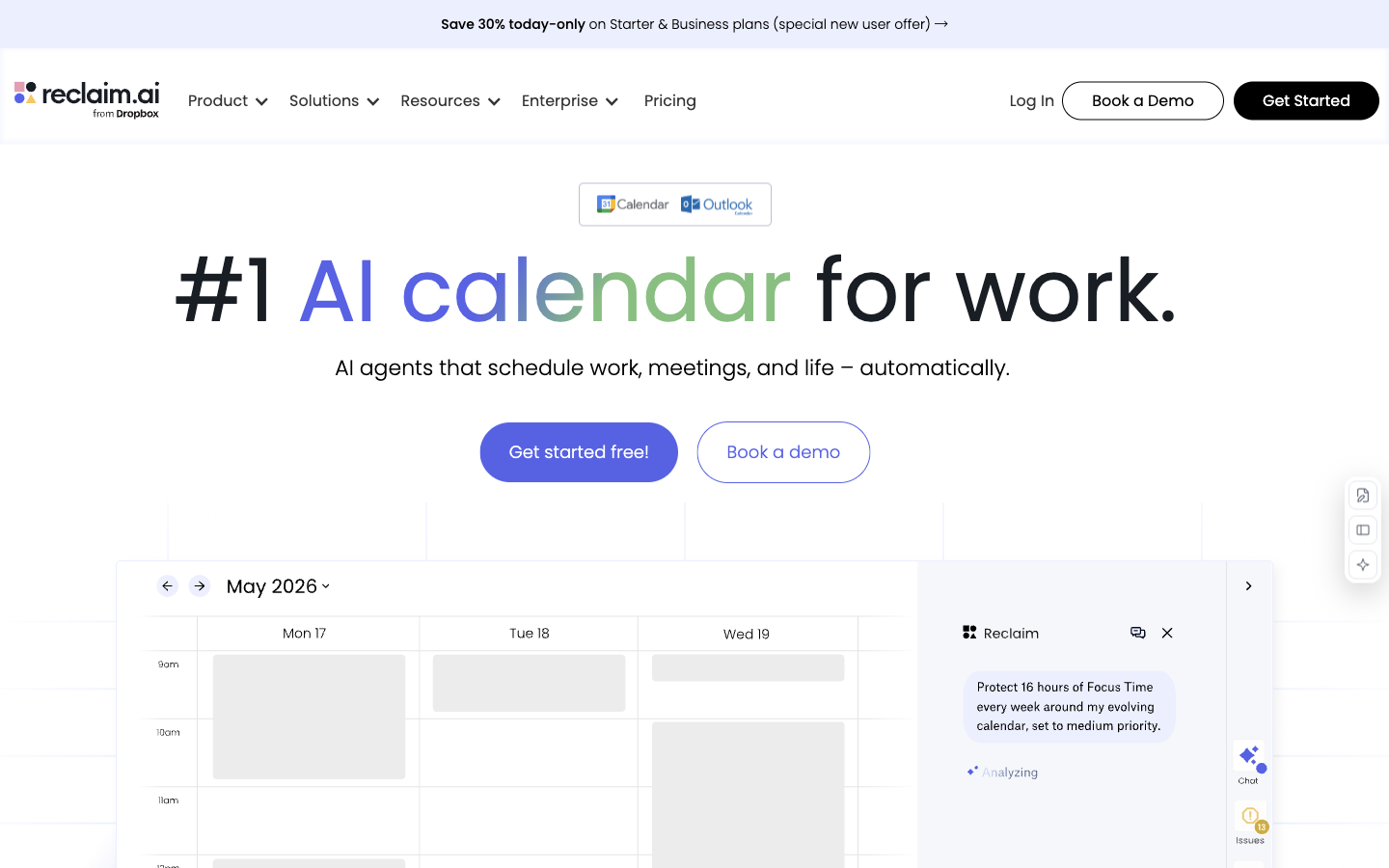

Protect focus time, schedule habits and coordinate meetings around a connected calendar’s changing availability.
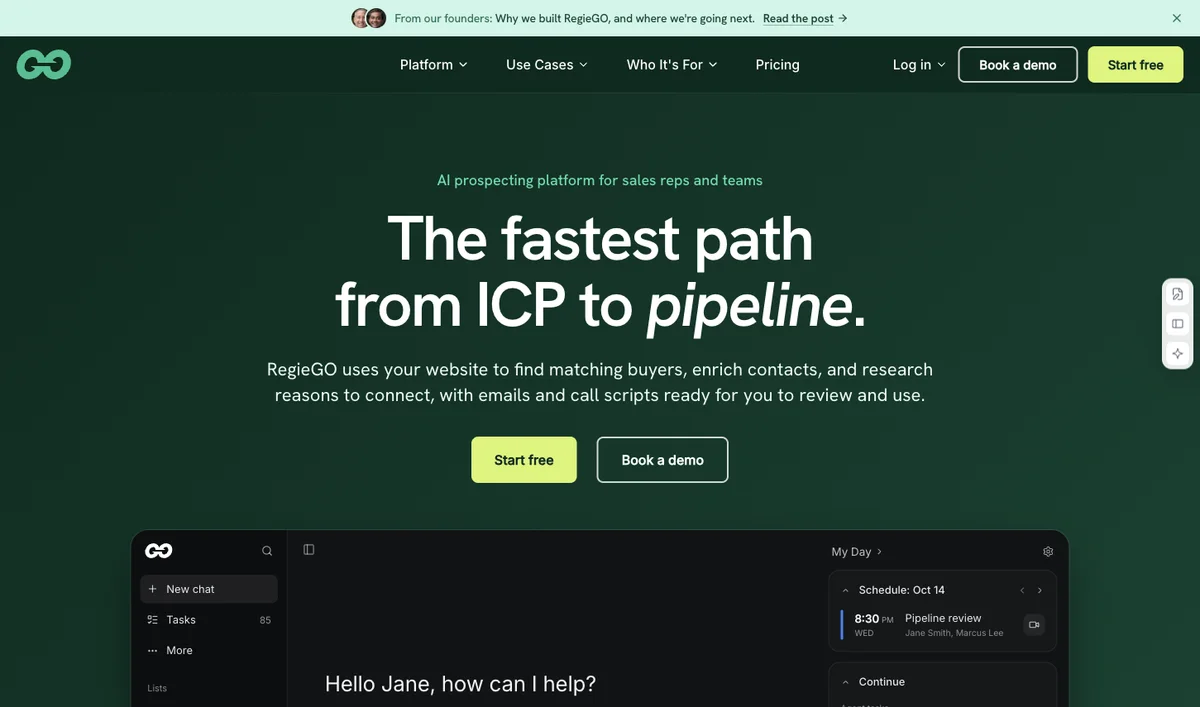

RegieGO by Regie.ai combines account research, enrichment, message drafting and a CRM for teams planning an AI-assisted prospecting workflow.
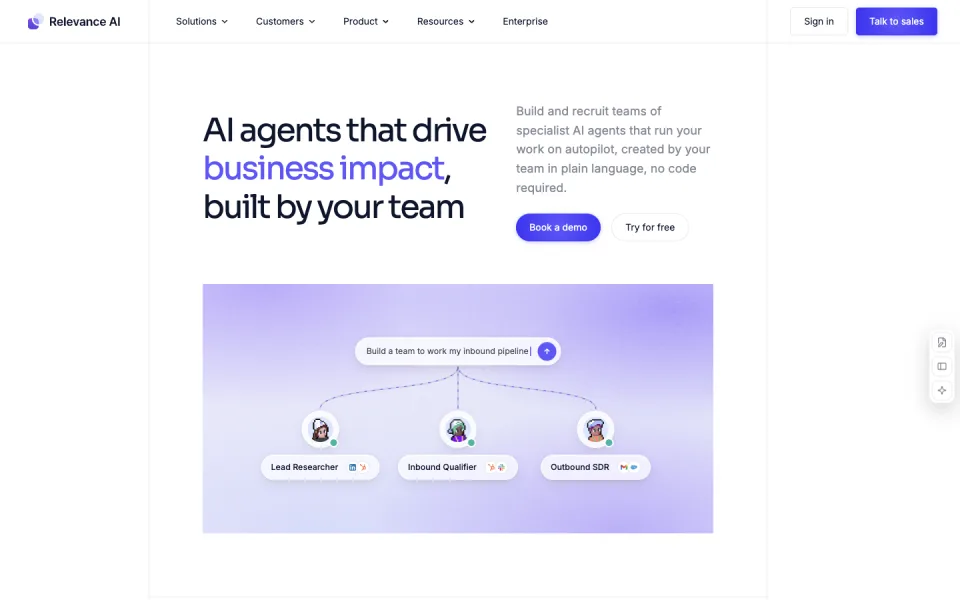

Build specialist agents with connected tools, evaluations and approvals.

Compare the minimum team bill with a solo creator licence before choosing the lower advertised per-seat price.

Sendspark is useful when a seller wants one recording adapted with each prospect’s name and website while keeping minute overages explicit.

Email client with AI search, summaries, autocomplete, and filters.


Organize AI-assisted posts into recurring categories while checking approval and workspace requirements.

Assess Supernormal meeting notes and follow-up generation using shared credits rather than assuming that unlimited seats means unlimited AI work.


Dictate into everyday apps with local or cloud models and task-specific modes.

Use AI-assisted content optimization and optional AI-search visibility monitoring to plan and improve website pages.
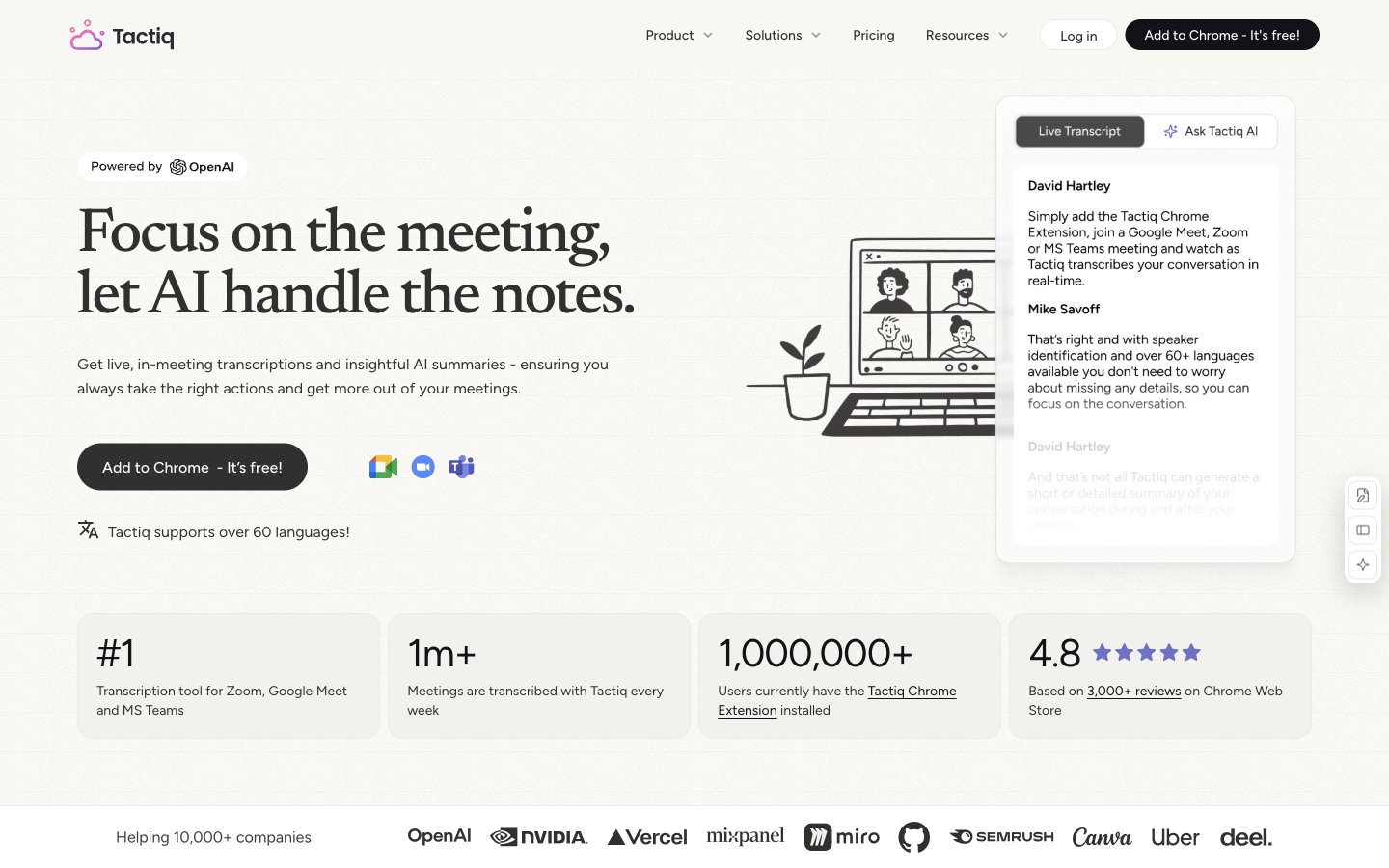

Transcribe supported online meetings and use AI to summarise, extract actions and prepare follow-up material.
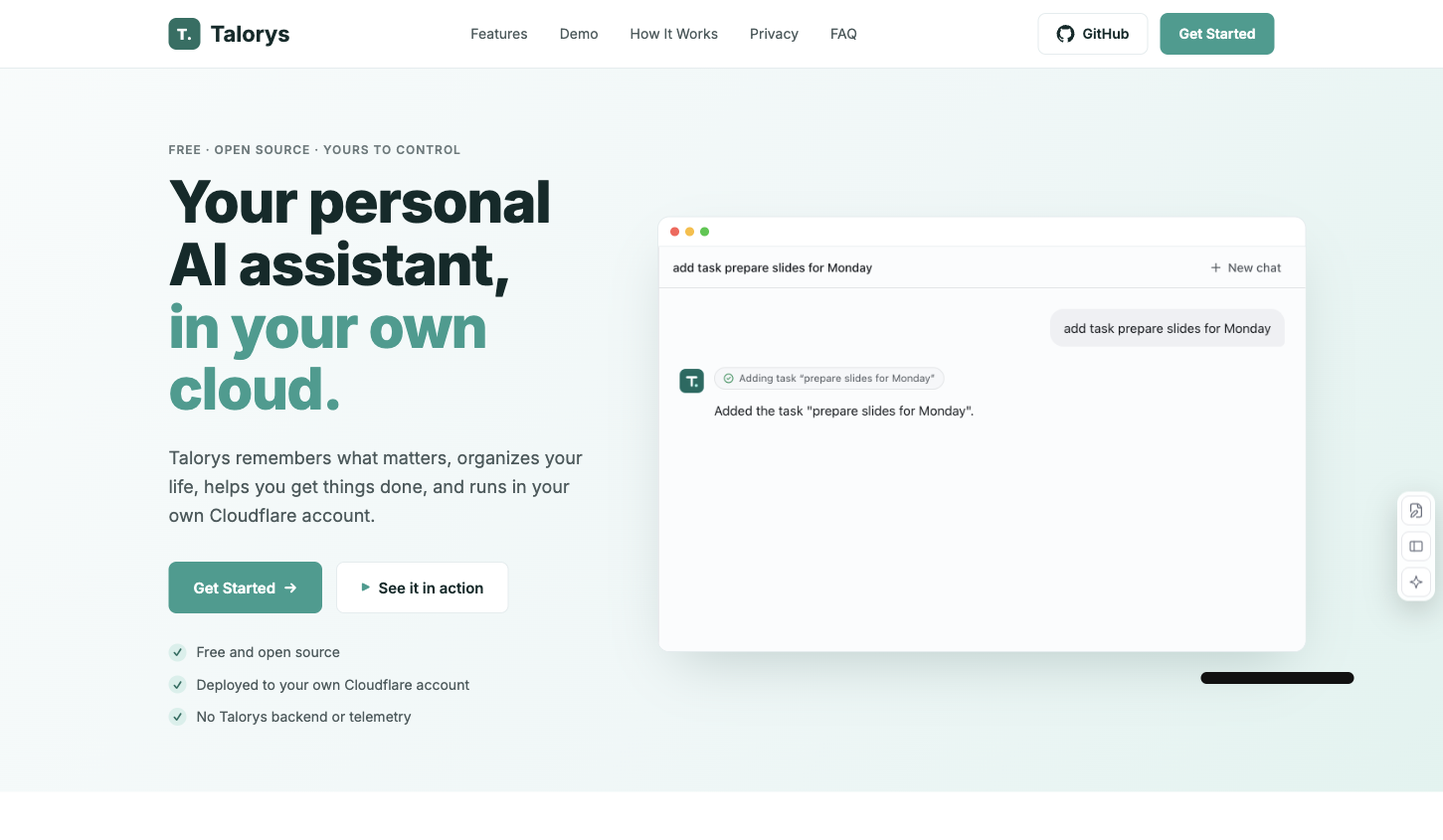

A personal AI assistant for chat, memory, tasks and reminders in your Cloudflare account.
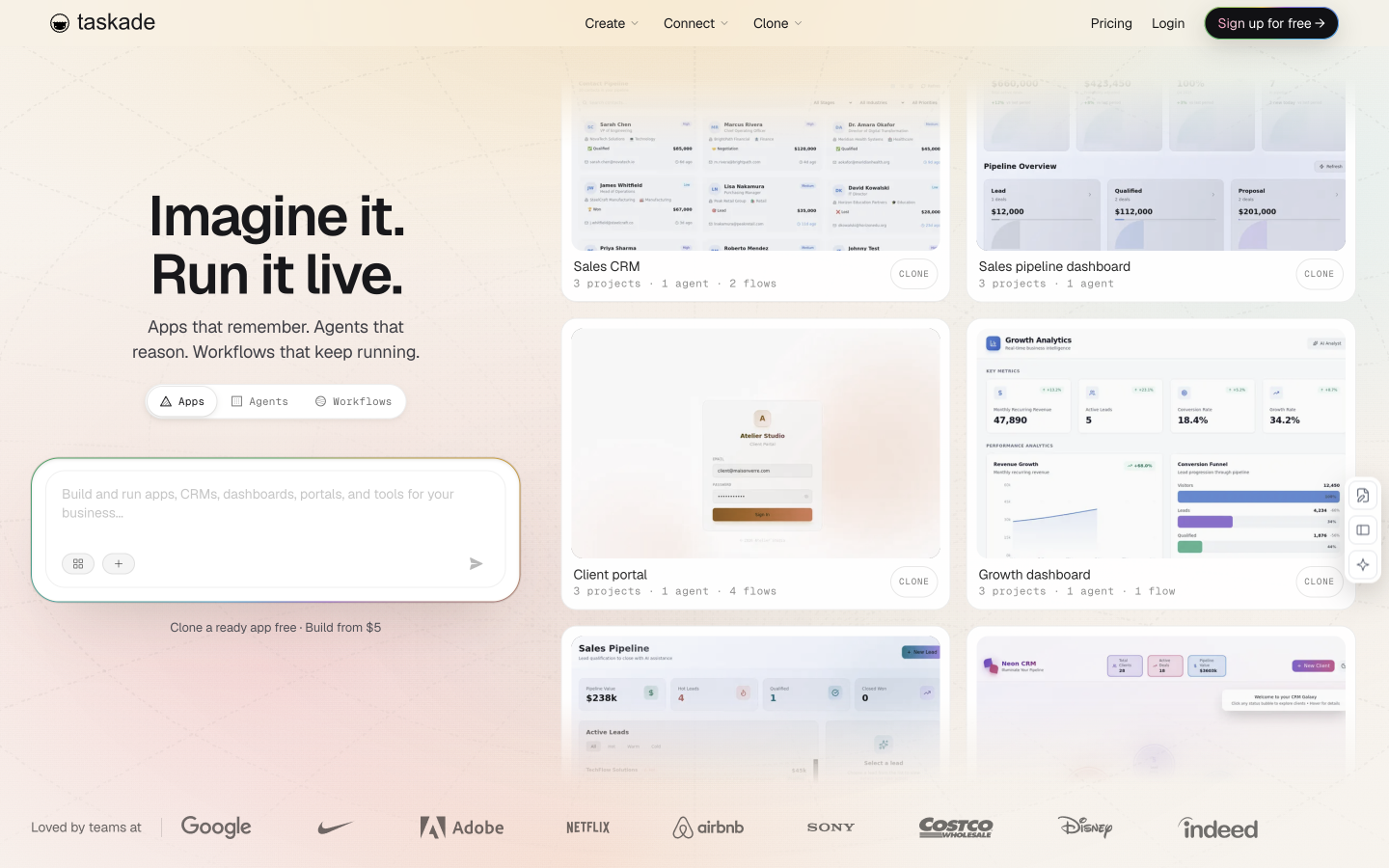

Build AI apps, agents and connected workflows around a shared workspace without starting from a self-hosted framework.

An MCP connector that exposes a connected WhatsApp inbox to compatible AI clients.
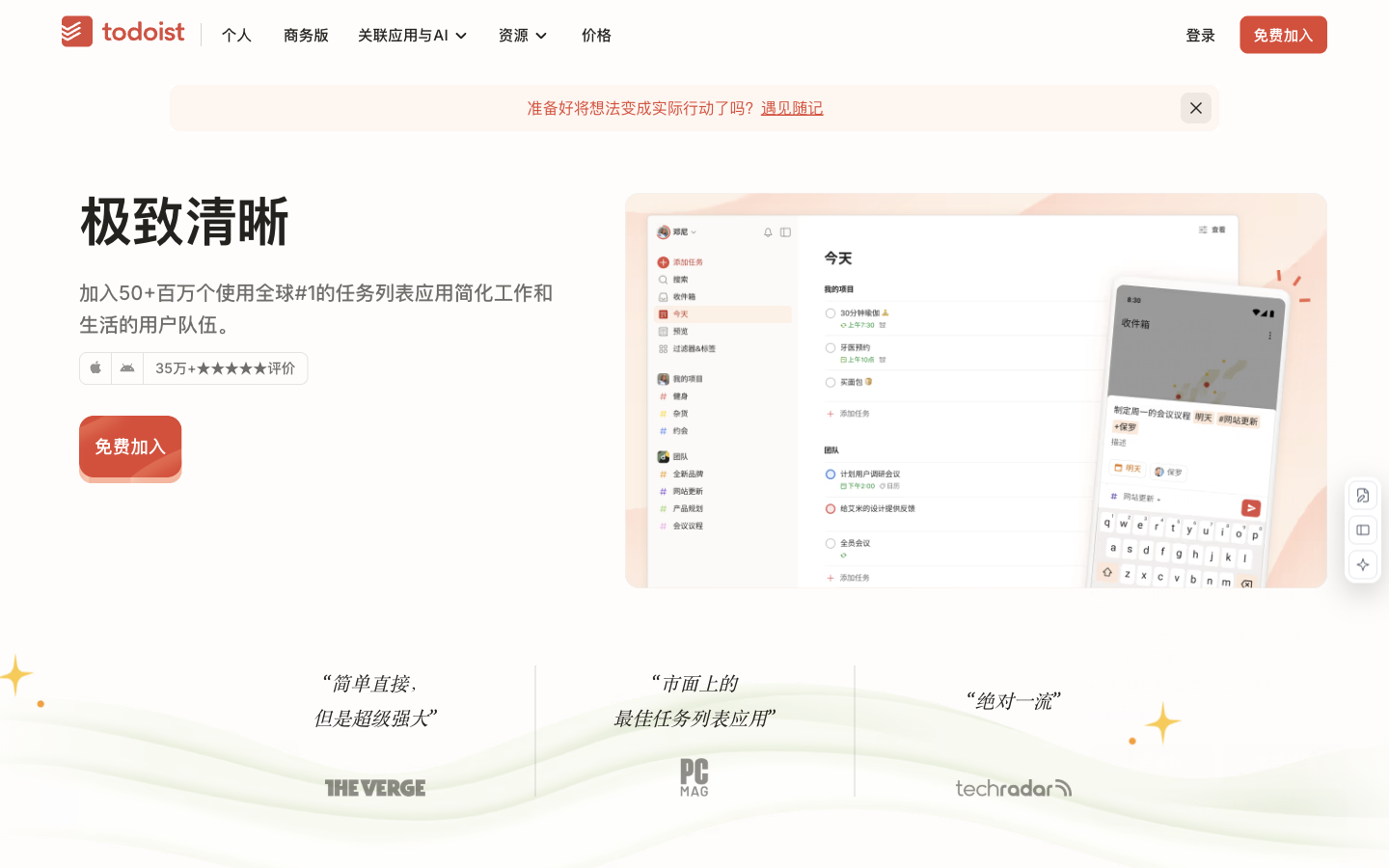

Turn spoken ideas and vague goals into structured tasks, clearer next steps and natural-language task filters.
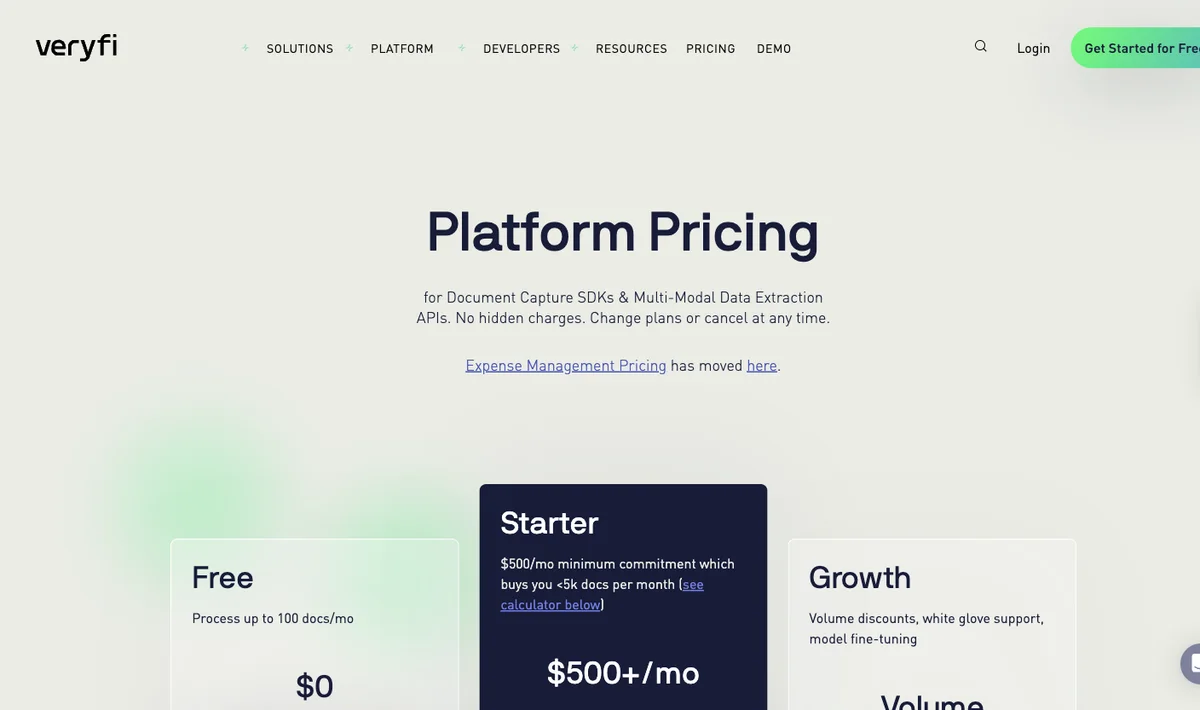

Veryfi suits developers who want an extraction API priced by document and need to understand how a monthly minimum affects small workloads.
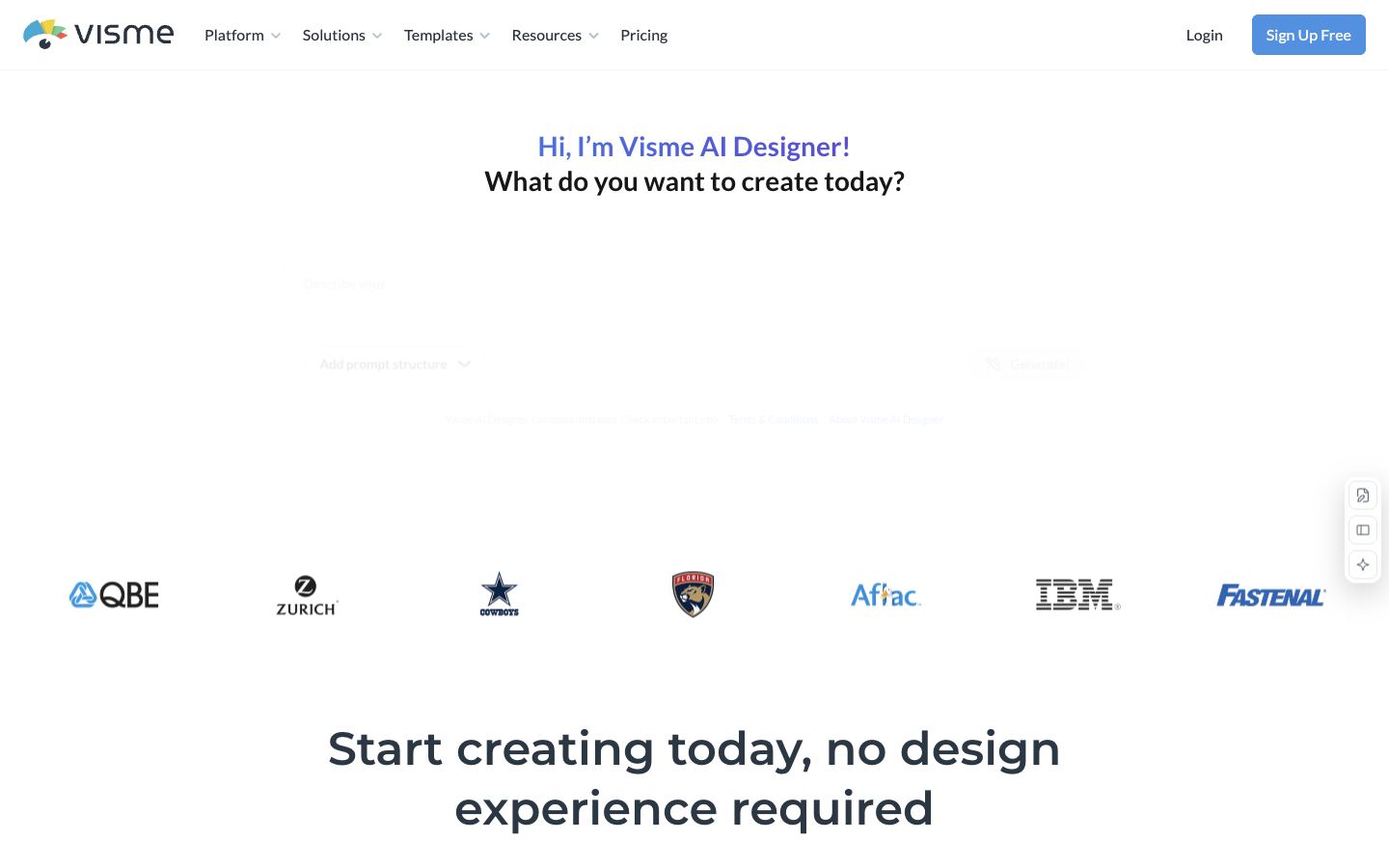

Use AI-assisted design to build presentations, reports and other visual content in one browser workspace.
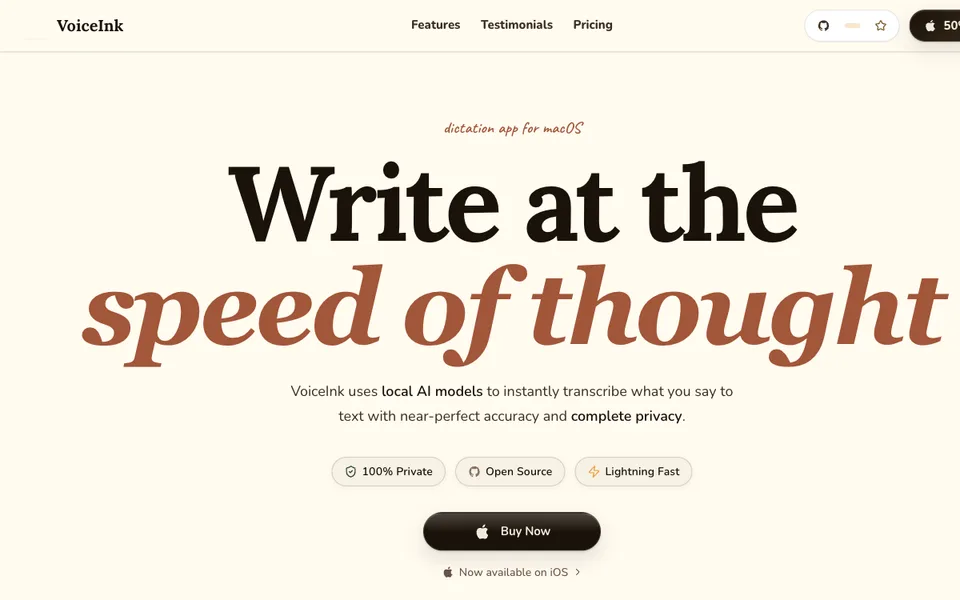

Buy local Mac dictation by device count and keep optional cloud enhancement explicit.
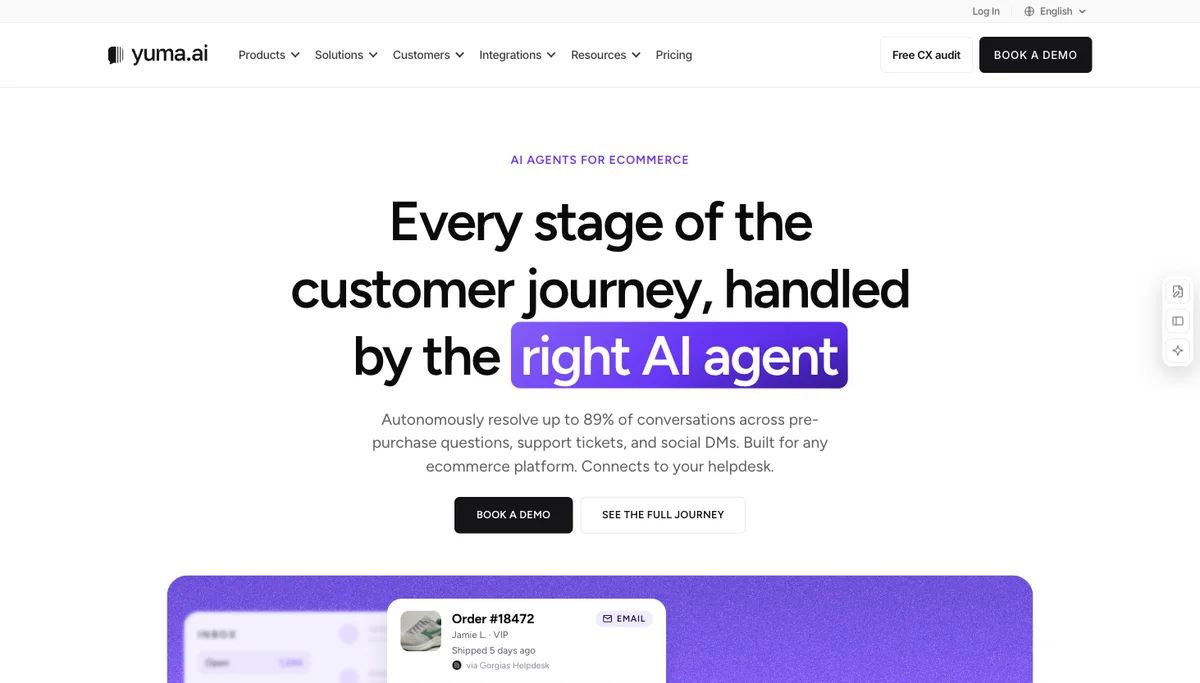

Yuma AI suits ecommerce teams comparing a contracted full-resolution budget with ticket-credit subscriptions and human-assisted workflows.
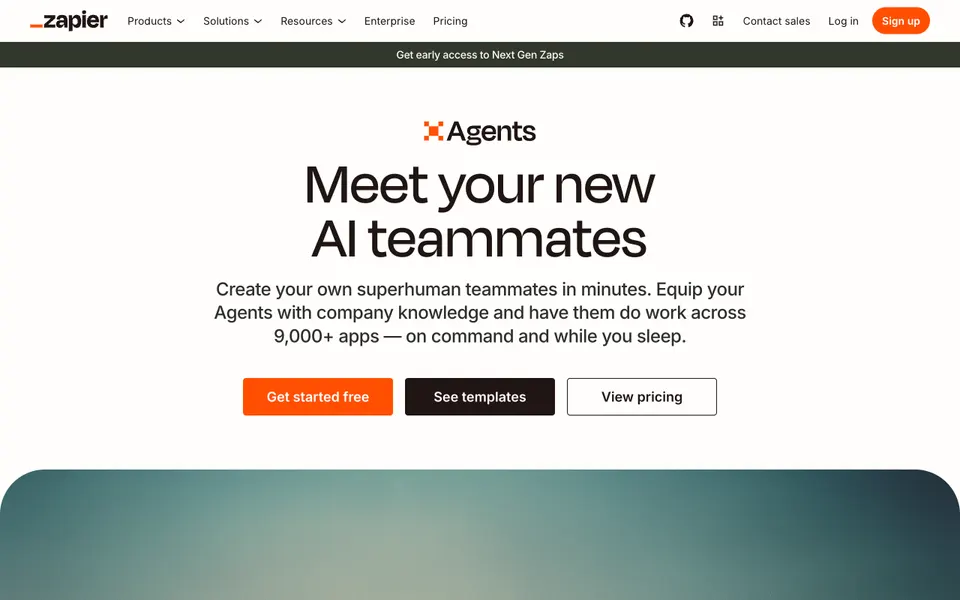

Instruct agents that use company knowledge and actions across Zapier's app directory.
Try another filter. Use the heart on a product to save it to your account.
Tell us what you need →77 listed products, by how you can start
Free access can still involve paid model usage, hosting or connected services. Check each product's pricing notes.
Choose around your mailbox, draft location and approval needs. Compare inbox tools before connecting work apps.
Capture meeting notes and draft next steps, then route approved actions to the right tools.
Compare 9 candidates →Connect triggers, data and actions into a repeatable workflow with human checkpoints.
Compare 15 candidates →Write down the trigger, the input and the change you expect in the destination app. Separate a drafted message from a sent message. An agent that suggests a next step does not necessarily execute it.
Use limited permissions and sample data for the first run. Check how errors, duplicate events and revoked access are handled. Confirm human approval is available before messages are sent or records are changed.
Capture meeting notes and draft next steps, then route approved actions to the right tools.
Meeting access or a recording, and connected work apps
Notes, action items and follow-up drafts
Check consent, speaker attribution, assignees and dates before sending or creating tasks.
Meeting assistants focus on recording and summarization. Connecting their output to other apps may need a separate workflow and permissions.
Shared AI teammate for inbox, meetings, follow-ups, and other work.
Why it fits Lindy supports meeting follow-up and drafting from connected work context.
PrepareMeeting context and approved connected accounts
GetMeeting follow-up drafts
ReviewCheck decisions, assignees and wording before approving outside actions
Email assistant that organizes the inbox, drafts replies, and writes meeting follow-ups.
Why it fits Fyxer captures meeting context and places a follow-up email in drafts for you to send.
PrepareMeeting access and a connected inbox
GetMeeting notes and a draft follow-up
ReviewAdmit the notetaker, review the draft and send it yourself
Meeting recorder that transcribes calls and exposes notes, tasks, and an email assistant.
Why it fits The pricing feature list includes meeting transcription, summaries, tasks, and an email assistant, which support post-meeting follow-up work.
PrepareCalendar-connected Zoom, Google Meet, or Microsoft Teams meeting
GetTranscript
ReviewConnect Google or Outlook
No-code workspace where teams describe work and run agents across their apps.
Why it fits Gumloop documents configurable agents for meeting briefs and follow-up drafts from call transcripts.
PrepareA call transcript and configured connections
GetFollow-up drafts or a configured meeting workflow
ReviewBuild and test the workflow, then review drafts
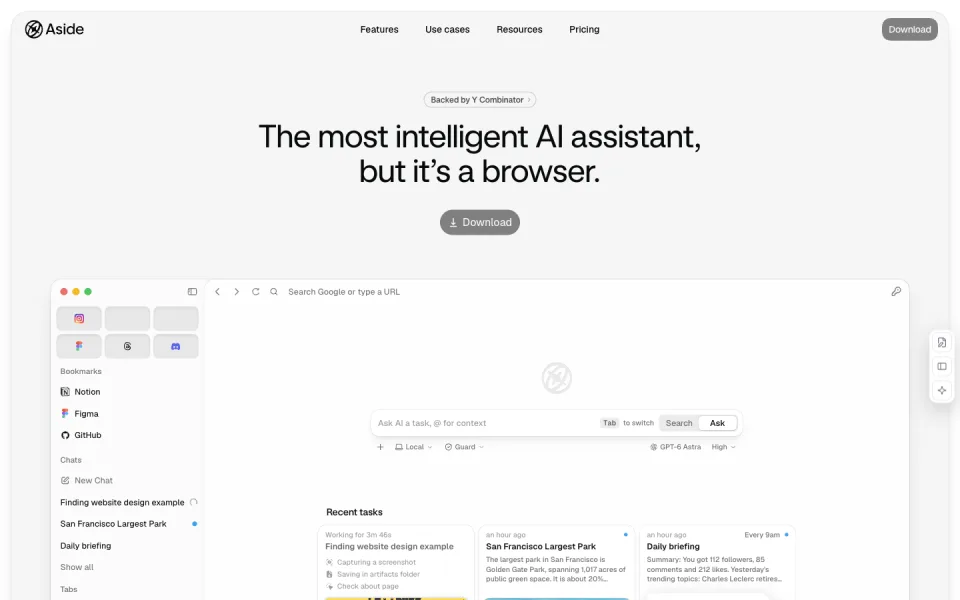

A browser agent that works across your signed-in websites.
Why it fits The official page describes signed-in site actions, communications, local memory and confirmation for sensitive changes.
PrepareA browser task, signed-in sites and permitted actions
GetCompleted browser actions and work across connected sites
ReviewConfirm sensitive actions and inspect the resulting records
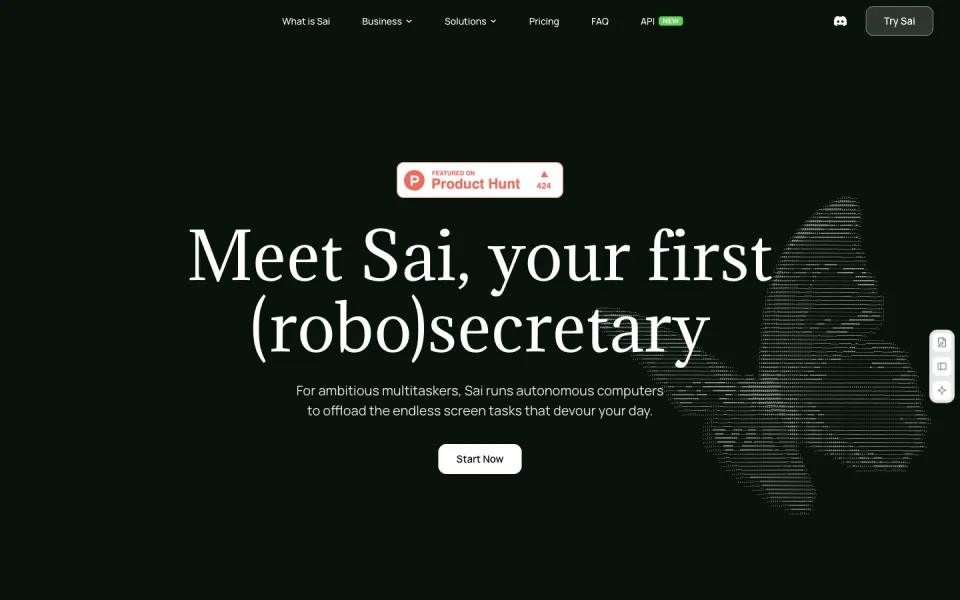

A computer-use agent for recurring work across desktop apps and websites.
Why it fits Sai describes GUI actions, scheduled runs, cloud or device environments and approval-based control.
PrepareA recurring screen-based task and the accounts or files it needs
GetCompleted app actions, follow-up drafts or recurring reports
ReviewWatch the run, approve important steps and verify the output
Build specialist agents with connected tools, evaluations and approvals.
Why it fits The product supports a visual canvas, agent building from instructions, MCP access and approval nodes.
PrepareA business workflow, reference knowledge and connected tools
GetAgent actions, research briefs and routed business work
ReviewDefine tools and approval boundaries, then evaluate sample runs
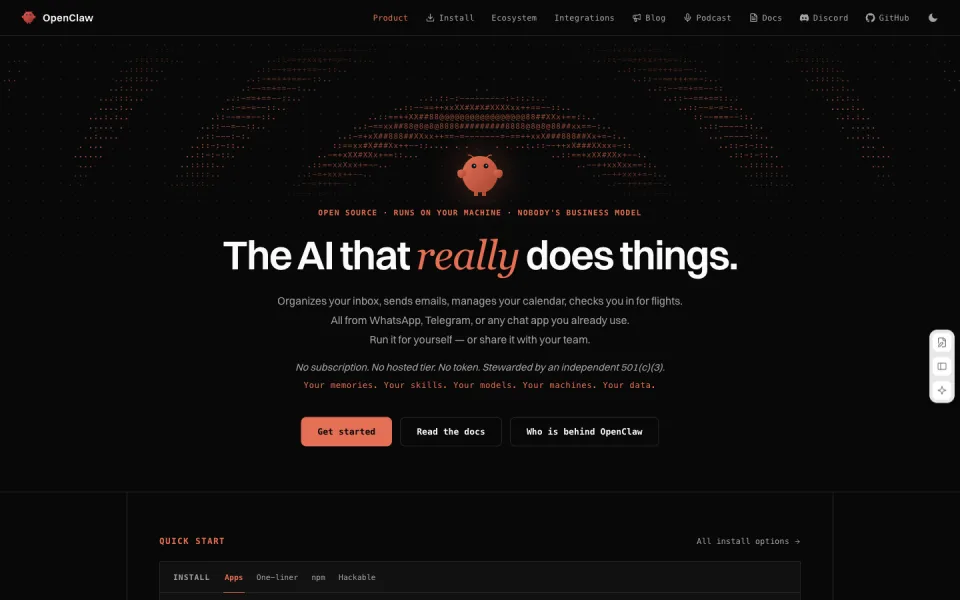

A self-hosted agent that handles work through your chat apps.
Why it fits OpenClaw describes inbox and calendar actions from chat platforms, with local installation and configurable model providers.
PrepareA configured agent, a model provider and approved connected accounts
GetInbox, calendar and other connected-tool actions
ReviewChoose access boundaries and review actions on connected accounts
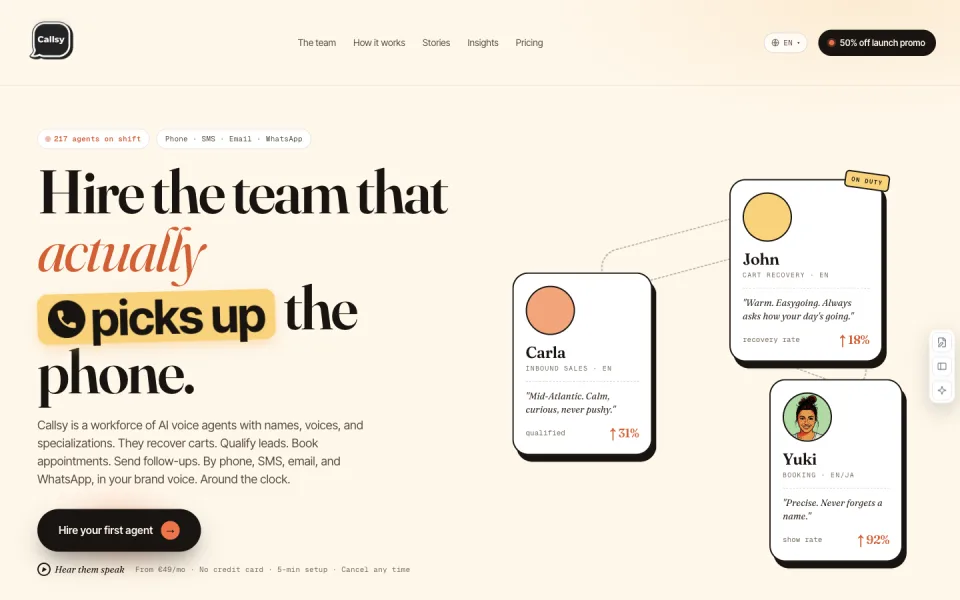

Voice and messaging agents for cart recovery, qualification and booking.
Why it fits The official page documents voice, SMS, email and WhatsApp agents with scripts, transcripts, integrations and booking workflows.
PrepareApproved scripts, connected store or CRM data and permitted contact rules
GetCustomer conversations, bookings, follow-ups and transcripts
ReviewSet contact boundaries and handoff rules, then review transcripts and actions
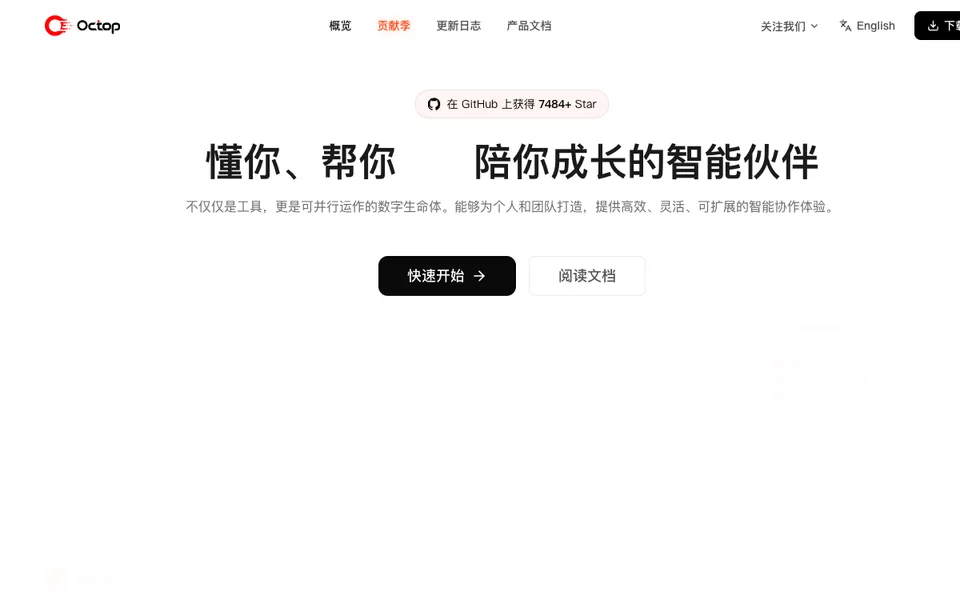
Delegate office workflows across local files, the browser and connected business apps.
Why it fits Delegate office workflows across local files, the browser and connected business apps.
PrepareA defined office task and authorized access to the files or business apps it needs
GetCompleted task artifacts, drafts or app changes to review
ReviewReview drafts and requested external actions before approving them.
Capture meeting audio without a bot, enhance your notes, and review paid Gmail follow-up drafts.
Why it fits Granola captures meeting notes and action items; its paid Gmail integration drafts eligible external-meeting follow-ups for the user to edit and send.
PrepareMeeting audio from your device and optional rough notes
GetEnhanced meeting notes, a transcript and action items
ReviewTell participants you are transcribing and confirm the required consent.
Record supported meetings, search their transcripts, and copy paid AI follow-up drafts into your email client.
Why it fits Official Fathom help documents link meeting action items to a copyable email draft, while current plan documentation separates free notes from paid follow-up features.
PrepareZoom, Google Meet or Microsoft Teams meetings
GetRecordings or transcripts according to the capture mode
ReviewConfirm recording consent and choose the capture and sharing settings.
Transcribe meetings, review action items, and ask AI Chat for a follow-up draft.
Why it fits Otter's official Chat guide gives a follow-up-email drafting prompt and copy workflow; the catalog keeps draft generation separate from sending and Enterprise-only sales automation.
PrepareLive meeting audio or a supported recording within the plan limits
GetLive transcripts, meeting summaries and action items
ReviewConfirm recording consent and review the calendar, recording and auto-sharing settings.
Connect triggers, data and actions into a repeatable workflow with human checkpoints.
An explicit workflow and access to the apps involved
Completed app actions or a workflow ready to review
Test with sample data, use minimum permissions and approve consequential actions.
Use a workflow platform for repeatable rules across apps. Use a task-based agent for less structured work, with narrower permissions.
Shared AI teammate for inbox, meetings, follow-ups, and other work.
Why it fits Lindy connects work context with scheduled routines and app actions that wait for approval when they have outside impact.
PrepareAn explicit routine and connected account permissions
GetDrafted or approved work actions
ReviewReview consequential actions and available credits
Email assistant that organizes the inbox, drafts replies, and writes meeting follow-ups.
Why it fits Fyxer organizes inbox work and prepares suggested replies inside the email workflow.
PrepareA supported inbox and calendar
GetOrganized email and draft replies
ReviewReview drafts and send approved replies
GTM agents that scrape, qualify, and export lead lists.
Why it fits Build scraping and AI qualification workflows that turn web information into rows for connected work tools.
PrepareSearch or profile URLs
GetScraped rows
ReviewDefine the scrape and qualification rules
Instruct agents that use company knowledge and actions across Zapier's app directory.
Why it fits Connect an agent to approved app actions and business knowledge to carry out repeatable work.
PrepareInstructions and company knowledge
GetCompleted app actions
ReviewConnect the apps the agent may use
Cold-email campaigns with warmup, lead data, and optional AI reply handling.
Why it fits Configured email sequences and AI reply handling support repeatable outreach work.
PrepareLeads or uploaded contacts
GetSent campaign emails
ReviewConnect and warm sending accounts
Email client with AI search, summaries, autocomplete, and filters.
Why it fits AI inbox search, summaries and writing assistance help you triage email and prepare replies.
PrepareGmail or Google Workspace mailbox
GetThread summaries
ReviewConnect the mailbox
No-code workspace where teams describe work and run agents across their apps.
Why it fits Gumloop lets teams configure agents and connected tools for repeatable work such as CRM updates and support triage.
PrepareWorkflow instructions and connected app access
GetConfigured app-connected workflow actions
ReviewTest app permissions, routing and action accuracy

A personal AI agent for email, calendars and tasks across connected apps.
Why it fits Muse connects to everyday apps and handles multi-step tasks, with permission controls and an activity history.
PrepareA task or goal
GetApp actions and an activity history
ReviewConnect the required accounts and set permissions

Personal AI agents with their own identity and a shared workspace.
Why it fits Cue presents personal agents working together in a shared workspace.
PrepareA personal task and relevant context
GetAgent work in a shared workspace
ReviewCheck the completed work and any external actions
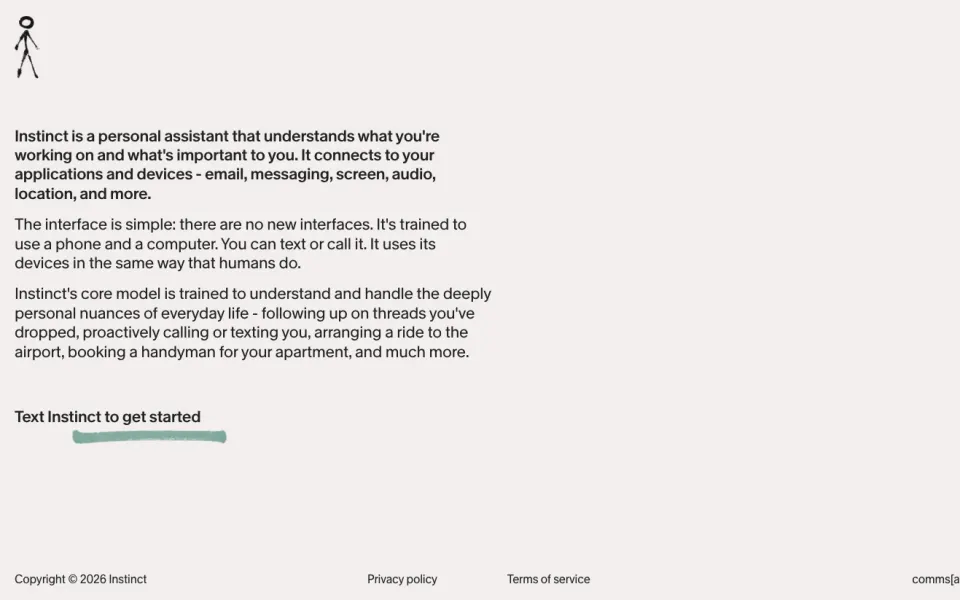

A personal assistant that can act across connected apps and devices.
Why it fits Instinct says its assistant uses a phone and computer to follow up and arrange everyday tasks.
PrepareA request by text or call
GetFollow-ups and completed personal tasks
ReviewGrant only needed access and confirm important actions
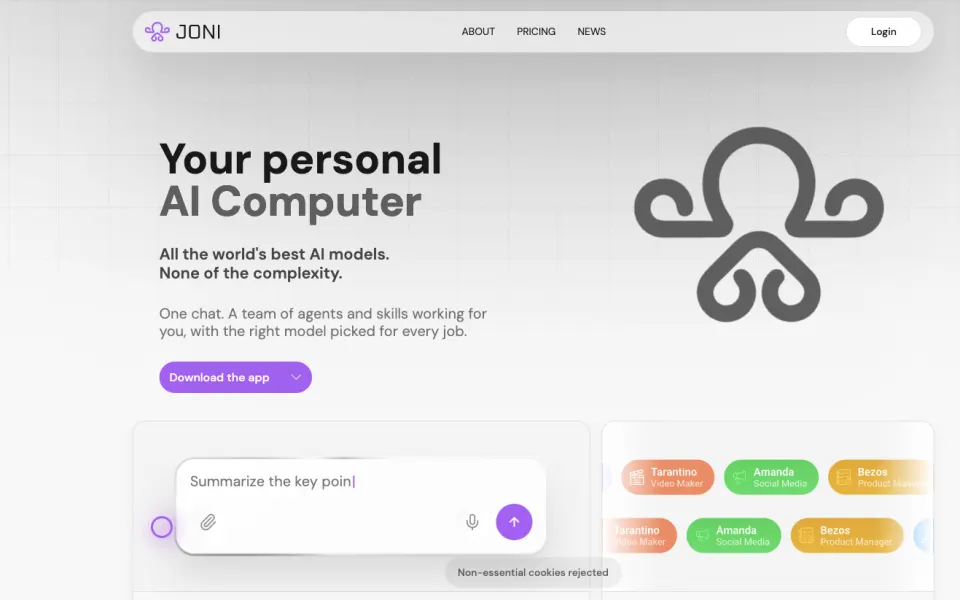

A personal AI computer that coordinates specialist agents for multi-step work.
Why it fits JONI coordinates specialist agents and can handle inbox, phone and approved purchases.
PrepareA goal, files or connected context
GetAgent-produced work and action records
ReviewApprove purchases and verify external messages and deliverables
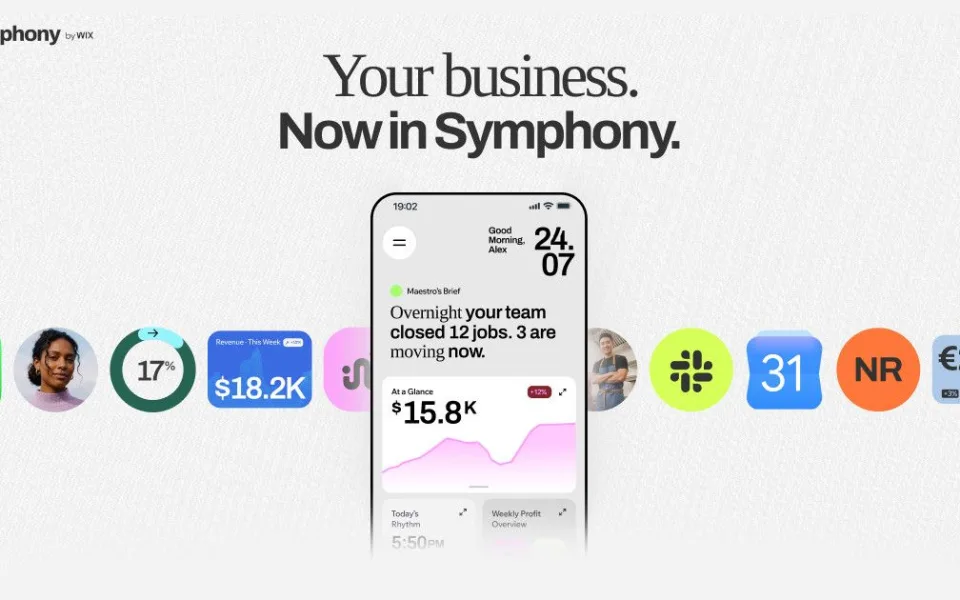

A coordinated team of AI agents for running a small business.
Why it fits Wix describes Symphony as a coordinated team of specialist agents for business operations.
PrepareBusiness goals, context and connected services
GetAgent activity and business workflow results
ReviewReview permissions, messages and changes made in connected tools
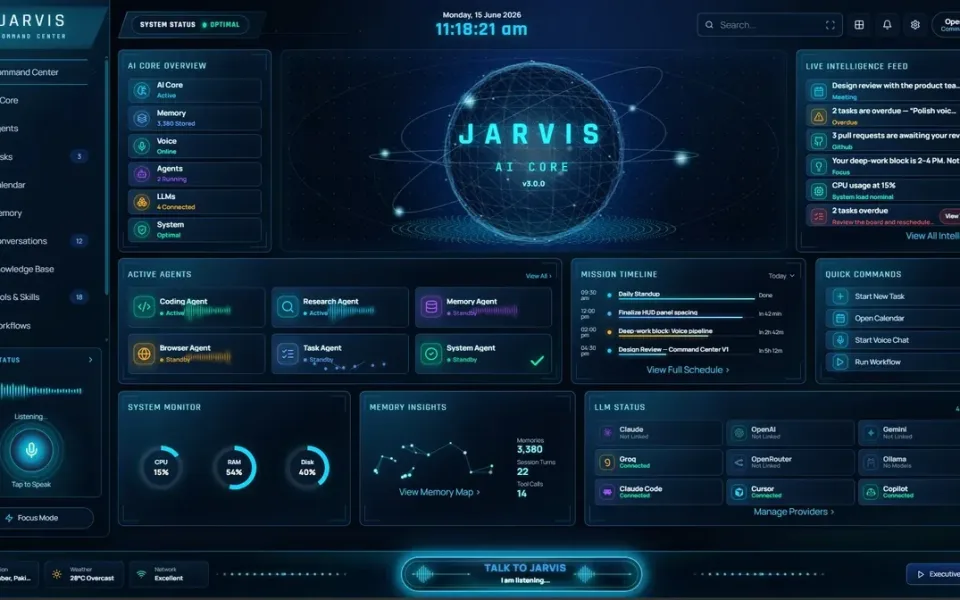

A Windows desktop agent that acts through local tools and connected services.
Why it fits Jarvis runs multi-step tool actions across files, browser and connected services.
PrepareA bounded desktop task
GetTool actions and a reviewable result
ReviewApprove sensitive actions and verify changes
A browser agent that works across your signed-in websites.
Why it fits The official page describes signed-in site actions, communications, local memory and confirmation for sensitive changes.
PrepareA browser task, signed-in sites and permitted actions
GetCompleted browser actions and work across connected sites
ReviewConfirm sensitive actions and inspect the resulting records
A computer-use agent for recurring work across desktop apps and websites.
Why it fits Sai describes GUI actions, scheduled runs, cloud or device environments and approval-based control.
PrepareA recurring screen-based task and the accounts or files it needs
GetCompleted app actions, follow-up drafts or recurring reports
ReviewWatch the run, approve important steps and verify the output
Agents that triage work items and run recurring tasks inside Plane.
Why it fits The September 18 announcement documents triage, spec writing, summaries, mentions, schedules and bounded tool access.
PreparePlane projects, work items, agent instructions and permitted tools
GetTriaged items, specifications and standup summaries
ReviewSet scope and escalation rules, then review consequential changes
Build specialist agents with connected tools, evaluations and approvals.
Why it fits The product supports a visual canvas, agent building from instructions, MCP access and approval nodes.
PrepareA business workflow, reference knowledge and connected tools
GetAgent actions, research briefs and routed business work
ReviewDefine tools and approval boundaries, then evaluate sample runs
A self-hosted agent that handles work through your chat apps.
Why it fits OpenClaw describes inbox and calendar actions from chat platforms, with local installation and configurable model providers.
PrepareA configured agent, a model provider and approved connected accounts
GetInbox, calendar and other connected-tool actions
ReviewChoose access boundaries and review actions on connected accounts
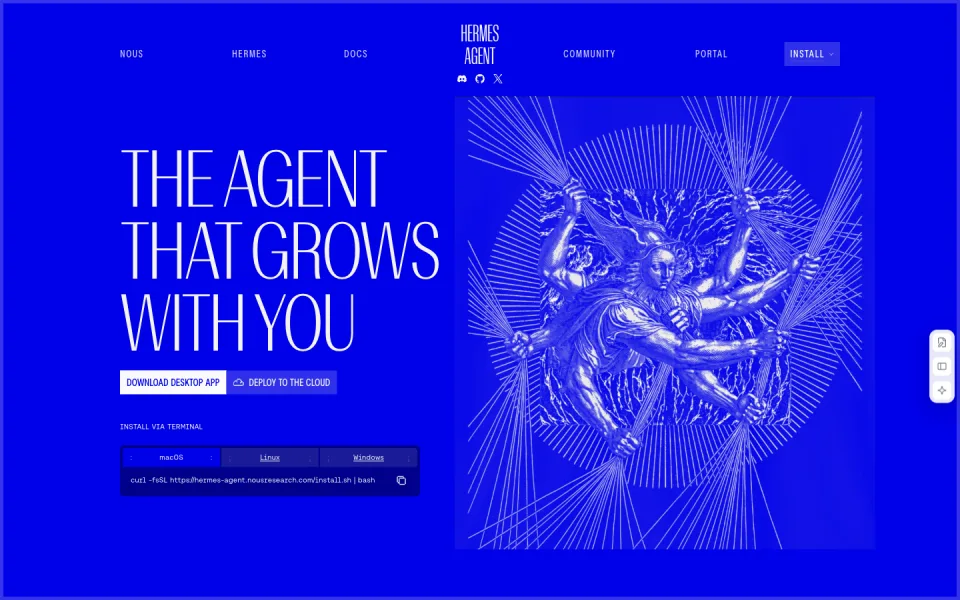

An open-source agent with memory, tools, subagents and scheduled work.
Why it fits Hermes documents memory, skill generation, isolated subagents, web tools and gateway scheduling.
PrepareA task, a model connection and configured tools or messaging channels
GetResearch, browser actions and scheduled reports
ReviewReview tool access, inspect outputs and maintain the running environment
Build agent workflows with connected tools, logic and human approvals.
Why it fits n8n documents AI Agent tools, human approval nodes, research/RAG templates and MCP-enabled workflows.
PrepareA workflow, configured model credentials and connected application data
GetTool actions, research reports and grounded support answers
ReviewConfigure approvals, inspect execution logs and review generated outputs
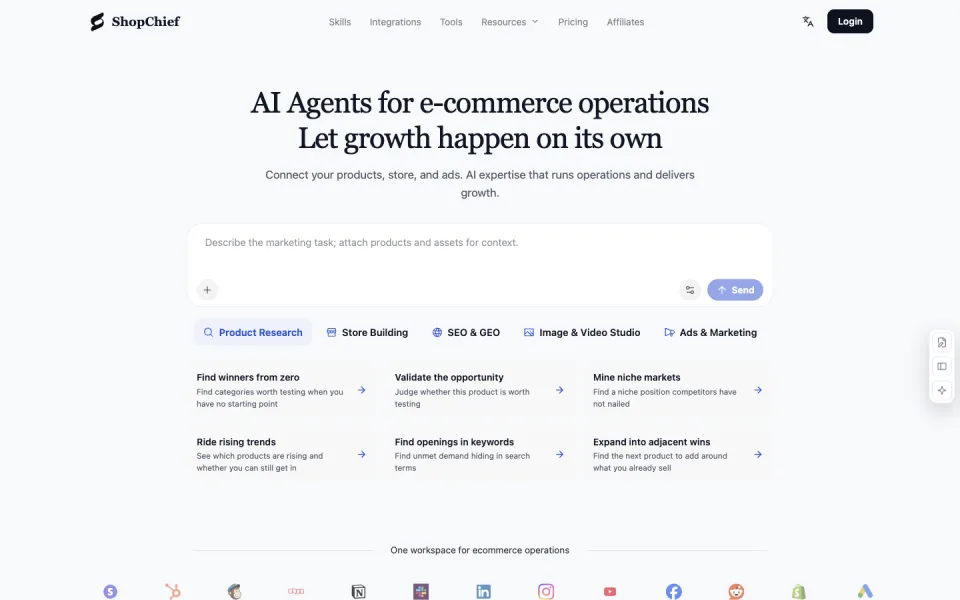

Commerce agents for product research, content and approved store actions.
Why it fits ShopChief documents commerce skills, scheduled workflows and approved connector actions; its setup guide explains permissions.
PrepareProduct context, a commerce task and authorized store or ad data
GetResearch briefs, listing drafts, creative assets and supported store changes
ReviewVerify product facts, review proposed changes and authorize store actions

A persistent ChatGPT agent that follows projects using a cloud computer and connected apps.
Why it fits A persistent ChatGPT agent that follows projects using a cloud computer and connected apps.
PrepareA project goal and approved app connections
GetProject updates, drafts and proposed actions
ReviewDefine permissions and review consequential work
A private-preview Microsoft 365 agent for recurring work across Teams, Outlook and documents.
Why it fits A private-preview Microsoft 365 agent for recurring work across Teams, Outlook and documents.
PrepareA role, goal and administrator-approved tenant permissions
GetRecurring work updates and coordinated follow-ups
ReviewSet boundaries, budget and stakeholder approval rules


Google's personal agent for monitoring, tracking and carrying out delegated digital tasks.
Why it fits Google's personal agent for monitoring, tracking and carrying out delegated digital tasks.
PrepareA clear goal and permission boundaries
GetTask progress and delegated work results
ReviewConfirm account eligibility and review important actions
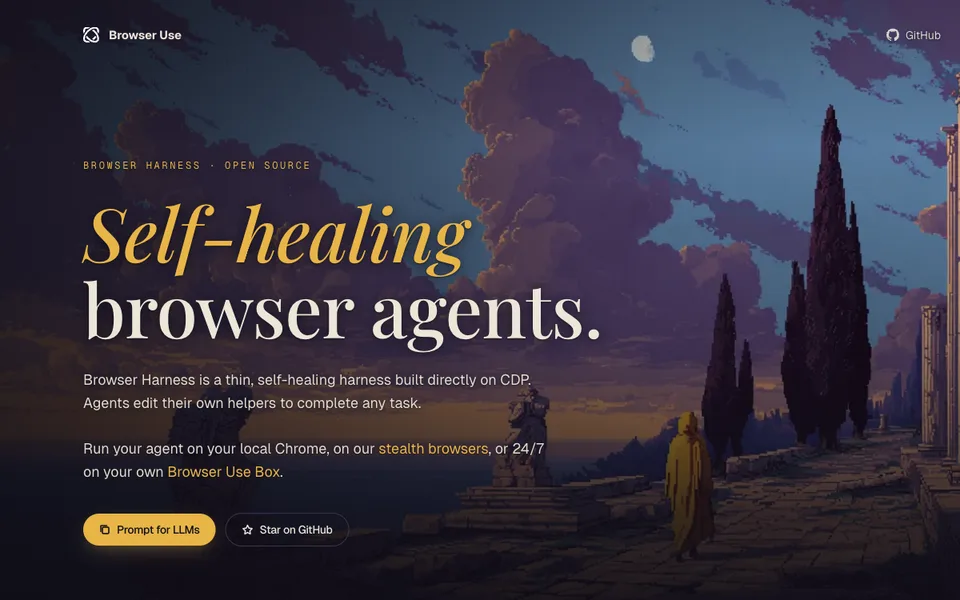

Let a coding agent operate an authorized browser through CDP.
Why it fits Task links are limited to the documented workflow. Infrastructure and model components are not treated as ready-made end-user agents.
PrepareA browser task, an agent and an explicitly enabled debugging connection
GetBrowser actions and reusable helper code
ReviewConfirm the target tabs and approve uploads, purchases and outbound messages separately.
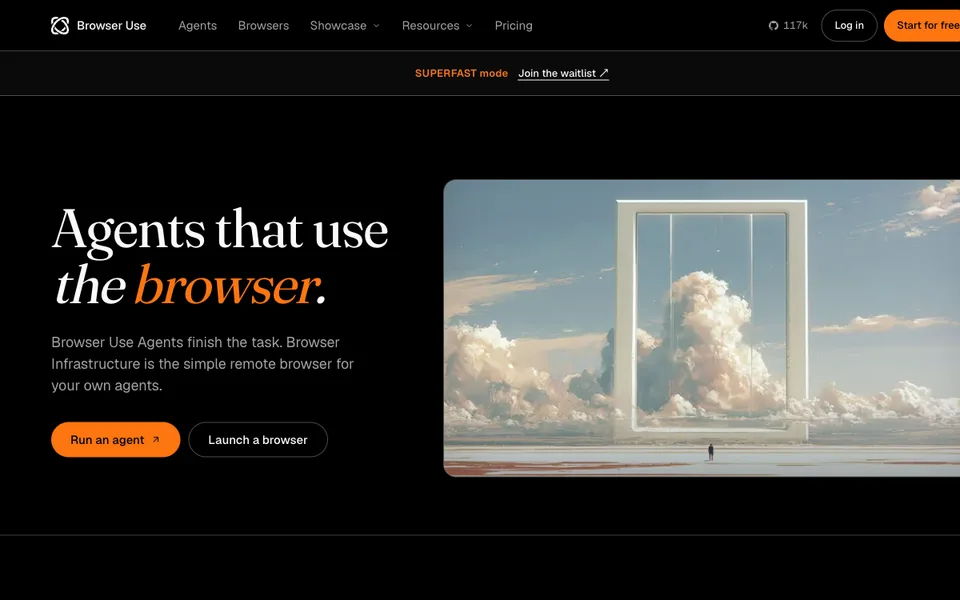

Run model-directed browser tasks from a Python library or CLI.
Why it fits Task links are limited to the documented workflow. Infrastructure and model components are not treated as ready-made end-user agents.
PrepareA bounded web task, a browser session and a configured model
GetBrowser actions and extracted page results
ReviewInspect visited pages and extracted fields; approve any consequential browser action.
Build model-connected applications with visual workflows and retrieval pipelines.
Why it fits Task links are limited to the documented workflow. Infrastructure and model components are not treated as ready-made end-user agents.
PrepareA workflow design, approved documents and model credentials
GetAn LLM application with configured workflow outputs
ReviewTest retrieval, tool permissions and error handling before exposing the application.
Give AI agents separate browser Spaces while keeping your own browsing session.
Why it fits Use the existing browser session for an authorized report or website check, then verify the returned output; ego lite supplies browser access while the external agent performs the task.
PrepareA bounded browser task, an external AI agent and any website access you are authorized to use.
GetAgent-operated pages in a dedicated Space, with page snapshots and any task-specific summaries, downloads or screenshots the workflow actually produces.
ReviewConfirm the account, allowed actions and final result; approve consequential submissions separately.
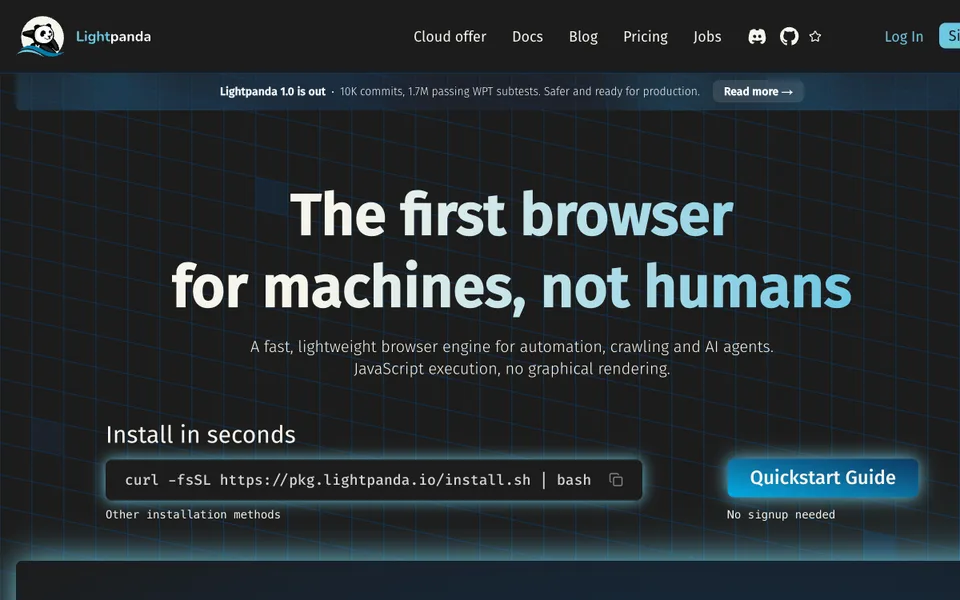

Run a headless browser with native agent mode and replayable scripts.
Why it fits Extract and verify page data, then replay a reviewed automation script; use a separate graphical browser for visual acceptance.
PrepareAn authorized URL and extraction fields, a bounded natural-language browser task, or a reviewed PandaScript file.
GetHTML, Markdown or structured page data; agent sessions can export PandaScript for later replay. PNG/PDF dumps are text-only renderings, not faithful visual screenshots.
ReviewConfirm the target account and permitted actions; compare extracted fields with the source, and use a graphical browser for layout or screenshot acceptance.
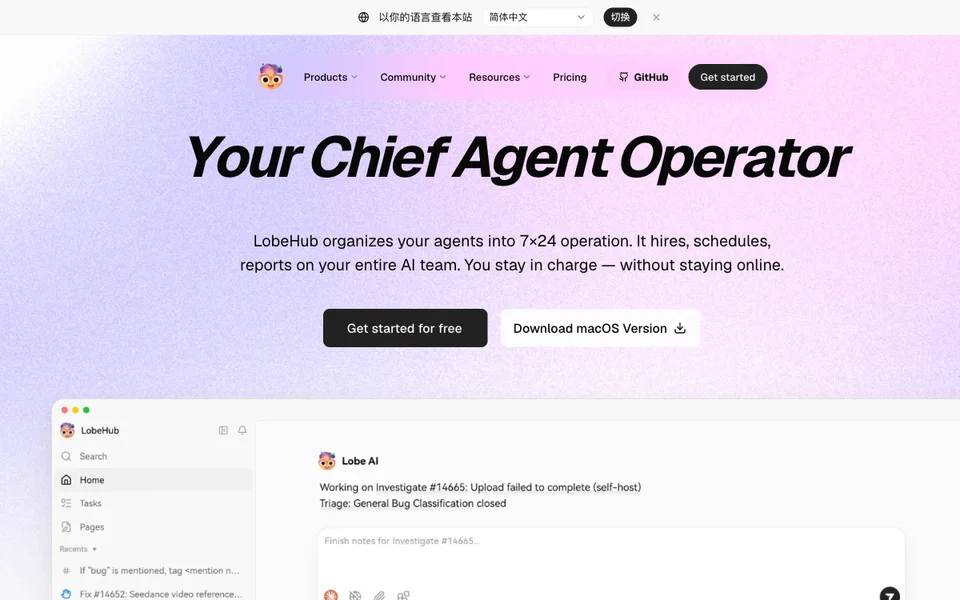

Organize model-connected agents, schedules and shared context in one workspace.
Why it fits Task links are limited to the documented workflow. Infrastructure and model components are not treated as ready-made end-user agents.
PrepareAgent roles, approved context, model connections and schedules
GetAgent conversations, scheduled results and workspace records
ReviewCheck agent permissions and schedules and inspect results before sharing them.
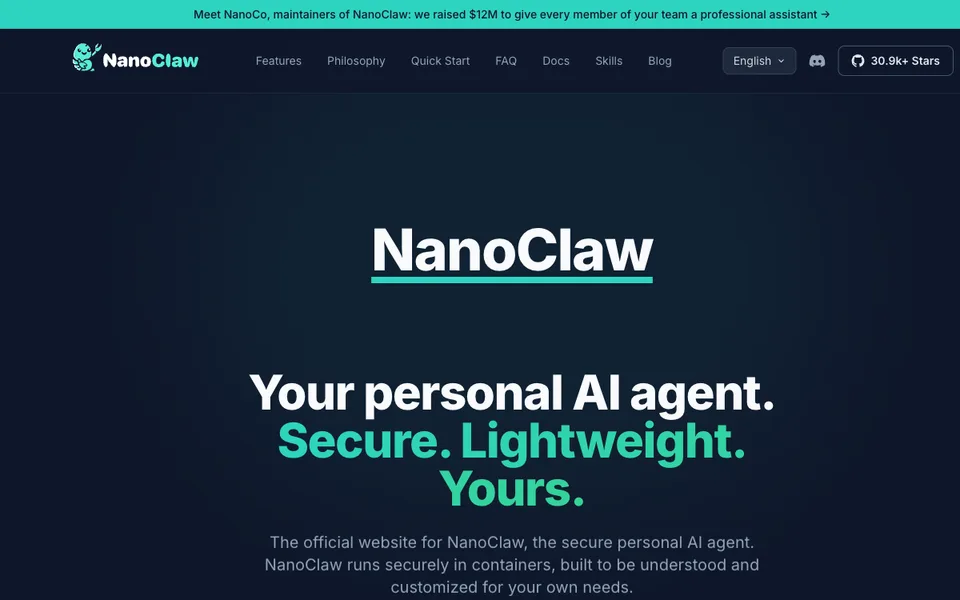

Run chat-connected assistants in separate Linux containers.
Why it fits Task links are limited to the documented workflow. Infrastructure and model components are not treated as ready-made end-user agents.
PrepareA chat task, configured channel, container runtime and model authentication
GetAssistant replies, container-executed work and retained context
ReviewReview channel pairing, mounted folders and provider permissions before agent work.
Serve multiple users and specialized assistants from a self-hosted control plane.
Why it fits Task links are limited to the documented workflow. Infrastructure and model components are not treated as ready-made end-user agents.
PrepareUser roles, agent configurations, approved connectors and task prompts
GetAssistant results, workspace memory and channel messages
ReviewCheck per-user access and connector scope and review scheduled external actions.
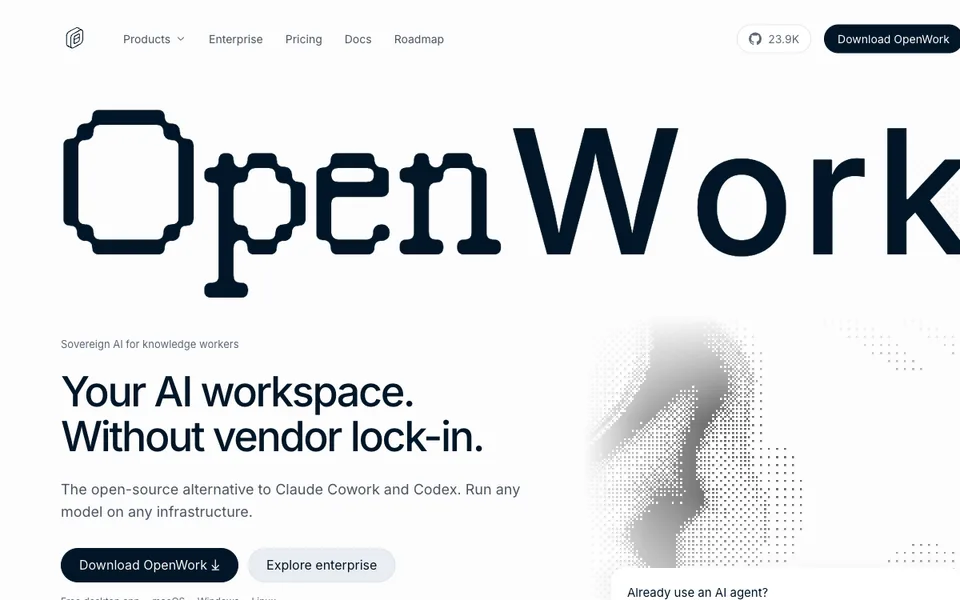

Run model-connected agents on local files and share skills or MCP connections.
Why it fits Task links are limited to the documented workflow. Infrastructure and model components are not treated as ready-made end-user agents.
PrepareApproved local files, a task and configured OpenCode or model access
GetFile changes, agent results and reusable shared capabilities
ReviewLimit file access and verify shared MCP permissions before accepting external actions.
Delegate office workflows across local files, the browser and connected business apps.
Why it fits Delegate office workflows across local files, the browser and connected business apps.
PrepareA defined office task and authorized access to the files or business apps it needs
GetCompleted task artifacts, drafts or app changes to review
ReviewReview drafts and requested external actions before approving them.
Use AI chat and connected tools from a desktop command launcher.
Why it fits Raycast documents AI text drafting and connected-tool actions within its launcher, including a task-app synchronization example.
PrepareA prompt, selected text, file or permitted app context
GetDrafts, summaries and answers inside Raycast
ReviewReview drafts and source-dependent answers before using them.