Create and repurpose content

This page covers drafts, not a whole marketing program

Compare content tools →

Explore the candidates

Filter candidates

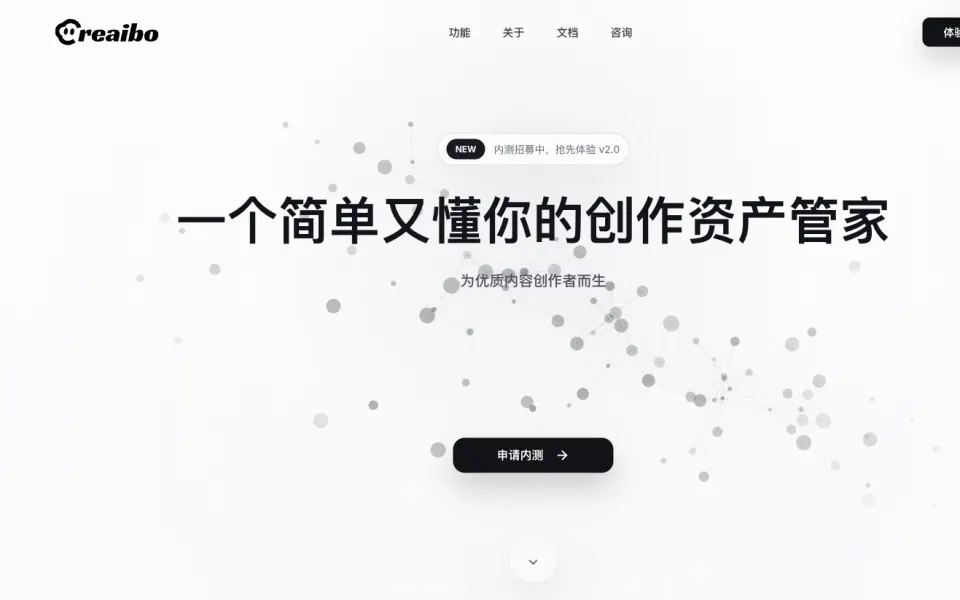
Creaibo

A local creative-asset agent that can search, organize and edit source material.

Create & RepurposePricing not verifiedCreate content
Details & limits

Why it fits Creaibo describes an agent that identifies, groups and edits local assets and can orchestrate connected creative tools.

PrepareLocal creative assets and a content goal

GetOrganized assets, research and draft material

ReviewReview source selection, edits and publishing choices

Keep in mindThe new version is recruiting beta users

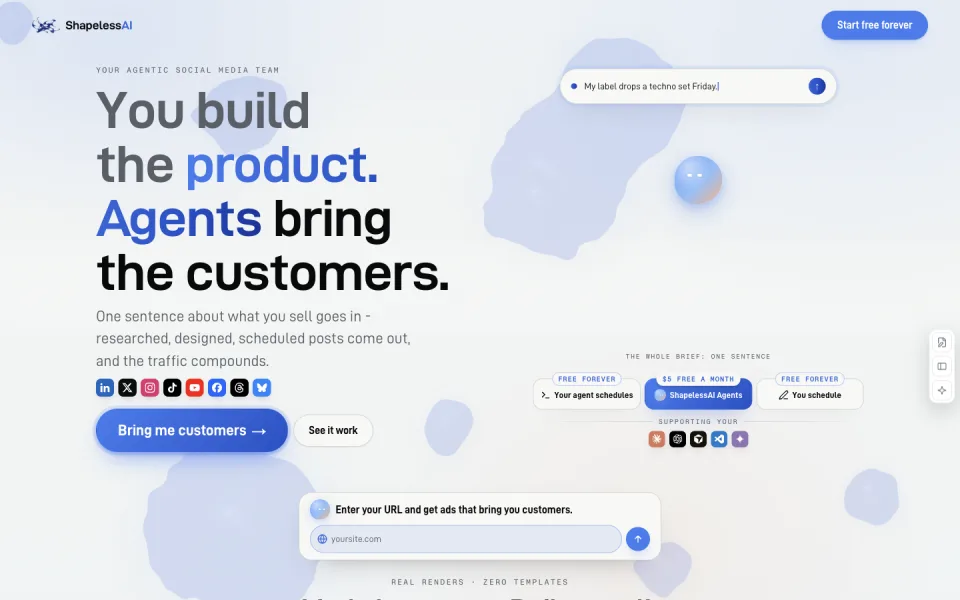
ShapelessAI

Social media agents that plan, create and schedule posts for approval.

Create & RepurposeFreeGenerate a video+1
Details & limits

Why it fits The official site describes content planning, creation, scheduling, approval and MCP/API access for outside agents.

PrepareBrand context, connected social accounts and approved media

GetA posting plan, draft posts and scheduled content

ReviewApprove drafts and choose whether automatic publishing is allowed

Keep in mindScheduled auto agents and generated video require higher paid plans

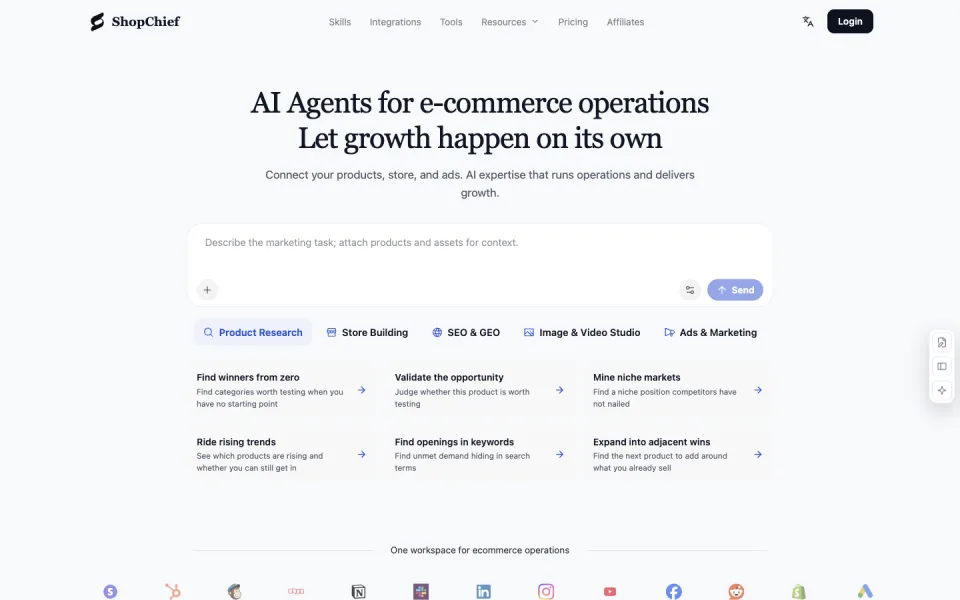
ShopChief

Commerce agents for product research, content and approved store actions.

Create & RepurposeFreeResearch a topic+3
Details & limits

Why it fits ShopChief documents commerce skills, scheduled workflows and approved connector actions; its setup guide explains permissions.

PrepareProduct context, a commerce task and authorized store or ad data

GetResearch briefs, listing drafts, creative assets and supported store changes

ReviewVerify product facts, review proposed changes and authorize store actions

Keep in mindShopify, WooCommerce and noon connectors have different read/write scopes

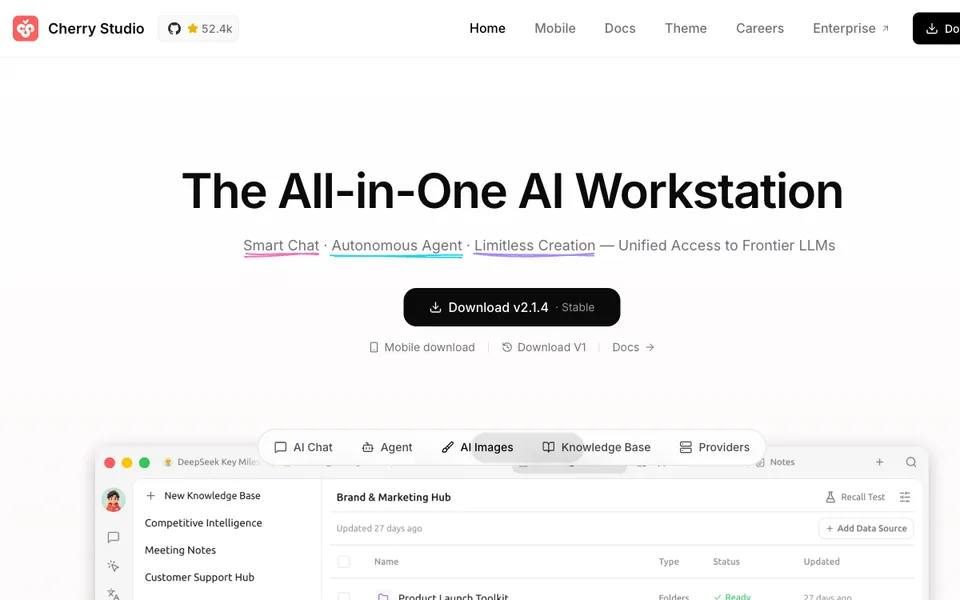
Cherry Studio

Use multiple cloud or local language models in one desktop client.

General AI AgentsFreeCreate content
Details & limits

Why it fits Task links are limited to the documented workflow. Infrastructure and model components are not treated as ready-made end-user agents.
PreparePrompts, optional documents and configured model connections

GetModel responses, document conversations and translated text

ReviewVerify generated claims and check which provider receives each document.

Keep in mindDeep Research appears in the roadmap; do not assume it is an available research agent.

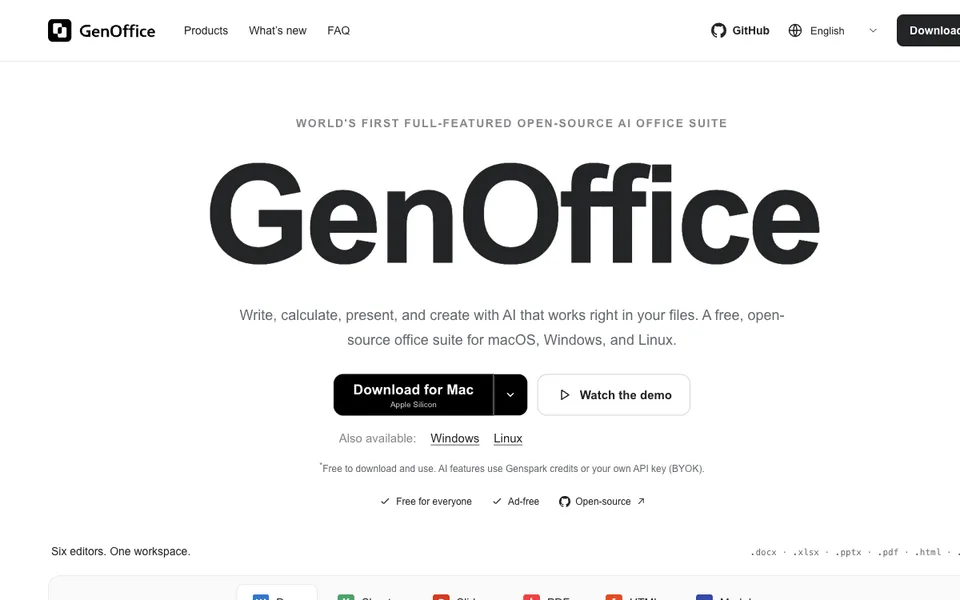
GenOffice

Edit office files with AI-assisted changes that remain reviewable and editable.

Analyze DataFreeCreate content+1
Details & limits

Why it fits Task links are limited to the documented workflow. Infrastructure and model components are not treated as ready-made end-user agents.

PrepareAn authorized DOCX, XLSX or PPTX file and an edit request

GetEdited documents, spreadsheets or slide files

ReviewCheck tracked changes, formulas and saved-file compatibility against the original.

Keep in mindLocal file editing is separate from model calls sent to Genspark or your chosen provider.

Open WebUI

Self-host a chat interface for local models and OpenAI-compatible endpoints.

General AI AgentsPricing not verifiedCreate content
Details & limits

Why it fits Task links are limited to the documented workflow. Infrastructure and model components are not treated as ready-made end-user agents.

PreparePrompts, authorized documents and configured model endpoints

GetChat responses, retrieval context and configured tool results

ReviewCheck user roles and document access and verify generated answers against sources.

Keep in mindCurrent licensing requires preserving Open WebUI branding and tracks mixed-license history.

OpenDots

Build persistent AI coworkers with document Spaces and configured research tools.

General AI AgentsFreeResearch a topic+1
Details & limits

Why it fits Task links are limited to the documented workflow. Infrastructure and model components are not treated as ready-made end-user agents.

PrepareSpecialist roles, source material and configured conversation services

GetEditable pages, source-linked research results and agent conversations

ReviewDistinguish fictional sample research from live results and verify every cited source.

Keep in mindThis is an early self-hosted template; live chat, calls and integrations require service configuration.

OpenKnowledge

Edit Markdown knowledge bases alongside existing AI coding agents.

Research & MonitorFreeCreate content
Details & limits

Why it fits Task links are limited to the documented workflow. Infrastructure and model components are not treated as ready-made end-user agents.
PrepareA Markdown or MDX folder and a configured editing agent

GetEdited knowledge files, links and versioned workspace changes

ReviewReview edits and Git synchronization destinations before sharing a knowledge base.

Keep in mindThe editor integrates other harnesses; those agents and their models need separate setup.

Tolaria

Manage Git-backed Markdown knowledge bases prepared for AI editing tools.

Research & MonitorFreeCreate content
Details & limits

Why it fits Task links are limited to the documented workflow. Infrastructure and model components are not treated as ready-made end-user agents.

PrepareA Markdown vault, Git settings and optional external editing agents

GetOrganized notes, Markdown edits and Git history

ReviewReview changed notes and remote synchronization settings before publishing or sharing.

Keep in mindAI editing uses separately configured tools; the knowledge-base app is not a research agent.

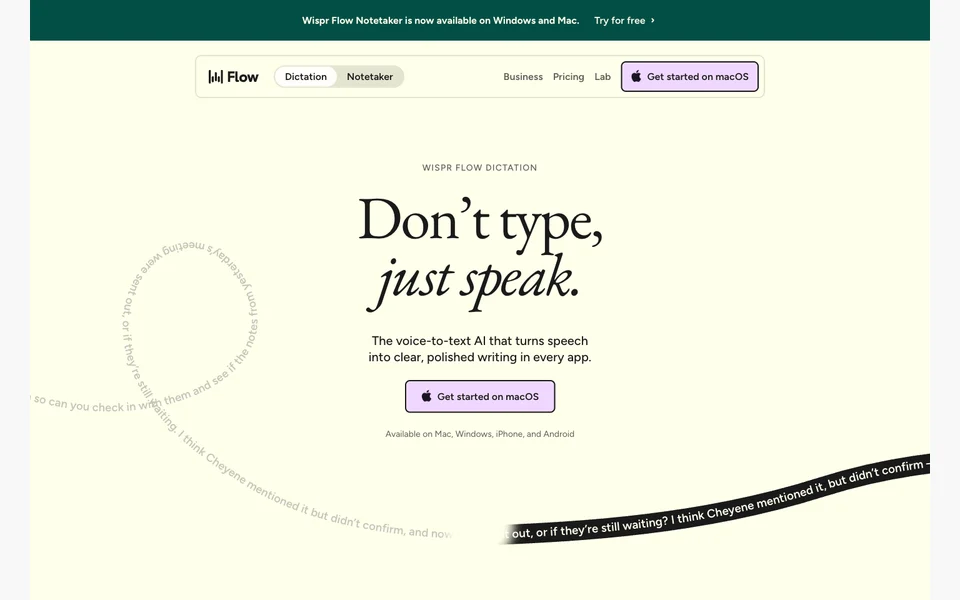
Wispr Flow

Turn spoken ideas into editable writing across desktop and mobile apps.

Create & RepurposeFreeCreate content
Details & limits

Why it fits The official site documents AI editing and formatting of speech into writing in apps, providing a voice-first route to a written draft.

PrepareYour spoken message or writing idea

GetFormatted text inserted into the current app

ReviewCheck names, numbers and the intended meaning against what you said.

Keep in mindDictation can mishear names or change intended wording; review every consequential message.

Raycast AI

Use AI chat and connected tools from a desktop command launcher.

Automate WorkFree trialCreate content+1
Details & limits

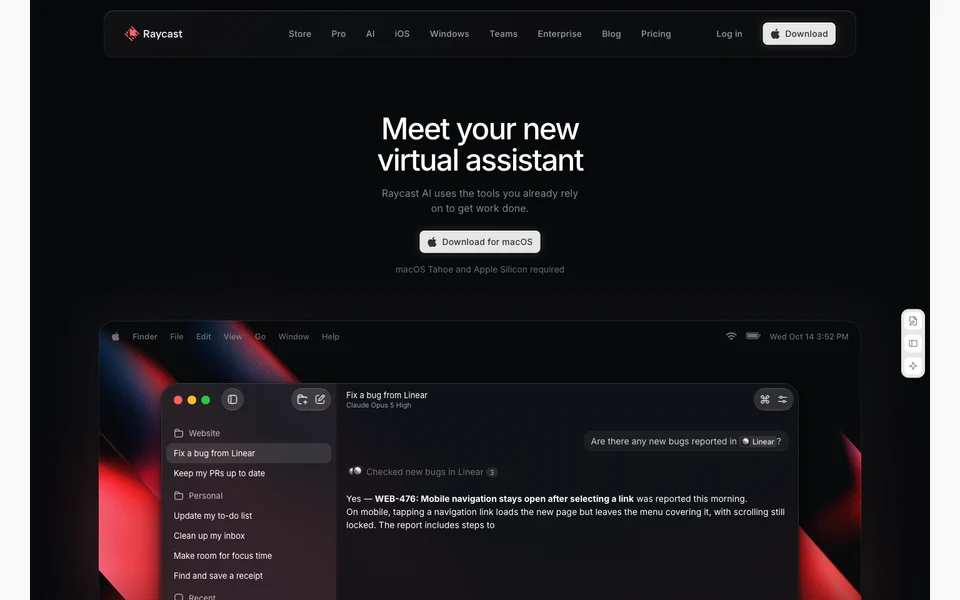
Why it fits Raycast documents AI text drafting and connected-tool actions within its launcher, including a task-app synchronization example.

PrepareA prompt, selected text, file or permitted app context

GetDrafts, summaries and answers inside Raycast

ReviewReview drafts and source-dependent answers before using them.

Keep in mindThe free launcher is not a free ongoing AI subscription; trials and paid model usage are limited by credits.
Gamma

Turn notes and documents into presentations, social content and simple websites.

Create & RepurposeFreeBuild a website+1
Details & limits

Why it fits Official document and social workflows turn source material into editable copy and carousels; the website workflow creates and publishes a responsive hosted page.

PrepareA prompt, outline or factual source document

GetEditable presentations and visual documents

ReviewVerify claims and preserve context from the original source.

Keep in mindAI credits are metered; the free allowance is a starter pack, not ongoing unlimited AI use.

Figma

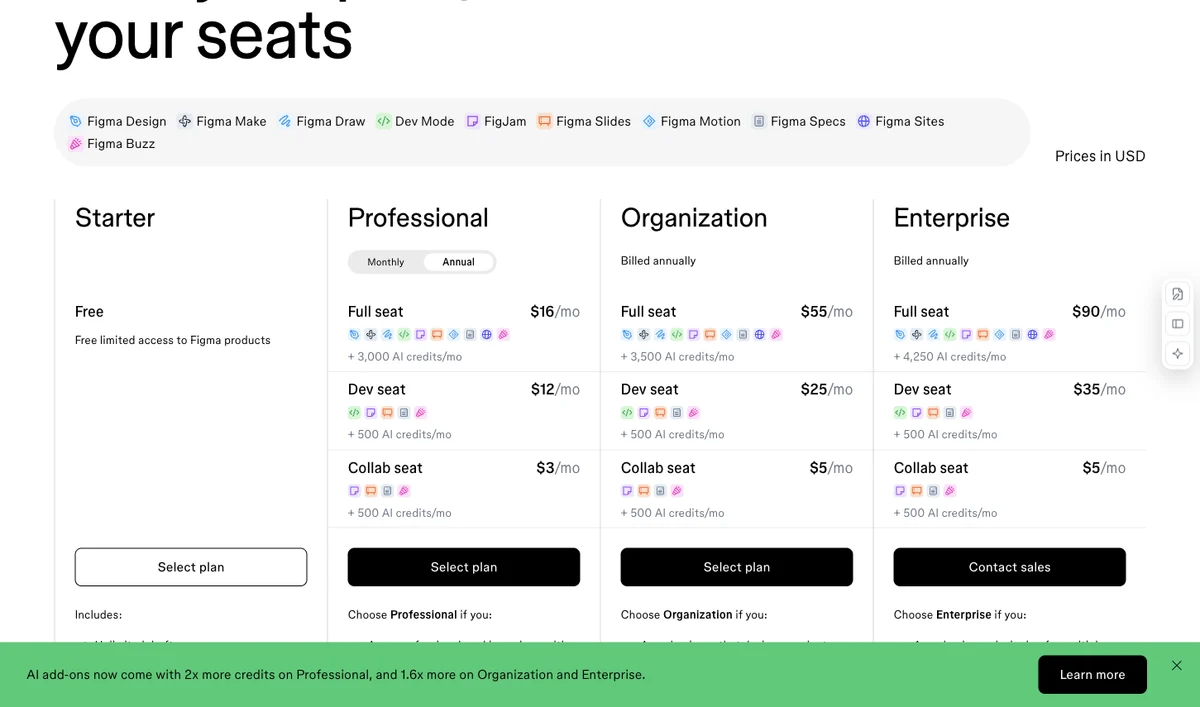
Choose Figma by each collaborator’s editing and handoff responsibilities, rather than assigning every reviewer a Full seat.

Create & RepurposeFreeCreate content
Details & limits

Why it fits Develop editable visual interfaces and prototypes with design and AI tools.

PrepareAn interface brief and design assets.

GetDesign files and interactive prototypes.

ReviewReview component behaviour and access roles.

Keep in mindFull, Dev and Collab seats grant different capabilities.

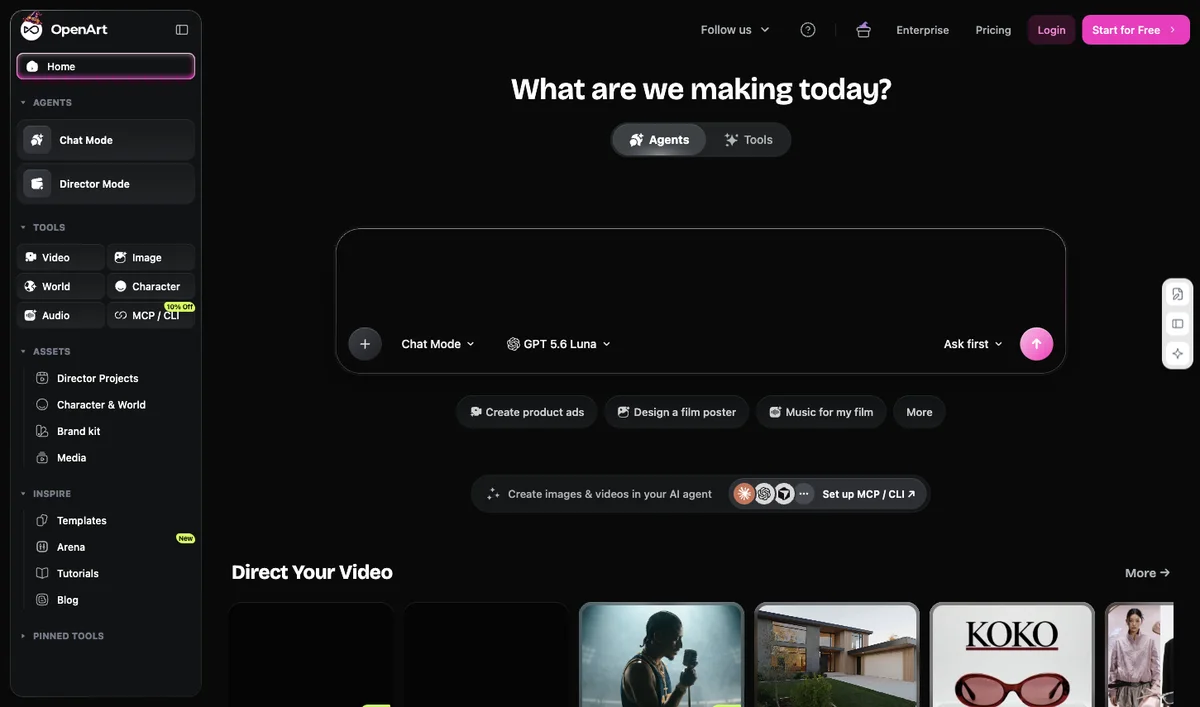
OpenArt

Choose OpenArt by the model mix and required commercial use, rather than assuming every advertised maximum can be achieved together.

Create & RepurposeFree trialCreate content
Details & limits

Why it fits Build scenes and consistent-character media in a multi-model studio.

PrepareA scene prompt with reference material.

GetGenerated media for further creative review.

ReviewVerify the selected model and delivery rights.

Keep in mindDirector is excluded from the advertised video-count estimate.

Plan a small workflow pilot

Compare starting options →

Editorial evaluation plan. These checks are proposed steps, not recorded product tests.

What to prepare

  • Collect your brand voice samples, knowledge files and audience definitions so each tool works from the same approved source.
  • Write the brief and the claim list: which statements may appear, which are banned, and who approves final text.
  • Pick one recording and one campaign theme for the batch, plus the channels you will publish to.

Example pilot: one approved launch brief

Use a fictional product brief with three approved features and no customer statistics. Request a landing paragraph, a social post and a newsletter section. Mark any added performance claim as a failure, then record how long the editor needs to produce approved copy.

01

Set the brand voice first

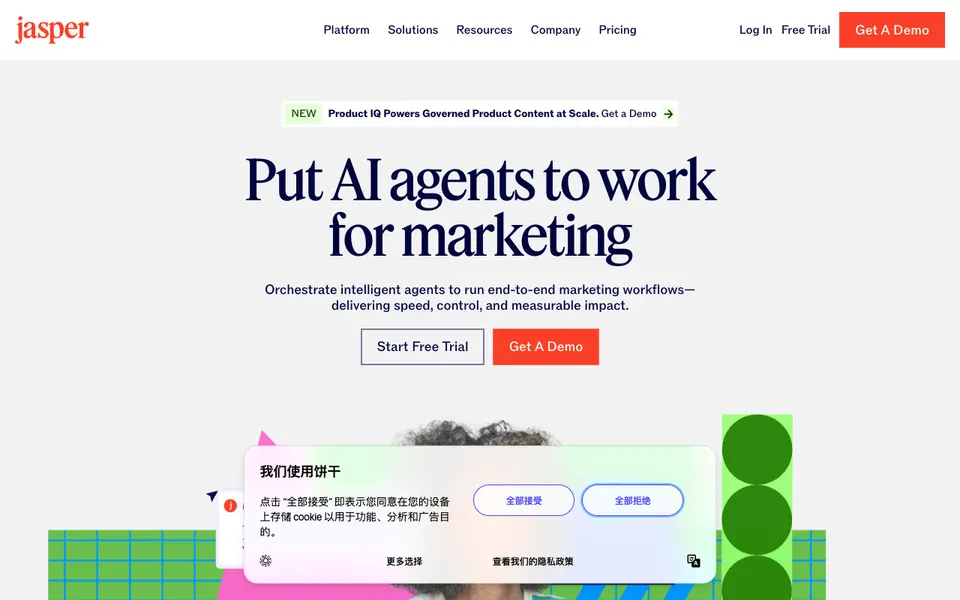
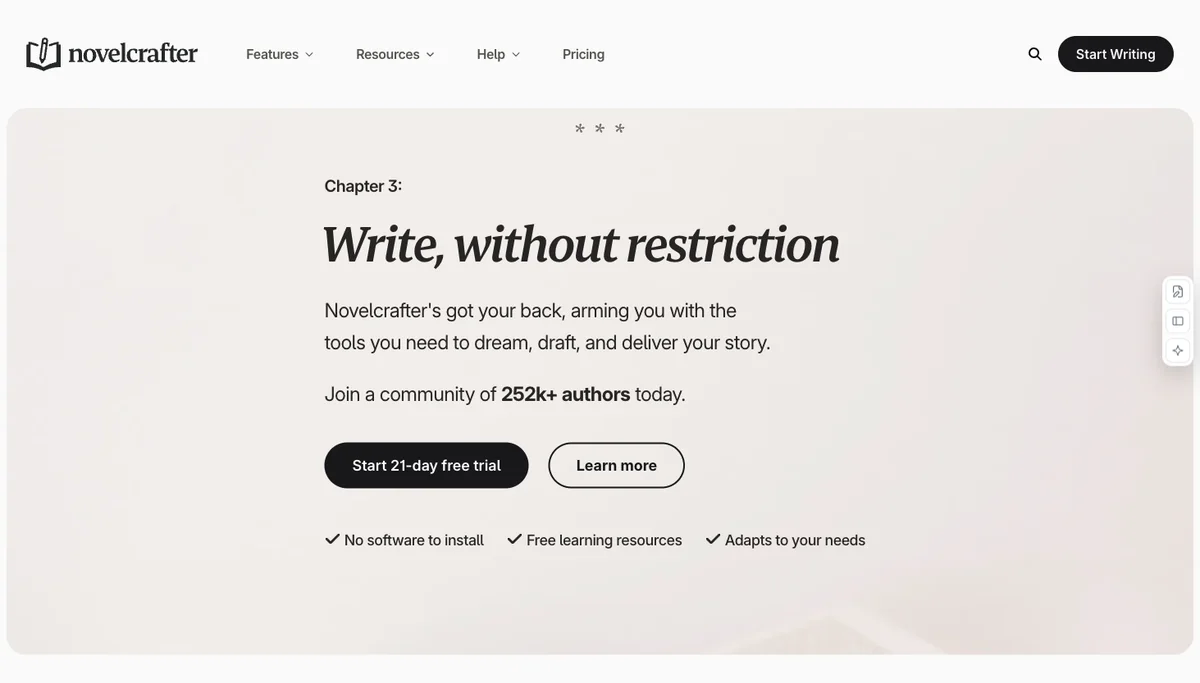
Jasper works from brand examples or a voice setup, plus knowledge files and audience definitions. Add those before prompting. Note that a style guide, visual guidelines and the no-code agent builder are Business features, and Pro is a single seat unless you move to Business. Decide whether the pilot needs those before comparing output quality.

02

Generate one small campaign batch

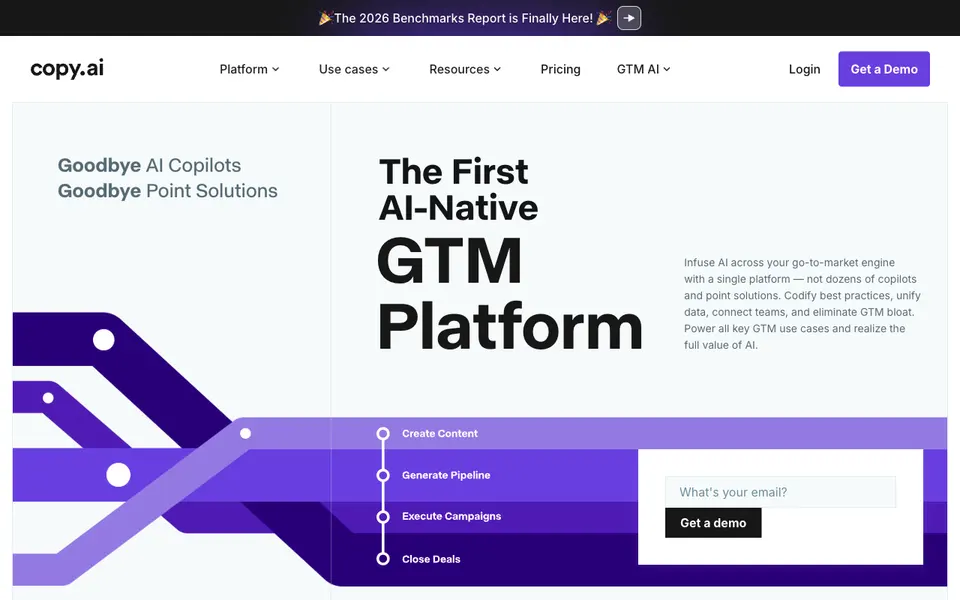
Ask for the same campaign in a few channel shapes: a landing paragraph, a short social post and a newsletter section. Copy.ai describes chat drafts and workflow-generated sales and marketing assets, and its workflow credits, not chat words, limit automated runs. Keep the batch small enough to read every line.

03

Repurpose one recording

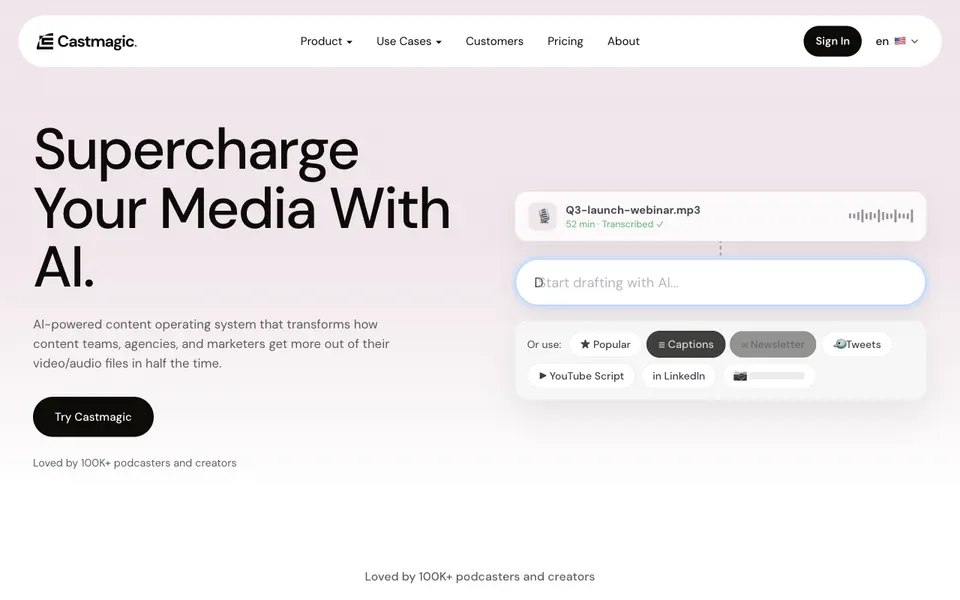
For a recording-led campaign, import a source recording into Castmagic and inspect the transcript-derived material: show notes, newsletters, posts, clips or quote assets. Confirm the plan allowance and file limits before upload. Compare each selected passage with the recording, edit omissions and publish the approved assets yourself.

How to decide whether it passed

  • Every factual claim is supported by the approved source; no draft adds an unsupported number, comparison or guarantee.
  • A named person has checked brand voice rather than trusting the tool's label.
  • Repurposed assets match the source recording and contain no fact it lacks.
  • You can name the plan limit that constrains the batch, such as seat, credits or hours.

When to pause the rollout

Stop if a draft invents an approved claim or product fact, or if no named person can approve text before it goes out.

Estimate the full cost

Compare seat costs, annual commitments, workflow credits and transcription allowances. A chat subscription and an automated workflow budget can be different purchases.

Starting options and pricing context

Choose by workflow fit. This shortlist is editorial, and its order is not a performance ranking.

Jasper

Consider for campaign copy that needs a defined brand voice.

Check the fit Style guide, visual guidelines and the no-code agent builder are Business features; the trial is 7 days.

Pro is USD 69 per seat/month on monthly billing or USD 59 per seat/month billed yearly, with one seat and a 7-day trial. Business has custom pricing; style guides, visual guidelines and the custom agent builder require Business. Some Business features use credits.

Official pricing ↗

Pricing checked:

Copy.ai

Useful for chat drafts and repeatable go-to-market content workflows.

Check the fit Workflow credits, not chat words, limit automated runs; Growth and above are annual commitments at listed prices.

Chat is USD 29/month, or USD 24/month billed USD 288/year, including 5 seats. Growth is USD 1,000/month billed USD 12,000/year, with 75 seats and 20,000 workflow credits/month. Automated workflows have separate allowances; the Chat price is not the Growth workflow price.

Official pricing ↗

Pricing checked:

Castmagic

Consider when a recording is the source for clips and written derivatives.

Check the fit Requires a paid plan, transcription hours are capped by plan, and you publish the assets yourself.

Paid subscriptions with a plan-specific transcription library allowance. Team capacity and collaboration vary by plan.

Official pricing ↗

Pricing review pending

Questions before choosing

Is generated content ready to publish?

Treat drafts as reviewable material. Check claims, brand voice and fidelity to the recording before approving a channel-specific asset. Publishing remains a separate step in this pilot.

Does a low-priced chat plan include automated workflows?

Check the plan rather than assuming it does. Copy.ai distinguishes Chat from credit-limited workflows; Jasper reserves some brand controls and custom agent features for Business.
Explore another business workflow

This guide compares tools that turn a brief or a recording into editable drafts. It does not cover campaign planning, ad buying, or a finished launch plan for your business. Jasper and Copy.ai draft from a brief. Castmagic and Descript repurpose a recording. You still check facts, voice and publishing rights.

This page covers drafts, not a whole marketing program

Jasper and Copy.ai turn a brief into editable copy. Castmagic and Descript turn a recording into posts or clips. None of them plans a campaign, buys ads, or runs a month of distribution. Those jobs need a different comparison, and this directory does not yet document the ad platforms people ask about.

A finished launch plan for your own business is also outside this page. The tools here return a draft. You still check facts, voice, and whether the draft may be published.

01 / Prepare

Source material, audience and a style brief

02 / Expect

Editable drafts or channel-specific content

03 / Review

Verify facts, preserve your voice and check reuse rights before publishing.

A few options, side by side

A starting shortlist, not a performance ranking. Open a product to see its sources and exact requirements.

ProductGet startedWhat you getYour partPricing
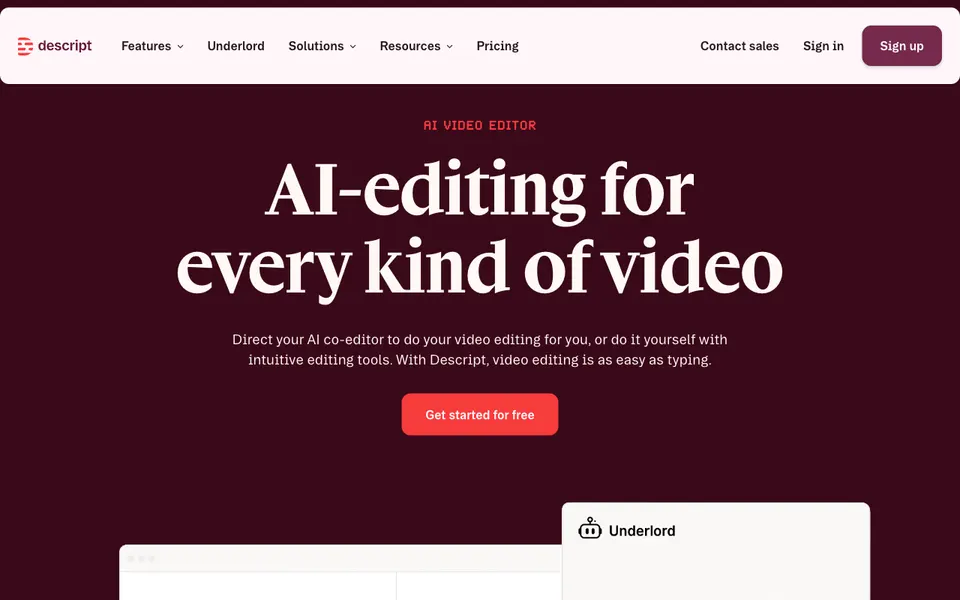
DescriptReady to useDraft scripts or promotional textCheck factual accuracy and edit the writing before publishingFree access
CastmagicReady to useTranscript-based written draftsEdit the draft and check quotes against the recordingPaid
JasperRequires setupMarketing copyAdd brand voice and knowledgeFree trial
Copy.aiRequires setupChat draftsPick Chat or a workflow planPaid
CreaiboRequires setupOrganized assets, research and draft materialReview source selection, edits and publishing choicesPricing not verified

How to choose

Source-based repurposing is useful when you have an existing recording or article. Brand writing platforms need examples and clear editorial guidelines.

Official product information has been reviewed. These candidates have not all been tested by Agenlify on this task.
Before you start

  1. Provide factual source material.
  2. Specify the audience and channel.
  3. Define tone, length and a review owner.

Most-searched candidates for this task

Estimated monthly Google organic search traffic · 2026-10
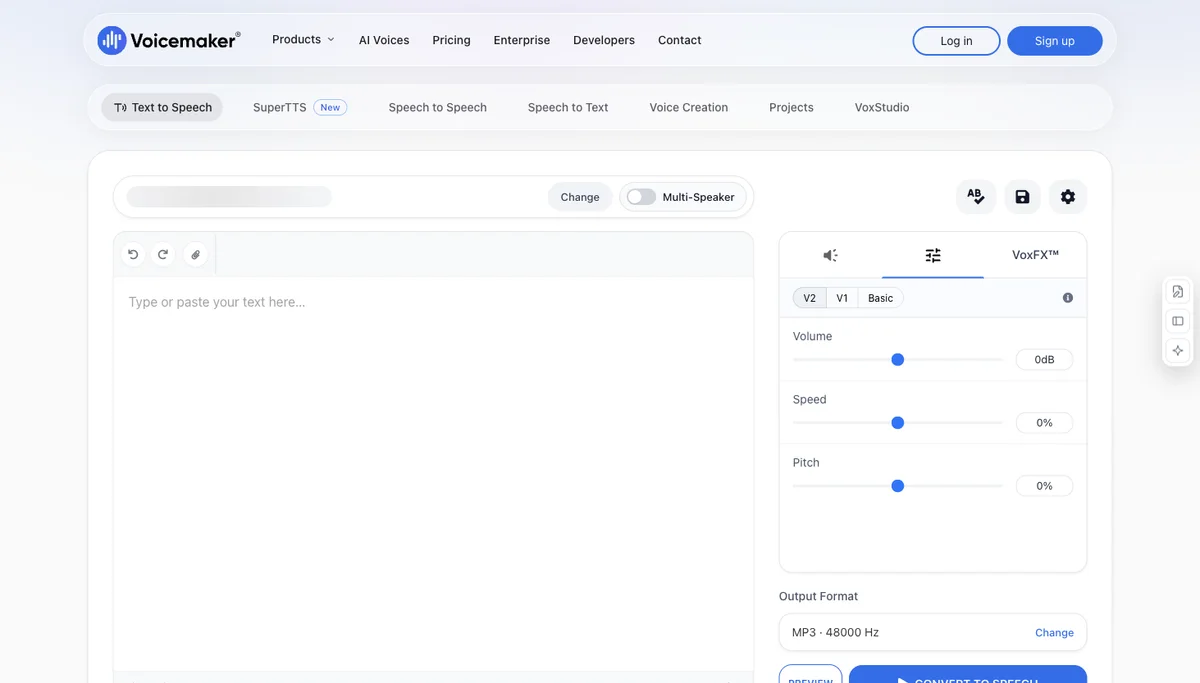
ProductEstimated visits
Figmafigma.com · 2026-1011.5M
Gammagamma.app · 2026-104.2M
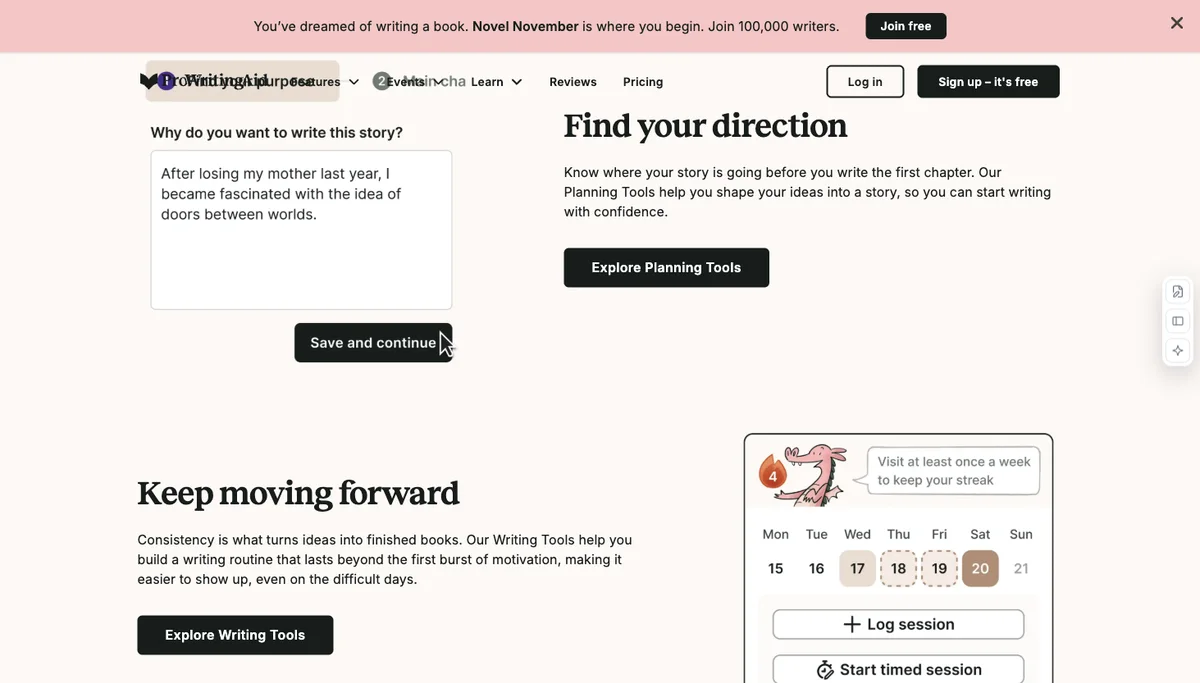
ProWritingAidprowritingaid.com · 2026-101.7M
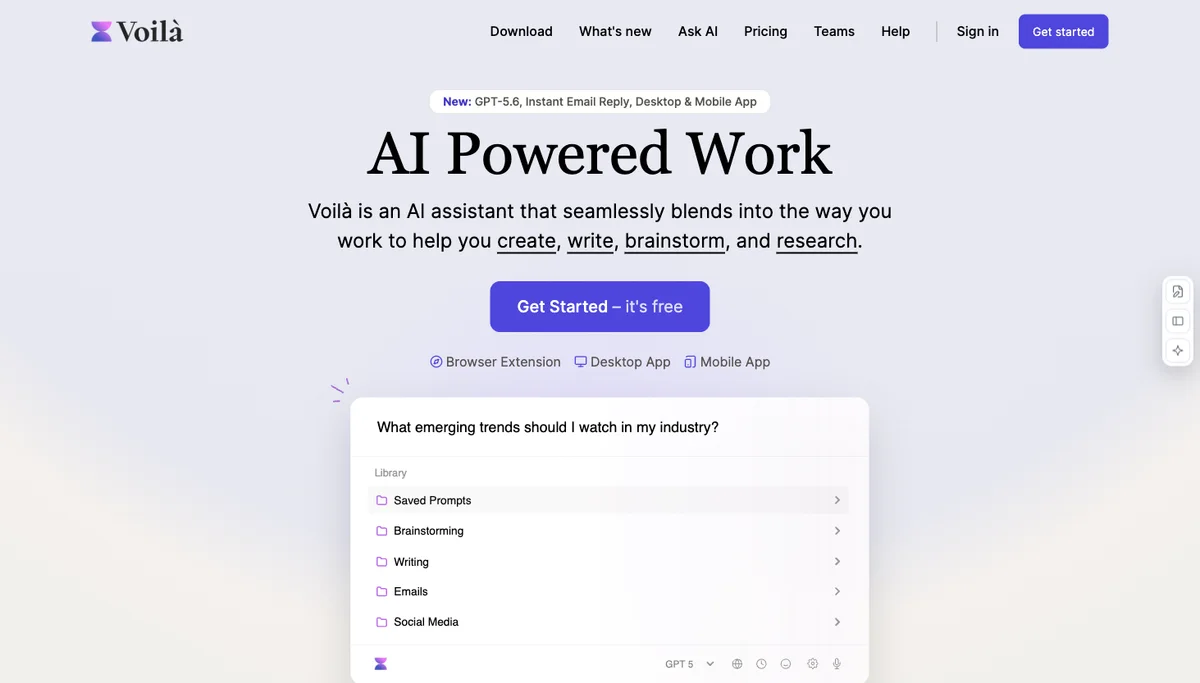
Voilàgetvoila.ai · 2026-101.4M
OpenArtopenart.ai · 2026-10816.8K
Voicemakervoicemaker.in · 2026-10460.3K
Descriptdescript.com · 2026-10155.8K
Wispr Flowwisprflow.ai · 2026-10138.4K

Estimates cover each whole website and reflect how many people find it through Google, not usage, revenue or quality. Products that share a domain or sit on a page of a larger company site are left out. Products without an estimate are left out.

What is missing from this guide?Suggest a correction →